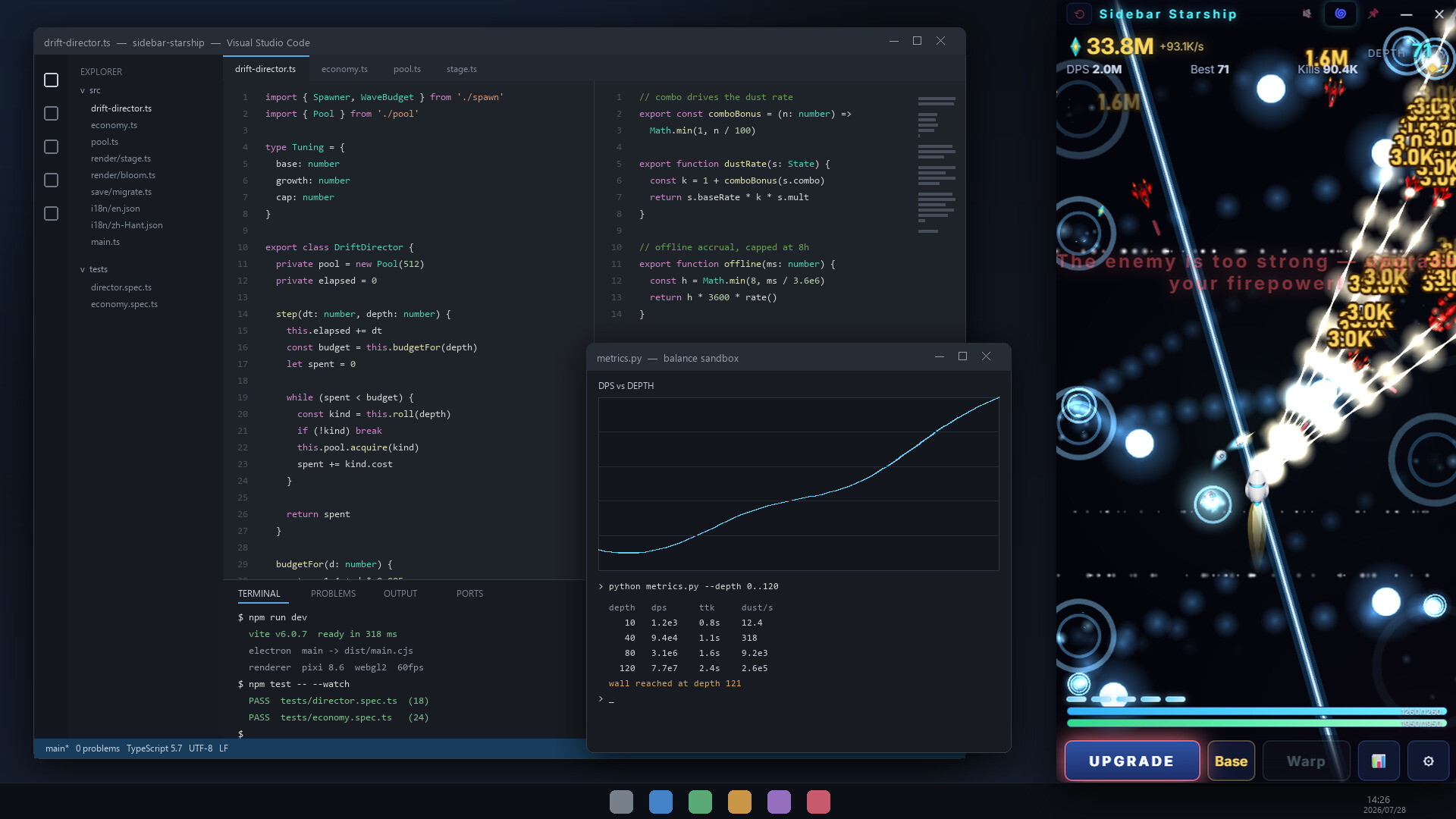
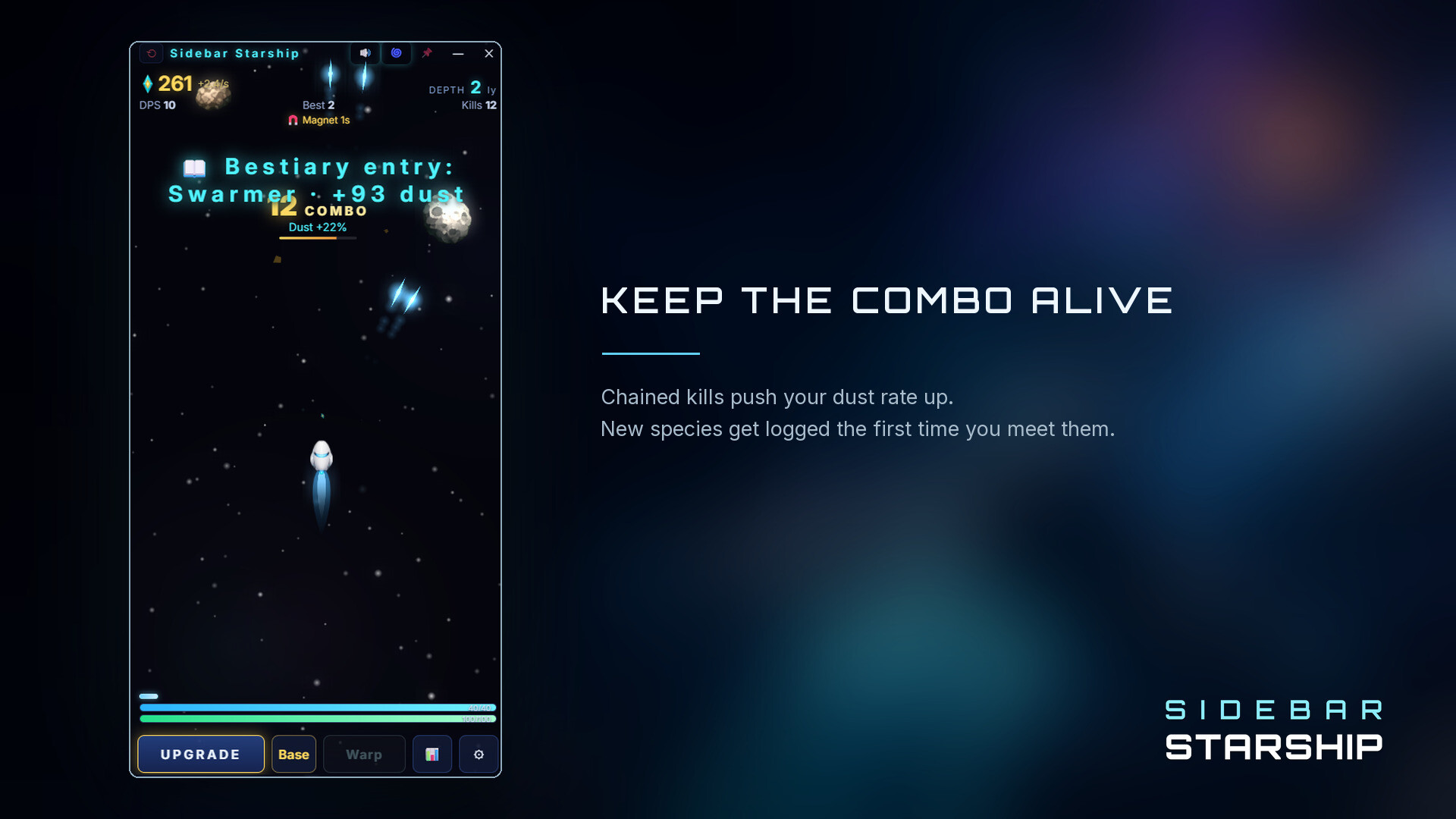
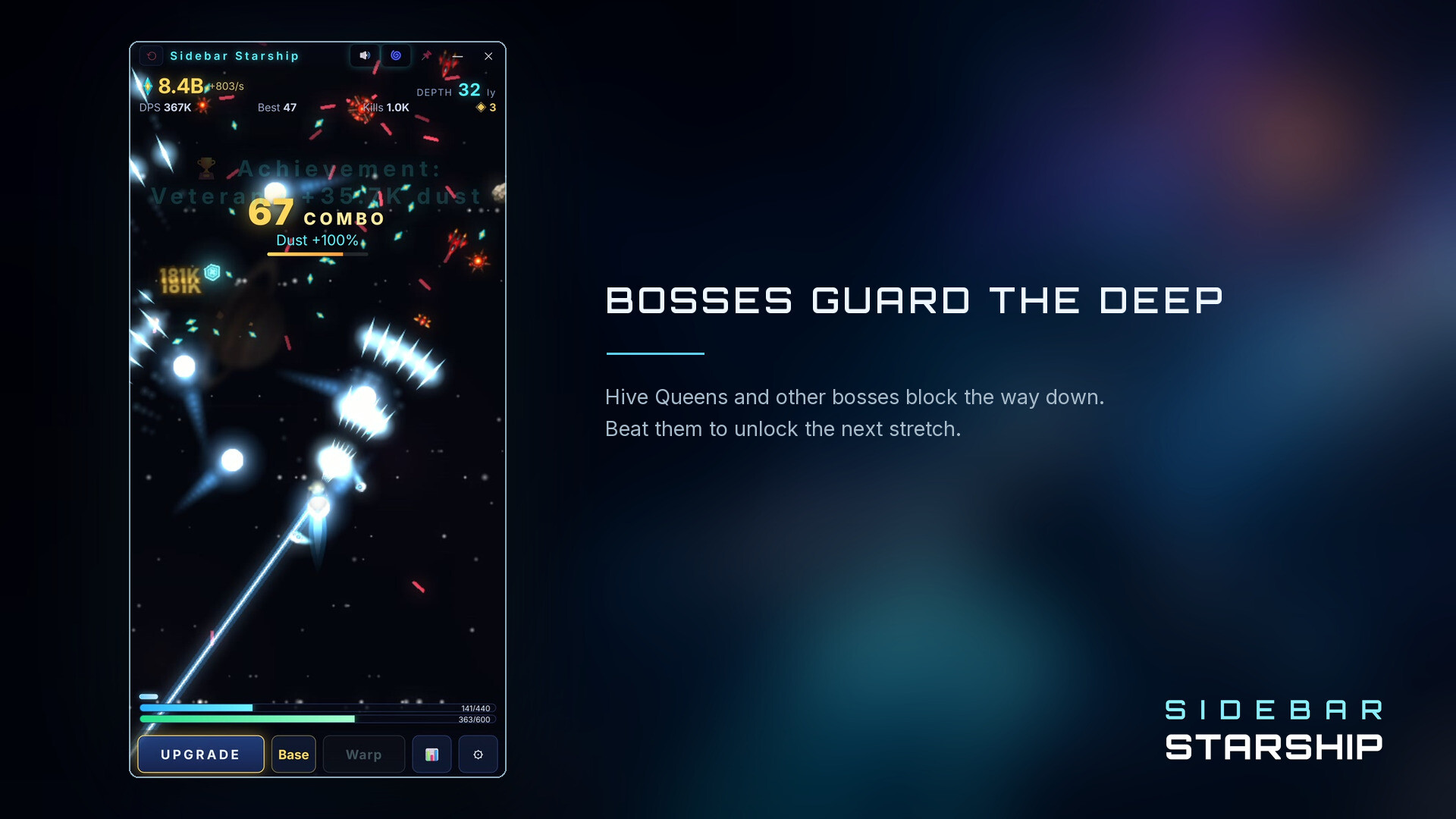
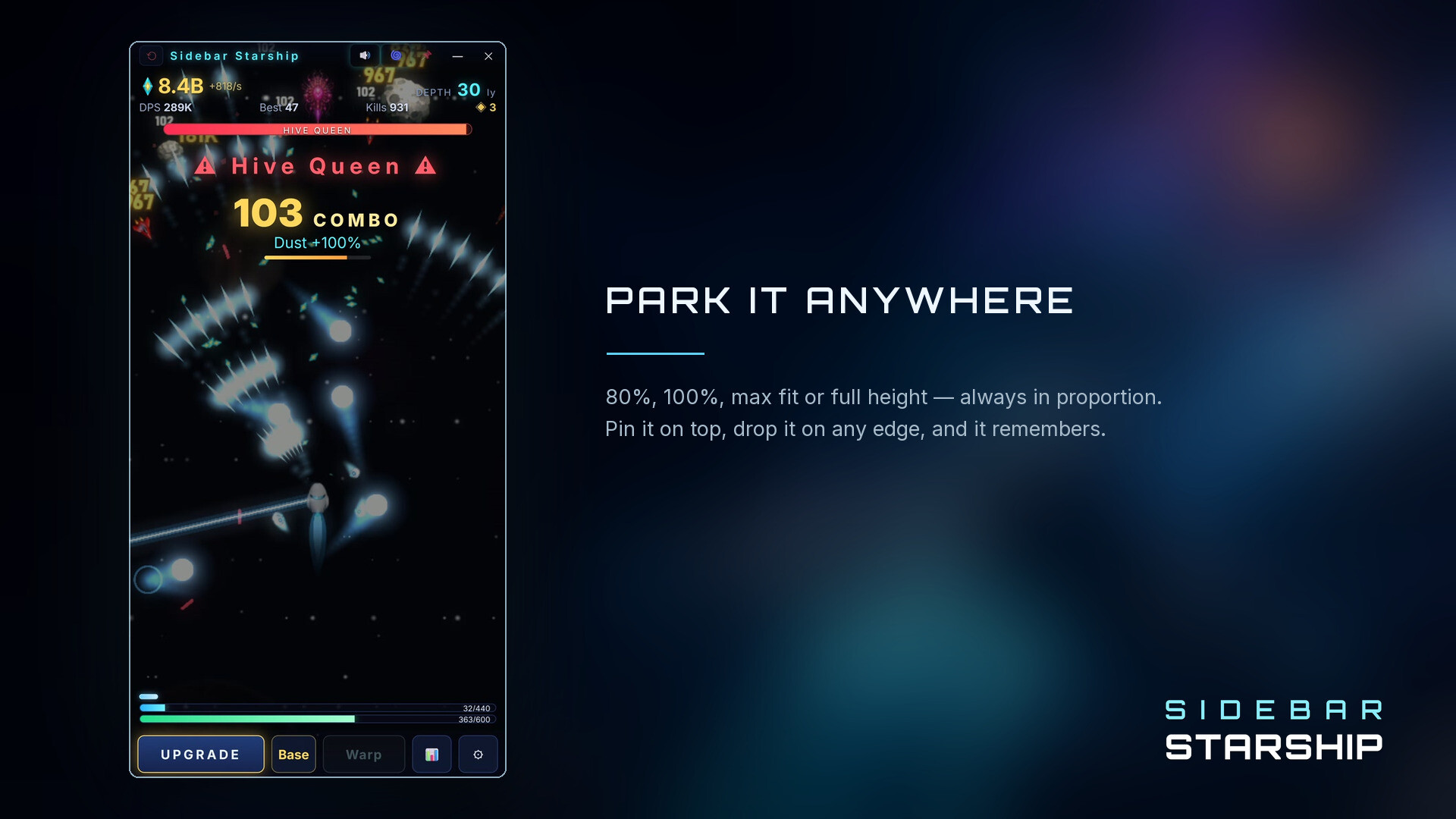
A minimalist space shooter that nestles into your screen's edge, autonomously blasting enemies and gathering resources while you work on other tasks. Upgrades persist across runs, letting you gradually strengthen your ship without losing progress to defeat. Jump in manually whenever the action demands, or let the automation handle the routine grinding.
About this game
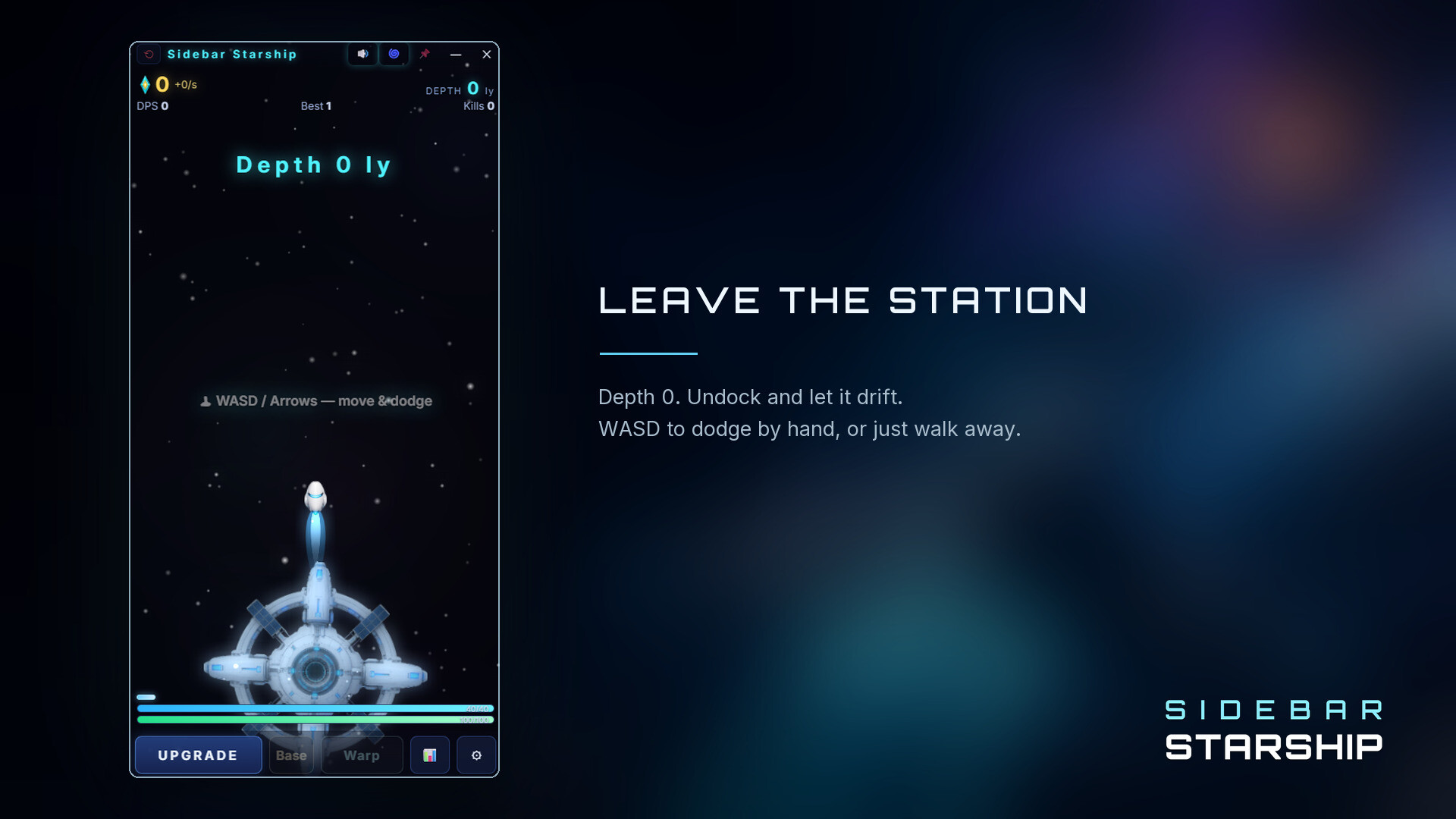
Park Sidebar Starship at the edge of your screen and let it aim, fire, and collect stardust. Death doesn't mean replaying everything from the beginning: every upgrade stays yours. Take over with WASD, the arrow keys, and Space when the shots get rude.
Players, last 36 days
Peak 7 · Low 0
Daily peak concurrent players, sampled once a night from Steam.
Your mouse cursor is now a weapon in its own right. Cursor Zap Hold the cursor near an enemy ship and an arc fires every 0.25 s, dealing three times the damage of a single cannon shot. It is single-target — one enemy at a time — and which one is entirely up to where you put the cursor. On a gamepad, the virtual cursor on the right stick works just as well. Nothing to buy, no toggle: EVA unlocks it for you the moment you reach 6 ly deep. It never shoots through the interface Whenever the cursor is over the upgrade panel, a HUD button or one of EVA's dialogue boxes, it stops firing on its own. Picking upgrades never means zapping the enemy sitting behind the panel. This is an active way to play the early game. As Fire Rate and Multi Barrel grow, its share of your total firepower falls off on its own, and your idle pace is not affected at all.
You can now fly your ship with a controller. Gamepad control Steer with the left stick — it is fully analog, so a light push cruises and a full push sprints. The right stick drives an on-screen cursor you can use to click upgrades and any other button, so you never have to reach for the mouse mid-run. RT dashes. Remap anything Settings now has a Gamepad tab. Every action — dash, confirm, right click, back, open upgrades, open settings, main menu — can be bound to whichever button you like, with a one-click reset to defaults. Note: Windows only reports controller input while the game window is focused, so the gamepad works when you are playing, not while the game idles in the background.
Posts come from Steam's official announcements feed.