This update gives you more freedom to design a country's offices and gives characters more specific political and military responsibilities. You can build a system of government, decide how officials are selected and who appoints them, then choose suitable people from the candidates. Armies now have commanders too, whose abilities directly affect their performance.If you prefer creating worlds, you can now change province terrain directly, add and remove cells, and design a wider variety of flags for your civilizations. Here is a guide to where you can find these features and how to use them.At the same time, experimental version 0.8.1 is available at beta branch. You can also go back to previous version by selecting 0.7.4 branch (right-click the game in Library, then click \-\ to find these branches).1. Design Your Own Offices and National InstitutionsYou can now build a civilization's system of offices. Heads of state, central officials, local rulers, and other officials serving in each city can have their own names, ranks, seats, and rules for holding office.Alongside salaries, terms, family power, and annual prestige, you can assign a superior office and configure functions such as personnel authority, military command, and culture spread, depending on the office type. You can keep a familiar structure or try a different division of responsibilities between central and local government.Offices are arranged by rank. Central office seats and the seats available in each city for local officials can be configured separately.A good place to start is by changing an existing office:Open Civilization Editor from the main menu, select a built-in civilization, and click Duplicate as New. Built-in civilizations are read-only; their duplicates can be edited.Go to Offices and Seats, then select an office or click + New Office to create one.Set its name, rank, seats, superior office, and benefits, then choose its functions.Configure its selection methods and candidate eligibi...
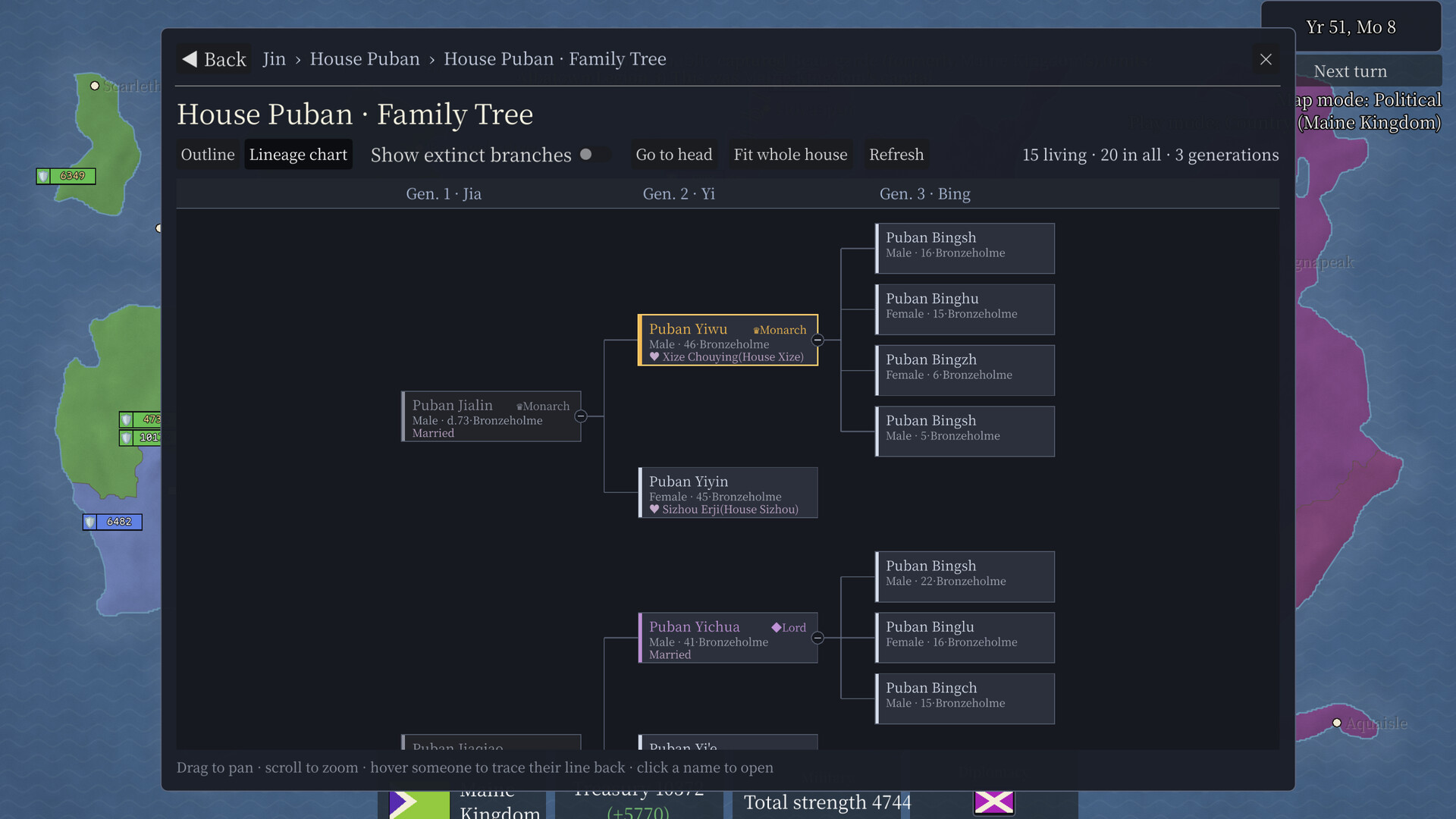
This guide covers version 0.8.0 as of October 15, 2026, using desktop controls. Part 1 introduced getting started, the interface, and construction. Part 2 covers diplomacy and warfare, characters and houses, historical records, Spectator Mode tools, and custom worlds.The red numbers and yellow outlines in the screenshots identify the buttons and areas discussed in each section.1. Diplomacy and Warfare1.1 Diplomatic RelationsOpen the Diplomacy tab in the country panel. It contains two subpages: Status and Relations.The Status page lists current wars, truces, alliances, and overlord–vassal relationships. Click a linked country or war name to open its details.The Relations page compares bilateral relations with other countries. There are five levels: Nemesis, Hostile, Neutral, Cooperative, and Friendly. Use this page alongside the Diplomacy and Relations maps to compare the list with the geographical distribution.Figure 27: ① Select a tab to switch pages.1.2 Declare WarAvailable in Country and Spectator modes.There are two common entry points: Diplomacy → Declare War at the bottom of the screen, and the Declare War button in the target country's panel.Open the Declare War tool. In Country Mode, the attacker is fixed to your country.Click the defender's country-selection button, then click one of its provinces on the map. In Spectator Mode, you can also choose the attacker.Choose a war type, such as a border war, overseas expansion war, or war of subjugation.Check both countries and the war type, read the eligibility requirements, then confirm the declaration.Figure 28: ① Attacker; ② defender; ③ war type; ④ Declare.If a war type is unavailable, read the explanation in the interface. Availability depends on whether the countries are already at war or allied, as well as the adjacency, sea-route, or vassal requirements for that war type. After declaring war, open its details from the country's Diplomacy page.1.3 Army ManagementThe following manual controls for national arm...
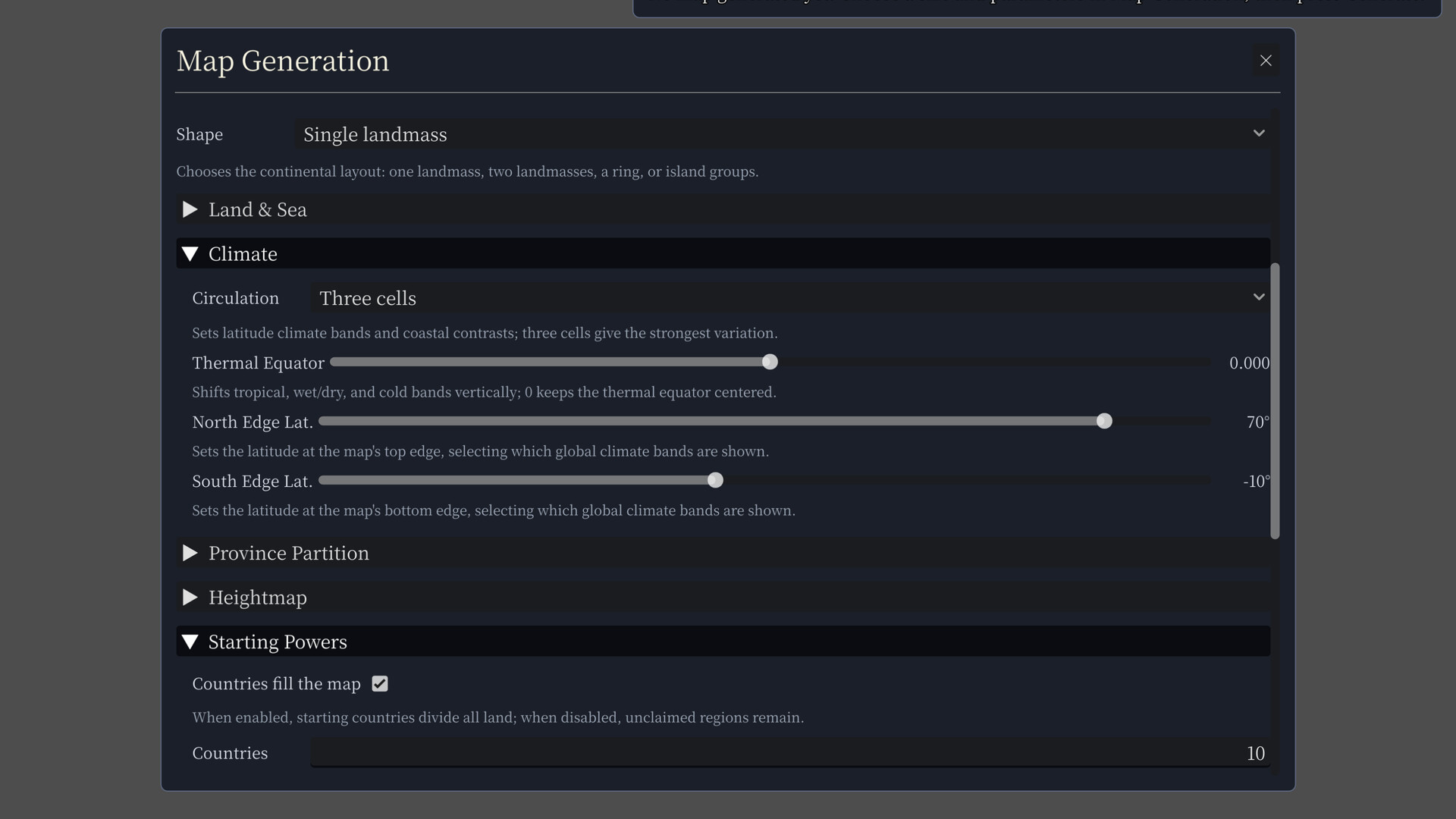
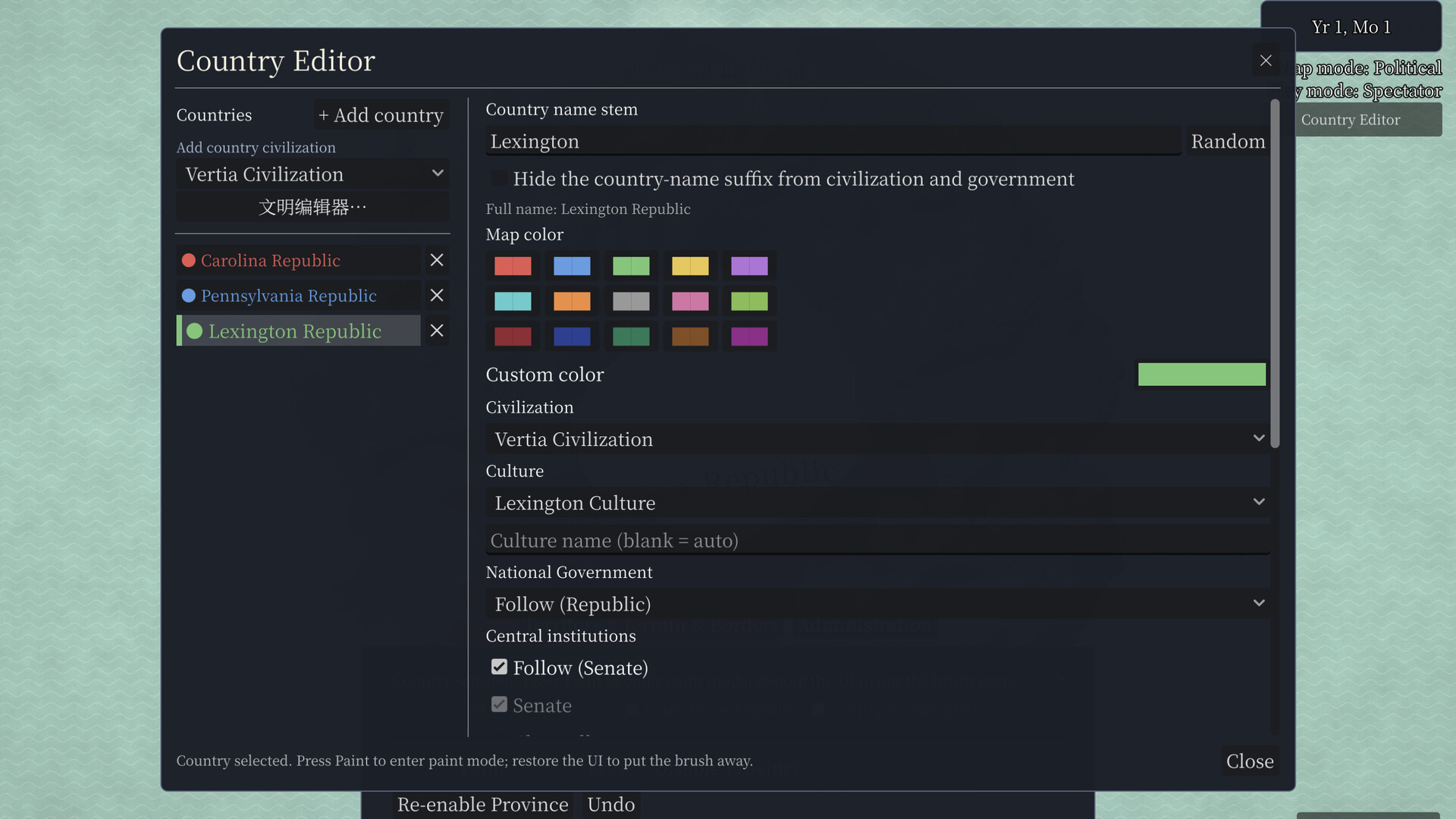
This guide covers the 0.8.0 beta branch as of October 13, 2026, using desktop controls. Part 1 introduces the gameplay modes, world creation, map and panel controls, construction, and the economy.Discord: https://discord.gg/XAzsbKEvThe red numbers and yellow outlines in the screenshots identify the buttons and areas discussed in each section.1. Choose a Mode1.1 Spectator ModeIn Spectator Mode, each country's politics, economy, wars, and character activity develop automatically. You can inspect any country and use the tools at the bottom of the screen to change the world.After generating a map, the bottom-right button reads Start in spectator mode if no country's province is selected. Click it to begin. If you have already selected a country, close the information card in the bottom-left corner, then use the bottom-right button to start in Spectator Mode.Figure 05: ① Start in Spectator Mode; ② switch gameplay mode.Once you start, the world develops as time advances. To inspect a country, you can pause first, then click the map, a city, or a name in a panel. To intervene, use the tool categories at the bottom of the screen. Chapter 4 of Part 2 explains these tools individually.1.2 Country ModeDuring country selection, click a land province that belongs to a country. Its information appears in the bottom-left corner, and the bottom-right button changes to Start as \ \. Check the country name, then click the button to enter Country Mode.Figure 06: ① Start as the selected country; ② selected province information.In Country Mode, you can build in your country, declare war, manage armies, and make appointments where the rules allow. You can still inspect other countries, but actions involving them are limited by your mode's permissions. If a button is unavailable, first check whether the target belongs to your country.1.3 Custom ModeTo set up the world yourself, open the Map Generator and choose Custom Mode. This creates a blank map for editing, where you can create countr...
Posts come from Steam's official announcements feed.