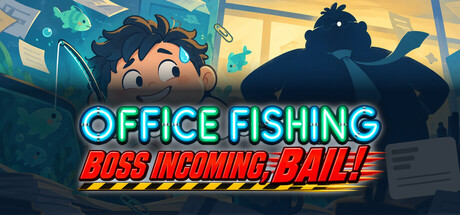
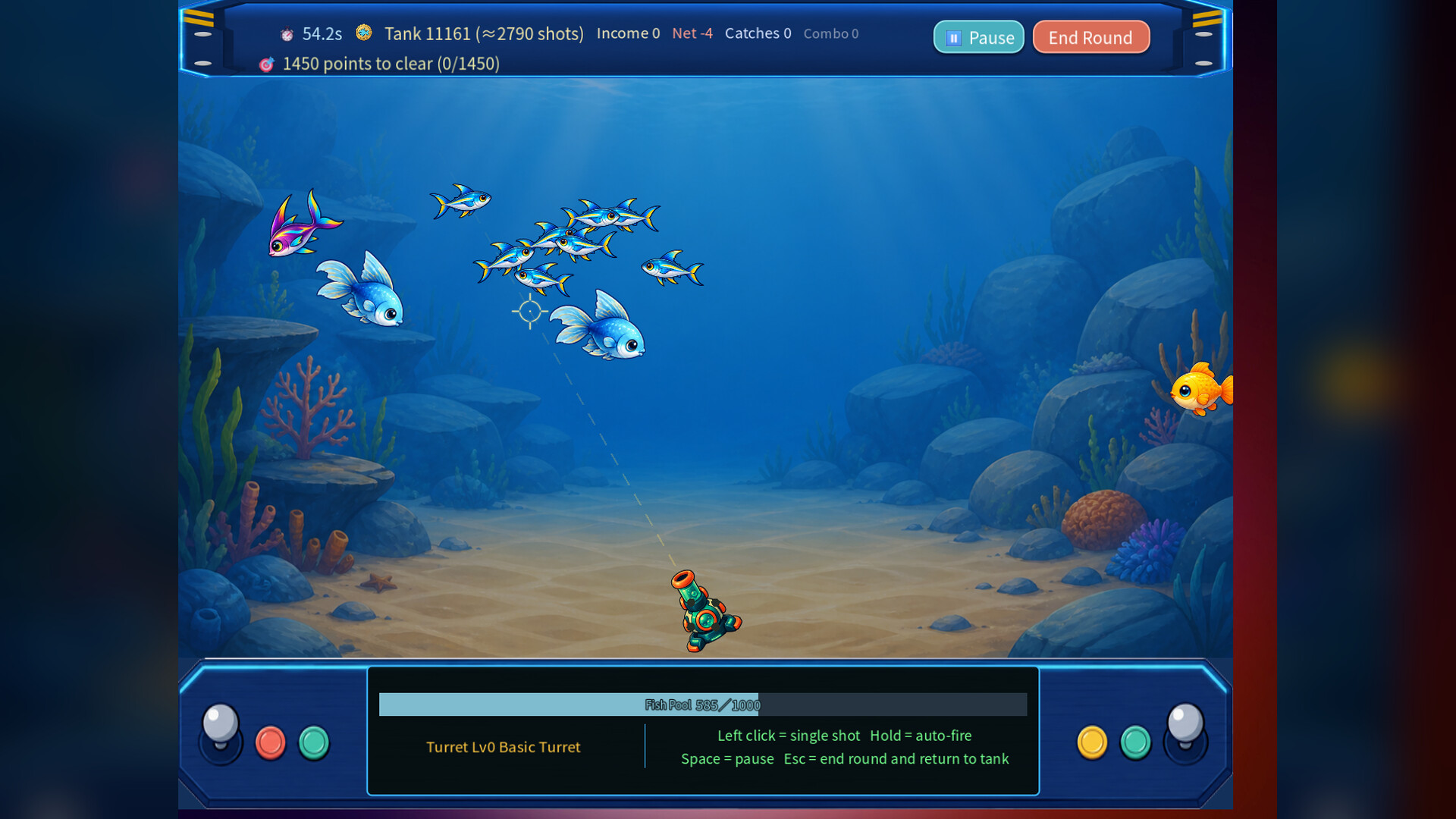
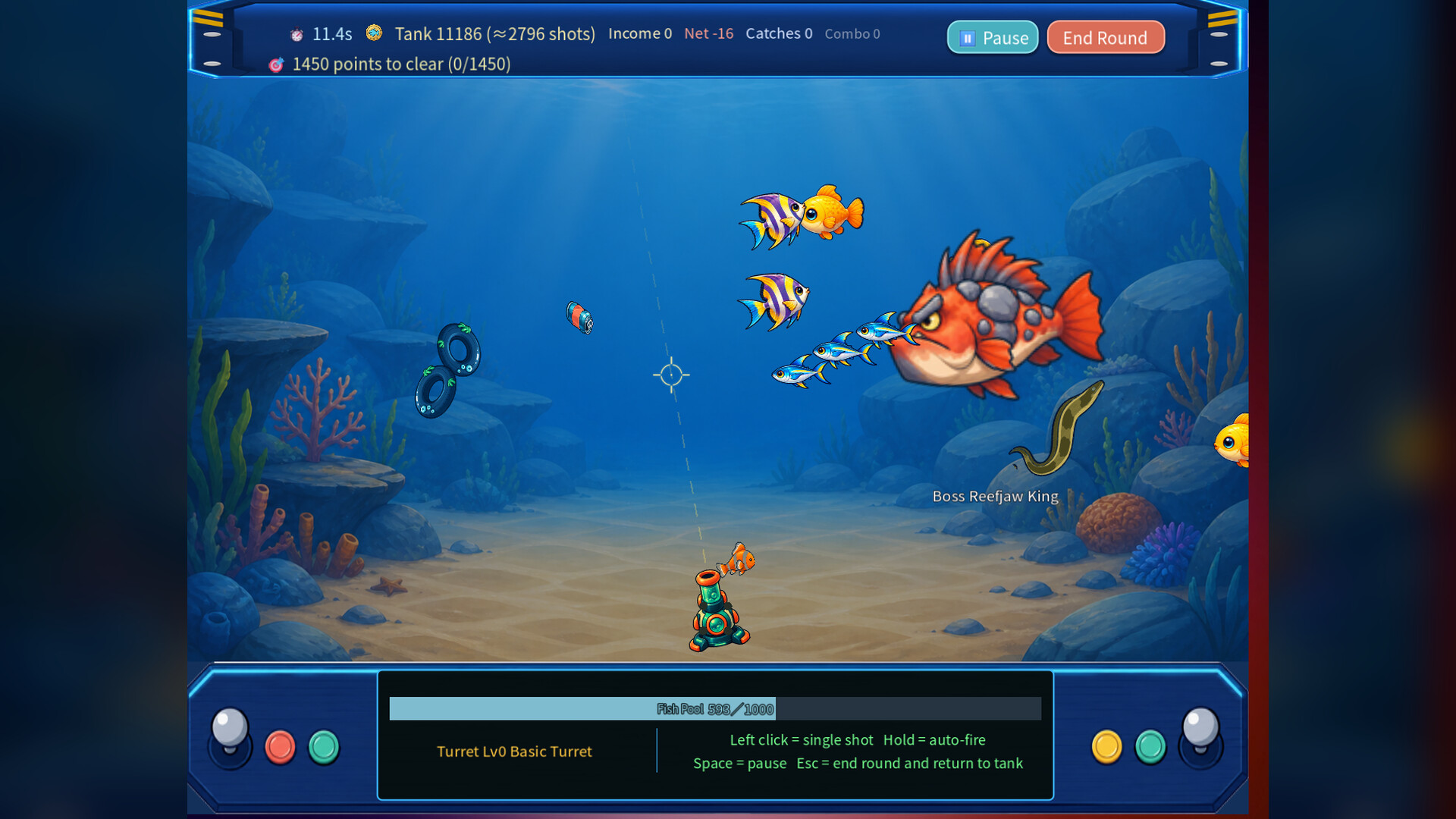
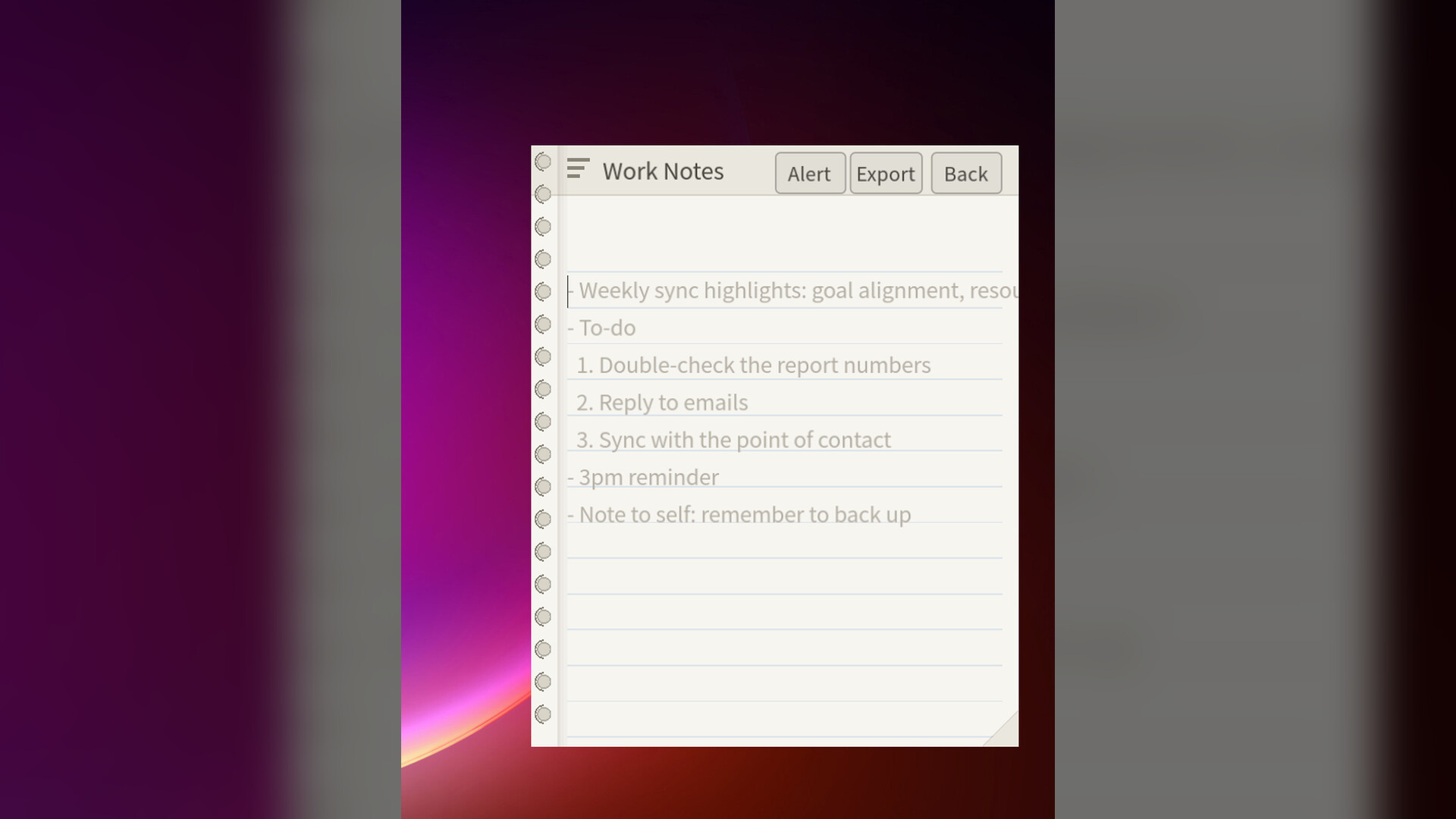
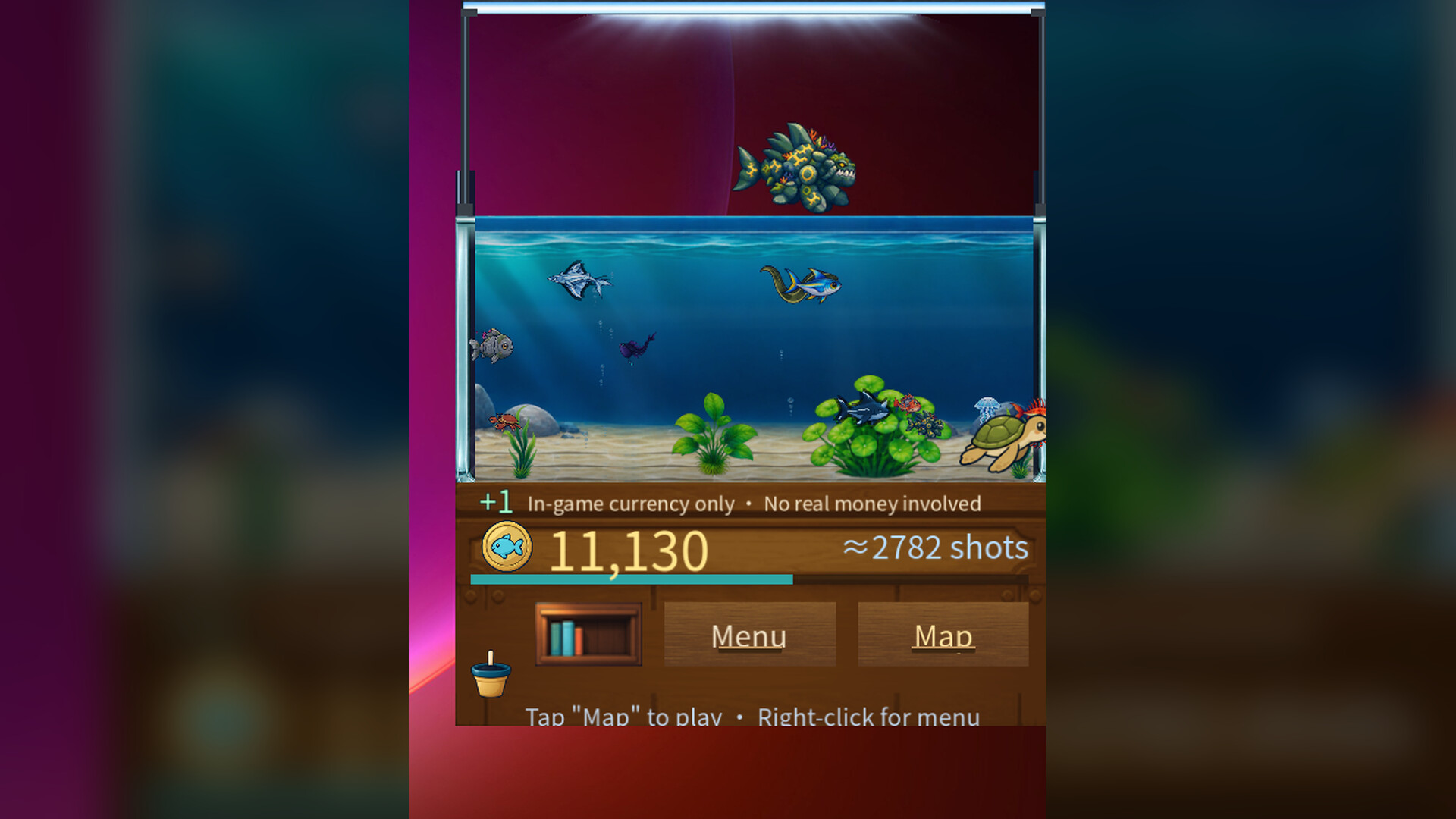
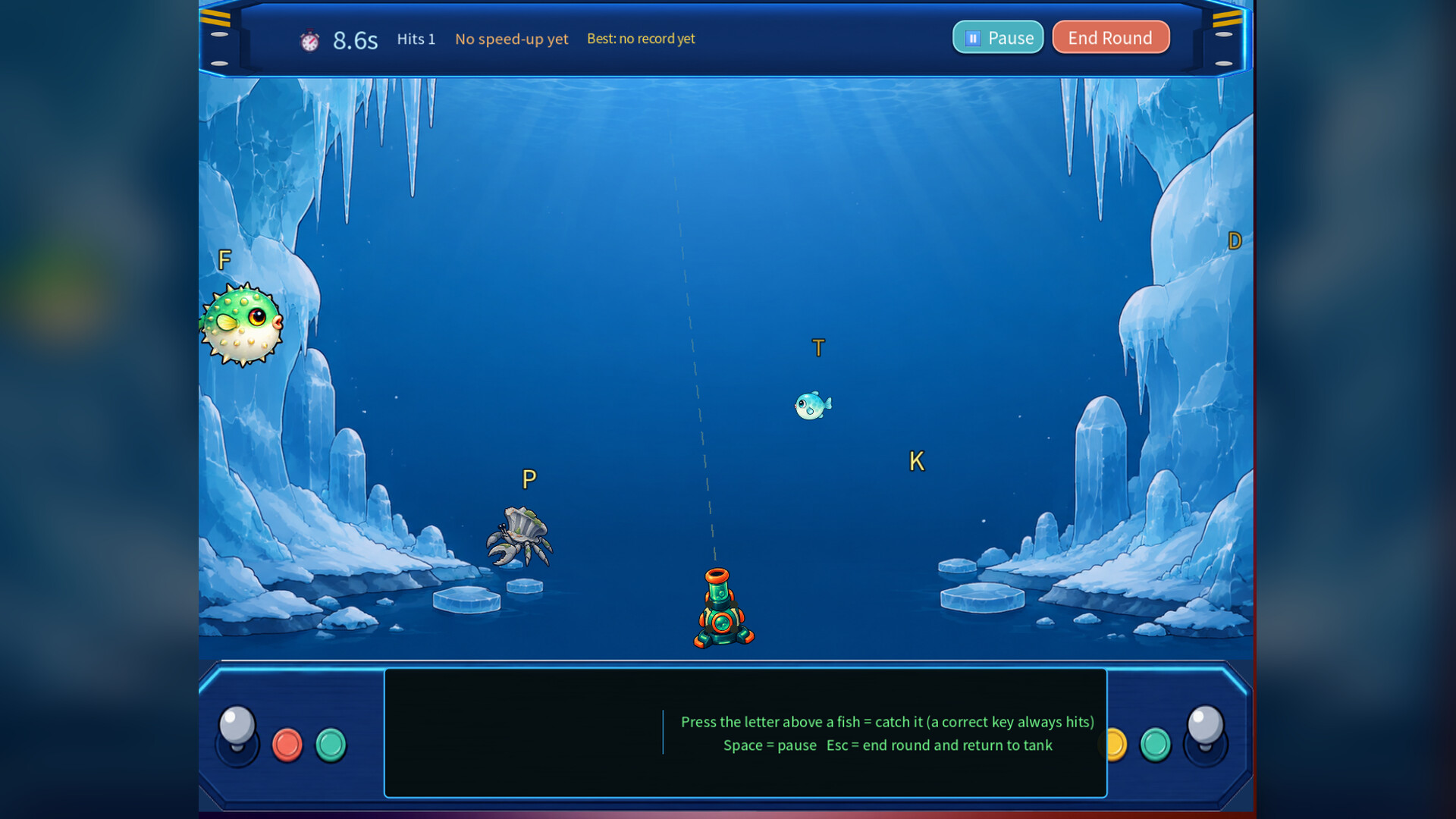
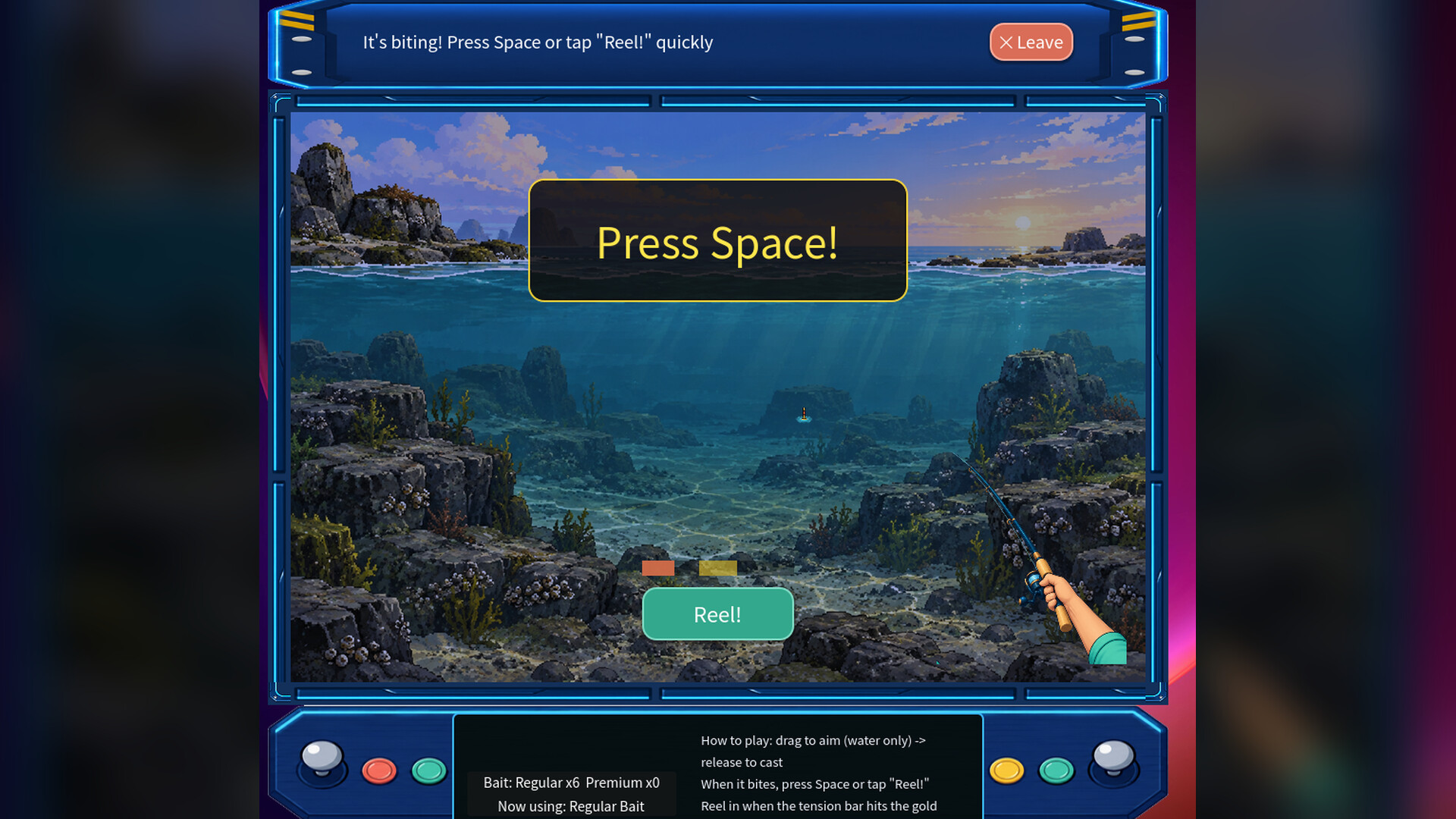
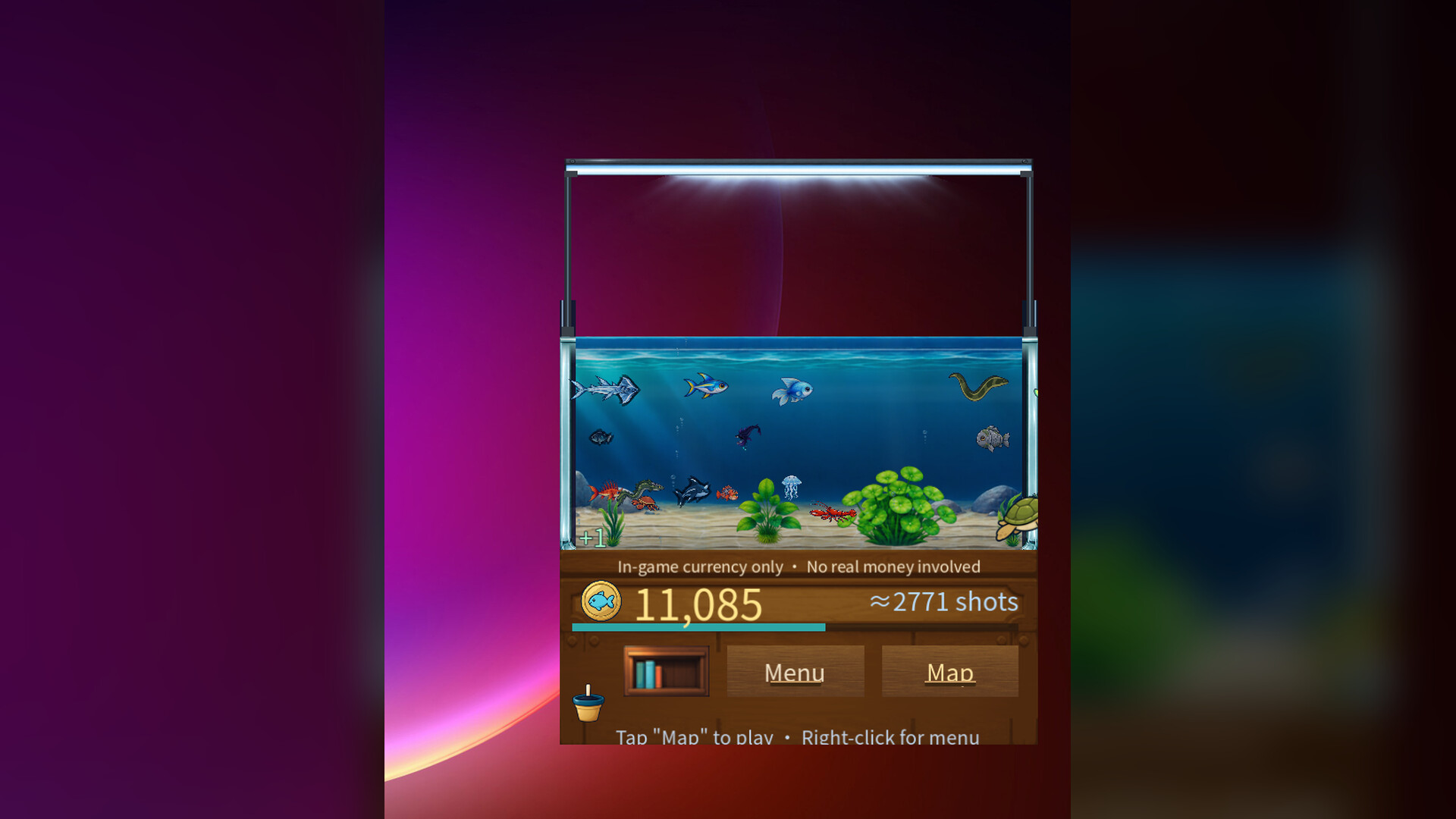
A desktop fish tank that doubles as an emergency disguise tool: catch fish through arcade shooting or relaxed fishing mechanics, then instantly flip to a notepad facade when your boss approaches. Perfect for office workers seeking brief stress relief without the risk of being caught off-task.
About this game
A living desktop fish tank for your office break. Arcade shooting, relaxed rod fishing, or a screen-filling stress-relief blowout - then hit N to instantly disguise it all as a notepad when the boss walks by.
Players, last 55 days
Peak 1 · Low 0
Daily peak concurrent players, sampled once a night from Steam.
• Seven new Turret Skill Tree nodes are open: Precise Aim I/II, Piercing Shot, Longer Fish Tide, Skill Cooldown, Combo Keeper, Scavenger and Sub Boost. Learn them with coins; click a node to see its effect. • Overdrive rounds now let you try the Legacy move "Boss Bankroll" • On the desktop Isle, panels like the Management Office or Marine Research Station no longer cover your desktop with a big gray shade, so it looks much cleaner. • Small fixes: on the desktop Isle, the coin and "Last:" plates no longer hide behind the character; the empty-tank hint has a light outline; "Hide Tank" in the right-click menu is shorter (hover for how to undo). Open What's New in the menu to claim the 500-coin update gift!
• Map now opens the island on your desktop. Click a spot to walk there, scroll to zoom, check status signs, and use ← Back to Tank to return. No more white flash. For the big map, set Isle Map Style to Classic Window. • The desktop Isle window is bigger now and grows or shrinks with Text Size in Settings > Display. Panels and text that pop up on the island are no longer tiny. • The tank's right-click menu has a new Switch Isle Map Style option. One click swaps between Desktop Isle and Classic Window. • Islanders no longer stand still: people at their posts stroll near their spots, the Librarian and the Fish Market Lady walk around the island, and the Office Assistant stays at the Management Office all day. • Water now flows on the desktop Isle, and koi swim in the pond. If your PC struggles, turn off Desktop Island Water Flow in Settings > Effects. At night the lights come on and fireflies drift. • The map window's frame can now be changed in the new Isle Frames section of the Shop's Tank tab (the Tank Glass Frame costs coins). Claim this version's gift, the Office Window Frame, from What's New in the menu. • The Sunlit Shallows and Hidden Deep-Sea Skin tank skins have slightly darker water, so the hint text in an empty tank is easier to read. Open What's New in the menu to claim the Office Window Frame update gift! If you missed v1.3.4's 500-coin gift, you can still claim it in this version.
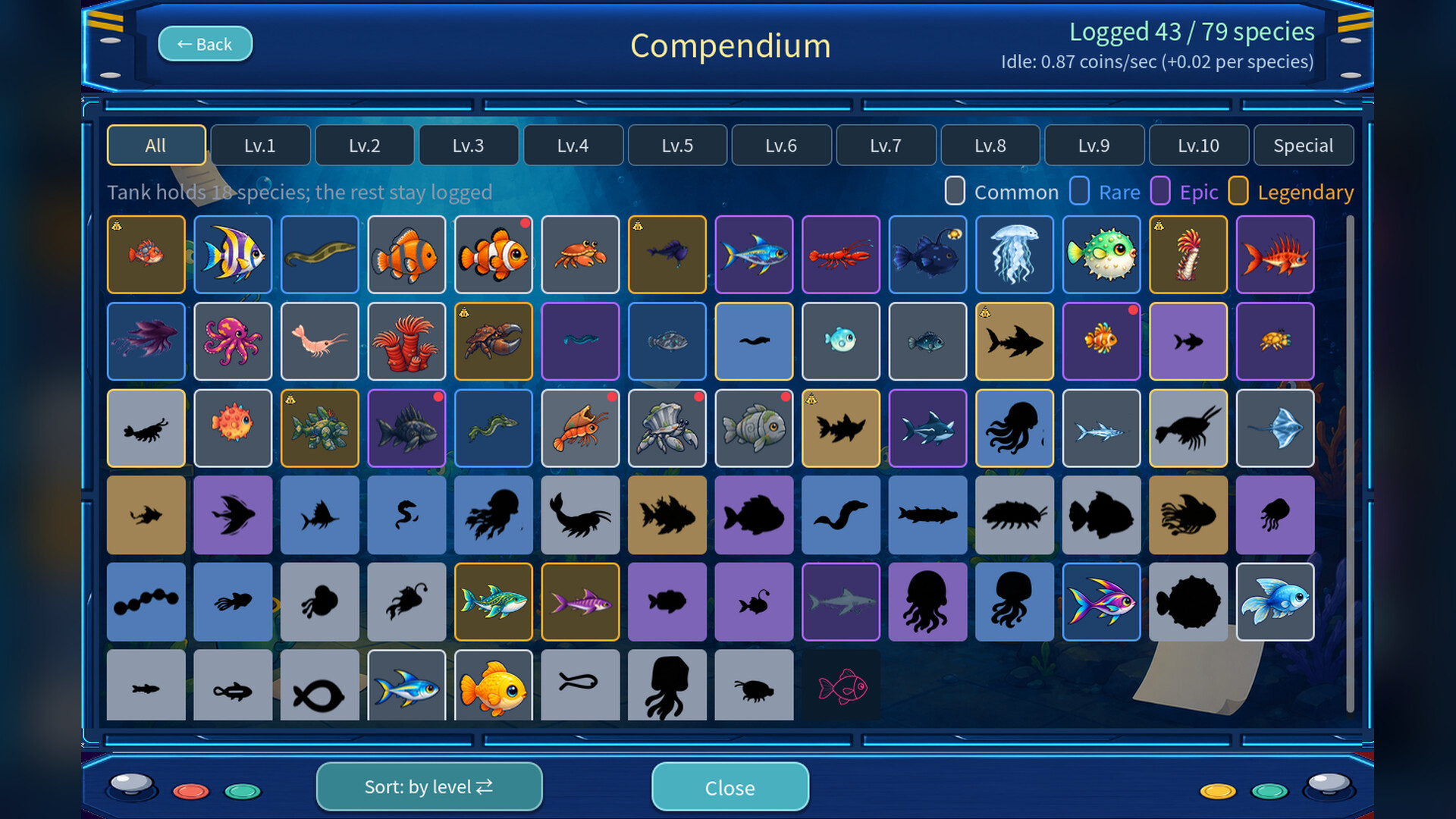
• What's New now has the Office Assistant, who sums up each new version and reminds you of update gifts. "Ask me" at the bottom, or "Open Q&A" at the top of Settings → Report, opens an offline Q&A. • The Compendium now has the Station Head: a short tour the first time you open it, a field note for every fish, and tips on where to find the ones you haven't caught. • The Steam Cloud Saves row in Settings → Save & Data now shows the real status (enabled, disabled, or Steam not connected) instead of always saying your progress is saved on this computer. • Fixed: in Fullscreen View, a turtle hiding in the sand could still be seen as a faint outline. It now hides completely. • Fixed: after you dragged the tank to another monitor, the menu and Desk Plant still opened on the old one. They now open with the tank. • Fixed: in the Japanese interface, setting descriptions no longer break in the middle of a word. Open What's New in the menu to claim your 500-coin update gift! If you never claimed the v1.3.2 coin gift, it no longer carries over from 1.3.4 on: claim this new one instead.
Posts come from Steam's official announcements feed.