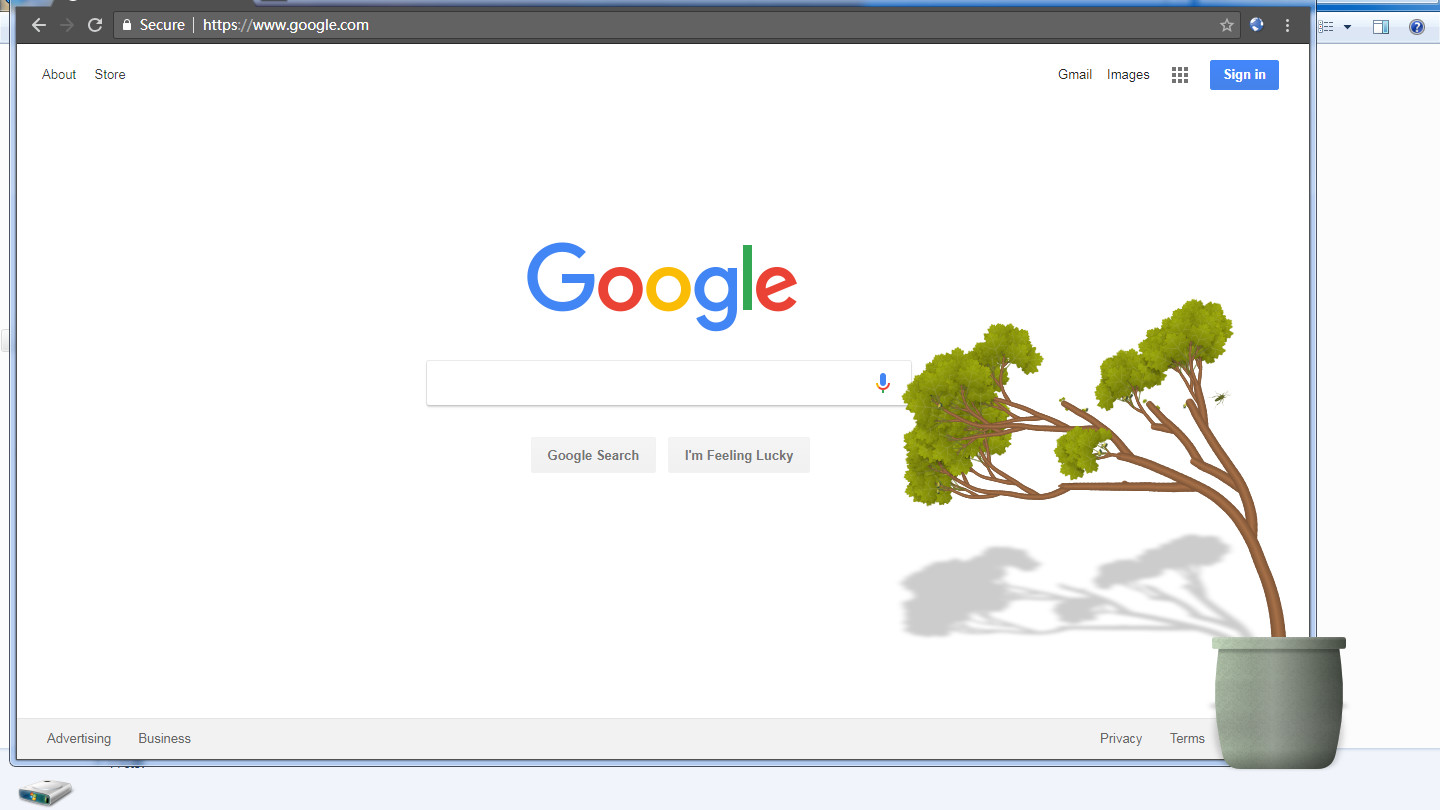
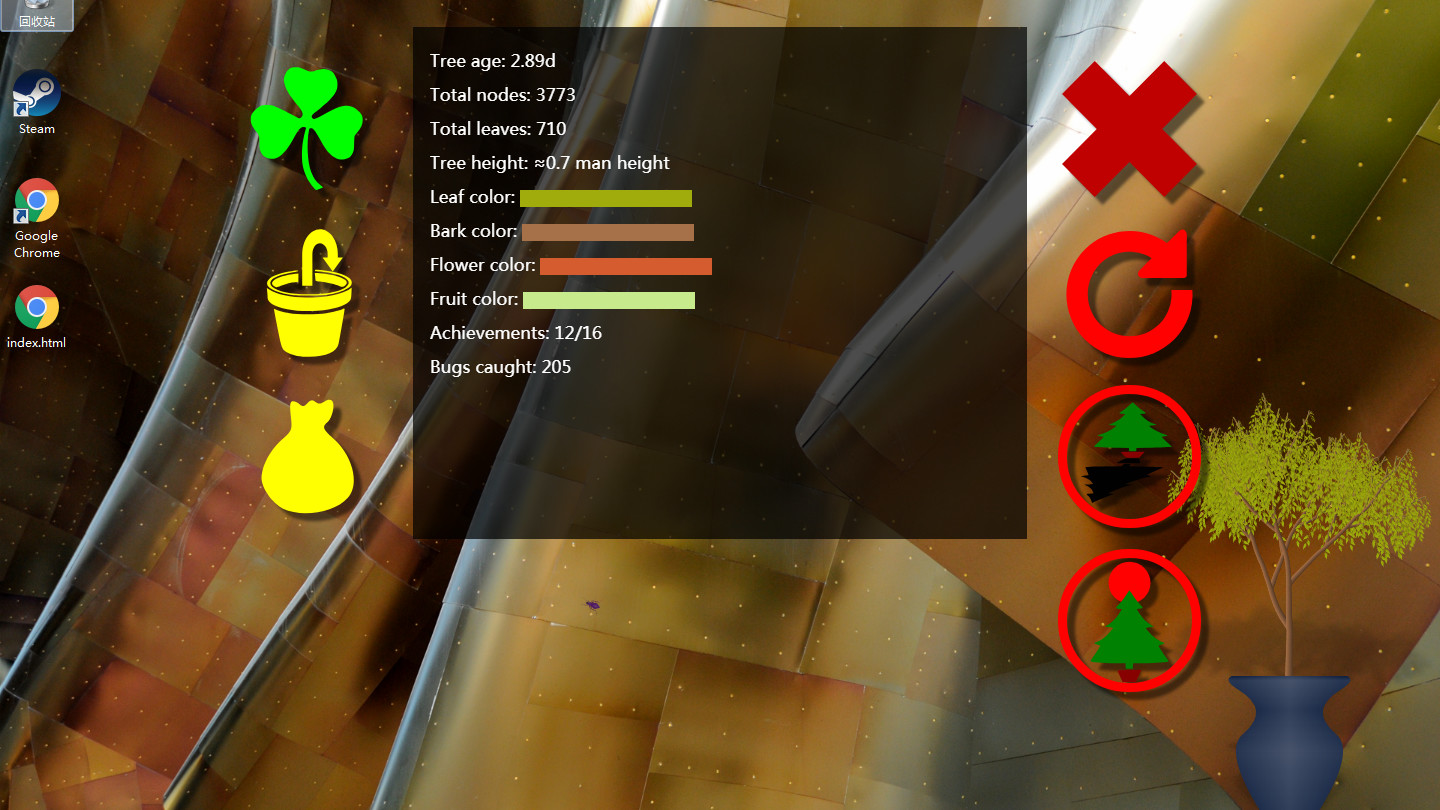
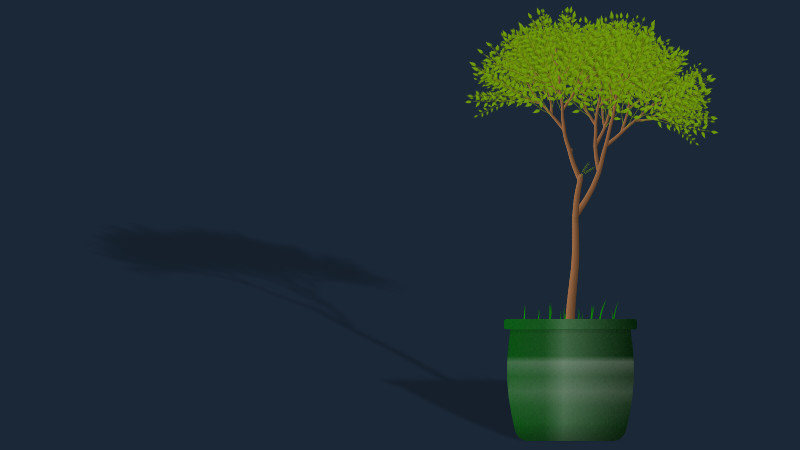
A minimalist desktop companion that grows a virtual tree in real time as you work. The tree persists across sessions and gradually develops over days, offering a low-pressure alternative to traditional games for players seeking ambient, long-term progression without active engagement.
About this game
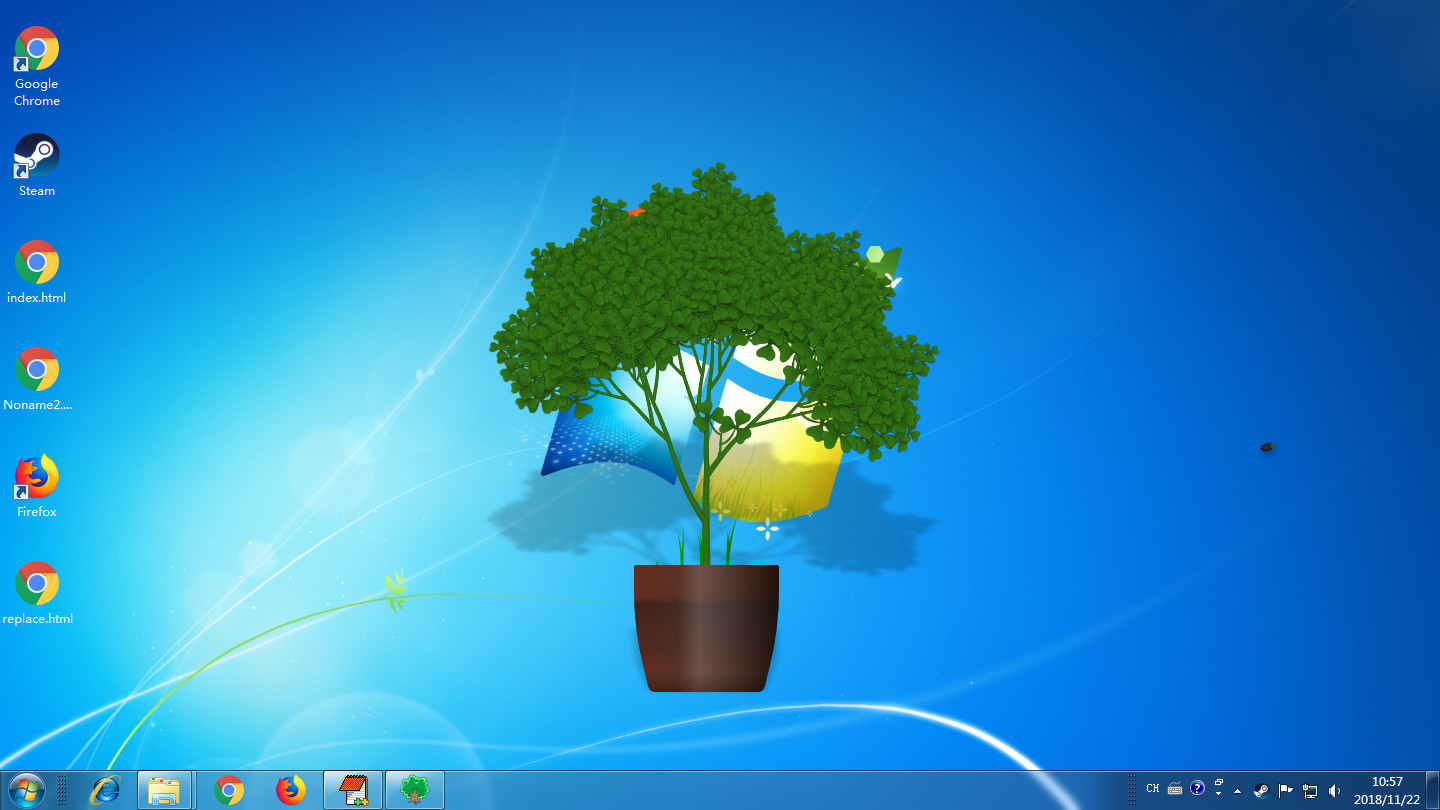
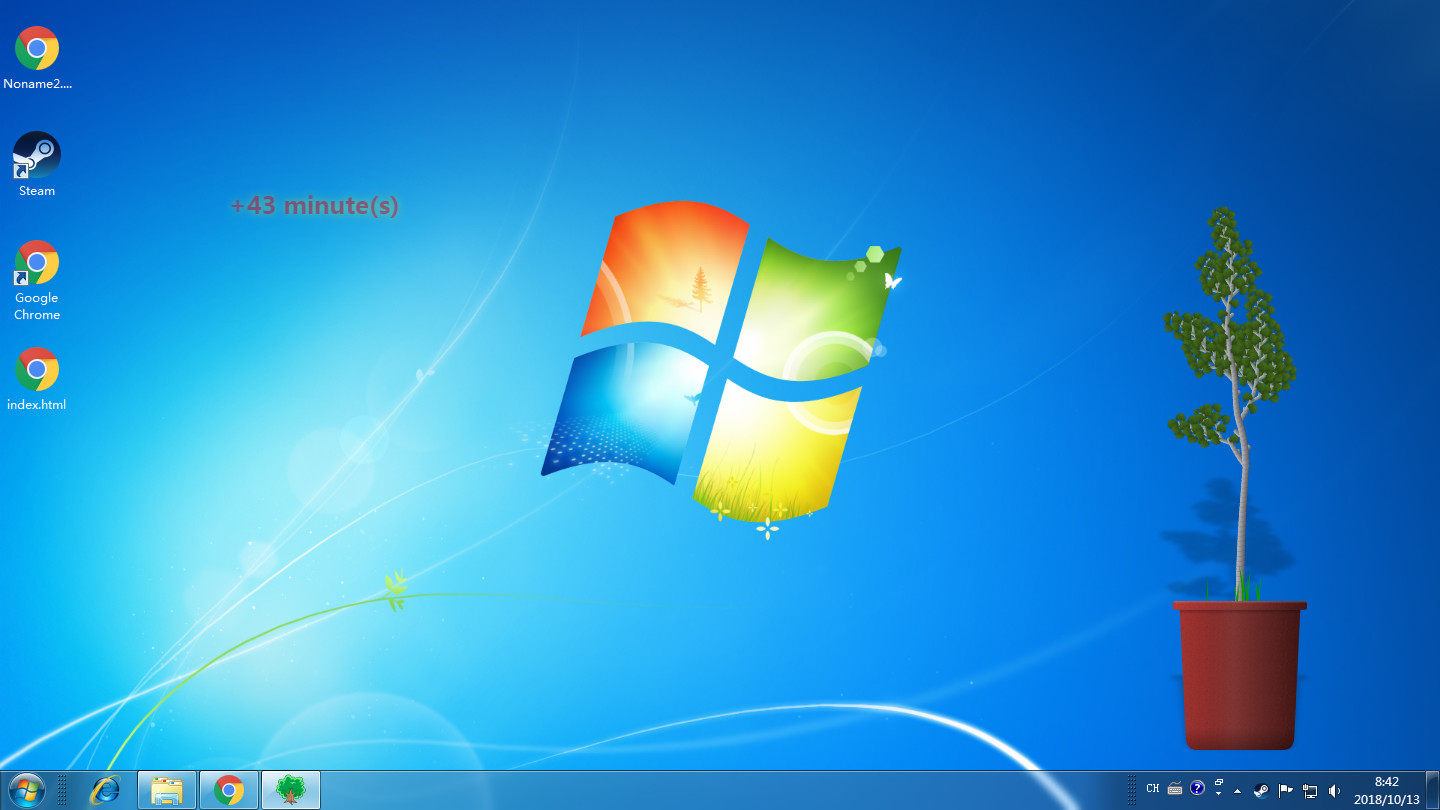
Place a pet tree on your desktop and watch it growing every day.
Players, last 31 days
Peak 1 · Low 0
Daily peak concurrent players, sampled once a night from Steam.
NEVERMIND! It's not worth the dollar because it resets your ♥♥♥♥♥♥♥ tree that you spent days growing as soon as you restart your computer! ♥♥♥♥ game do not download it's a waste of time.
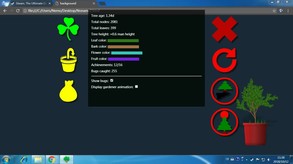
Fruit/flower/leaf weight options: These options control the directions of flowers, fruits and leaves. Node size: Size of each node (segments of the branches and trunk). Recommended value is 1. Node aspect ratio: This value controls the length of the node. A bigger value can make the branches longer. Recommended value is 1. Max nodes: This value controls how "big" the tree can grow. Recommended value is between 8000 and 10000. Too small, the tree will grow old pretty fast, no new branches can grow unless you shear the old ones off. Too big, weaker computer will have trouble updating and you may exeprience lags. Curviness: Set this value to 0 will make all branches straight. Default value is 0.08. If you want a twisted tree, set it to a bigger value. Upwardness: All the branches has a tendency to grow upward, and this value tells the game how big the tendency should be. The default value is 0.35. Too big, the tree will grow straight upward. You can use a negative value to make the branches grow downward.
There are more customization options in recent update. And you can share your customized tree as a seed via Steam Workshop, for other users to download. Customize pot: You need to upload 3 pictures, each for a different light condition, although they can be identical if you want. You can also adjust the area that grows grass, to fit the size of your pot. {STEAM_CLAN_IMAGE}/33423060/3fe1d175be4266938d9b309bab9495fc5c255c3b.png {STEAM_CLAN_IMAGE}/33423060/6910f88937b0a46f515ebc2e25ccc2053f8f88c9.png Customize tree: You can upload multiple pictures for either leaves, flowers, fruits or bark. For example, the leaves can have different angle or slightly different tone. Don't use anything bigger than 512x512, or they won't be displayed correctly. {STEAM_CLAN_IMAGE}/33423060/51b84170238f11b05735698e6b309bd6d18d1ca7.png {STEAM_CLAN_IMAGE}/33423060/dd96950062c83d43d63e1764bd9859840aaa0f56.png Share a tree: Click the green button on the upper left corner to open this panel. First of all, the tree must have custom images. Then, you need to wait until the tree has fruits. You also need to agree to the Steam Subscriber Agreement before your tree can be downloaded by other users. Please notice there's a delay before published items can be seen in game, but you can still edit them via steam client or web browser. {STEAM_CLAN_IMAGE}/33423060/7cfd897165fdcd7e3263971109bd0be82463b17d.png