Version V0.3.3
### New Features
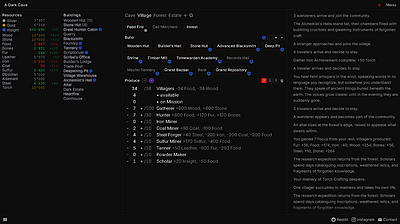
- **Dark Theme** â Added a dark theme option in settings. Choose between Default (space theme) and Dark themes.
### Improvements
- **Number Formatting** â Experience values now display in incremental game style: 1K, 1M, 1B, 1T instead of long numbers (1000+ becomes 1K).
- **Stat Display Redesign** â Stats now show in a more compact format with XP multiplier in the header and levels displayed inline with XP values.
- **Oxygen Precision** â When an activity completes mid-tick, the unused portion of that tick is now refunded back to oxygen (adjusted by efficiency bonuses). Previously, up to 0.1s of oxygen could be silently lost on each activity completion.
### Mobile UI Improvements
- **Settings Tab** â Added a dedicated 4th mobile tab (âï¸) for settings, replacing the fixed button approach. Settings are now accessible alongside Stats, Activities, and Automation tabs.
- **Automation Icon Update** â Changed automation emoji from âï¸ to ð¤ to avoid confusion with settings.
### Inventory Improvements
- **Compact Grid Layout** â Inventory now uses a grid layout with scrolling instead of wrapping endlessly:
- **Desktop**: 32x32px items, ~5 items per row, max height 130px
- **Mobile**: 28x28px items, compact spacing, max height 70px
- **Prevents UI Overlap** â Items no longer overflow and cover other interface elements when you collect many permanent items.
### Bug Fixes
- **Automation Queue** â Fixed a bug where completing an activity could incorrectly advance a different queue slot if the same activity appeared multiple times.
- **Automation Queue Stop** â Queue now stops automatically after the last item completes (unless Auto-Repeat is enabled). Previously it would loop indefinitely regardless of the repeat setting.
- **Mobile Settings Panel** â Fixed empty settings panel on mobile devices.
- **Mobile Settings Sync** â Language, theme, and font size controls now work correctly on mobile. Previously only desktop selects were being read.