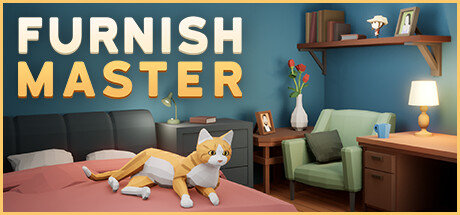
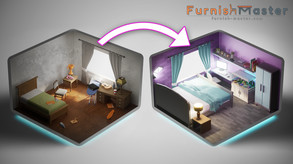
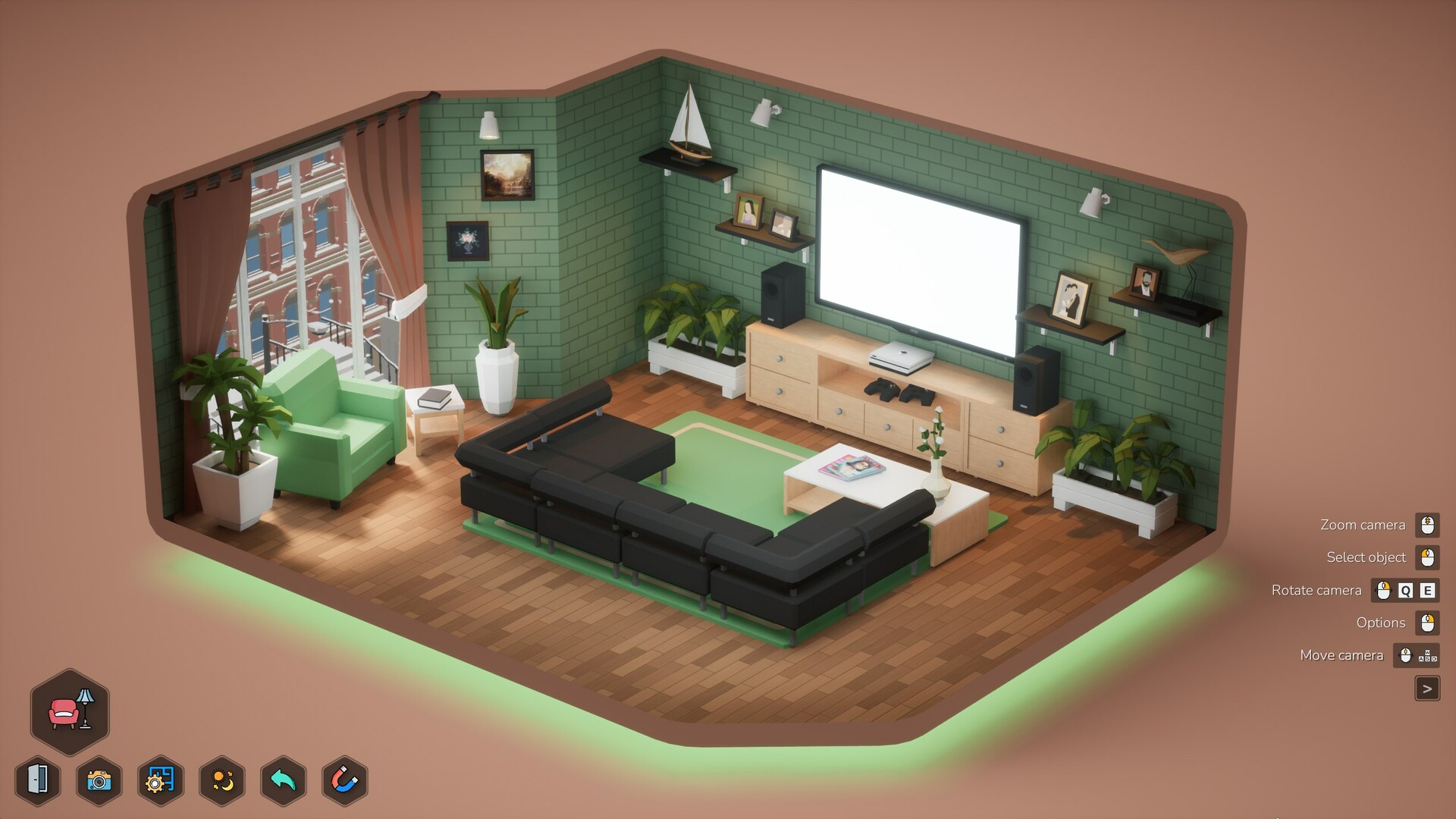
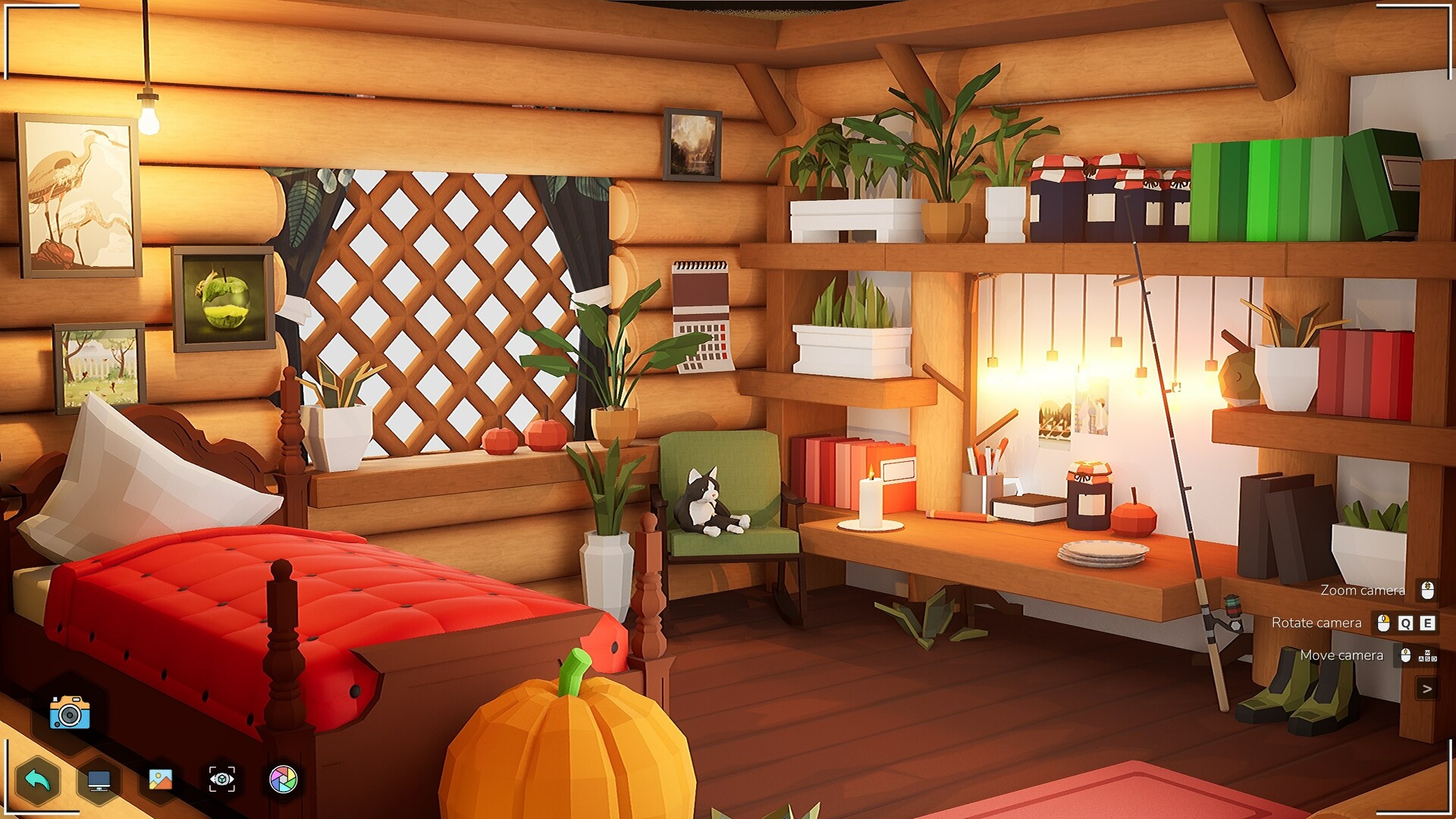
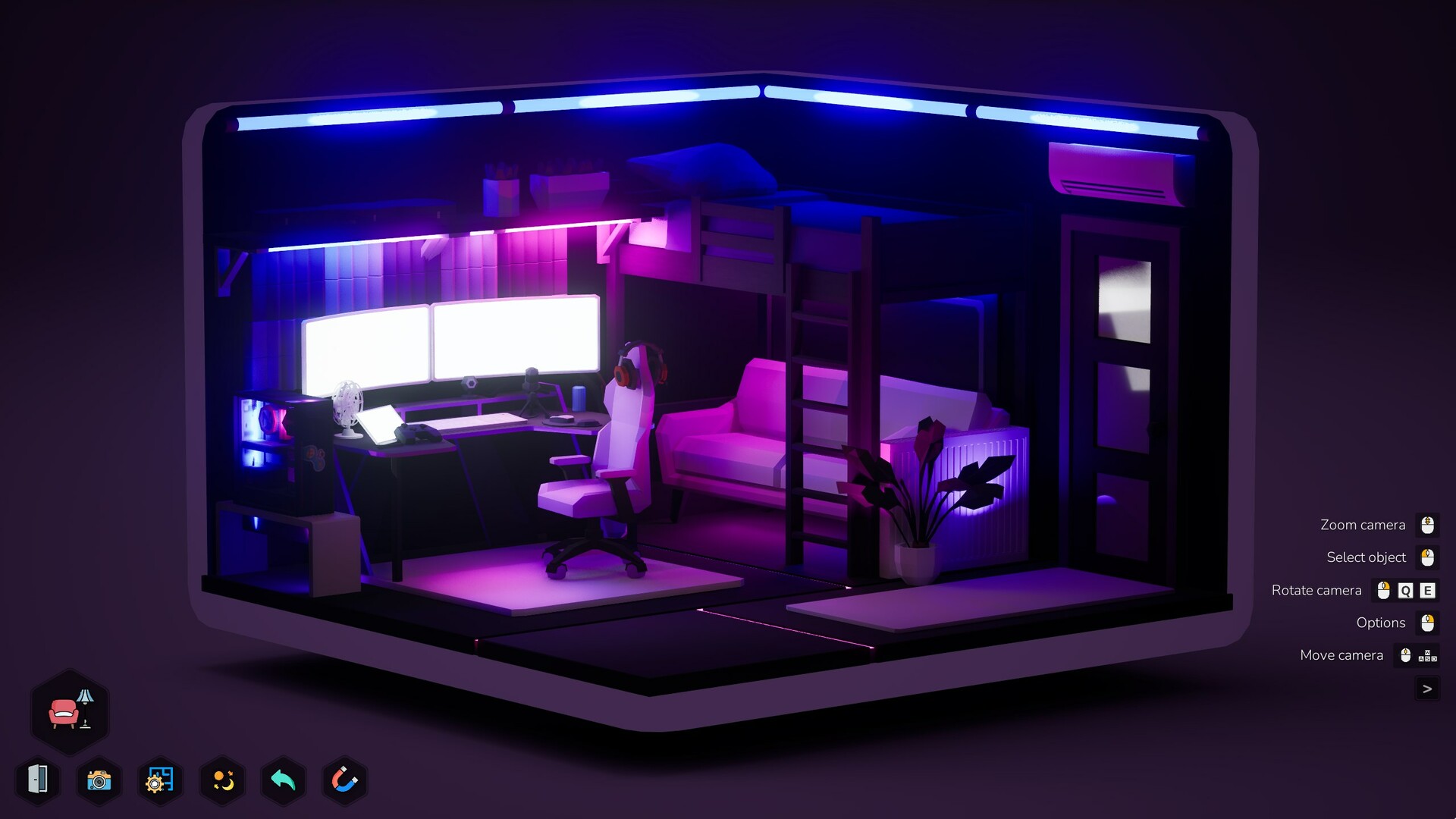
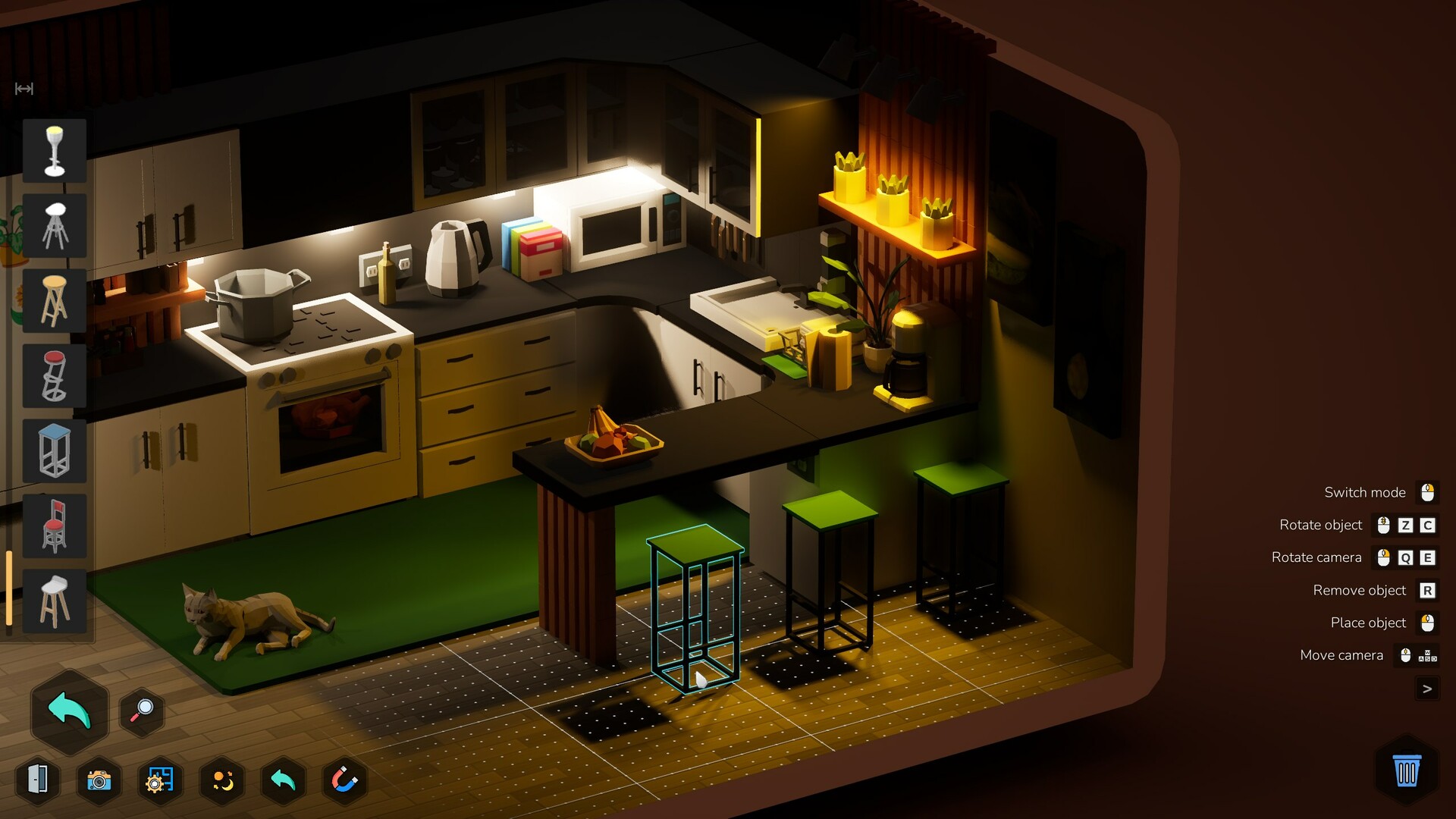
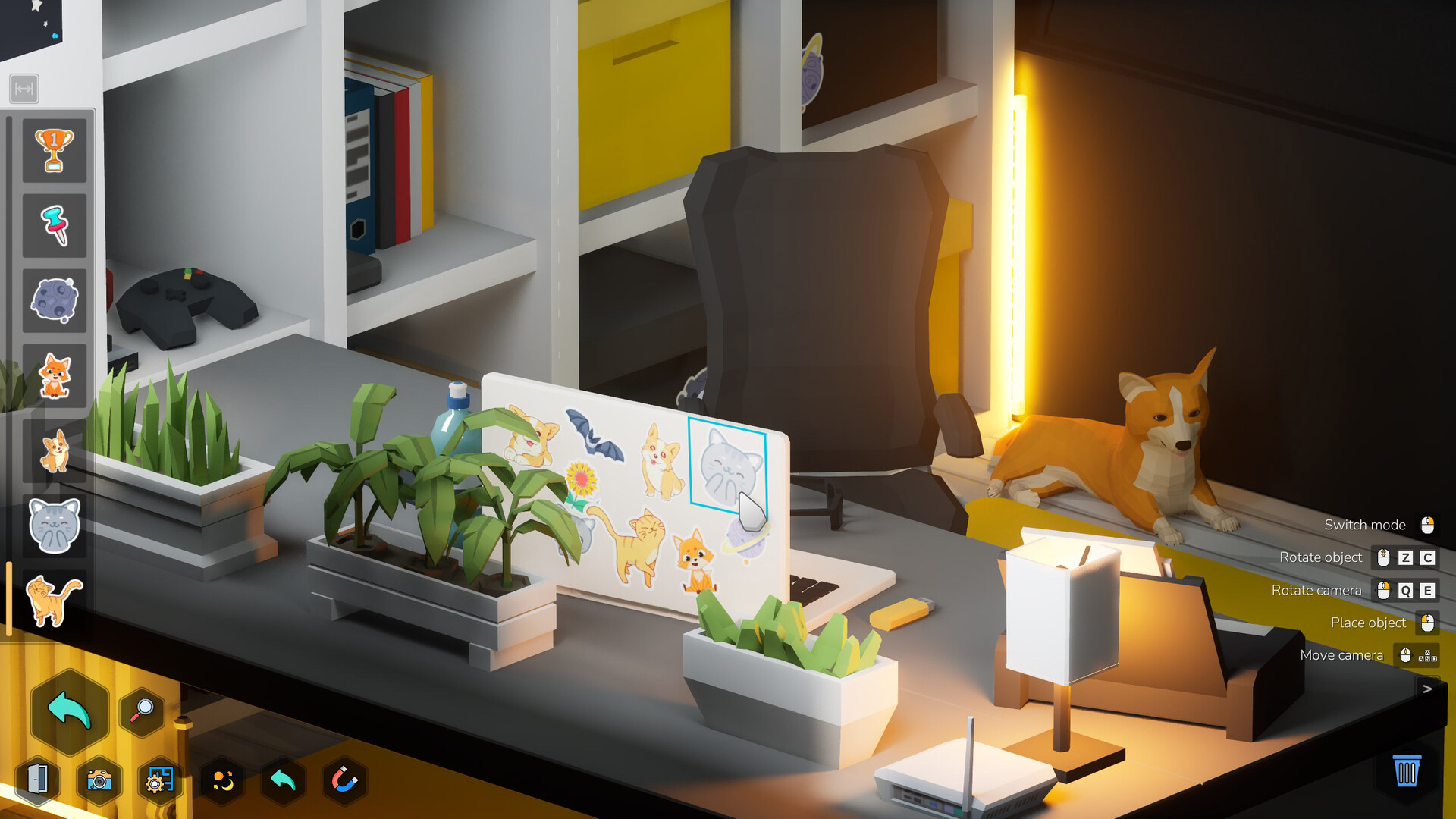
Furnish Master is a relaxing interior design game where you decorate apartments, houses, and commercial spaces across story and sandbox modes. You'll arrange furniture and objects with intuitive placement tools to complete design challenges or create freely without constraints. Best suited for players who enjoyed Unpacking or House Flipper and want a low-pressure, creative experience.
About this game
Furnish Master is a relaxing game about furnishing apartments, houses, commercial estate and even outdoor territory! Realize your design dreams!
Players, last 30 days
Peak 22 · Low 3
Daily peak concurrent players, sampled once a night from Steam.
What players are saying
▲ Recommended6 hrs
---{Graphics}--- ☐ You forget what reality is ☑️ Beautiful ☐ Good ☐ Decent ☐ Bad ☐ Don‘t look too long at it ☐ MS-DOS
---{Gameplay}--- ☐ Very good ☐ Good ☑️ It‘s just gameplay ☐ Mehh ☐ Watch paint dry instead ☐ Just don't
---{Audio}--- ☐ Eargasm ☐ Very good ☑️ Good ☐ Not too bad ☐ Bad ☐ I'm now deaf
---{Audience}--- ☐ Kids ☐ Teens ☐ Adults ☑️ All
---{PC Requirements}--- ☐ Check if you can run paint ☐ Potato ☐ Decent ☑️ Fast ☐ Rich boi ☐ Ask NASA if they have a spare computer
---{Difficulity}--- ☐ Just press 'W' ☑ Easy ☐ Significant brain usage ☐ Easy to learn / Hard to master ☐ Difficult ☐ Dark Souls
---{Grind}--- ☑️ Nothing to grind ☐ Only if u care about leaderboards/ranks ☐ Isnt necessary to progress ☐ Average grind level ☐ Too much grind ☐ You‘ll need a second life for grinding
---{Story}--- ☐ No Story ☑️ Some lore ☐ Average ☐ Good ☐ Lovely ☐ It‘ll replace your life
---{Game Time}--- ☐ Long enough for a cup of coffee ☐ Short ☐ Average ☑️ Long ☐ To infinity and beyond
---{Price}--- ☐ It’s free! ☐ Worth the price ☑️ If it's on sale ☐ If u have some spare money left ☐ Not recommended ☐ You could also just burn your money
---{Bugs}--- ☐ Never heard of ☐ Minor bugs ☑️ Can get annoying ☐ ARK: Survival Evolved ☐ Cyberpunk 2077
I've played this game for a little over two hours and here are my thoughts so far:
The game is simple, relaxing, and a lot of fun. If you like decorating rooms in the sims or House Flipper games, then you'll more than likely enjoy this game as well. There are two modes to play: story mode and sandbox mode. I've spent most of the time in story mode and I love the challenges and rooms available to play. The puzzle rooms are well done and provide a bit of a challenge, but not so much that it's frustrating or nerve wracking. (And I say this as someone who failed the domino room several times...) This game truly is centered around going your own pace and doing things your own way.
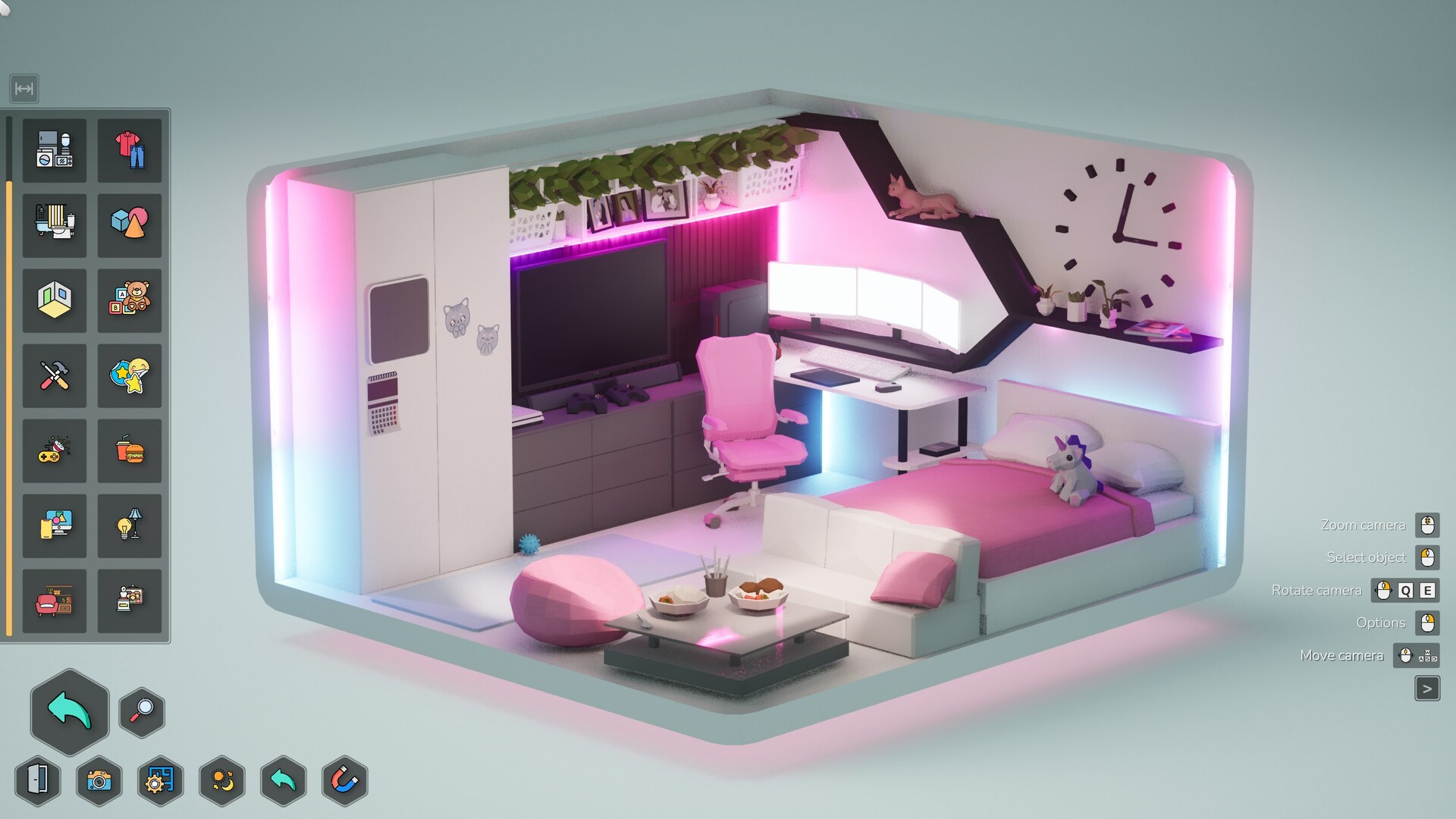
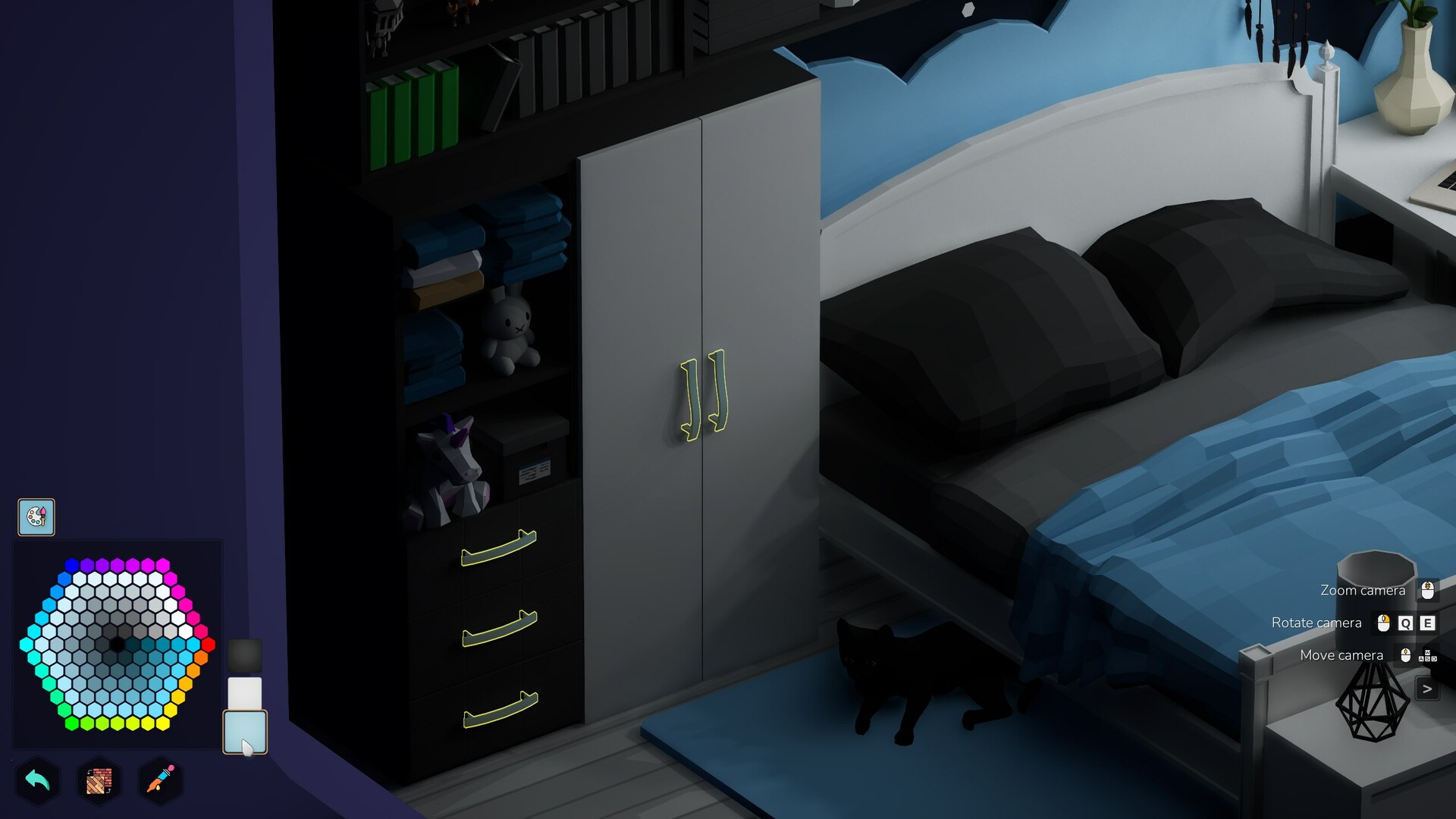
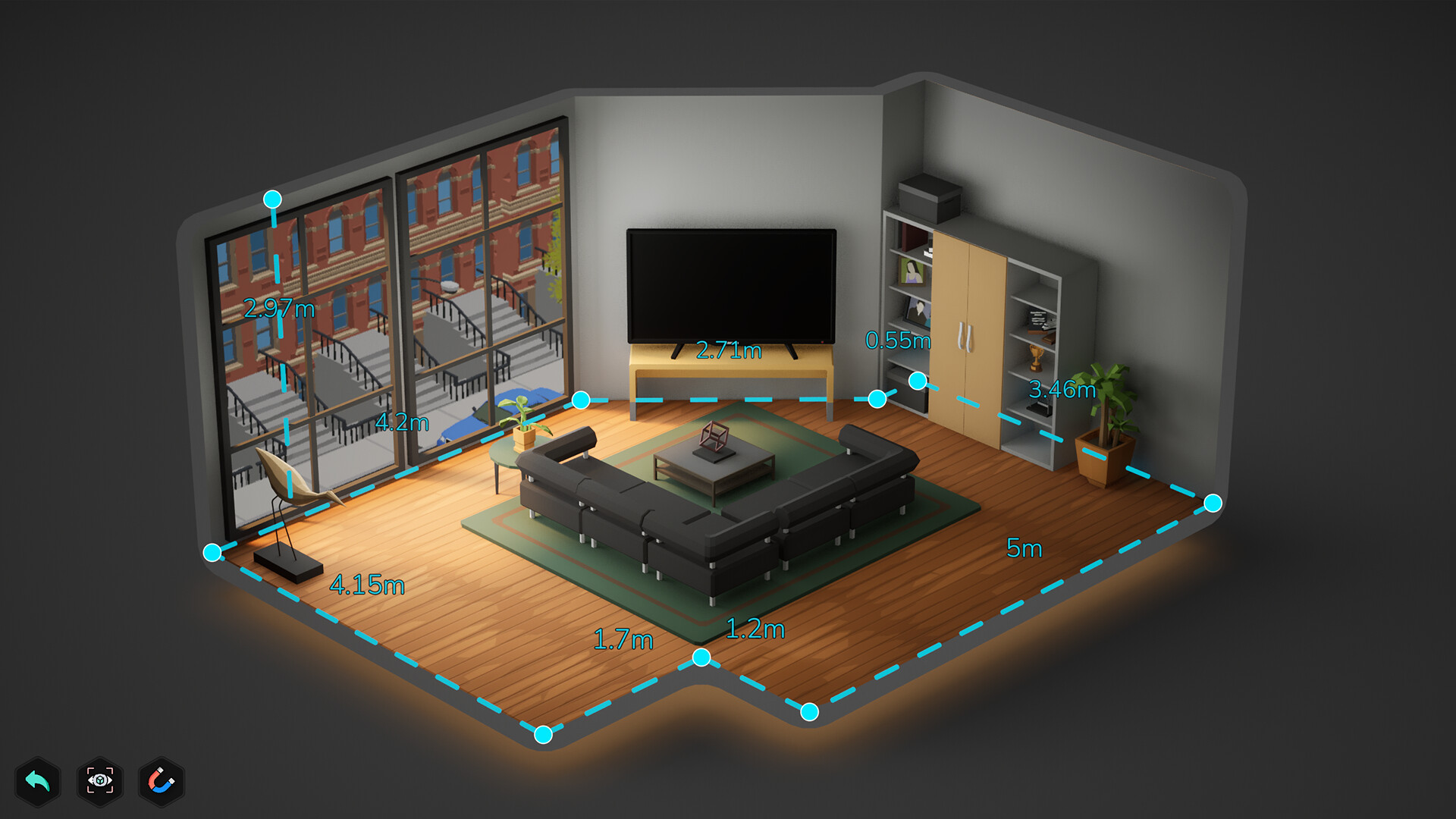
Sandbox mode was better than I expected it to be in EA. There are tons of furniture options and a room editor, so the player really can create to the limits of their imagination. The controls for decorating really allow you to go wild with different colors, styles, materials, etc. I personally love being able to make everything match with the same wood tones and paint colors; the game makes is really easy too! There's a duplicate item function and an eye dropper tool so it's simple to design the perfectly matching room! (If that's your cup of tea.)
Now on to the few things I hope to see improved: - It is a bit frustrating not being able to zoom in/out while an item is picked up since it rotates the item instead. Different buttons for these would be nice. - There are some furniture items I'd like to see added in the future, like corner options for kitchen counters. - Speaking of counters, it is a bummer not being able to edit the colors or styles. Maybe this is a bug, but if not, I hope to see it changed in a future update. It's been one of the only major furniture items I've found so far that isn't customizable.
I'm really enjoying the game so far and I'm looking forward to see where it goes from here until the 1.0 release!
I picked up Furnish Master in early access because it reminded me of other games I enjoyed: Unpacking and A Little to the Left. There's a lot of potential here, but overall I have mixed feelings.
The sandbox mode is fun, with plenty of furniture, objects, and creative freedom. Placing and editing items feels intuitive, and I love the addition of animals. Even a crow, for the spooky peeps! Mod support also looks promising for further customization.
Unfortunately, it's very buggy. Missing QOL features are also frustrating: no mid-level saving, no quick reset for object orientation or color, and no access to game settings once a level starts. Furthermore, you can’t revisit completed levels to admire your work. It all gets thrown into the digital void...
Story mode has satisfying puzzles when they work, but I hit a roadblock with the broken pipes level and could not progress. There is a big warning at the start of story mode that there will be bugs -- okay, fine -- but without a "skip level" option, it's really frustrating that I can just no longer play because of this.
The game is also riddled with typos and misspellings, which makes it feel a little on the amateur side. Honestly, I’d say skip this for now unless you’re just here for the sandbox mode. A lot of improvements need to be made before I’d feel good recommending it. Hopefully they can sort all this out during the remainder of the early access period.
Furnish Master just got a small update (0.26.1), which fixes some achievements issues, content from last update, and other various of bugs and minor issues. If you like the game, it would be great if you could leave a review. Reviews really help the game to stand out and bring new players, which is very important for a small indie game. ❤️ If you find anything that doesn't work as expected, or want to share your thoughts and ideas, please let us know about it in our Discord server or Steam Discussions. {STEAM_CLAN_IMAGE}/42739091/cdcda1ac3389ebe77674d98d2b1545448a1282fe.png Discord server: https://discord.gg/5H9kMjASKu {STEAM_CLAN_IMAGE}/42739091/82e1971856b1dd194f8625113dcf77932c897148.png Steam discussions: https://steamcommunity.com/app/2004080/discussions/ 0.26.1 Change list Reworked the Steam achievement tracking system. This should fix issues where some progress-based achievements were not unlocking correctly. The achievement for painting objects should no longer gain progress when duplicating or placing objects. Fixed an issue where the "Careful" delivery achievement would not unlock if it wasn't completed on the first attempt. The timer in the RC car mission now starts when crossing the start line instead of when taking control of the car. This may also fix issues with unlocking the achievement for this level. You can now set images, including animated ones, on the screens of all monitors and tablets. The old TV can now be painted, and you can also set a custom image on its screen. Fixed several new clothing models that were displayed incorrectly when hung on hooks. Fixed several new objects that were positioned higher than intended when placed. Placeable effects, such as fire and insects, no longer cast shadows from their placement origin on Medium graphics settings. Torch light is now less intense. Animated materials now work on walls and floors. The animation may still have some visual issues, which we plan to fix in future updates. The first-person camer...
Furnish Master v0.26 update just got released! This update includes over 100 new outdoor objects, new clothing, placeable effects, animated textures for screens, first-person photo mode, some bug fixes and more! Happy summer! 🎁 Furnish Master is also 35% off during Steam Summer Sale! So now’s the perfect chance to buy the game if you haven't already! ❤️ If you like the game, it would be great if you could leave a review. Reviews really help the game to stand out and bring new players, which is very important for a small indie game. If you find anything that doesn't work as expected, or want to share your thoughts and ideas, please let us know about it in our Discord server or Steam Discussions. Discord server: https://discord.gg/5H9kMjASKu Steam discussions: https://steamcommunity.com/app/2004080/discussions/ 0.26.0 Change list General changes Over 100 new outdoor objects, including gardening items, plants, camping equipment, dead trees, decorations, and more. {STEAM_CLAN_IMAGE}/42739091/7ceaec4ed5760427a09d7e744486eb180a5d96a8.jpg 12 new clothing items, including hoodie, overalls, tank tops, shorts, and more. {STEAM_CLAN_IMAGE}/42739091/75ea0ecebe6f46f53439f34eba227bfba83f2b23.jpg All clothing now have an alternative crumpled version. {STEAM_CLAN_IMAGE}/42739091/2908db2dd9e083c8d8362d1a560b385c6dfe89d7.jpg Placeable effects (fire, smoke, insects, fog, sparks, and more). {STEAM_CLAN_IMAGE}/42739091/ecabaa3c3794a817030487ff39ac30a85808fc16.gif 6 animated textures for screens (we will add more in the future). The Mod Creator now also supports importing animations using flipbook sprite sheets. You can create flipbooks from videos using third-party tools such as flipbook.texturewiz.com and import your own animations to the game. {STEAM_CLAN_IMAGE}/42739091/288076bb7be2aa3f5a124d9db820eebda130e6f1.gif First-person walking mode in Photo Mode. {STEAM_CLAN_IMAGE}/42739091/94b02b797e3a735da5e4de977ee16fb97af0af82.gif You can now restore room backups directly from within the ...
Furnish Master just got a small update (0.25.1), which fixes various of bugs and minor issues with the game. If you like the game, it would be great if you could leave a review. Reviews really help the game to stand out and bring new players, which is very important for a small indie game. ❤️ If you find anything that doesn't work as expected, or want to share your thoughts and ideas, please let us know about it in our Discord server or Steam Discussions. {STEAM_CLAN_IMAGE}/42739091/cdcda1ac3389ebe77674d98d2b1545448a1282fe.png Discord server: https://discord.gg/5H9kMjASKu {STEAM_CLAN_IMAGE}/42739091/82e1971856b1dd194f8625113dcf77932c897148.png Steam discussions: https://steamcommunity.com/app/2004080/discussions/ 0.25.1 Change list Room now recovers if players exits room editor while moving a wall point and room being incorrect Last interior wall now does not leave sharp corner when canceling adding walls Fixed points angle check when checking room for valid shape Removed attached objects now recovers with Undo, after removing the main object Electric sockets now have snapping point in train mission even if Free Placing is enabled Ctrl-Z / Shift-Z now calls Undo/Redo Object destroy button now does not stay visible in some cases Fixed object destroy button animation when removing an object using hotkey Restricted object edit screen in puzzle and dominos missions Room reset can now be undone using Undo feature Objects save attachment to walls when using undo to revert moving the wall in room editor You can no longer delete a wall point in the room editor if it would break the room layout Follow and discuss Furnish Master! {STEAM_CLAN_IMAGE}/42739091/cdcda1ac3389ebe77674d98d2b1545448a1282fe.png Discord server https://discord.gg/5H9kMjASKu {STEAM_CLAN_IMAGE}/42739091/e579630a42bec9a28455600f09c961206a3d851c.png X (Twitter) https://twitter.com/AlFlakky {STEAM_CLAN_IMAGE}/42739091/82e1971856b1dd194f8625113dcf77932c897148.png Steam discussions https://steamcommunity.com/ap...
Posts come from Steam's official announcements feed.