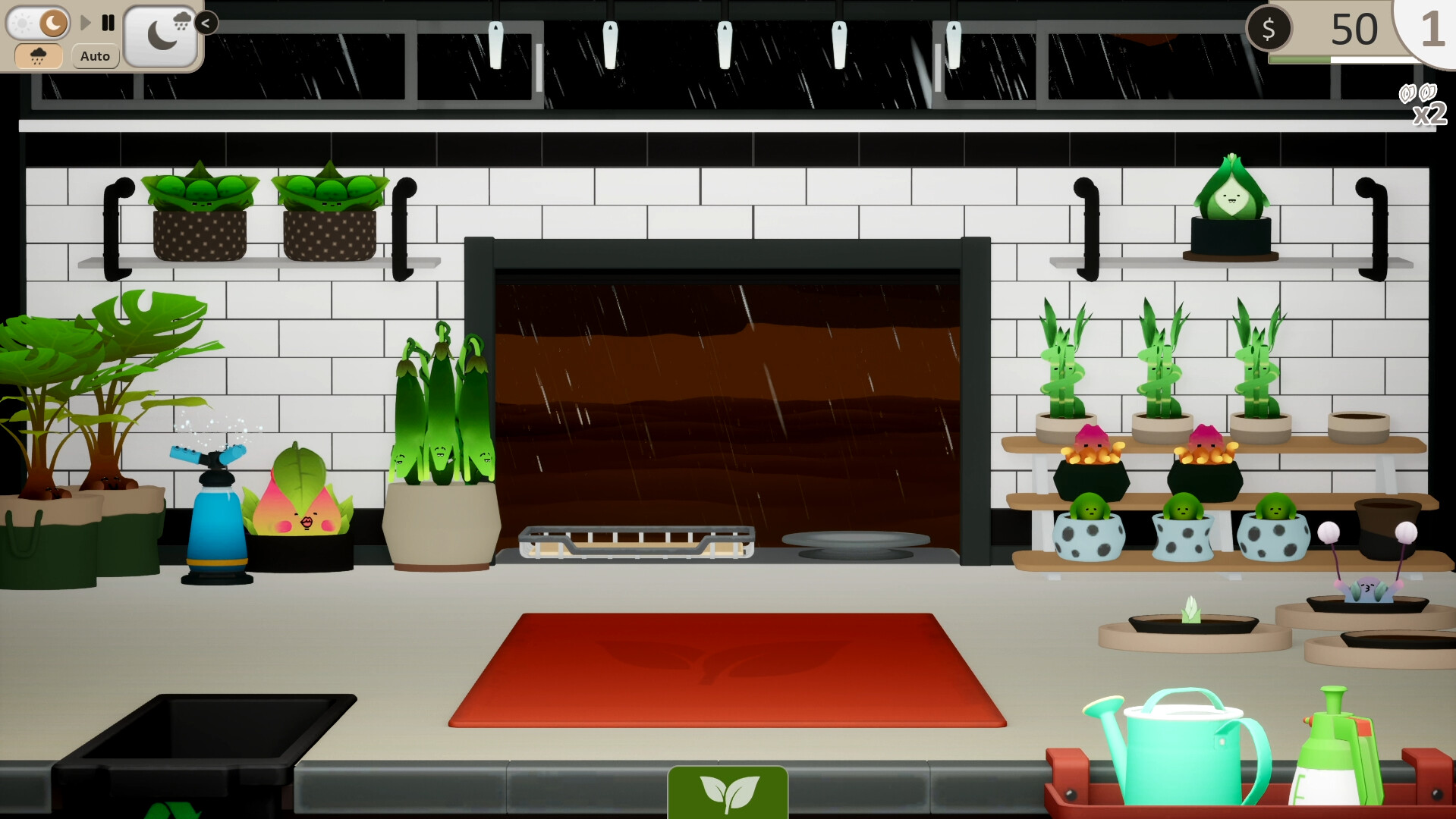
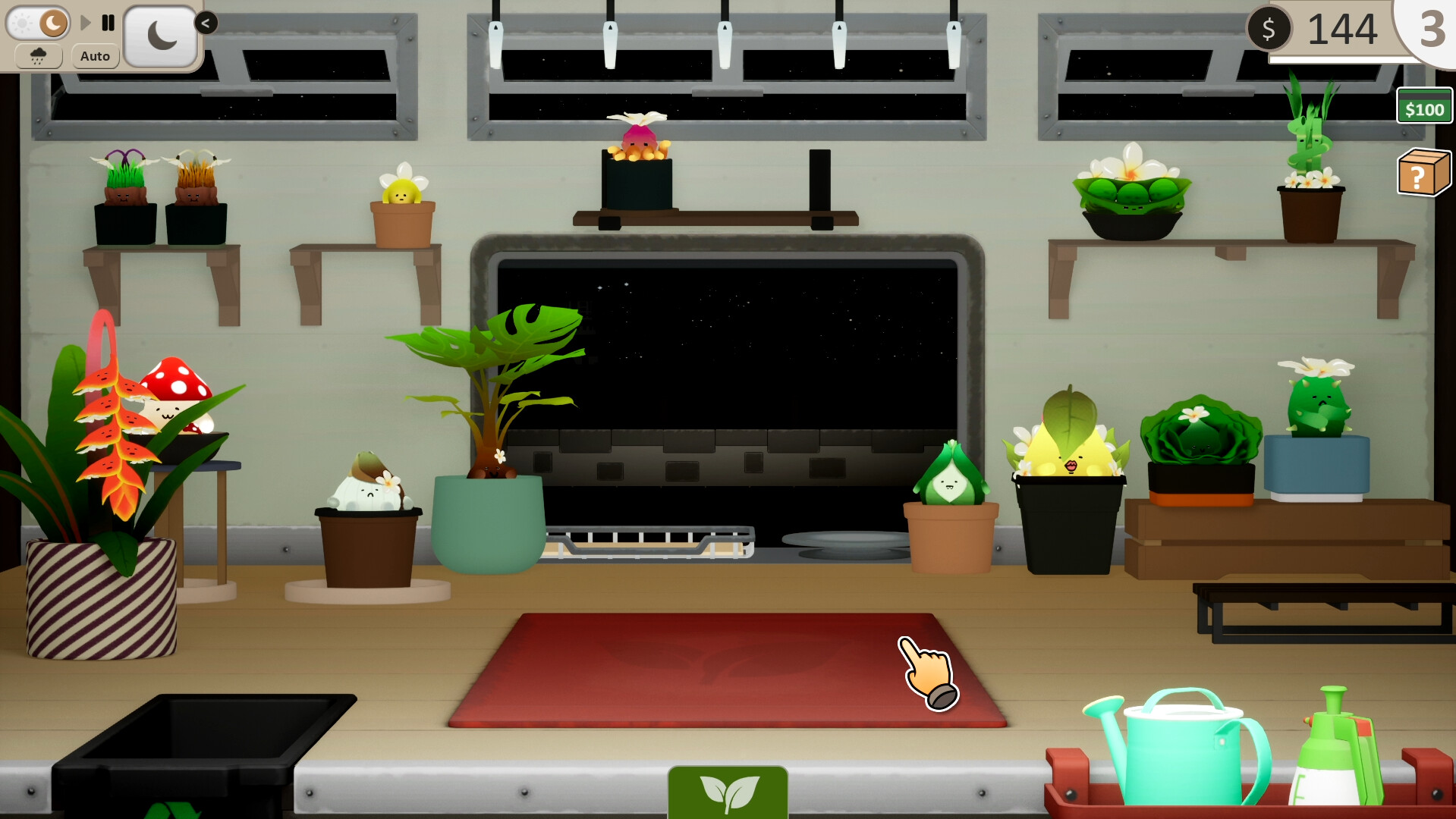
Grow On The Go combines plant care with shop management: nurture plants by watering and tending them, photograph your collection, then sell them to customers. Build your workshop, unlock new locations through exploration, and level up to customize your rewards. It's a relaxed sim for players who want low-pressure plant care without the real-world commitment.
About this game
Care for your leafy friends in this cosy plant care sim and explore new locations from the comfort of your store window. Design your dream workshop and find the best companions for each of your pals.
Players, last 62 days
Peak 0 · Low 0
Daily peak concurrent players, sampled once a night from Steam.
What players are saying
▲ Recommended1 hrs
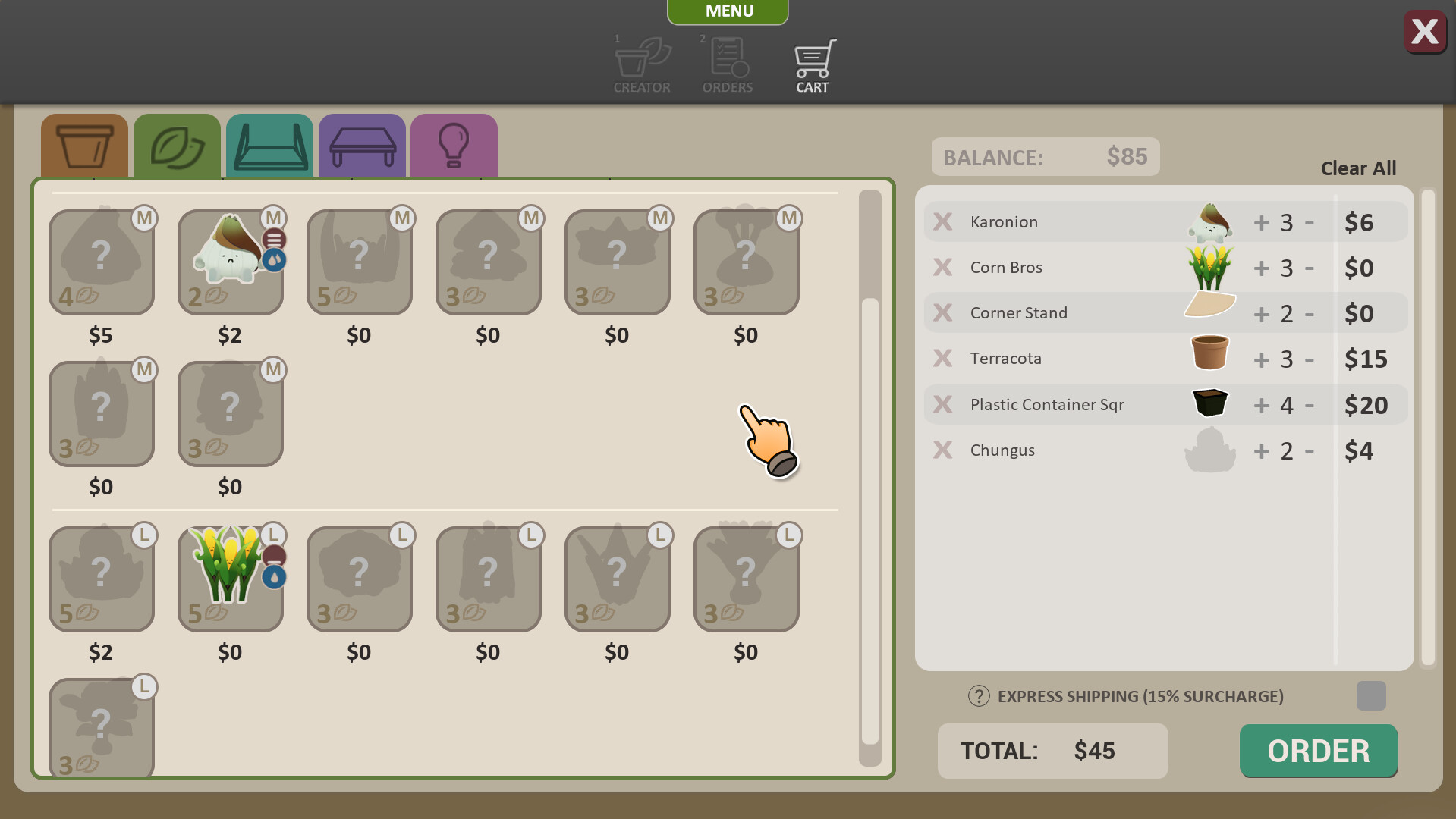
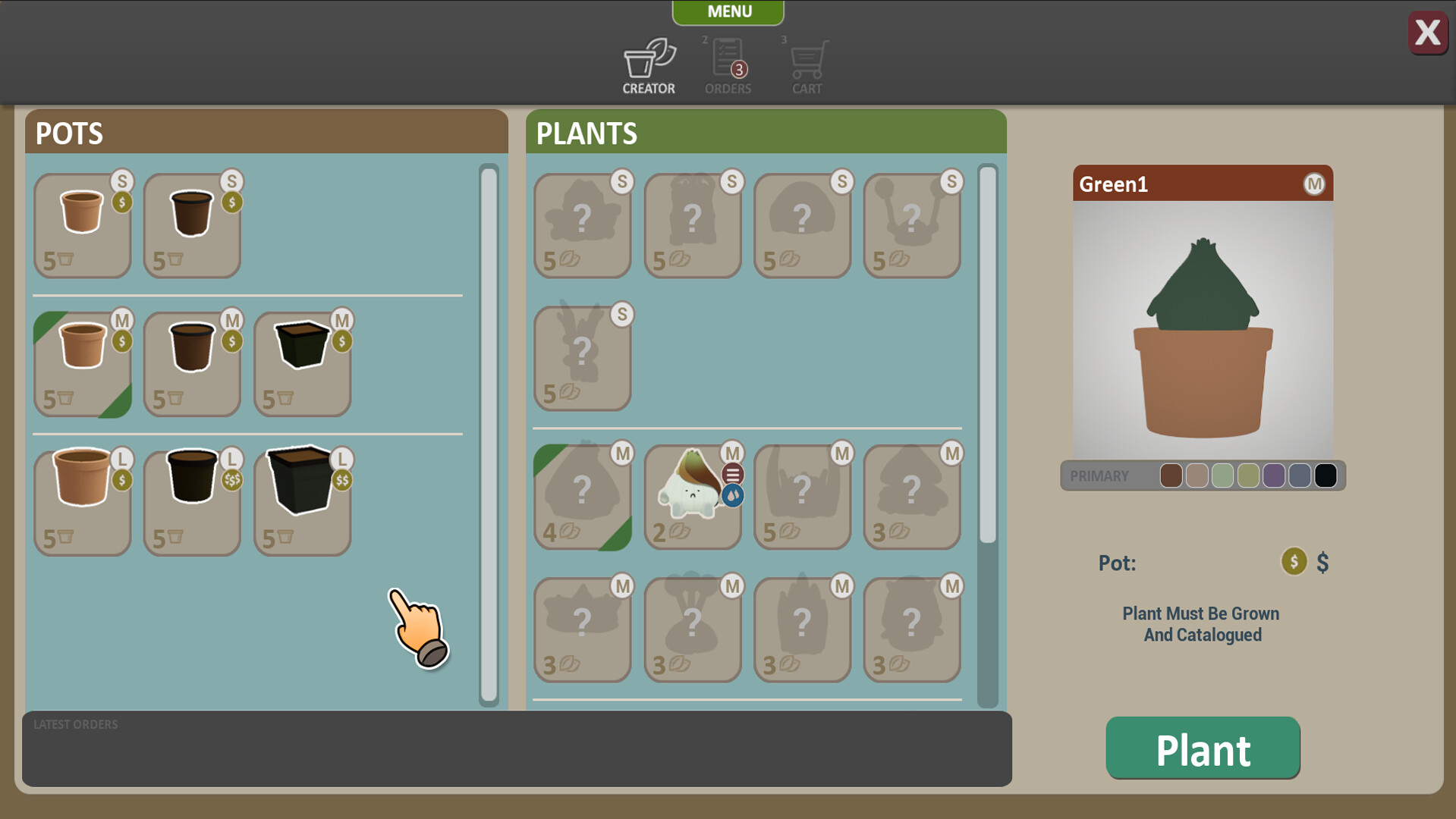
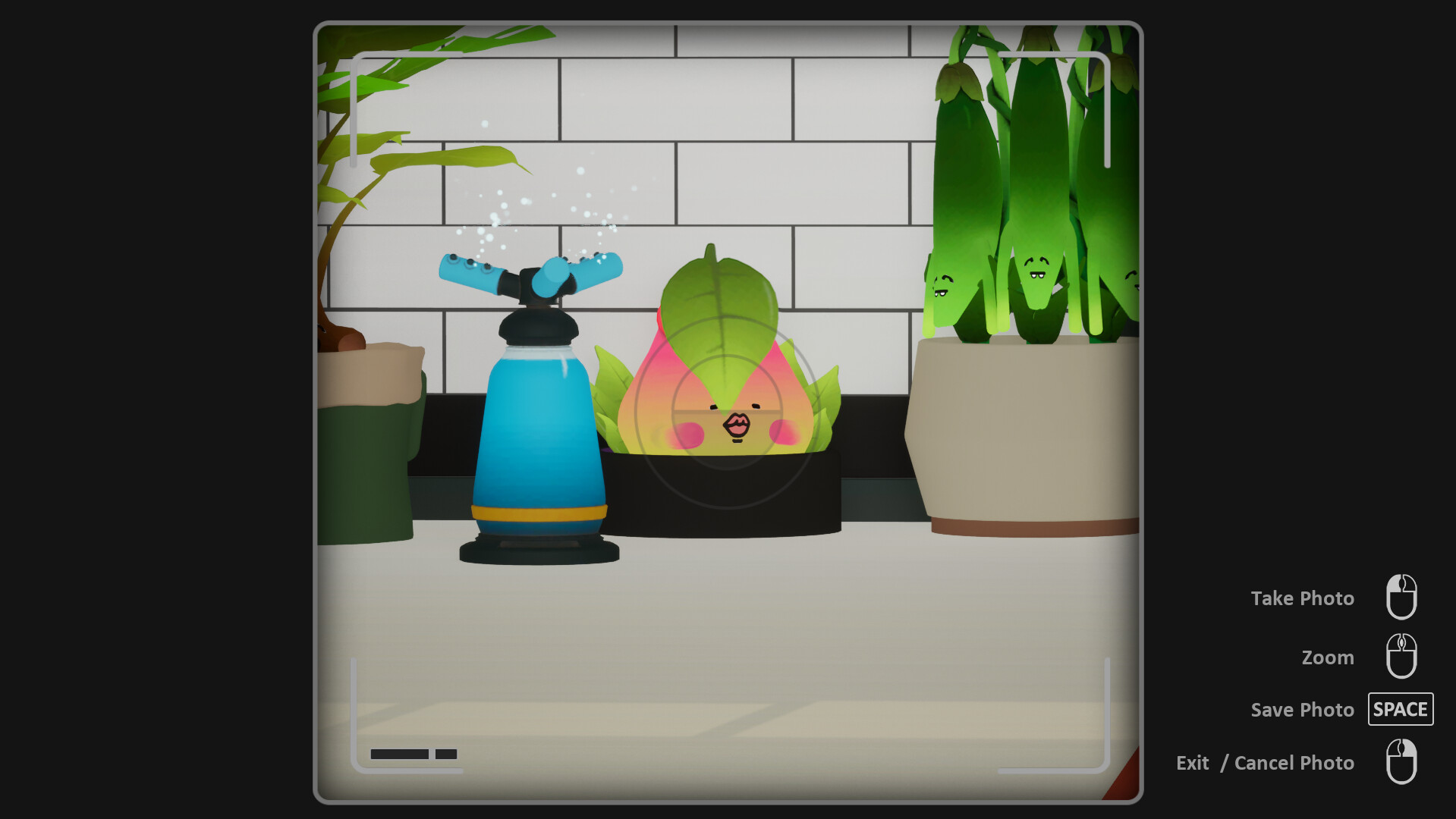
This is a cute time killer game. You grow plants first and place them in your shop. You have to water them as well or they will die. You take pictures of your new plants. After that then you can take orders and tag them for sale. I wish the game told me that from the start. You level up and choose your rewards and can move to new /areas using your map. I hope to see some trading cards in the future. Over all for the price this is a good game.
This game has amazing potential. However, right now the controls are tedious. Even with a mouse and keyboard, the pointing finger is a pain to maneuver. Getting it in JUST the right spot to work every aspect of the game diminishes the value the game has. I thought maybe it was just the Steam Deck, so I installed it onto my PC, and the issue persisted. I really want to love this game, but this is such a major flaw that I don't even want to play because of it. Hopefully there is a patch in the future that addresses this issue.
If you enjoy buying plants from Bunnings and killing them, well now you can kill them in a game too and feel just as guilty :') In all seriousness though, I've been wanting a game like this for a while. Definitely hits the plant itch and the little itty bitty plants are adorable asf.
You've asked and we've listened, Grow on the Go can now come with you on the go thanks to it's new Steam Deck compatability! In order to run Grow On The Go you will need to go to Settings>Manage>Compatability and check "Force the use of a specific Steam Play compatability tool" (In the dropdown the Proton version is irrelevant) =============================================================================== -We're still working on the watering icons not sitting next to the plants, it seems to be a resolution issue. In standard 1920x1080 it all works but with different resolutions the icon either comes in higher or lower than intended. On the steamDeck you will find the icons above the plants. -For now we have also added resolution settings to the Settings menu to test out different resolutions
The aim of the game in this update was to improve performance. Unfortunately the issue with a slow mouse cursor seems to be isolated to a random few and the results haven't been replicated in our tests. However we have gone through and performed a number of optimisations to help with performance in the hopes of increasing responsiveness on all machines. -Capped FPS at 60, more powerful machines may be running away with the frames and burning themselves out -Removed Unreal's Lumen lighting as not being used anyway -Disabled Nanite as also not being used Internal testing saw a 40% performance boost in the GPU with these changes
Thankyou all for the initial reception of Grow On The Go, we have collated and addressed a number of issues found prior to release. Quality of Life Updates ============================================================== -Added Notification counter on Main App Button to show current orders -When orders have been accepted a counter is added to the PlantCreator icon -Re arranged Plant Creator window to make it more readable, starting with Sales tags at the top, then Plants, then Pots -Updated tutorial windows to give more direction on flow of gameplay -Show the game Controls at game start for new players (can still be found on pause menu) -Changed Checkboxes to a tick icon to avoid confusion -Now in all App menus the current balance amount is visible top screen right -"Out of Stock" overlay's too complicated for items out of stock, reverted to a simple counter for each item -Out of stock items can be clicked on to add the item to the Supplies order -Renamed "Cart" to "Supplies" to avoid confusion -Added confirmation before unlocking a level instead of clicking to unlock right away -Can now hide the Currency and Level token amounts in the top screen right -Added a temperature display per level to indicate the climate and what plants will suit -Can no click and hover over multiple plants to water all continuously -In the shopping cart, split out "S/M/L" items for pots that have differing sizes Bug Fixes ============================================================== -Stopped players from being able to go into negative Level Tokens -When pausing with the camera view active, could no longer exit camera view -Watering can consumed input if a menu was opened right away, fixed -If a construction item failed to place and the mouse was over a plant then the construction mode is disabled and player left with an item attached to the mouse - "+/-" buttons on shopping cart items was no longer adding/removing from the final amount -Sometimes removing an item from the cart wouldn't rem...
Posts come from Steam's official announcements feed.