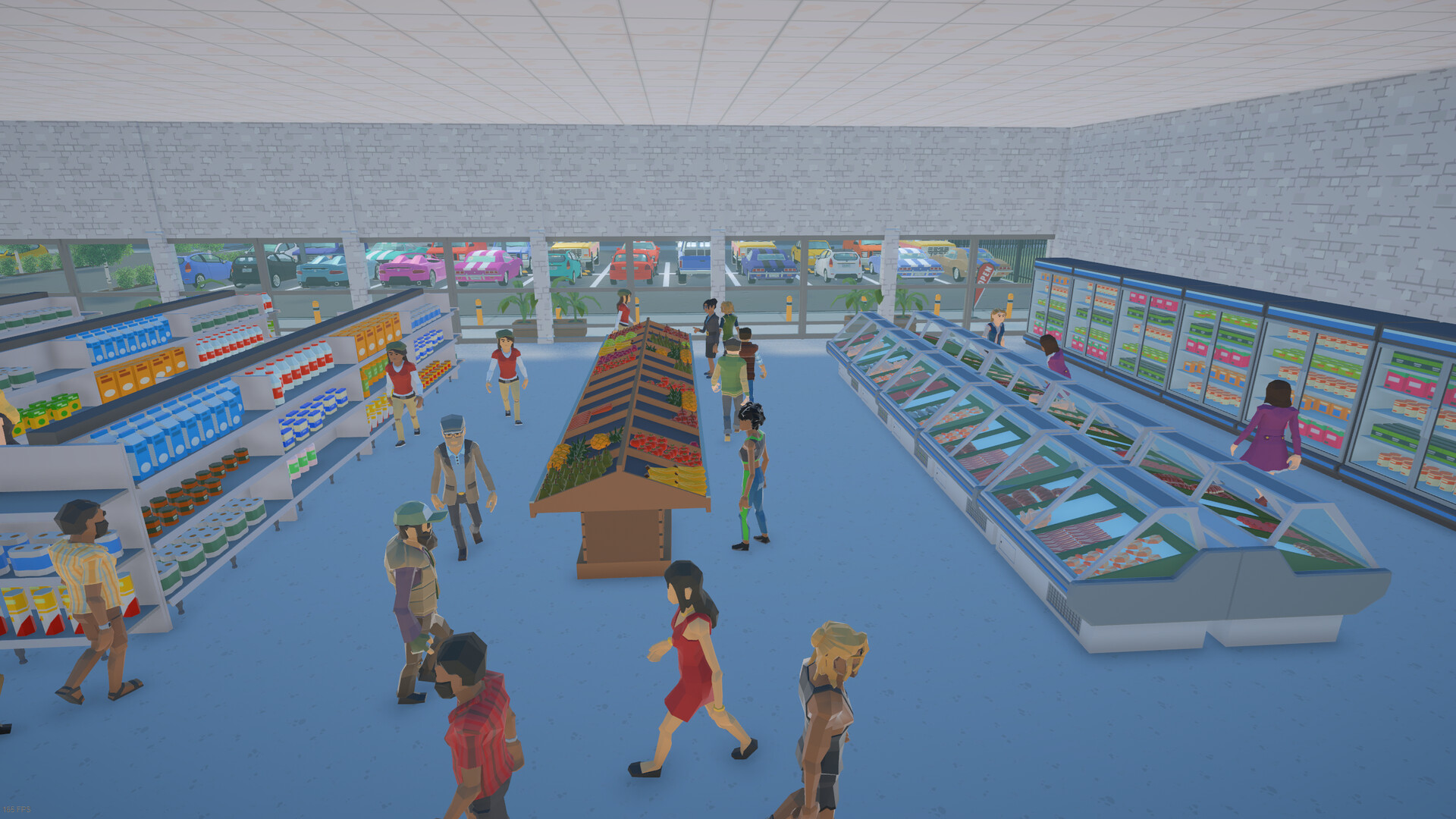
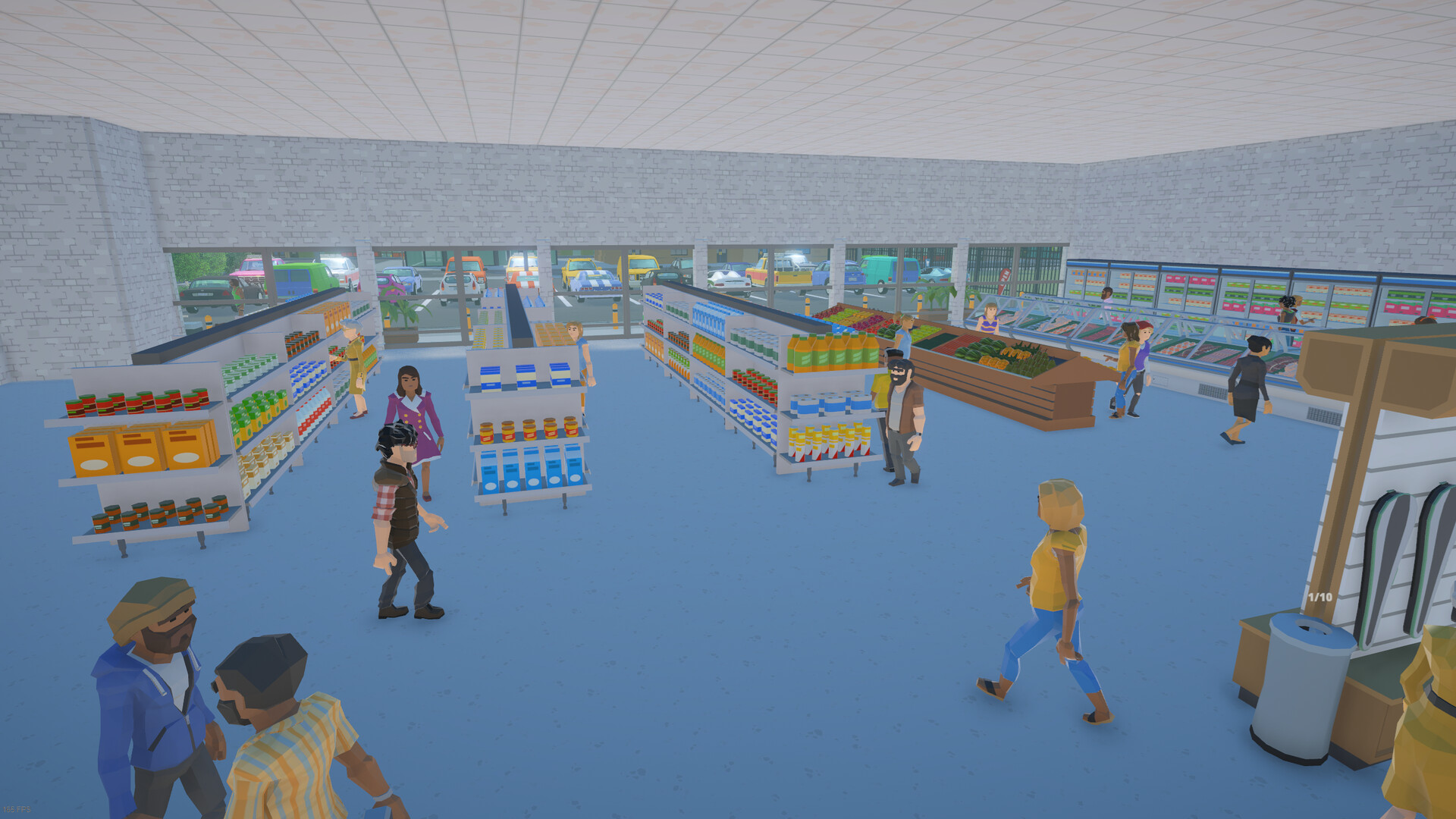


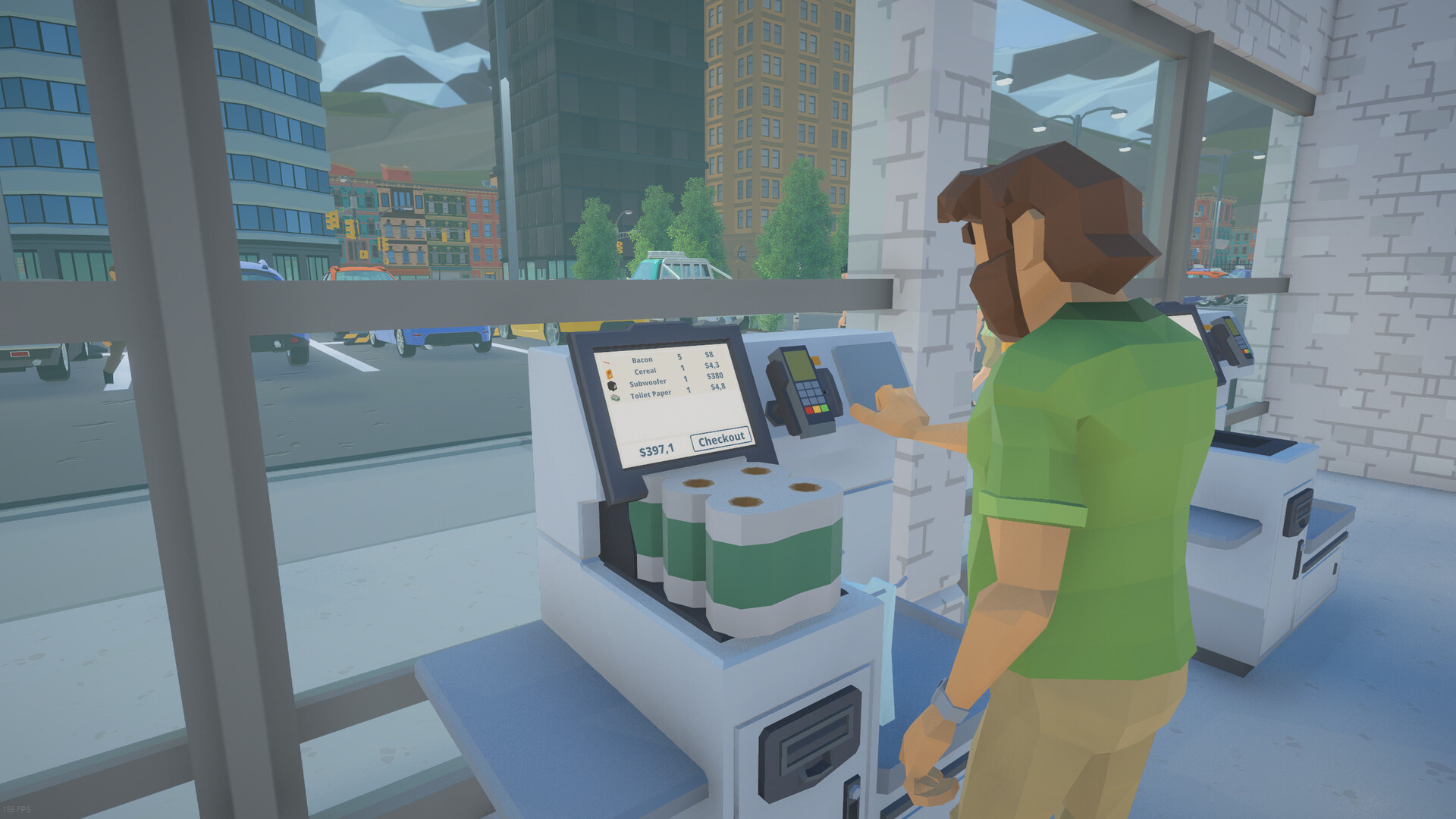
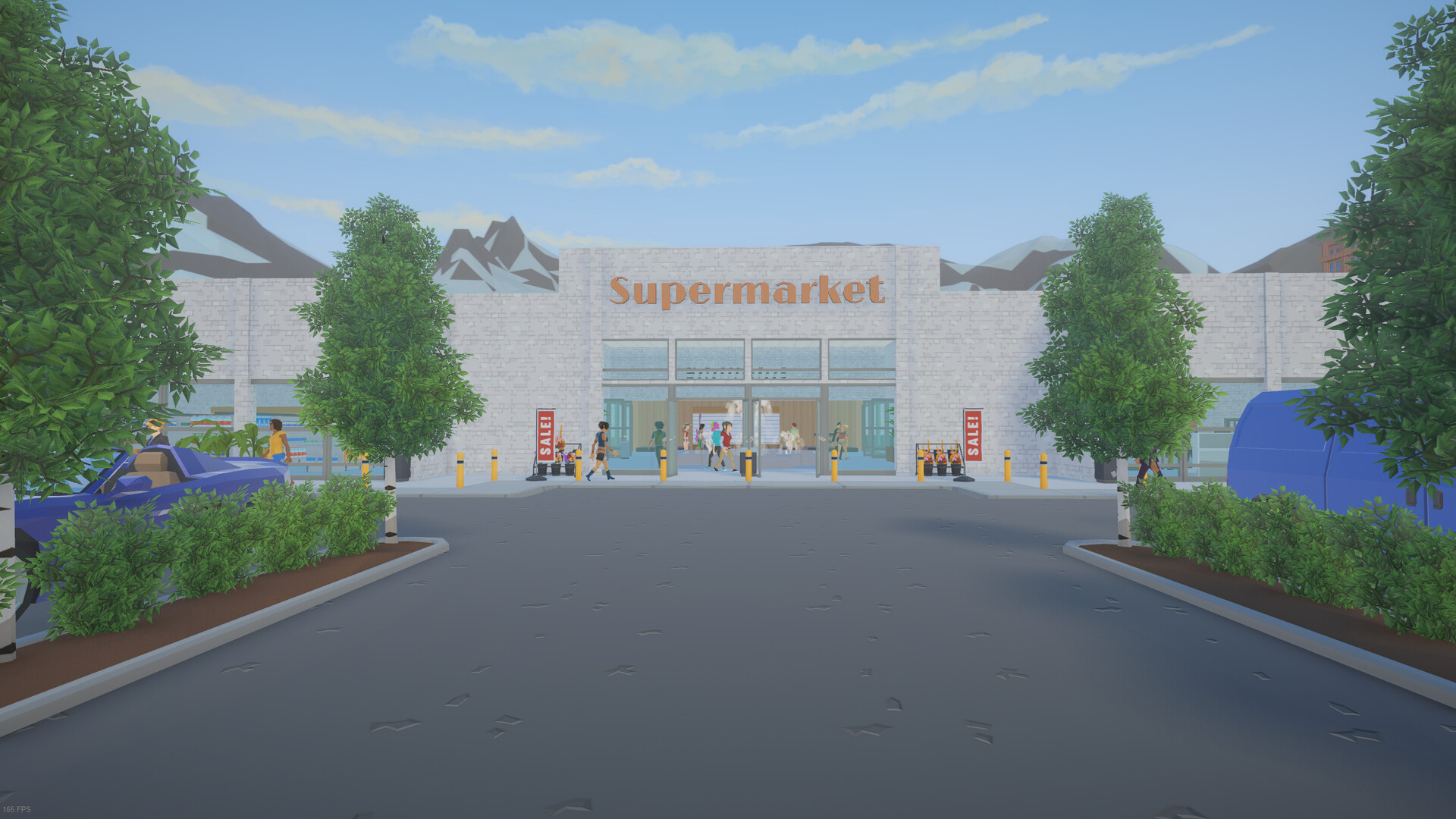

Demo Update | New Products & Deeper Store Management
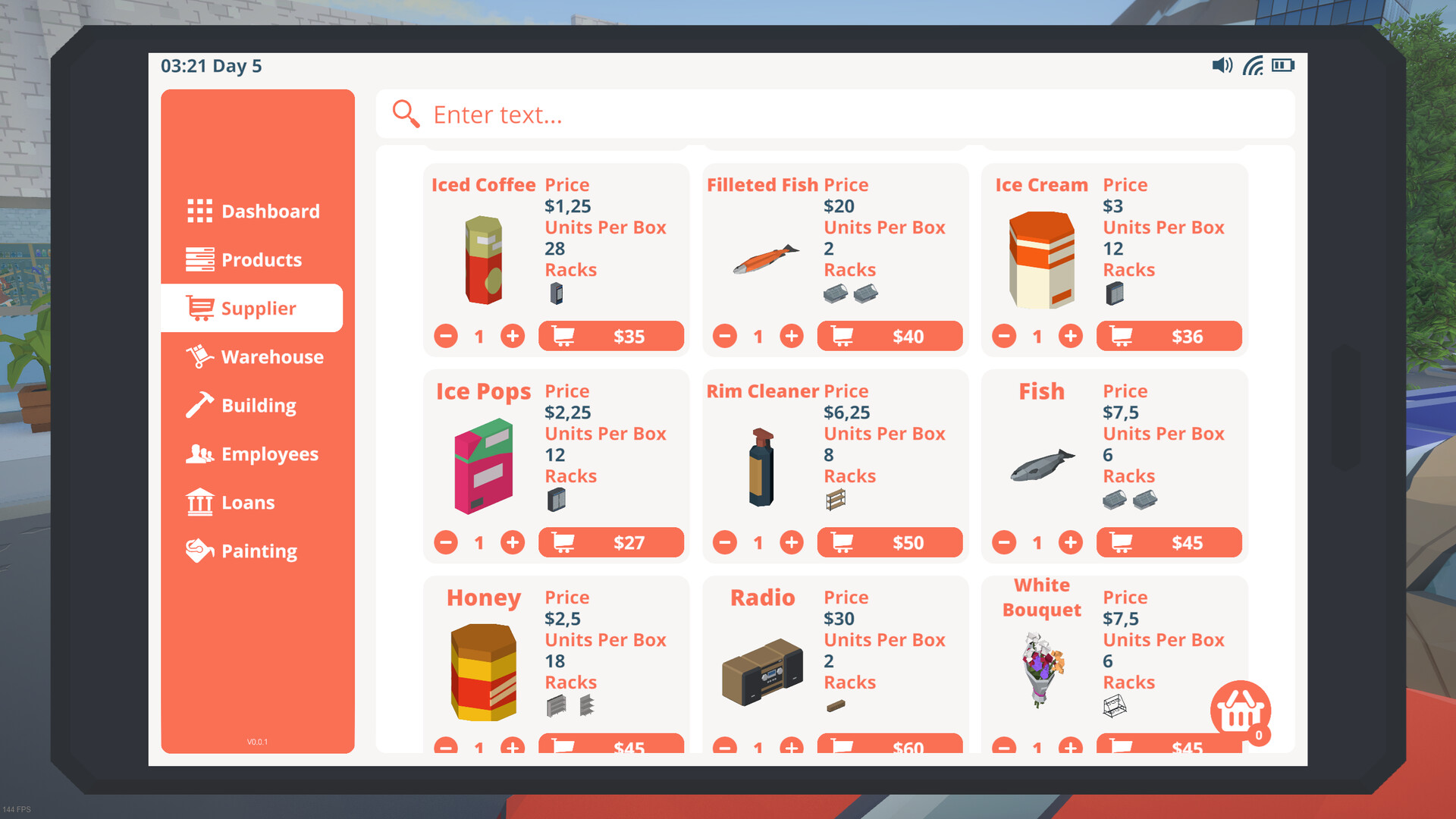
47 days agoWe’ve been busy expanding and improving the demo since the latest update. This patch brings new products, deeper store management, reworked progression, more building options, and improvements across menus, controls, performance, saving, and multiplayer.Here’s what’s new!More products and new ways to progressAdded 24 products to discover and sell, including bakery favourites, kitchen essentials, additional meat products, and everyday groceries.Added a bakery food display and a shelf for the new kitchen products.Reworked product unlocks around department certificates and sales milestones. Complete business goals and sell products to unlock more stock.Certificate screens now show requirements, progress, and product previews, with notifications when certificates unlock.Increased starting funds for new games from $1,500 to $3,500.Added an objective after Grand Opening to guide your next investment.Daily market conditions and store planningAdded daily market conditions that affect customer demand, supplier costs, and other trading conditions.Added an Operations planner to help track shortages, restock targets, demand changes, supplier costs, and cooling risks.Added bulk editing for stock targets, with quantities entered in units or boxes.Improved product profit information, supplier cart totals, and loading-zone capacity feedback.Cooling and spoilageAdded cooling and spoilage for boxed perishable stock. Store these products in suitable conditions to keep them usable.Added three cooling units, available from level 3, with room, range, and capacity requirements.Hot days make uncooled stock spoil faster, while freezing conditions pause spoilage.Added cooling requirements, spoilage warnings, cooled-room feedback, and tutorial guidance.Restockers can prioritize chilled or urgent stock, prefer suitable cooled storage, and optionally remove spoiled warehouse boxes.Added Gameplay settings for market conditions and cooling/spoilage.More building optionsAdded a wall light, ceiling...