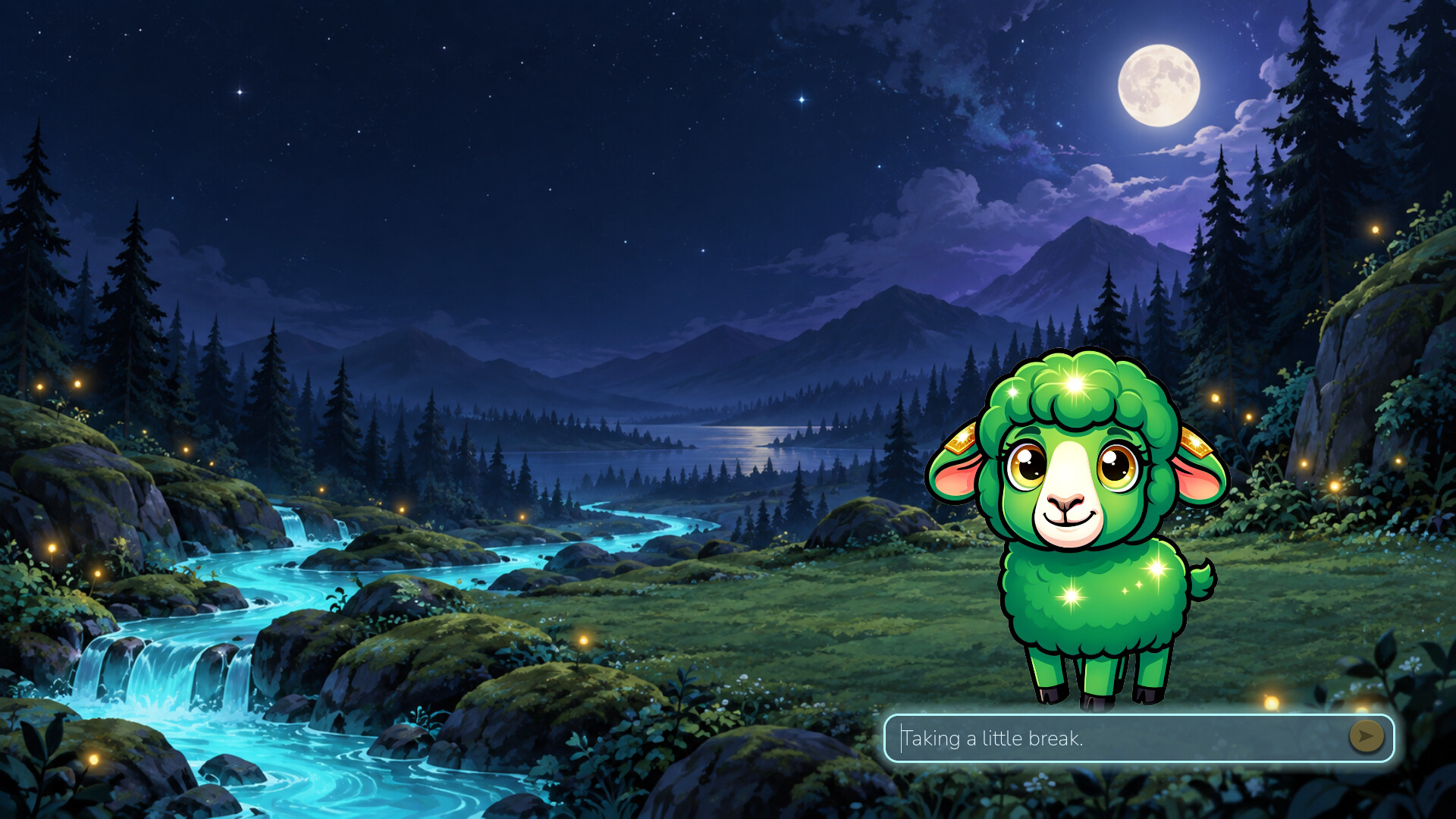
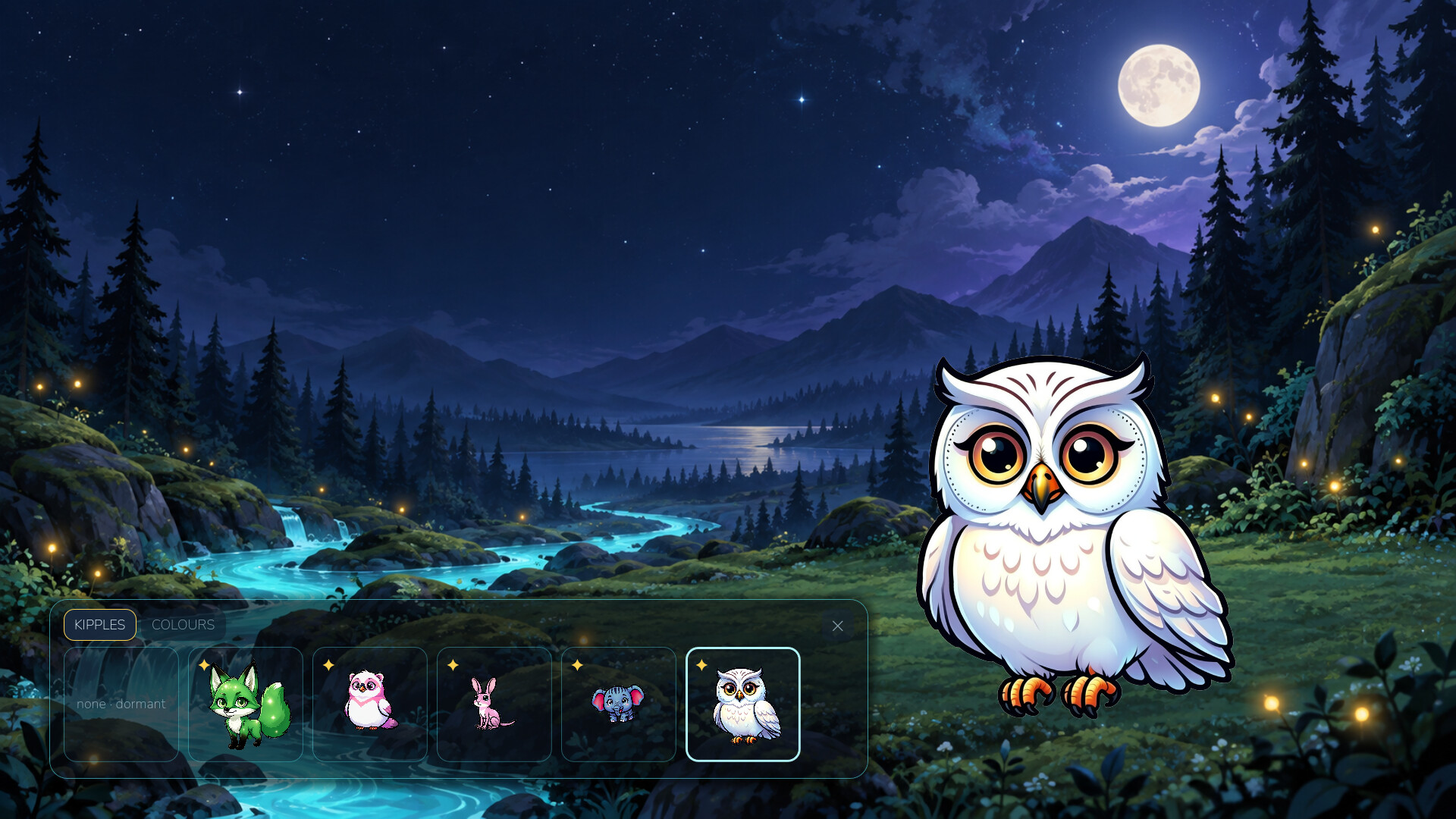
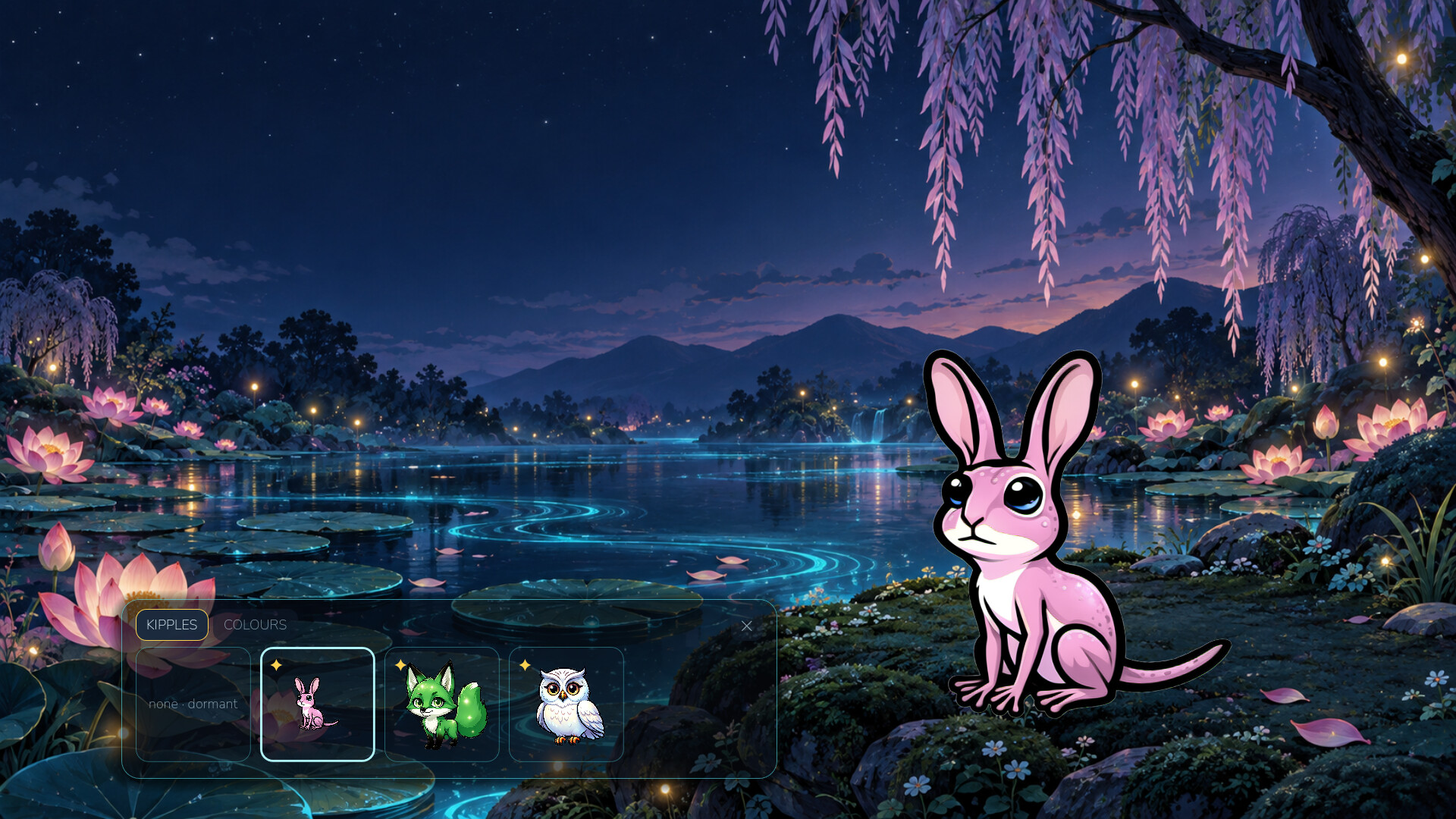
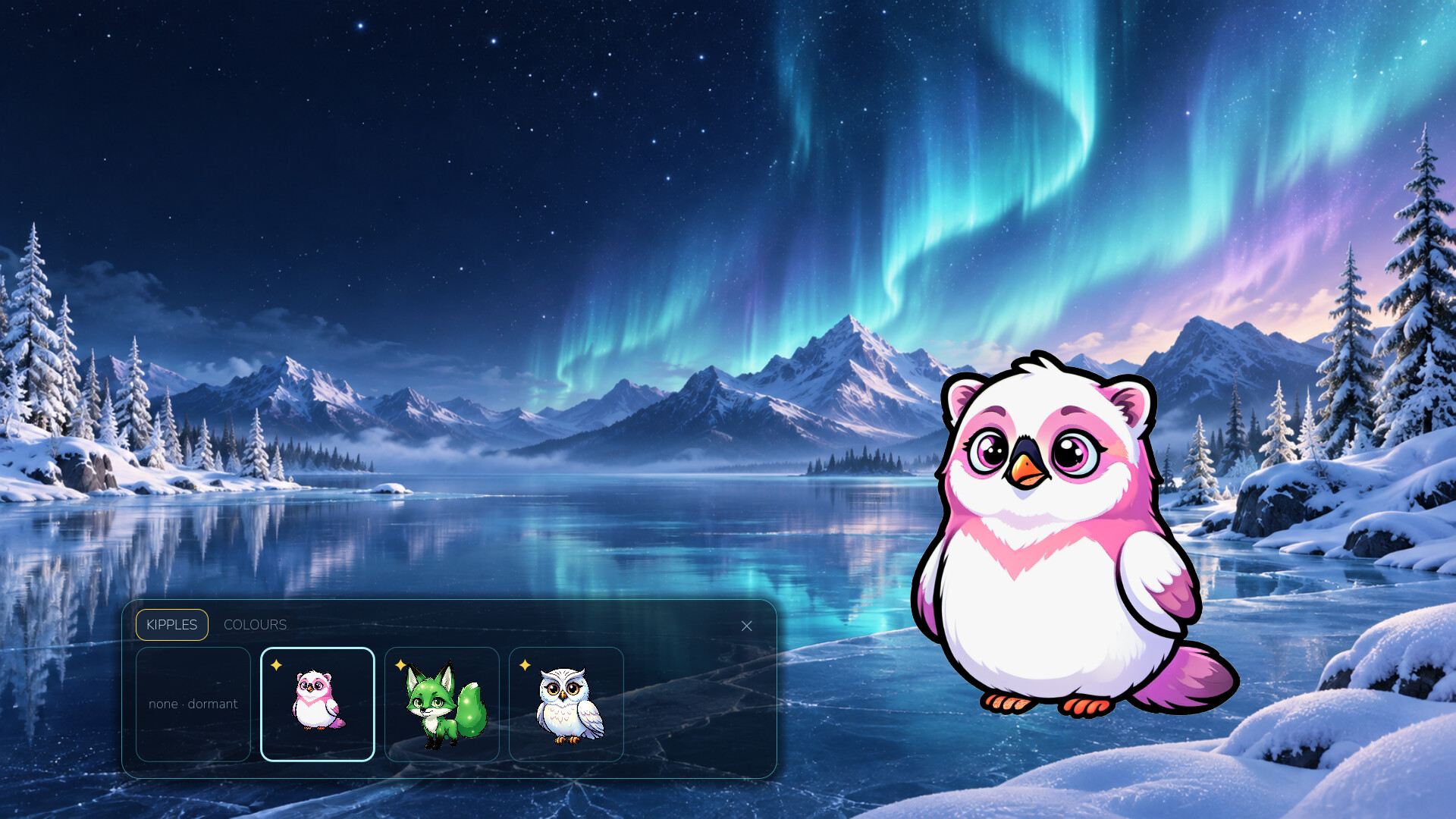
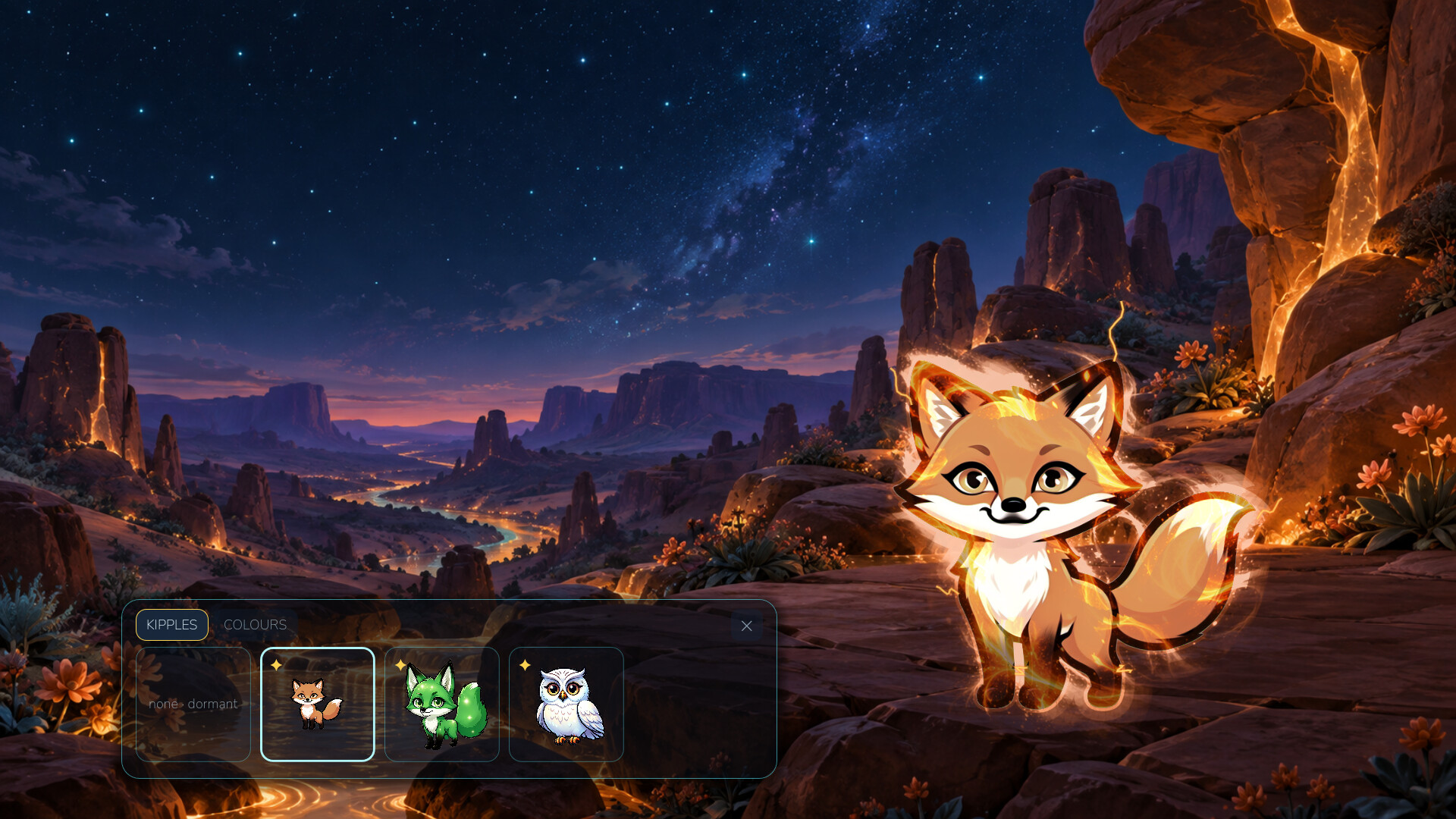
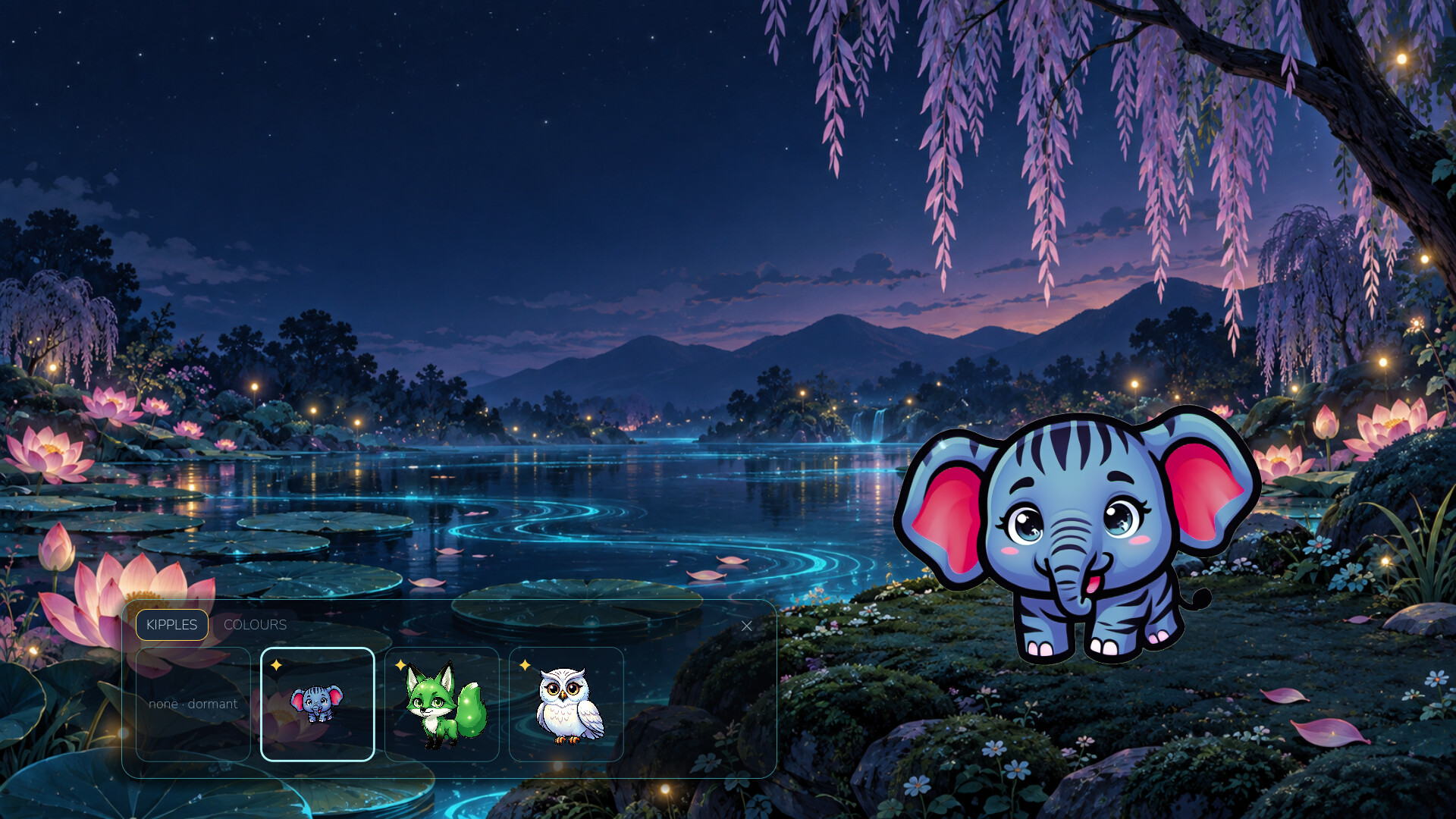
Kipple lets you spawn and nurture small AI companions directly on your desktop, each with procedurally generated traits, auras, and personalities that persist across sessions. You'll chat with these creatures, watch them develop memories, and trade desirable specimens on the Steam Market while collecting animated inventory cards. It's ideal for players who want a low-friction social experience blended into their everyday computing.
About this game
Your PC can dream a little companion. Chat with and collect Kipples that live on your Windows desktop. Discover unusual hybrids, elemental auras and animated Steam inventory cards, with local AI dialogue and memories. Keep your favourites or exchange eligible Kipples on the Steam Community Market.
Players, last 53 days
Peak 3 · Low 0
Daily peak concurrent players, sampled once a night from Steam.
Ten languages Kipple now runs in English, Simplified Chinese, Russian, Spanish, Brazilian Portuguese, German, Japanese, French, Korean and Polish. Menus, panels, tips and your Kipple's own lines follow the language you pick. Your Kipple chats in it too Talk to your Kipple and it answers in the language you picked. Reminders and the things it remembers about you, like your name, work in all ten languages, and so does the chat filter. How to switch Hold your Kipple to open the menu, choose Looks, then pick your language under LANGUAGE. Each button is written in its own language, so you can find yours whatever is on screen. The switch is instant, and Kipple keeps your choice. Good to know Kipple names, paint names and Steam item names stay in English for now. The translations are new. If a line reads oddly, tell us at support@kipplegame.com or in the Steam discussions: the line, your language and what it should say. Your Kipples, Dreams and items do not change. Update to b182 Please let Steam update the game to b182. Thank you for dreaming with us.
Eight new creatures From today, eight more creatures can appear when you dream a Kipple: Common: Beaver, Cobra, Moose, Narwhal and Turkey Rare: Barn Owl, Triceratops and Vulture That takes the creatures a new Kipple can be from 119 to 127. The odds of each rarity are the same as before: only the choice of creature got wider. How a creature gets in A creature only joins when its paintings can be told apart from its relatives. A moose has to look like a moose, not a deer, and a cobra like a cobra, not just a snake. So every candidate is painted eight times by the same painter that runs on your PC, and each painting is named in a blind test: no hints, no list to choose from. A creature needs at least six of its eight paintings named correctly, and then it has to pass the same check the game uses on every Kipple before you see it. Fourteen creatures were tested this round. These eight made it. The other six stay out for now: the chameleon, for one, kept being painted without its hind legs. Update to b181 Each new creature comes with its own set of reference drawings, which the painter looks at while it paints. They ship inside this update, so please let Steam update the game to b181. Your existing Kipples do not change in any way. Also new since the last notes The Kipple icon shows everywhere (b180): while your Kipple is on the desktop, the taskbar, Alt-Tab and Discord now show the Kipple icon instead of a blank one. Thank you Which creature should we test next? Tell us at support@kipplegame.com or in the Steam discussions. Thank you for dreaming with us.
What changed Some Kipples never sit still. Glitch Kipples flicker, slicing and splitting their colours, and elemental Kipples glow with fire, lightning, frost or stone. That is part of their charm, but it isn't comfortable for everyone to have it moving at the edge of the screen all day. b179 adds two switches under Looks → Accessibility, just below Reduce Motion: Disable FX: a Glitch Kipple stops flickering. It keeps its glitched aura. Disable Aura: hides the auras on your Kipple: fire, electric, ice and earth, and the Glitch aura too. Turn both on for a completely calm Kipple. Both are off unless you switch them on, they work straight away, and the game remembers them. What stays the same These switches only change what you see on your own desktop. Your Kipple is still the same Kipple: its rarity, its element and its Steam card don't change, and anyone who looks at your inventory or the Market still sees the card with its aura. Thank you If anything else on screen is hard on the eyes, please tell us at support@kipplegame.com or in the Steam discussions. Thank you for dreaming with us.
Posts come from Steam's official announcements feed.