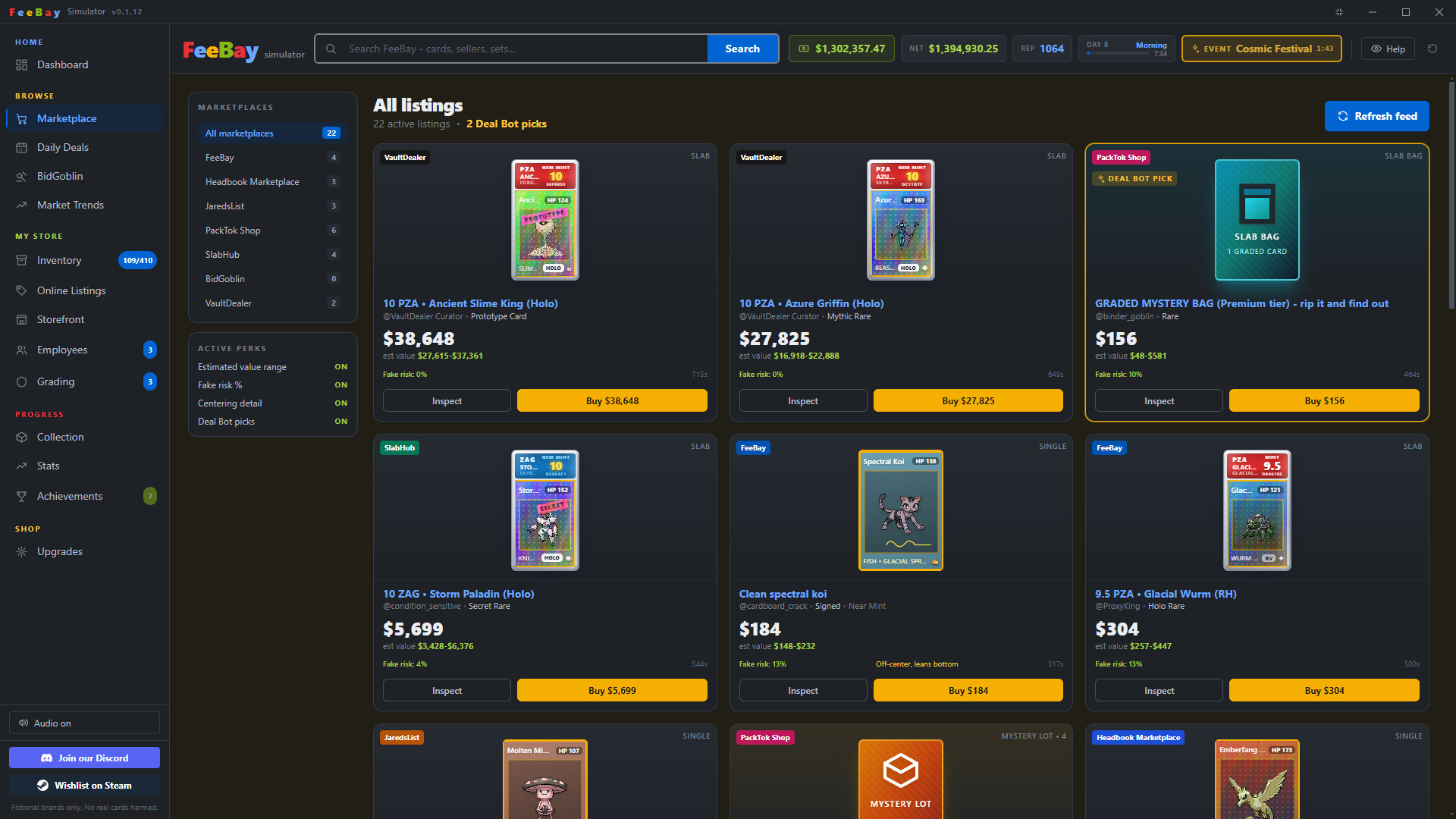
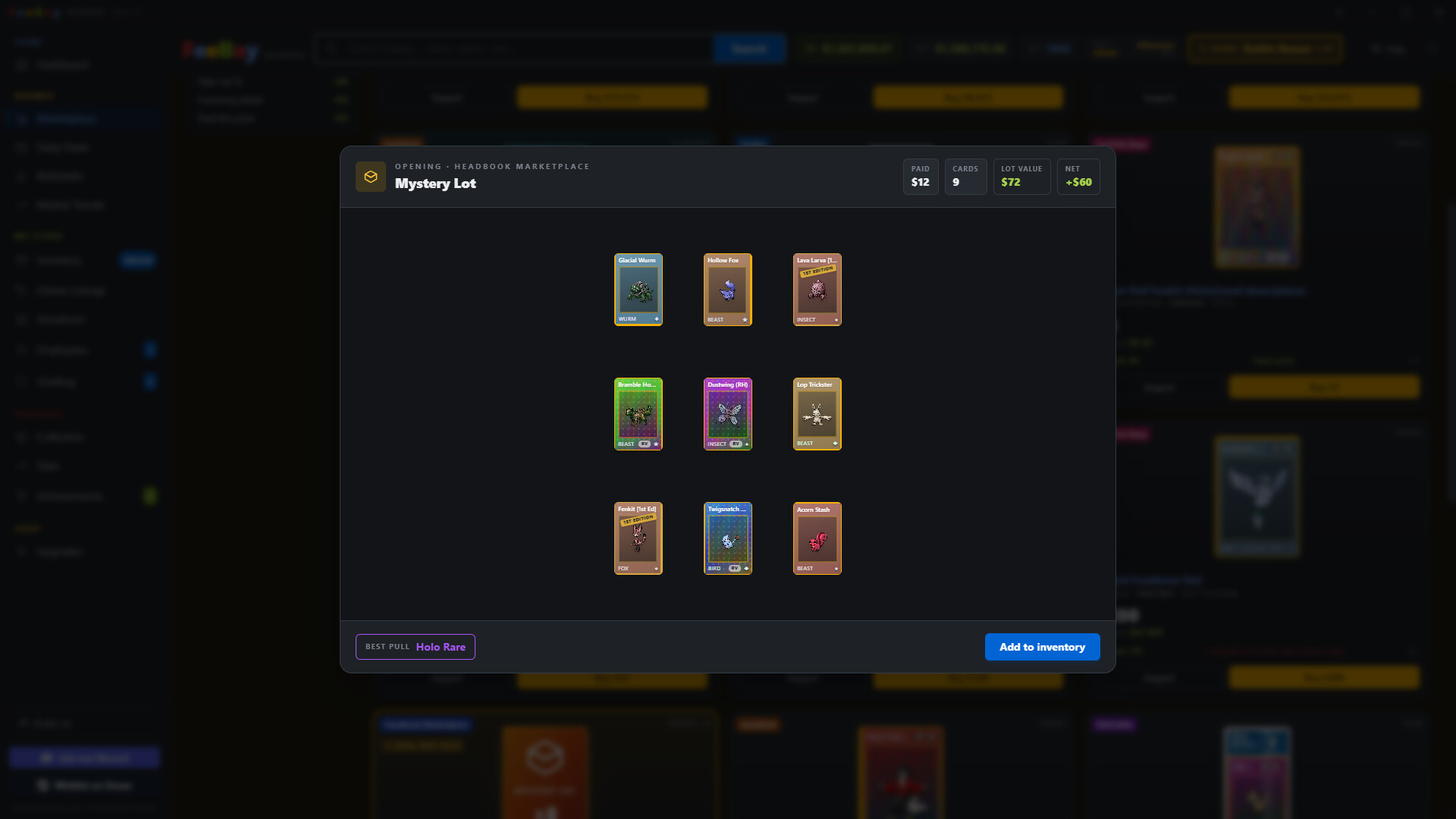
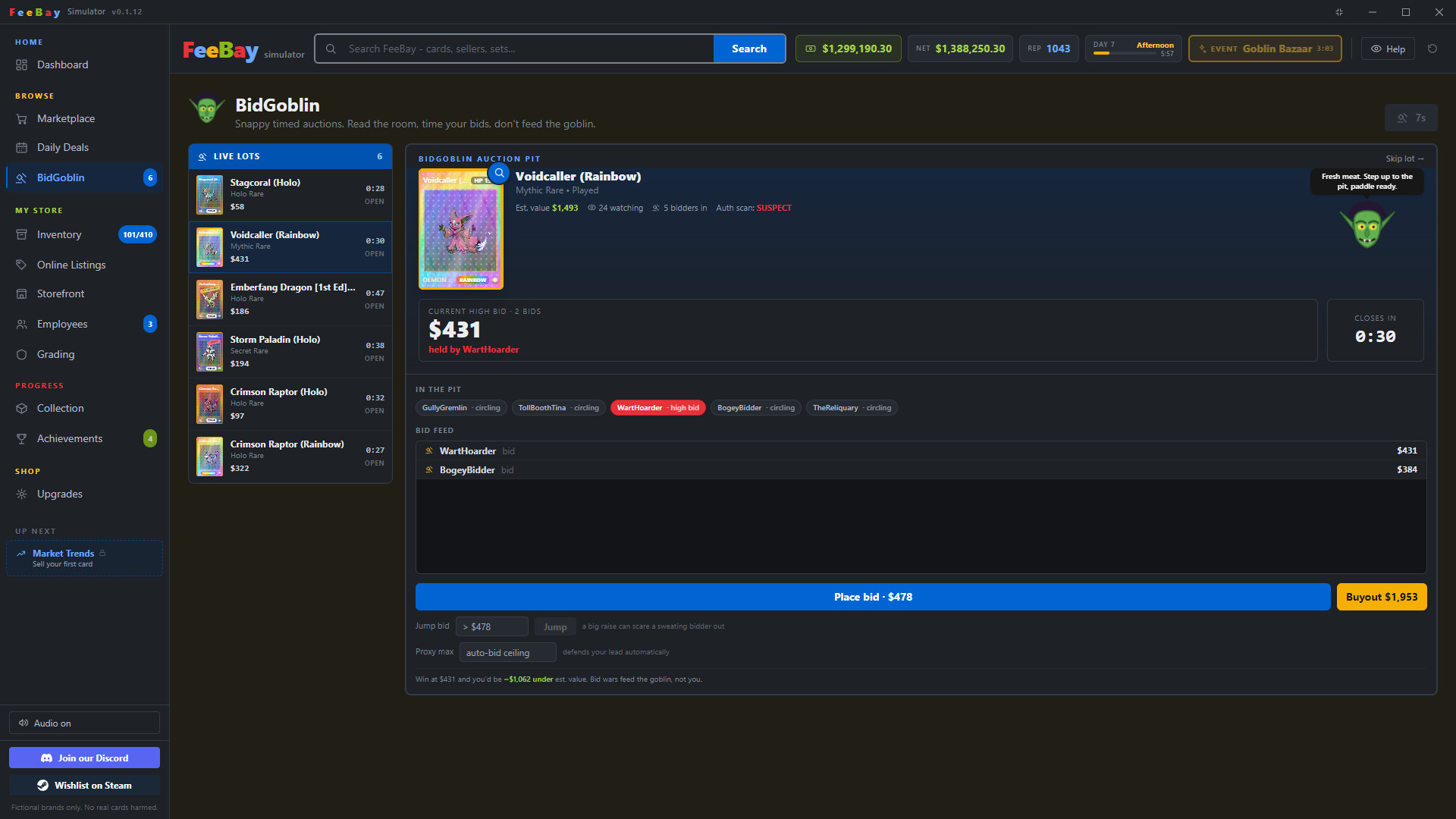
FeeBay Simulator lets you buy and flip trading cards at profit, starting by sniping underpriced listings before grading premium pulls and opening mystery lots. You'll gradually expand into running your own storefront, building a reselling operation through sharp marketplace timing and inventory management. The game appeals to anyone who enjoys tycoon mechanics, marketplace economics, or the comedic absurdity of online reselling culture.
About this game
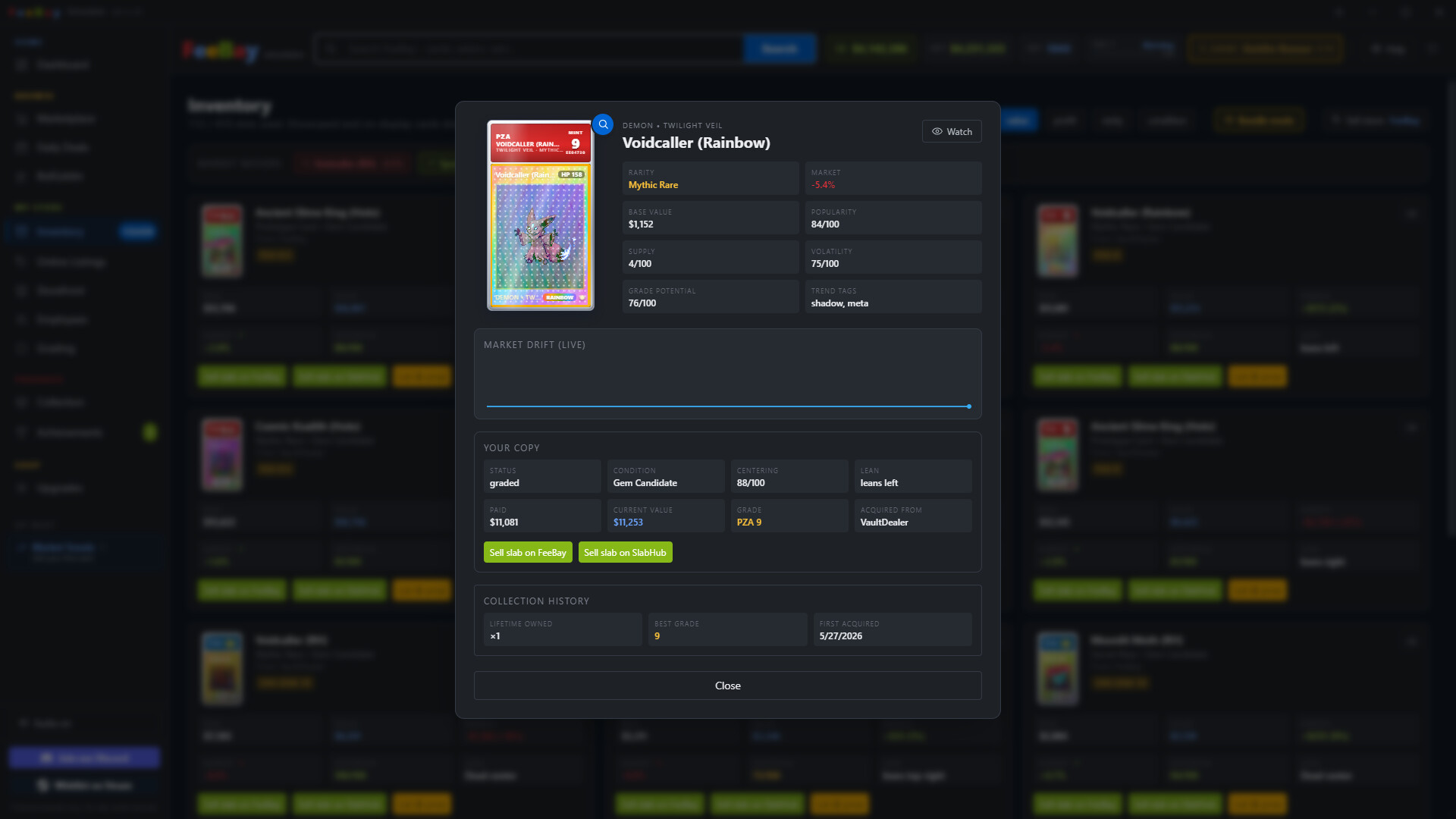
Flip fake trading cards for real profit in FeeBay Simulator, a comedic marketplace tycoon game. Snipe underpriced cards from clueless and scammy sellers, grade your best pulls, crack open mystery lots, and run your own storefront to build a reselling empire.
Players, last 61 days
Peak 49 · Low 7
Daily peak concurrent players, sampled once a night from Steam.
What players are saying
▲ Recommended0 hrs
My hours are only the ones on steam on itch.io i had 20+.
FUn little game. Very active dev. 6.15 Euros. What more do u want? Get it, now.
I’ve played a lot of card pack opening games, and this one stands out as one of the most enjoyable and feature-packed experiences available. The excitement of opening packs never gets old, thanks to the huge variety of cards, rare collectibles, and satisfying animations that make every pack feel rewarding.
What really makes the game shine is the number of features it offers beyond simply opening packs. There are collection challenges,achievements, daily deals, special events, and progression mechanics that keep players engaged for hours. The game constantly gives you goals to work toward, making every session feel meaningful.
The user interface is clean and easy to navigate, while the graphics and sound effects add to the excitement of discovering new cards. Whether you're a casual player looking for a fun collecting experience or a dedicated completionist trying to obtain every card, there is something here for everyone.
The developer has clearly put a lot of effort into keeping the game fresh with regular updates, new content, and community-focused features. Overall, this is an excellent card pack opening game that perfectly combines the thrill of collecting with a wide range of engaging gameplay mechanics. I highly recommend it to anyone who enjoys card collecting, progression systems, and the excitement of chasing rare finds.
v0.3.0 - Underground Update Restoration Workshop New Underground tab unlocks at Business Level 3. Restore raw cards with three mini-games: Clean, Press, and Polish. Clean wipes off dust and fingerprints for a small, safe condition boost. Press works out creases and warping for a bigger boost, but a bad attempt can damage the card further. Polish buffs the holo shine on already-decent cards. Each card has a lifetime cap on how much restoration can improve its condition. New achievements for your first restoration, a restoration milestone, and damaging a card with a bad press. Underground now opens with tabs across the top for each activity, so you can switch between them in one click. Print Shop New Underground activity for forging counterfeit copies of a card from your inventory. Buy a Printer and Cutter, then keep ink and paper stocked to run the forge. Pick a card to use as a template, then run it through Color, Print, and Cut. Each step is a timing mini-game that gets tougher as you go, and any failed step busts the whole attempt and wastes the materials. The original card stays in your inventory afterward, but there is a small chance it comes out damaged. A clean run produces a small sheet of counterfeit copies. New achievements for your first forgery, a forging milestone, and busting an attempt. Rip & Ship New Underground activity, and now the tab Underground opens to by default. An illegal livestream storefront - hire Developers, Stockers, and Streamers to run it automatically, same idea as your legit Employees. Developers build up site quality over time. Stockers buy into a hidden stock pile that never touches your real inventory. Streamers go live on a timer and pull in viewers - watch the chat update in real time. Each stream pins one real item up for bid at a time - a card or a sealed pack, pulled from your actual card and pack pool, with a live price and countdown. Bidding stays within 20% of the item's real value either way, so prices always feel grounde...
v0.2.22 - Hot Patch Fixes Pack reveals now use a set's custom card back instead of the default FeeBay back. Binder spines no longer show 100% when the binder is not full. They now count every card, including each variant, so the spine matches the pages inside. The master set trophy is only earned when every card in the set is collected. It used to appear when you were a card or two short. The codex percentage only reads 100% when the codex is actually complete. It used to round up near the end. Fixed mods losing recently added images after a restart. A workshop update could quietly replace your newer local copy with the older published one and disconnect the images you had just added. The game now keeps your local copy when it is the same or newer version. Mods already affected by this now reconnect their missing images on their own the next time the mod saves. Firing a grader no longer leaves the card they were working on stuck at the graders forever. The card comes back to your inventory, though the fee is still spent. Cards already stuck at the graders are returned to your inventory the next time you load the save. You can no longer claim a card out of store stock while it is being graded, which was another way to end up with a stuck card. The bid goblin's Place Bid and Buy It Now buttons no longer disappear on a small window. They stay pinned at the bottom of the pit and the bid feed scrolls instead. The buyout button no longer gets squeezed on a narrow window. It wraps under the bid button when there is not enough room. The next lot countdown shows the real number of seconds. It was counting from the wrong clock and could show a huge number even though the next lot arrived on time. Mystery lots, binders and storage units now have their cards decided when the listing appears, and the estimated value is worked out from those exact cards. The estimate is always within 20% of what is really inside. This fixes estimates being wildly wrong with mods enabled. The old ...
v0.2.20 - Binders, Multi Profiles, and QoLs Save Profiles Added save profiles so you can run separate games at once. Your current game becomes the Main Save. Make new vanilla or modded profiles and switch any time to reload into that save. Modded profiles keep their own copy of your mods, so changes on the Main Save never break them. Each profile has its own folder, backups, and exports, all tagged with the profile name so files are easy to tell apart. Profiles are sorted by last played, most recent first. Fixed a tutorial issue on modded profiles. Fixed modded profiles picking up mods you had turned off on the Main Save. Collection Binders Your sets sit on a binder shelf. Click a spine to open the binder and flip or swipe through its pages. Big collections stay smooth since only the open page renders. Modded sets get their own shelves grouped by mod. Sets with a pack use the pack art on the spine and cover, and match the cover color to it. Completing a set shows a master set trophy under its spine. Turn pages with the arrows, space bar, or a swipe, and close with the X or Escape. Closing plays a shut animation. The binder folds to the center and drops away. Custom Binders Build your own binders on a shelf above your sets. Name a binder, pick a color, and upload a cover image, all with a live preview. Set the grid size per page to 2x2, 3x3, or 4x4. Fill pages by clicking an empty pocket and picking a card from a searchable, filterable list. Arrange binders into rows. Drag them between rows and drag whole rows up or down, and it stays saved. Arrange mode lets you add or remove pages, move cards between slots, and swap them. Drag a card over the page arrows to carry it to another page. Cards in a binder do not take up an inventory slot, like showcased cards. The inventory has a binders filter, and each binder card shows which binder it is in. Binders for Modders Customize each set's binder from the Sets tab. Upload an image, reuse the pack art, or use a plain color. S...
Posts come from Steam's official announcements feed.