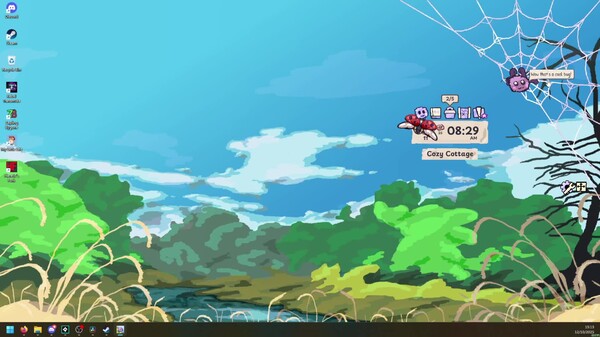
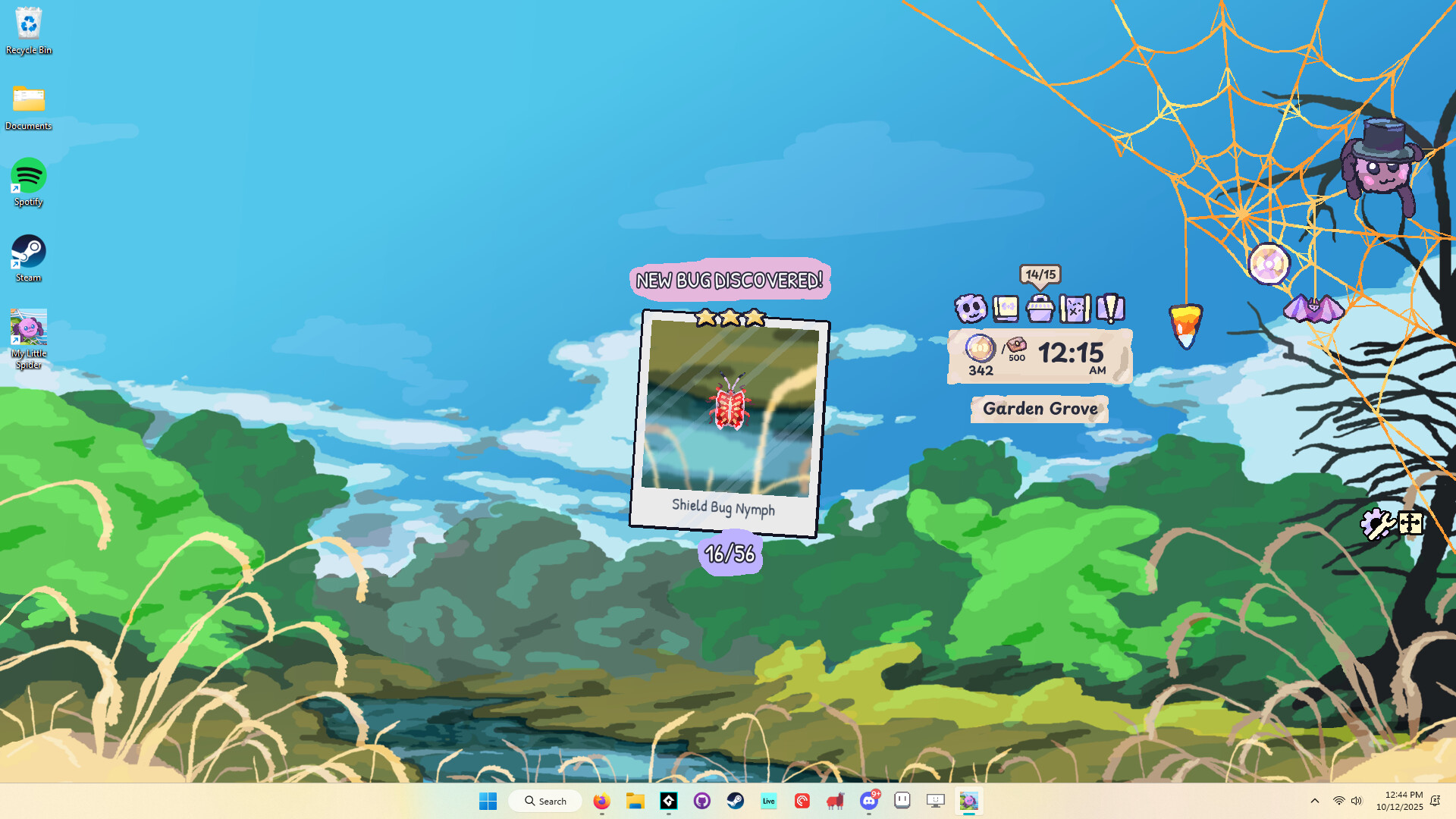
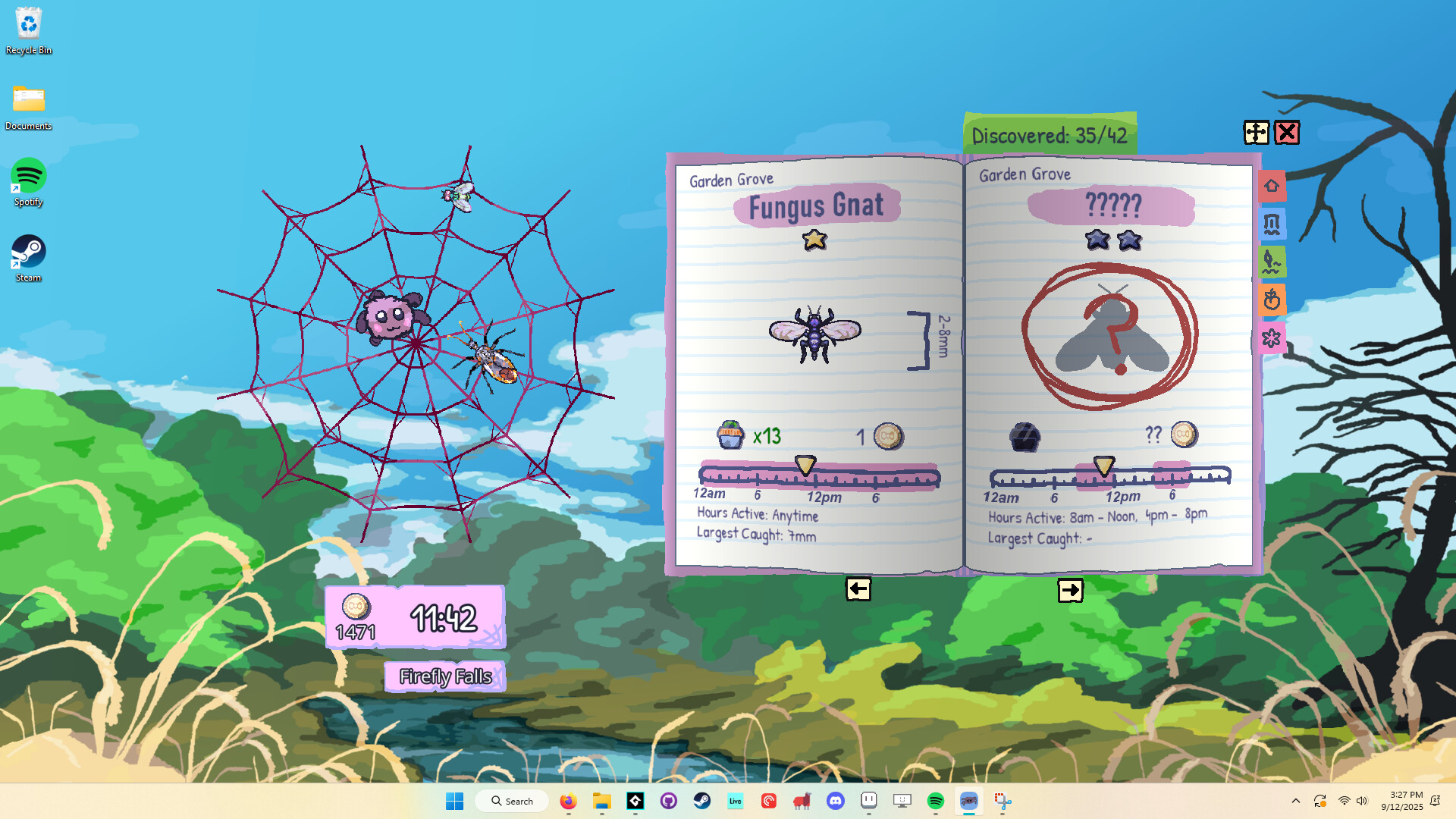
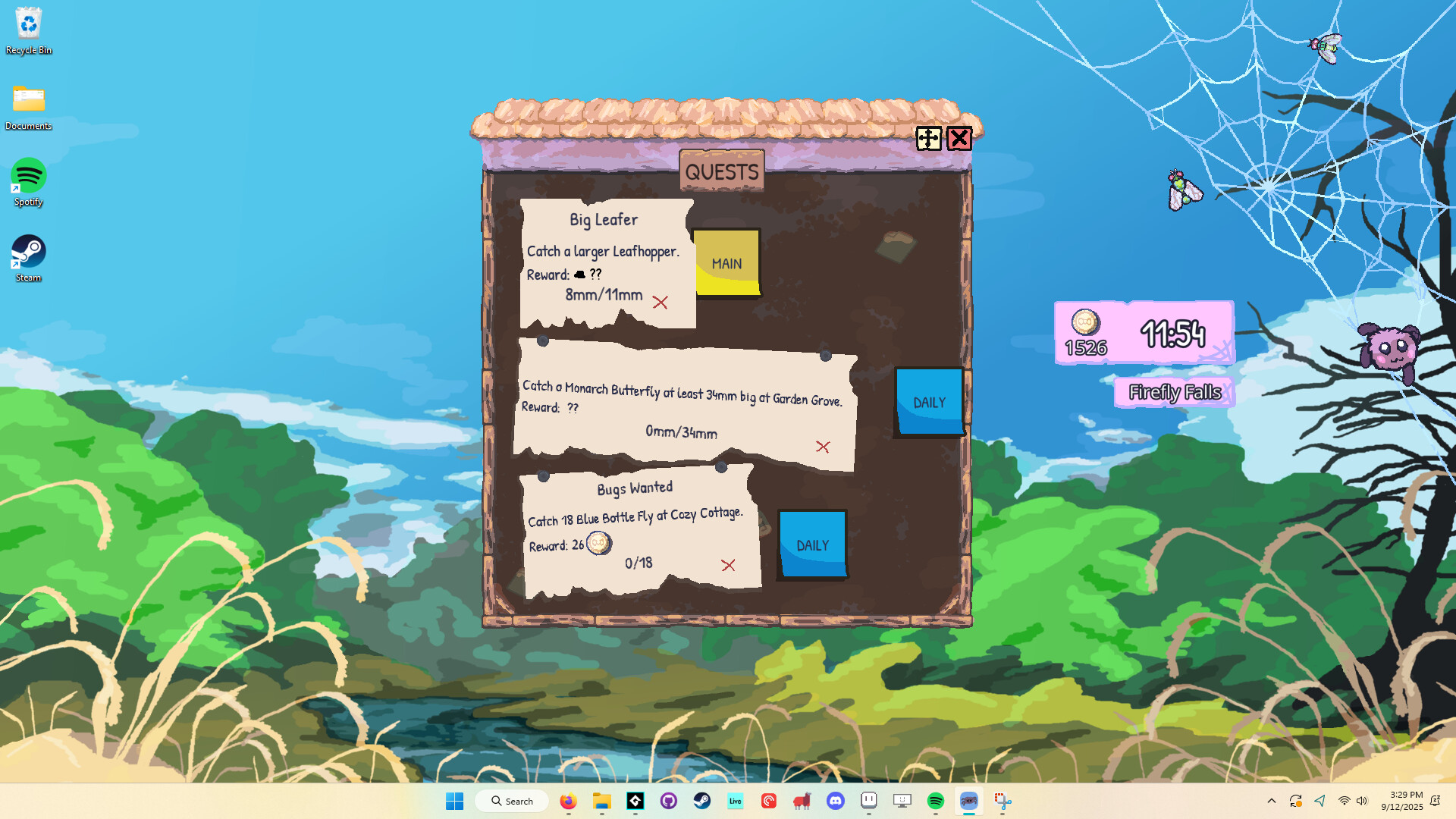
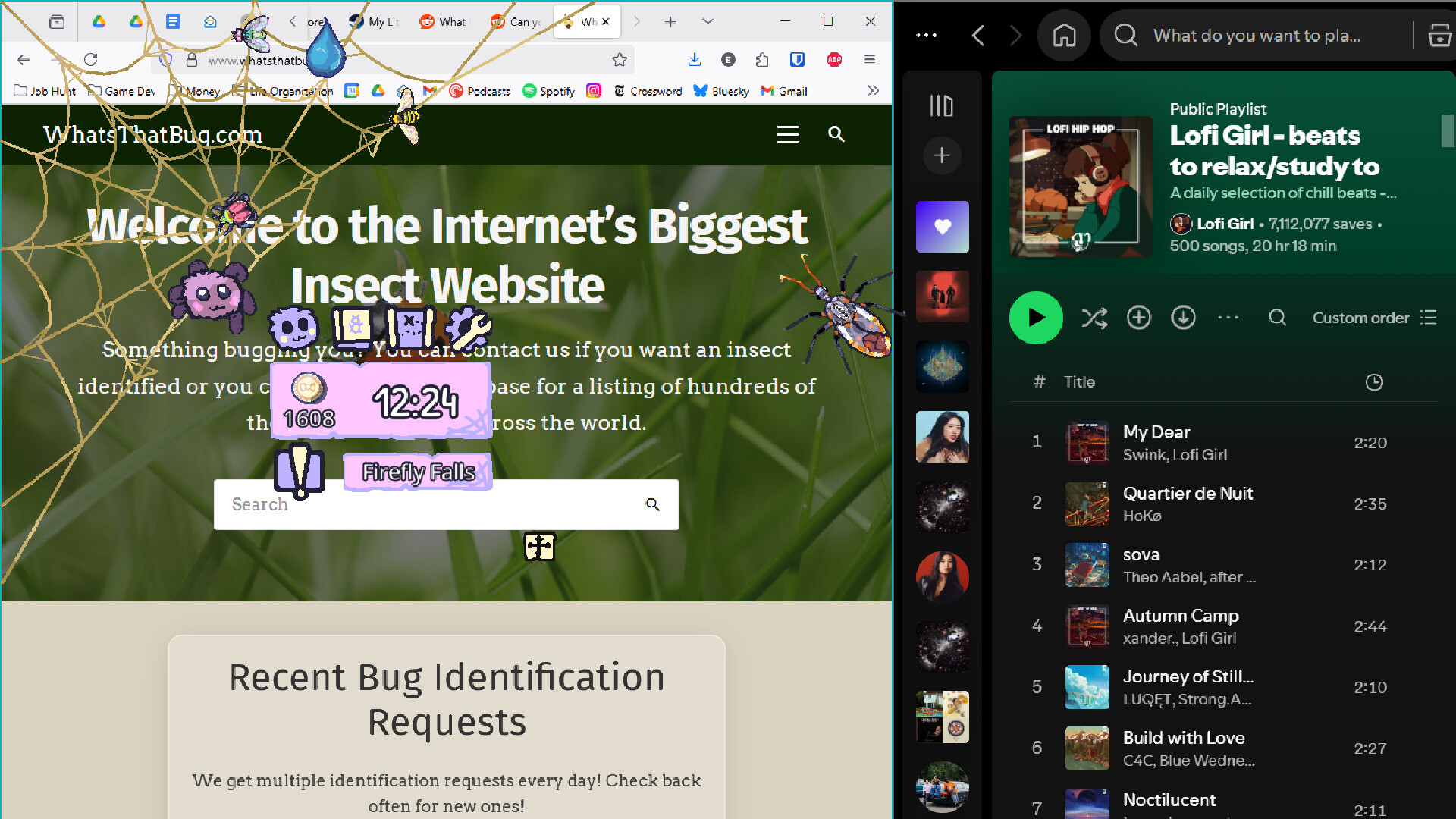
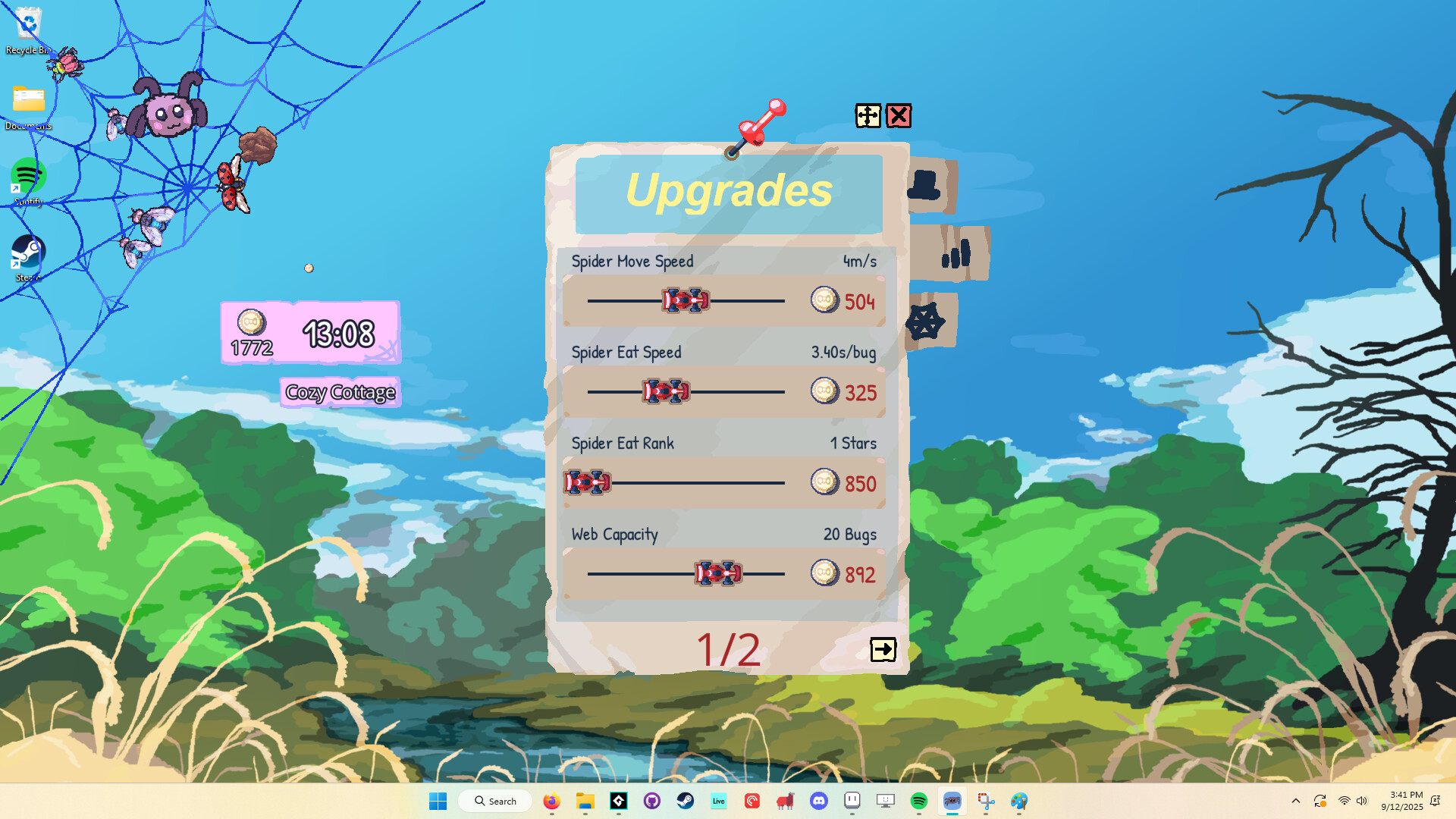
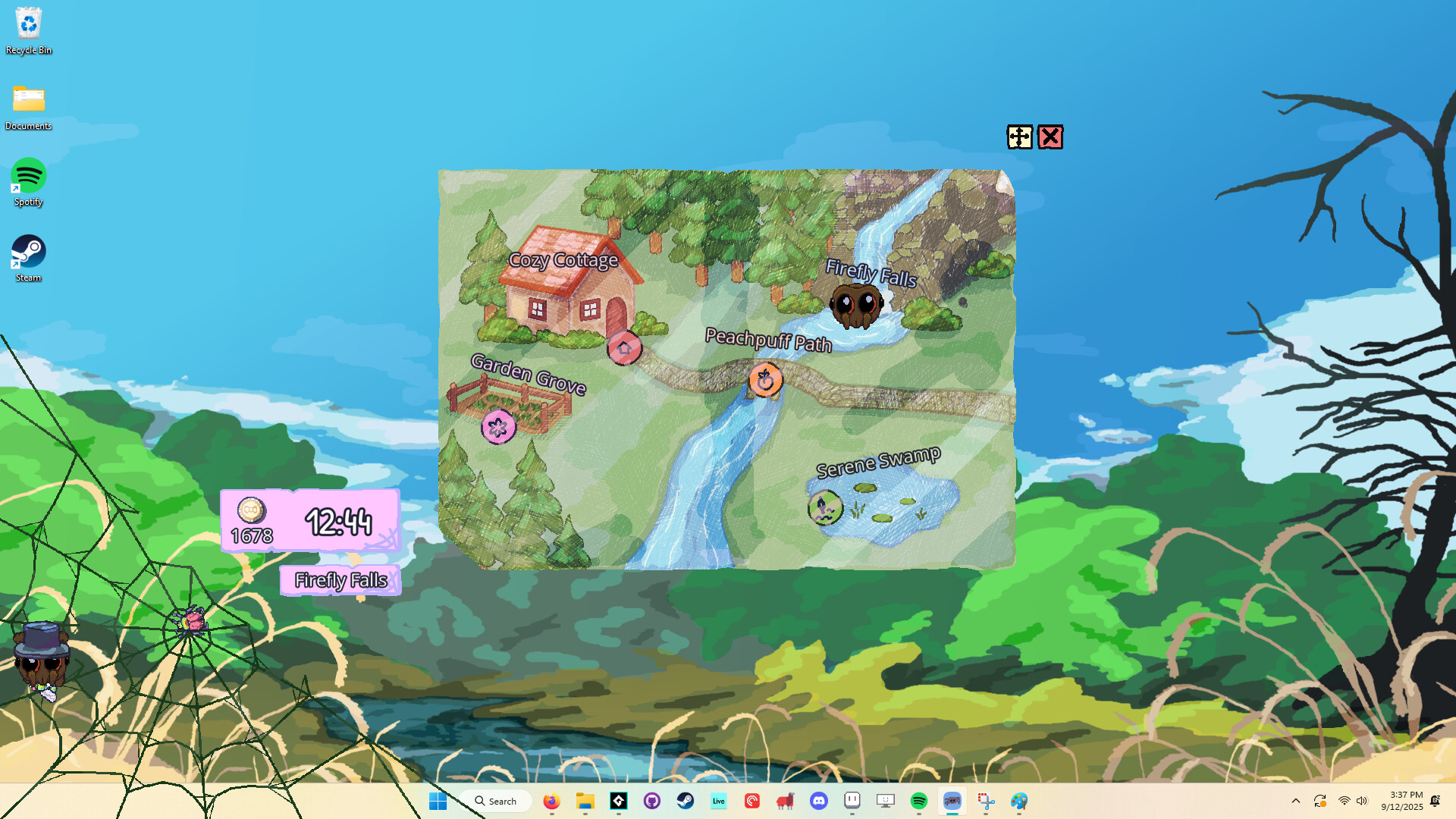
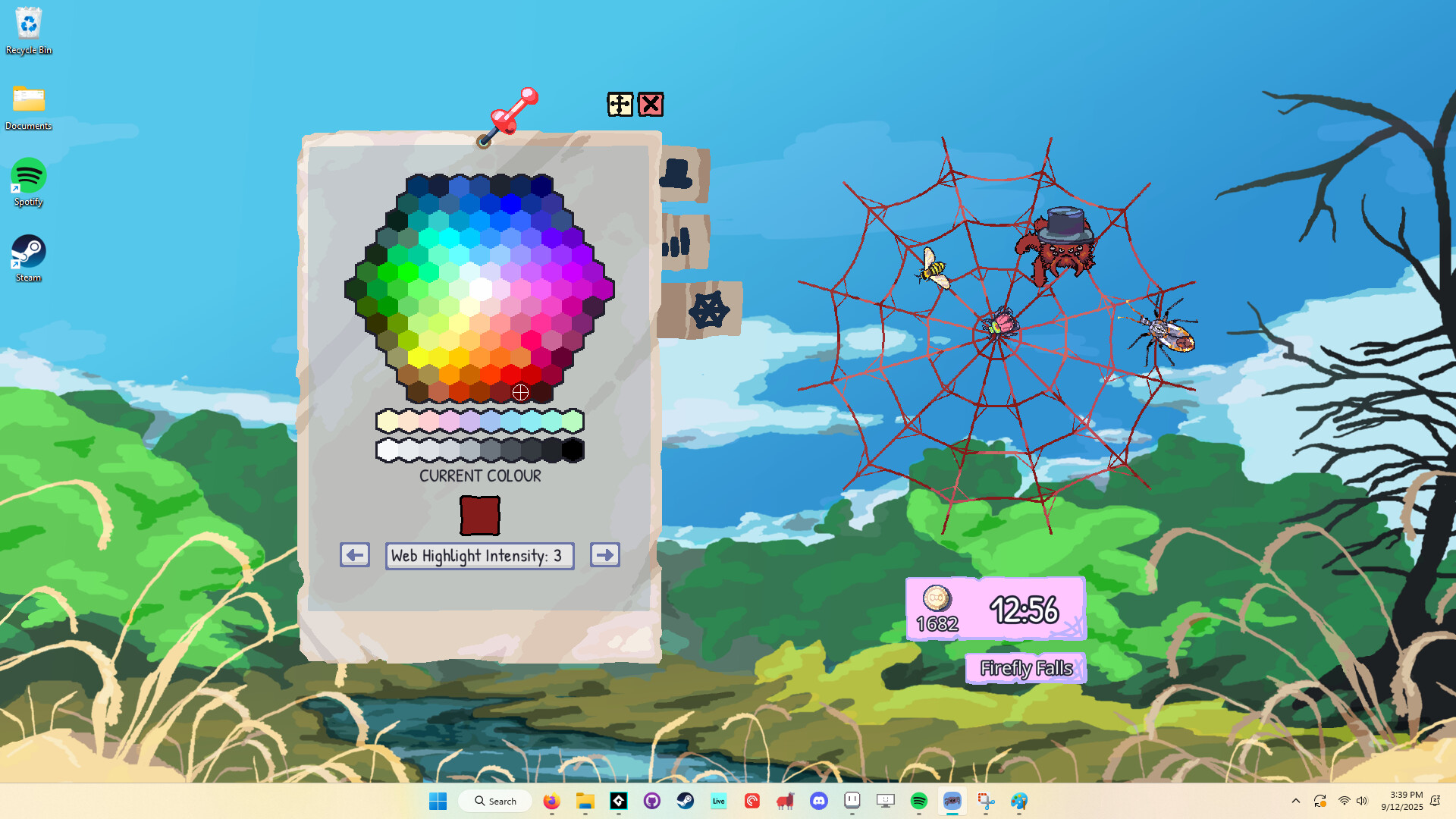
A desktop companion idle game where an adorable spider builds webs and collects insects while you work or play other games. Progress through bug discovery and web decoration at a deliberately relaxed pace, earning cosmetic spider hats as rewards. Best for players seeking a low-pressure pet simulator that runs quietly in the background rather than demanding active engagement.
About this game
Adopt a cute pet spider that lives anywhere on your desktop! Team up to discover unique bugs, decorate their web, and unlock adorable spider hats as you work or relax.
Players, last 39 days
Peak 18 · Low 2
Daily peak concurrent players, sampled once a night from Steam.
What players are saying
▲ Recommended11 hrs
I liked the game quite a lot, but I found the progression extremely slow, even for an idle game. The upside is that the game can overlay other windows and programs, so you always have the spider companion with you, even while playing something else or watching a show, etc. And besides being cute, there are constant interactions: managing the inventory, selling the insects caught in the web and using the money to buy skins for the spider and upgrades that help with the game’s progression and make the grind a bit easier.
PTBR - PORTUGUESE
gostei bastante do jogo, mas achei a progressão super lenta, mesmo pra um jogo idle. o benefício é que o jogo sobrepõe outras janelas e programas, assim vcê fica sempre com a aranha companion jnto de vcê, mesmo jogando outra coisa ou vendo série, etc... e além de ser fofinha, ainda há interações o tempo todo, de gerenciar o inventário, vender os insetos presos na teia e usar o dinheiro pra comprar skins pra aranha e upgrades que auxiliam no progresso do jogo e em facilitar um pouco mais o grind.
I have a fear of spiders, so what better than to buy a game where a spider hangs out in the corner of my second monitor 24/7? The spider is actually really sweet <33
The game launches and runs without any tweak on Linux, unfortunately the window is not transparent and click-through as intended, there is only a bright green background where the transparency should be. Not going to downvote cause obviously this was made for windows, but leaving this out there if this is relevant for someone :) it also looks and sounds really cute and well made!
maybe one day Proton will support this kind of special game!
Just a quick change to make it so that you don't need to use the alternative launch option on Steam in order to fix the green screen issue. It is now fixed for any launch option chosen. Thanks all, Stevie 只是一个小改动,现在你不需要在 Steam 中使用备用启动选项也能修复绿幕问题了。现在无论选择哪种启动方式,这个问题都已经修复。感谢各位支持, Stevie
Hello everyone!Another update for everyone, adding some things the community has been asking for.Minimal UI: Added the option that appears in the settings that disables some of the visual effects, such as visually collecting the bugs, and drawing the progress bars when the spider is wrapping bugs. This is intended to make the game less distracting for people who want to focus on the game a little less.Screensaver Mode: This disables all gameplay elements. Bugs will still get caught in the web, and the spider will still chill and do his own thing, but they do not get added to the bug box nor do they provide currency or contribute to achievements etc. This is mainly for people who have completed the game, and still want to have the spider to keep them company.Expanded Settings tab: Separated the settings page to different tabs to accommodate the above.5 New Steam Achievements: These focus on having a certain amount and type of bugs in the bug box at once and are intended to be actively chased rather than obtaining automatically when progressing in the game.Support for 8 spider legs: Dependent on the spider chosen. Currently active for the spider in the gif below. (8 legged spiders are completely optional for people who find them creepy. It definitely removes some of the cuteness.)Is your background green?Some users are experiencing a green background in the game, where there is an error in the transparency layer. This can be fixed by the user using by disabling Fullscreen Optimizations in Windows for the game.Right click game name on Steam > Properties > Installed Files > Browse > Right click MyLittleSpider.exe > Properties > Compatibility > Disable fullscreen optimizations > Apply > Launch game.We are looking into a way to have this option done automatically by the game.-edit-We made an easier way to fix this easier.Simply select the alternate launch option when launching the game on the Steam Client, like in the screen shot below.
Today's update will hopefully fix any save issues going forward, as we've reworked how the games saves and loads data, and added extra contingencies to make sure that data isn't corrupt. If you run into any issues after this update, please reach out so we can make sure everything rolls out smoothly. We're blown away by how many people are enjoying their new pet spider, thank you everyone for your support!! And keep those suggestions and bug reports coming in!
Posts come from Steam's official announcements feed.