Uninstall Simulator tasks you with remotely diagnosing and cleaning infected client computers by identifying deceptive installer bundling, unwanted system modifications, and hidden malware. You'll earn money completing jobs and can purchase hints when stuck, though the puzzle difficulty occasionally outpaces the guidance available. It appeals to players who enjoy methodical problem-solving and don't mind some tedious clicking to uncover what makes each system tick.
About this game
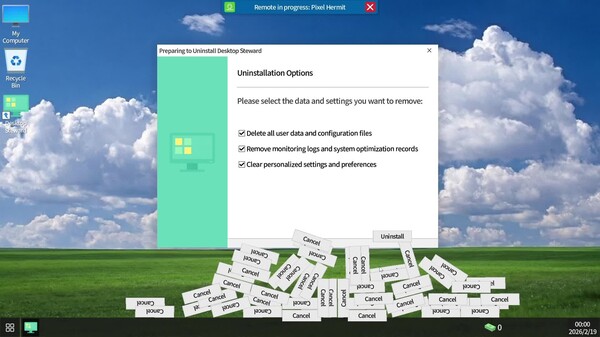
You will connect remotely to one client desktop after another, helping users install and remove rogue software. You must identify hidden promotional installers and trap options, while also repairing tampered system settings and abnormal faults within the system.
Players, last 30 days
Peak 1 · Low 0
Daily peak concurrent players, sampled once a night from Steam.
What players are saying
▲ Recommended3 hrs
Live demonstration of some installers/uninstallers.
The game welcomes you with a desktop and a few basic icons, but none of them lead to anything particularly interesting. You can browse the two available hard drives, yet they are completely empty except for the folders containing the operating system and the email client through which you receive tasks. You earn money for each completed task, but aside from buying a single hint per task, there isn’t much use for it.
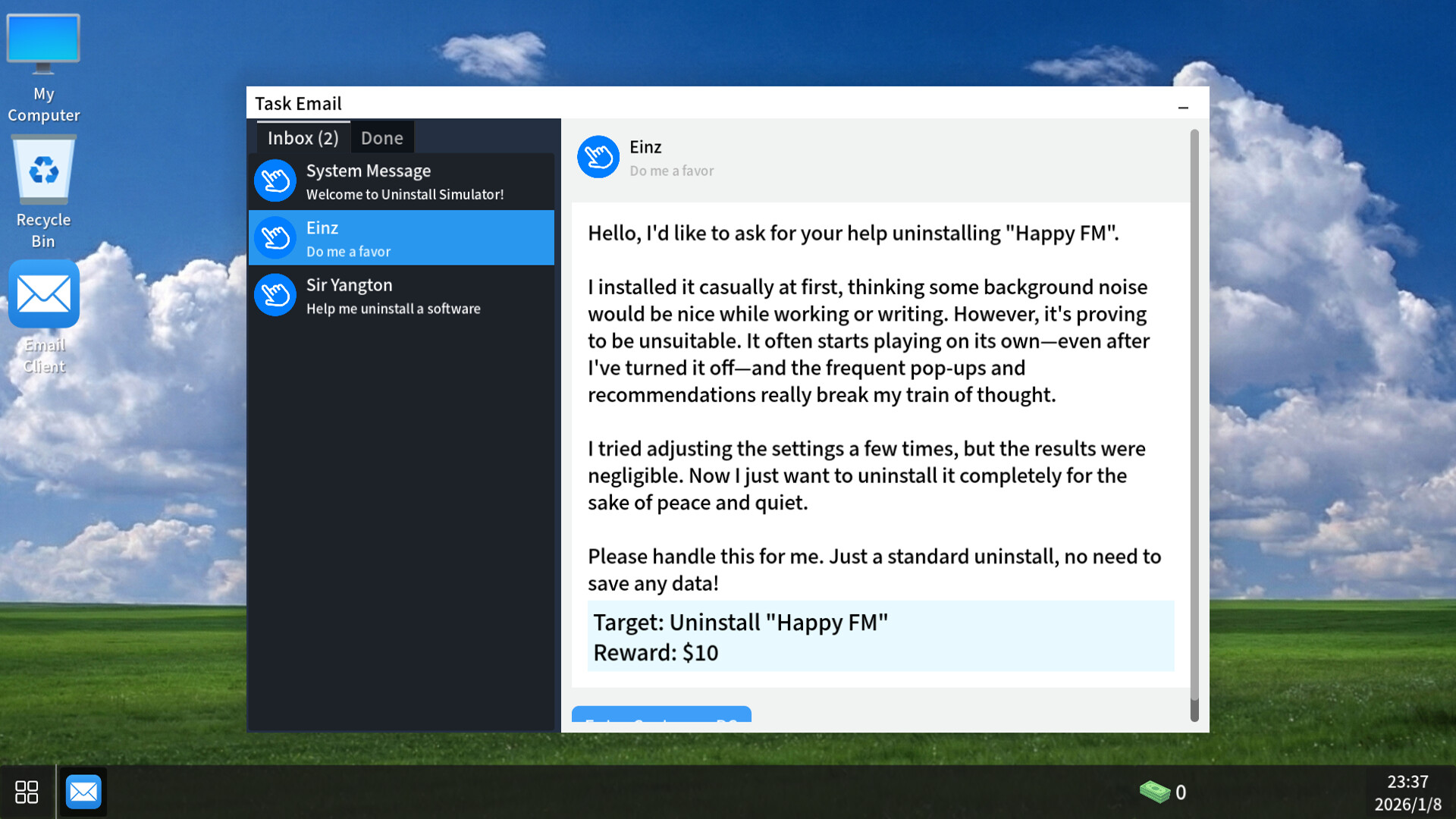
Each email includes the user’s problem, a short description of what needs to be done, and a button that lets you remotely access their computer. Their desktop is just as empty as yours. Aside from different backgrounds and the program they want removed, there is nothing to find by digging through a client’s hard drive, and you cannot actually run any programs unless it is part of the uninstall process.
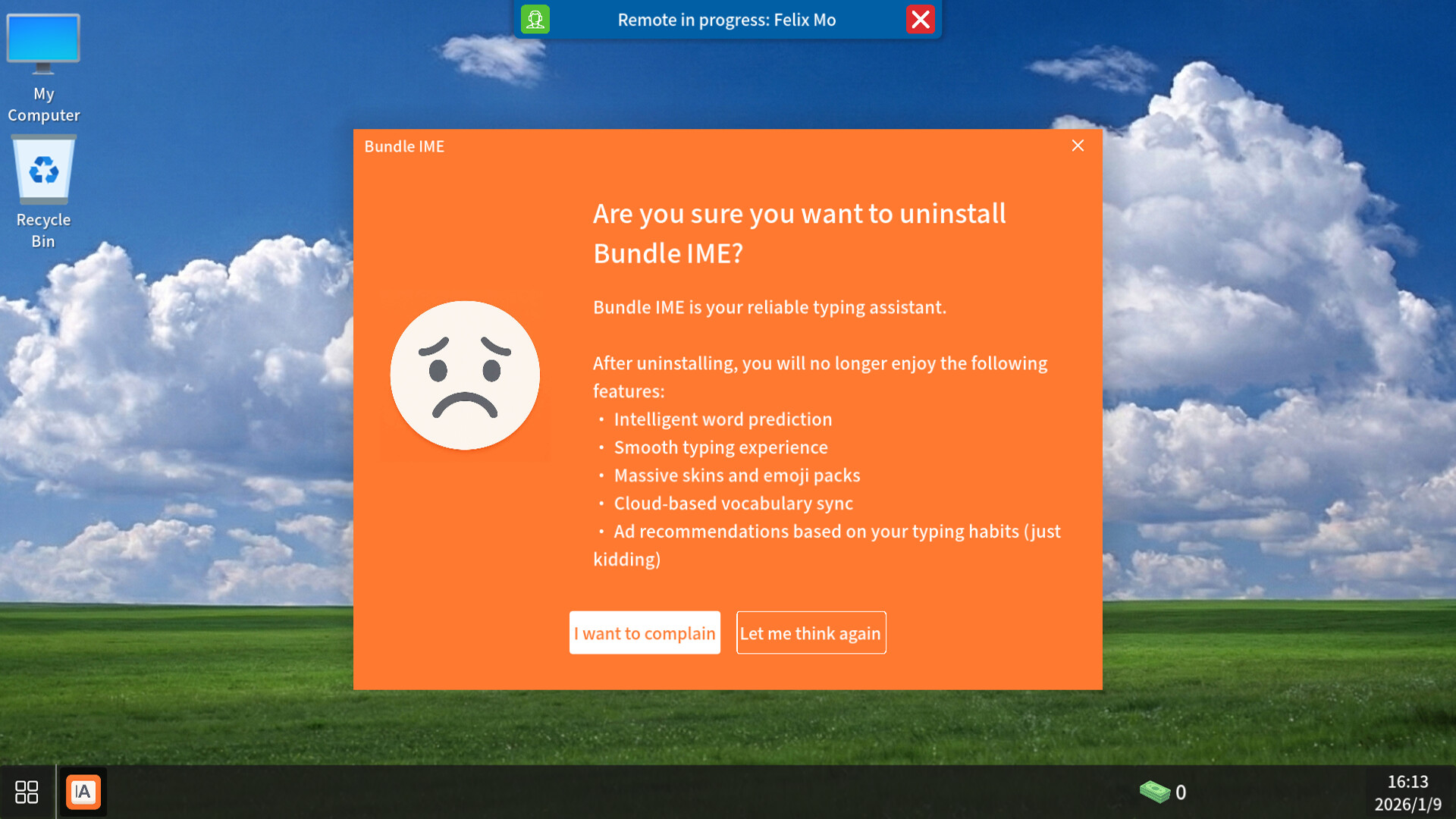
The first few tasks are simple and familiar to anyone who has dealt with unwanted programs. You basically open the program’s folder and look for the uninstall icon. This opens an uninstall window where you click through various options to reach the actual uninstall. For example, you might have to select the correct reason for uninstalling or find the button tucked away in a corner.
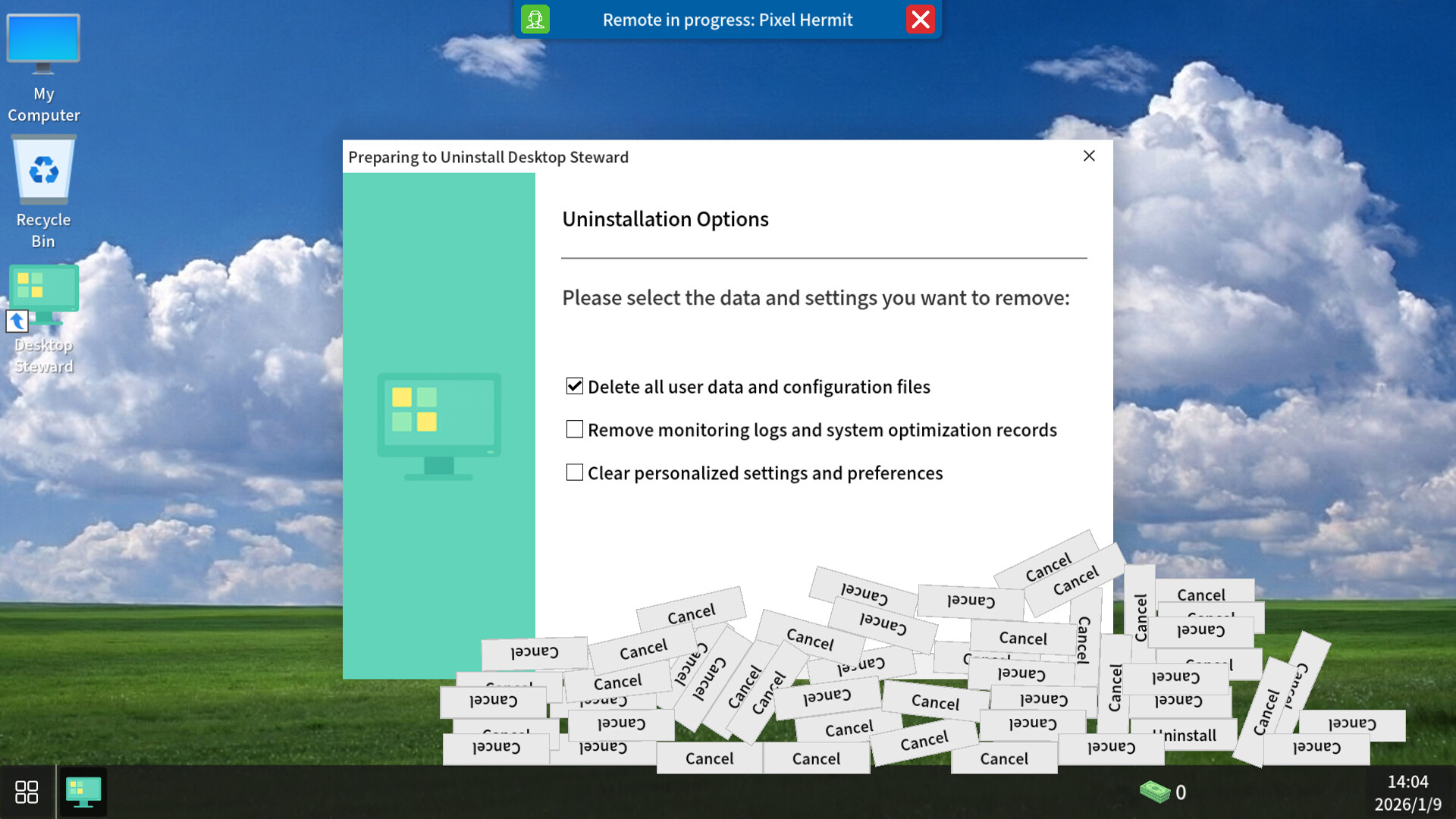
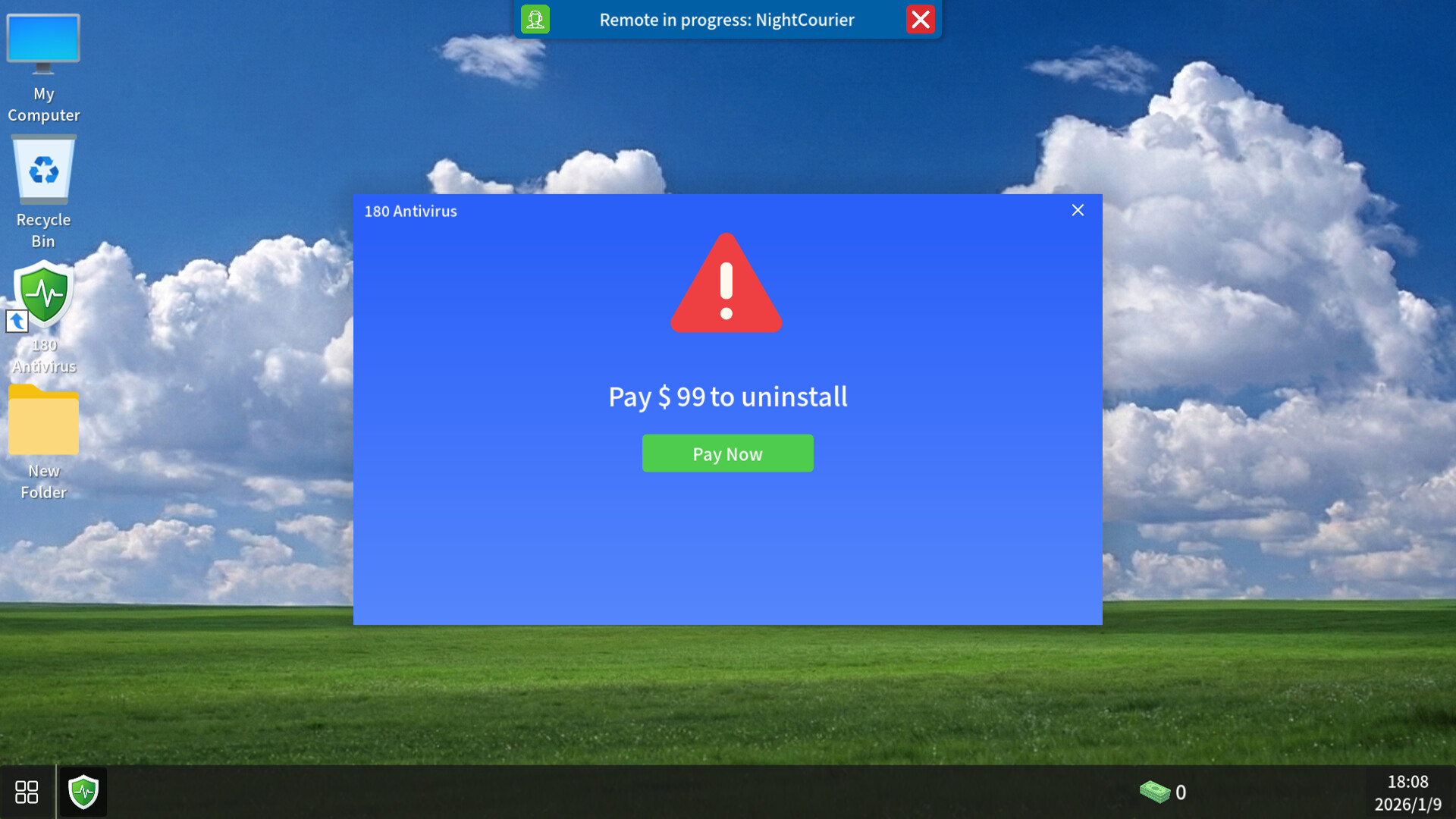
Later, things become more complicated and each problem turns into a puzzle. The program might be running, so you have to close it before uninstalling. The uninstall button might keep falling off the window and trigger an ad, or you may need to enable the option that shows hidden files. Some of these situations feel familiar because they resemble real issues people encounter, while others lean more toward puzzle design.
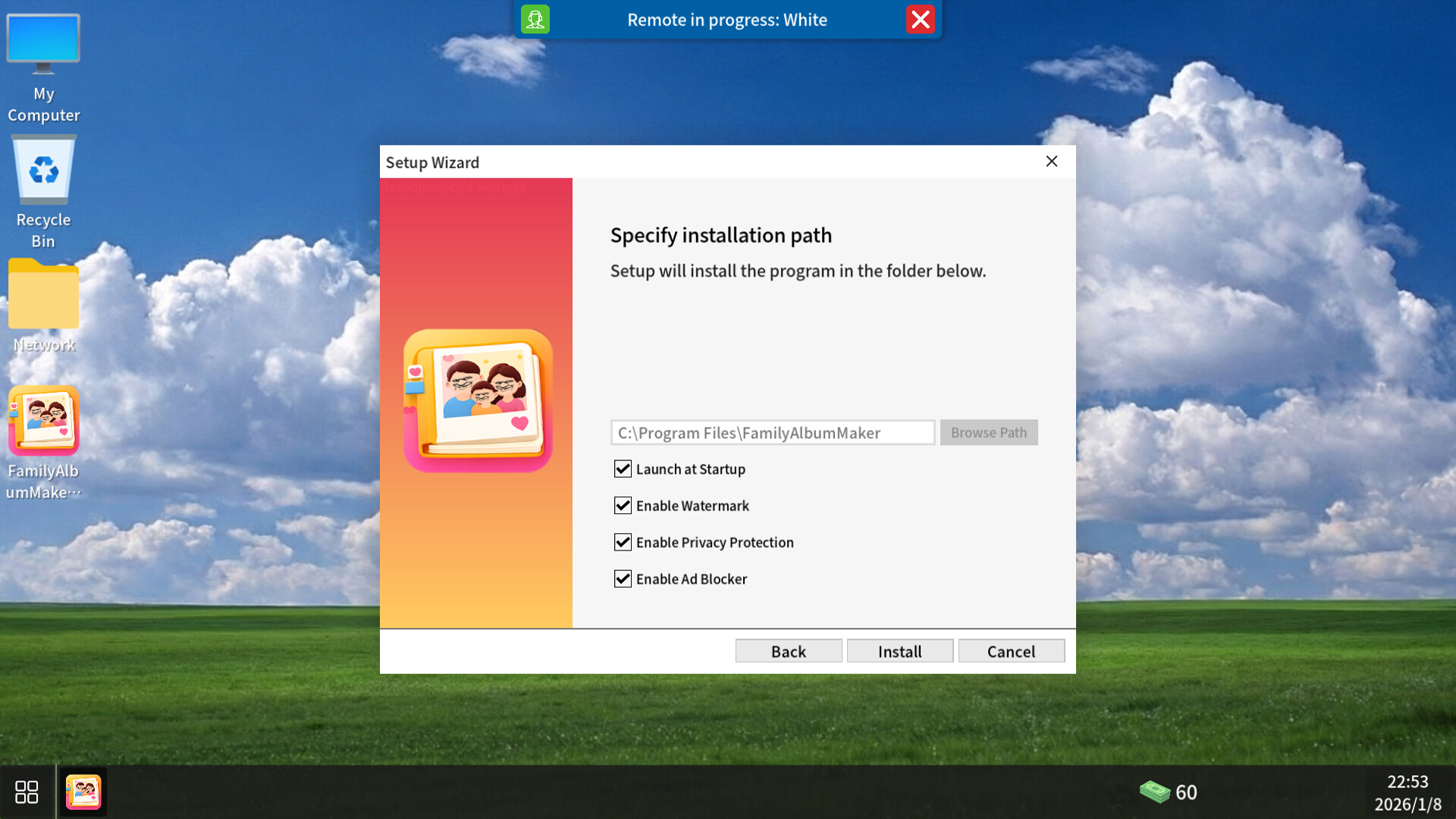
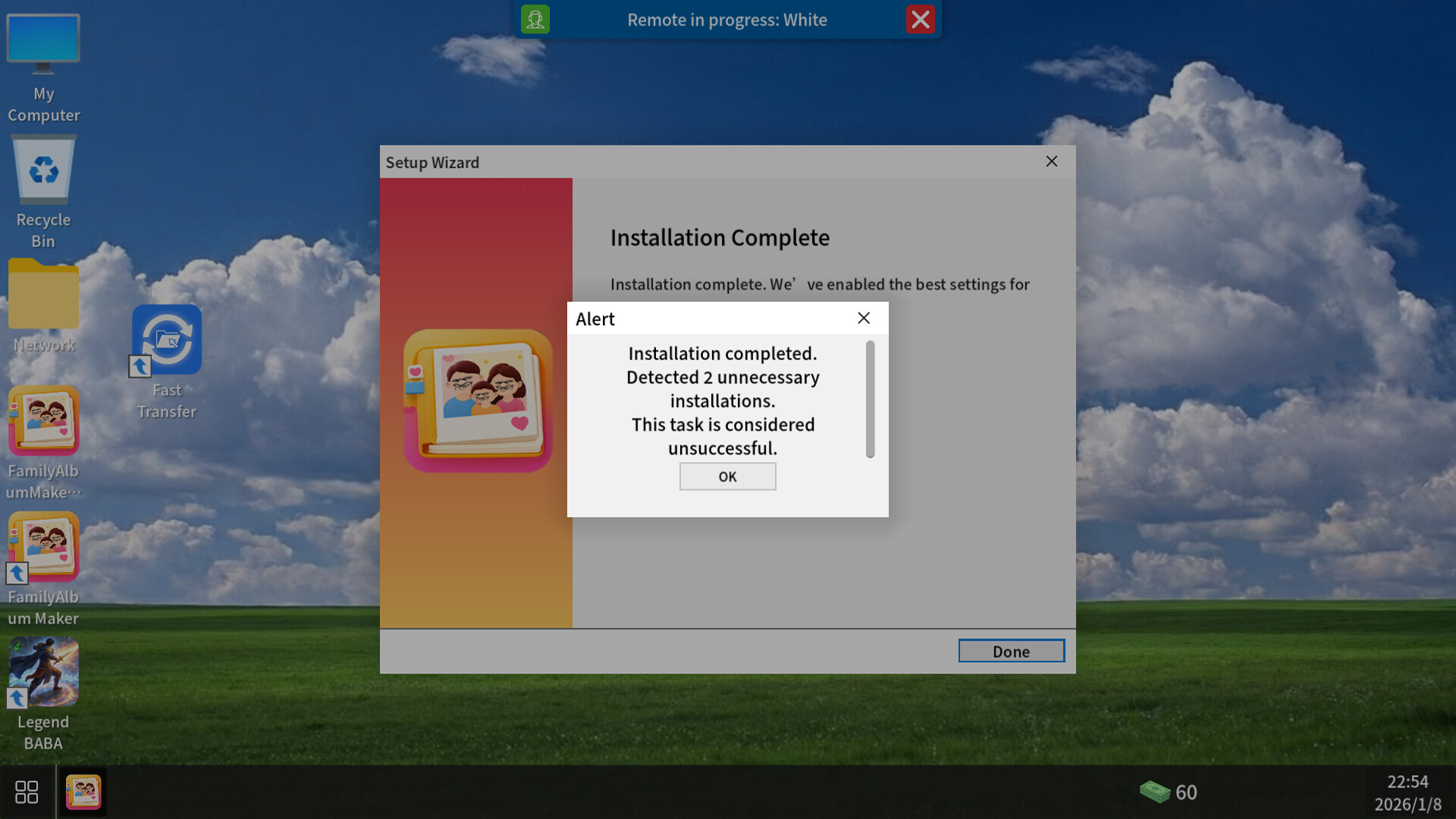
After a while, uninstall tasks are replaced with installation jobs. Here the goal is to install only the main program while avoiding any bundled bloatware. The relevant options might be hidden behind service agreement text, inside the install folder field, or in situations where the mouse stops working and you have to use the keyboard instead. There are also several tasks where speed matters, so being too slow can make finishing a stage more difficult.
Overall, if you save your money for the later stages, completing everything should not be too difficult. Most puzzles follow similar patterns, such as searching for hidden windows or options, and some of the trickier ones near the end include helpful hints. All puzzles can be replayed if you missed an achievement, although there is one task where you can accidentally spend all your money if you are not careful.
With this update, we have added a custom level feature and the Steam Workshop! Players can now share their own levels and play those created by others via the Workshop! For Developers: Visit UninstallSimulatorMOD to learn how to create your own levels. An in-game feature is available for uploading your creations to the Workshop. We hope you enjoy playing!
Replayable Tasks (Major Update)All levels can now be replayedNo rewards are granted — replay is intended for challenge and experience onlyExpert Hint Cursor OptimizationMouse hint cursor no longer appears automatically in every levelNow only triggers when players are actually stuckThe first level still retains tutorial guidanceSystem Hint ImprovementsSystem hints are now displayed as persistent red textClearer and more intuitive presentationDetail Improvements and FixesSlowed down the FitnessBible progress barAdded clearer installation instructions for iLovePDFAdded a new “Access Denied” popup in Task ManagerFixed lag when clicking advertisement popupsFixed an issue where players could get stuck after passing browser verificationThank you for your feedback and support. We will continue refining and improving the game experience.If you enjoy this update, please consider leaving a review or following us ❤️
After countless confirmation pop-ups, checkbox mind games, and moments of “I definitely didn’t click that,” Uninstall Simulator is officially out in its full version.Thank you to every player who tried the DEMO, left feedback, endured the pop-up torture — and still didn’t uninstall us.In the full release, you will face:More complex and better-hidden rogue software trapsMore outrageous — and disturbingly realistic — installation schemesBrand-new achievements and hidden challengesThe task of finding the correct official software through search enginesThis is not just a simple clicker game. It’s a test of trust, patience, and the infamous “Next” button.If you’ve ever been betrayed by an installer in real life, now it’s your turn to fight back.Have fun — and click carefully.
Posts come from Steam's official announcements feed.