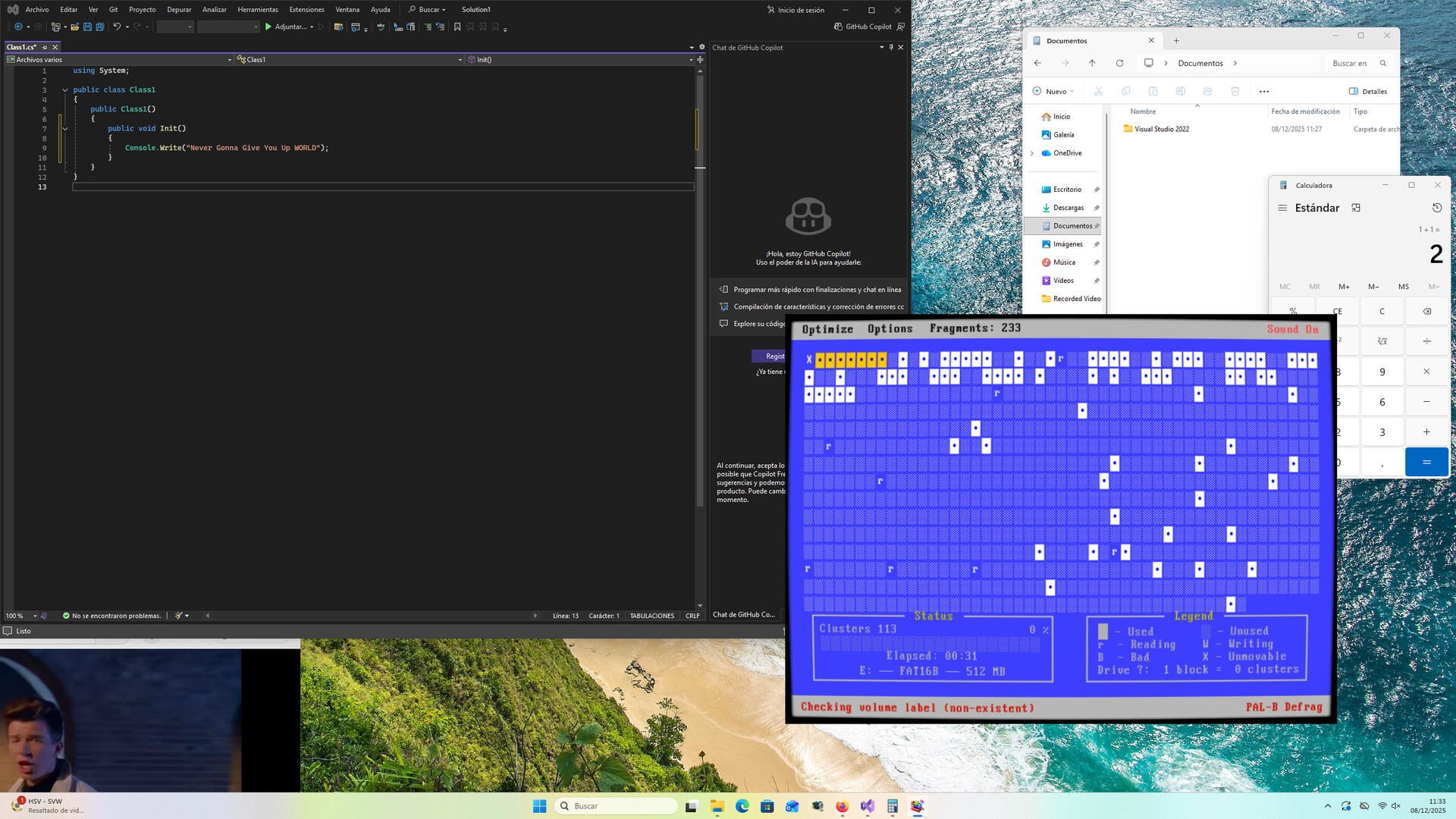
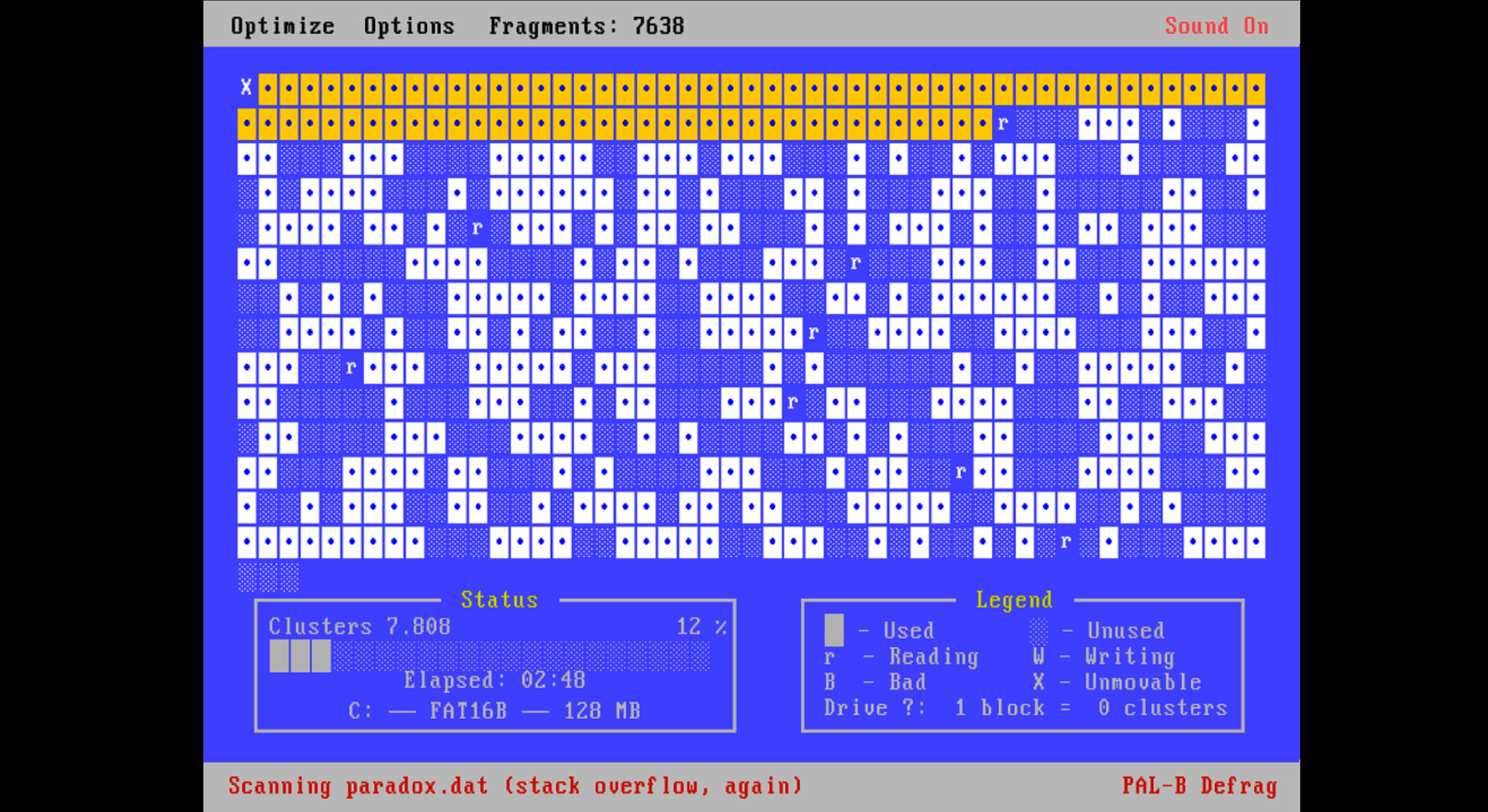
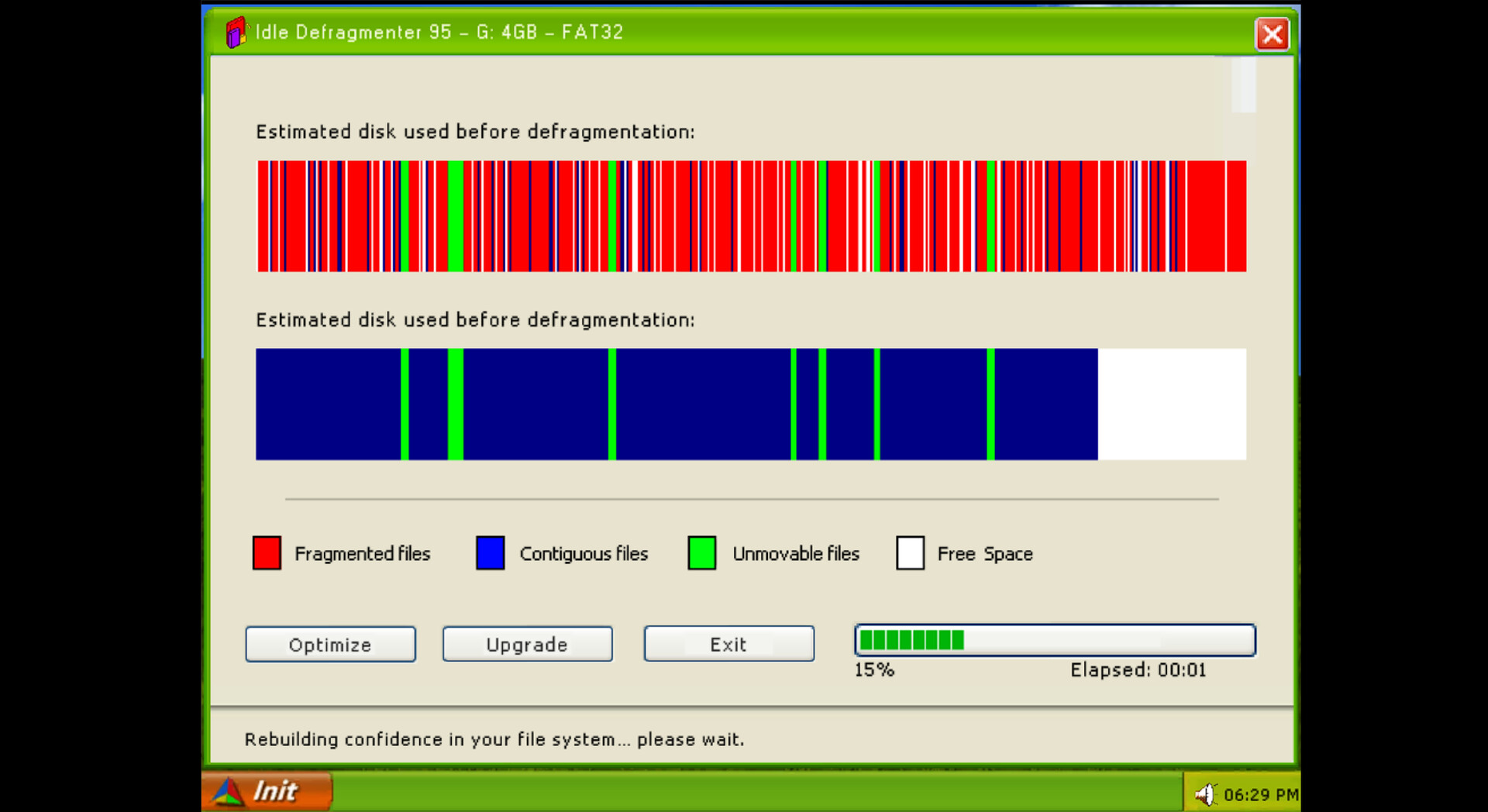
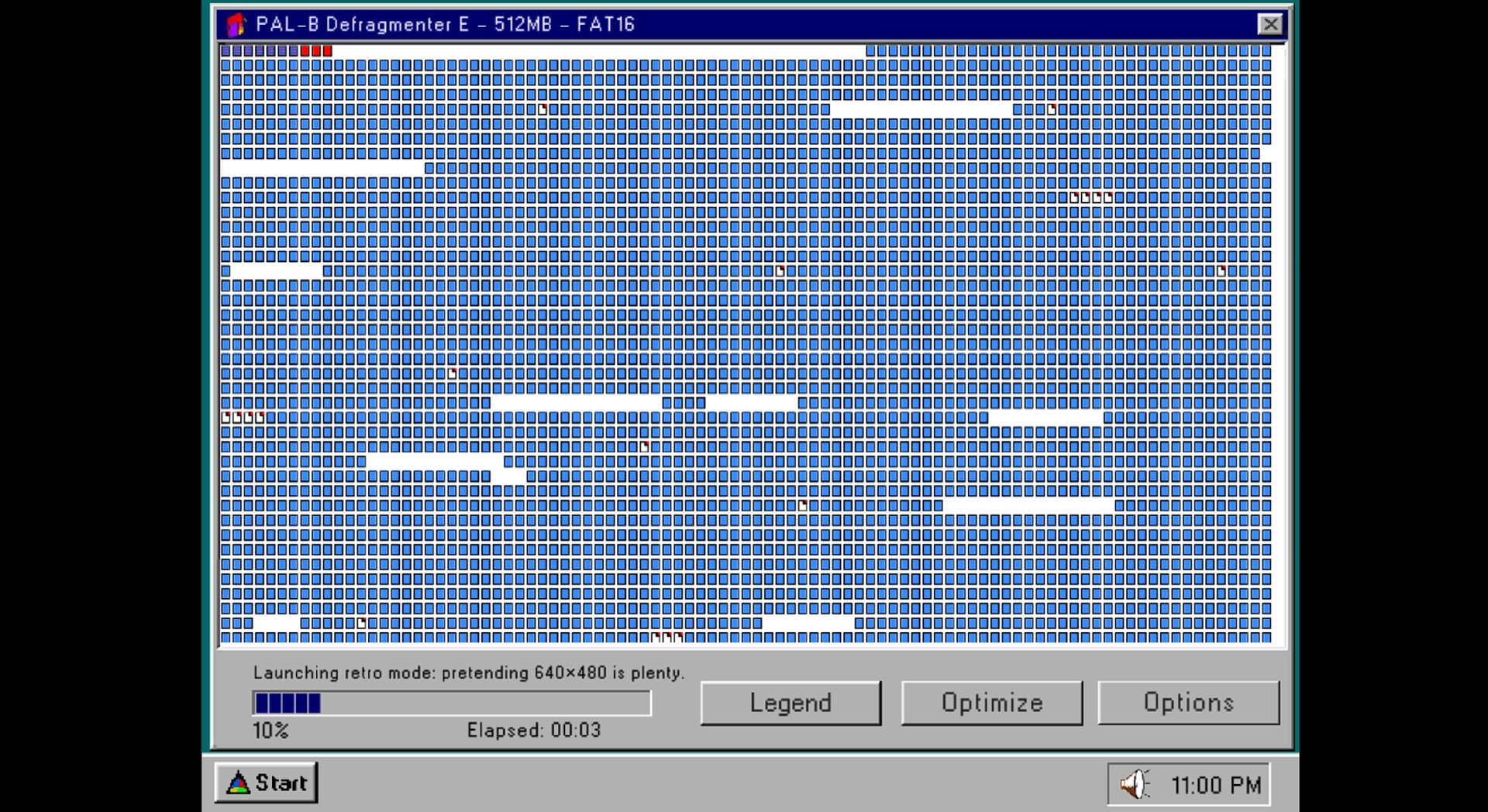
Idle Defragmenter 95 wraps the mundane appeal of 90s system utilities in a minimalist idle game, letting you watch fragmented disk sectors gradually organize themselves while unlocking visual themes from DOS through Windows XP. The core loop—passive progression with occasional upgrades—suits background gameplay, though reviews note the defragmentation logic prioritizes visual spectacle over authentic system mechanics. Best suited for players who value retro aesthetics and meditative idle loops over functional simulation.
About this game
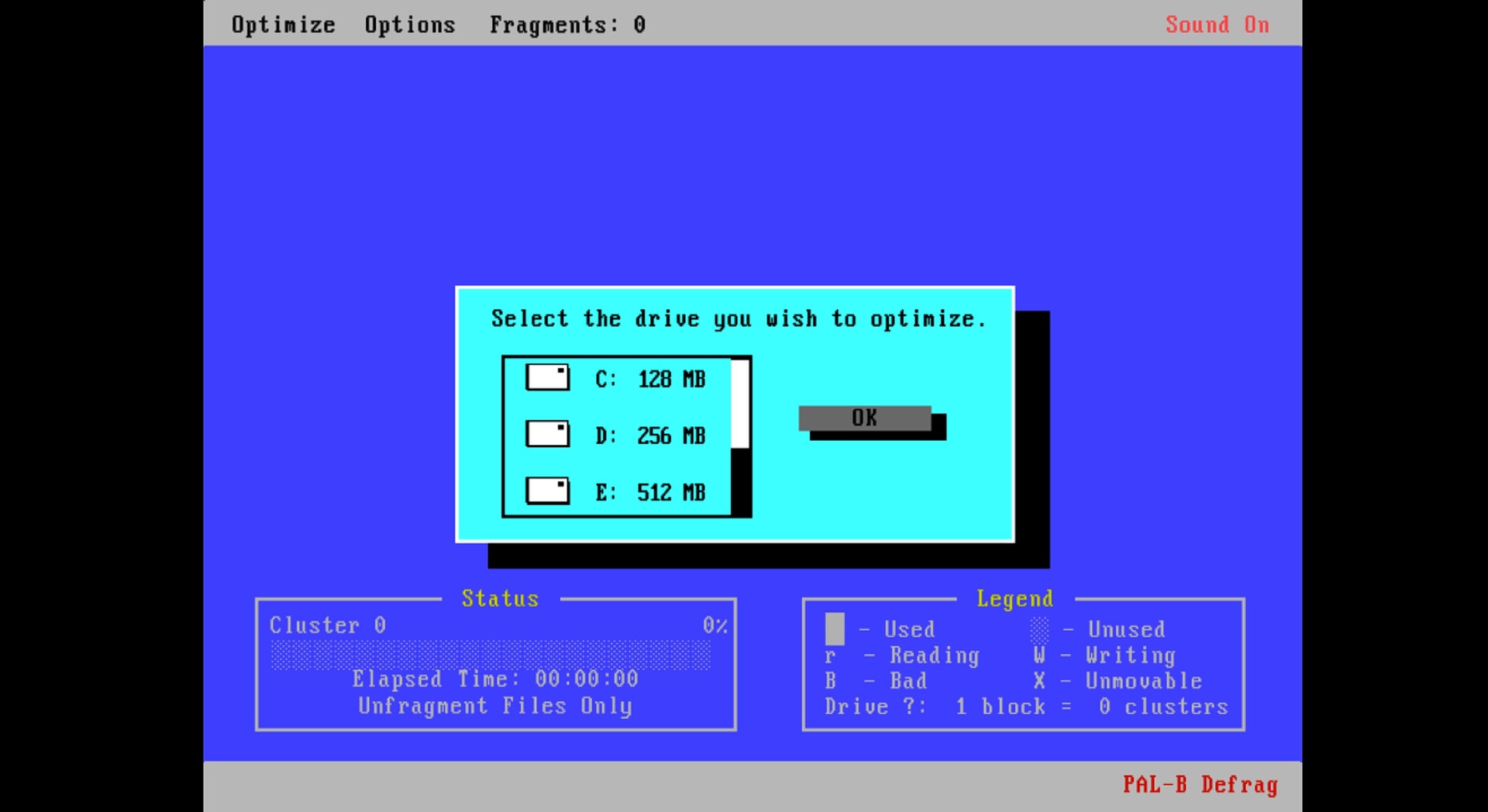
Idle Defragmenter 95 is a relaxing idle desktop toy inspired by 90s defrag utilities. Run it as an overlay or window, watch sectors organize automatically, and unlock DOS / 95 / XP eras and upgrades while you work or play.
Players, last 30 days
Peak 2 · Low 0
Daily peak concurrent players, sampled once a night from Steam.
What players are saying
▼ Not recommended1 hrs
It's not ready yet. This feels more like a beta or early release.
+Dev responsive to feedback and making quick changes where possible.
-UI needs some work. -(now less) Save state bugs. No steam save. -Doesn't feel like an actual defrag, besides the waiting. Defrag screen saver doesn't seem to follow actual defrag logic.
It's got promise, but needs more time to cook imo. Don't recommend purchasing unless you're ok with a early release type build/feel.
I appreciate the aesthetics, but the logic doesn’t function like a proper defrag tool, which makes the experience not relaxing.
Instead of moving scattered data toward the beginning of the disk, the process simply creates new data until the disk is full. Ideally, it should read the existing data and rewrite it into a continuous strip. Instead, it reads blank areas and generates artificial data to fill them.
This broken logic is frustrating and disappointing.
On top of that, where are the options? The only controls I have are to run the game and close it with ALT+F4.
Idle Defragmenter 95 is a perfect chill companion: nostalgic UI, hypnotic block animations and upgrades that slowly hook you in. I leave it running while I work and keep glancing back just to watch the disk get cleaned. If you like idle games, retro vibes or satisfying visual noise, this is absolutely worth it.
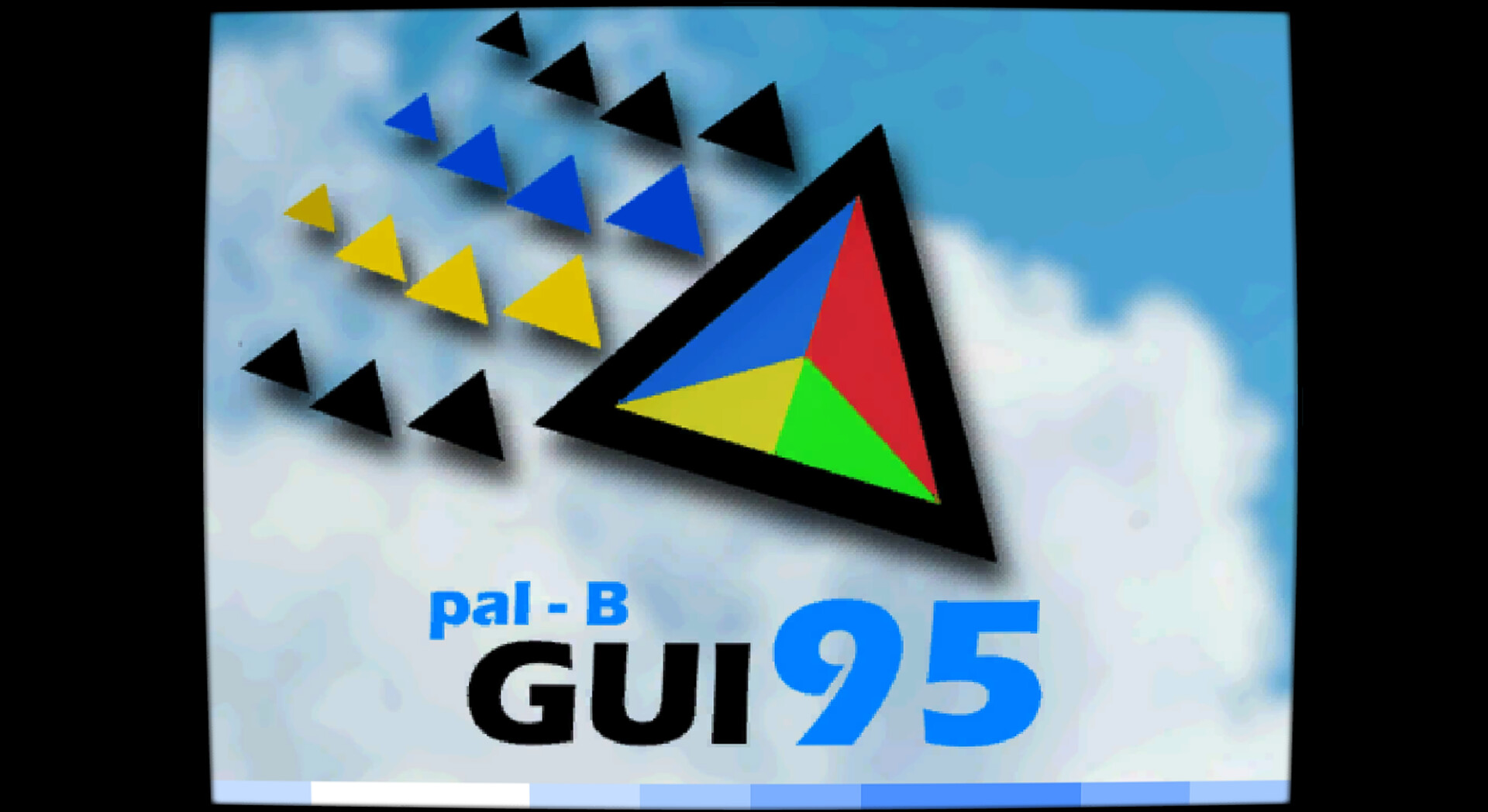
This update focuses on cleaning up window behaviour, polishing the Win95 defrag view and making the Options screen clearer.Window & Options-Fixed a bug in the window ordering system where Windows wouldn’t fully apply the "always on top / normal window" change until the window was moved manually.-Improved the Options screen layout so it looks clearer and less confusing.-Both window behaviour options are now correctly loaded on startup.Drives & Win95 Defrag-Fixed an issue when starting a new Win95 GUI drive: the game could hang after finishing one unit and trying to start the next one.-Improved the Win95 defragmenter animation: empty/white spaces are now handled better and tend to accumulate towards the end of the drive, making the visualization closer to a "real" defrag.
Patch 1.0.1 – Window fixes, better defrags & new Options menu Window & screen fixes- Fixed issues with the game window auto-resizing when moving it or starting the app.- Fixed problems when dragging the window around the desktop.Drives & defrag- Fixed a bug where some drives were marked as “finished” even when they weren’t fully completed.- Fixed a visual bug and improved the MS-DOS defragmenter animation.- Fixed and polished the Windows 95 GUI defrag behaviour.New Options menuAdded a new Options button with:- Visual mode: switch between CRT or LCD look.- Window behaviour: choose between “Always on top” or normal desktop behaviour.- Reset drives: reset all drives so they become available again.
Posts come from Steam's official announcements feed.