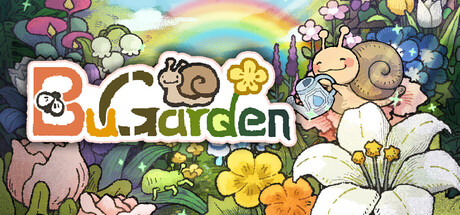
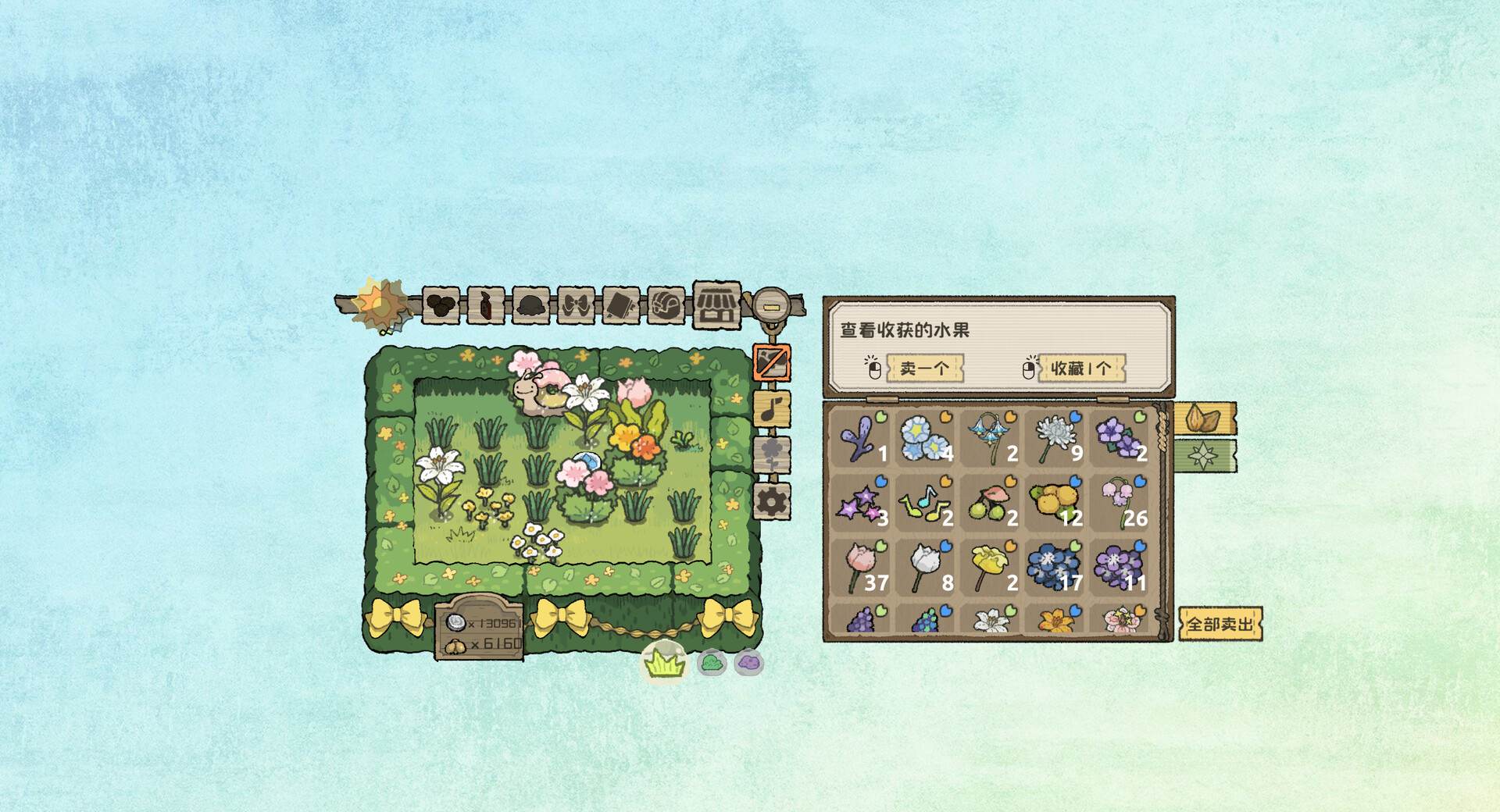
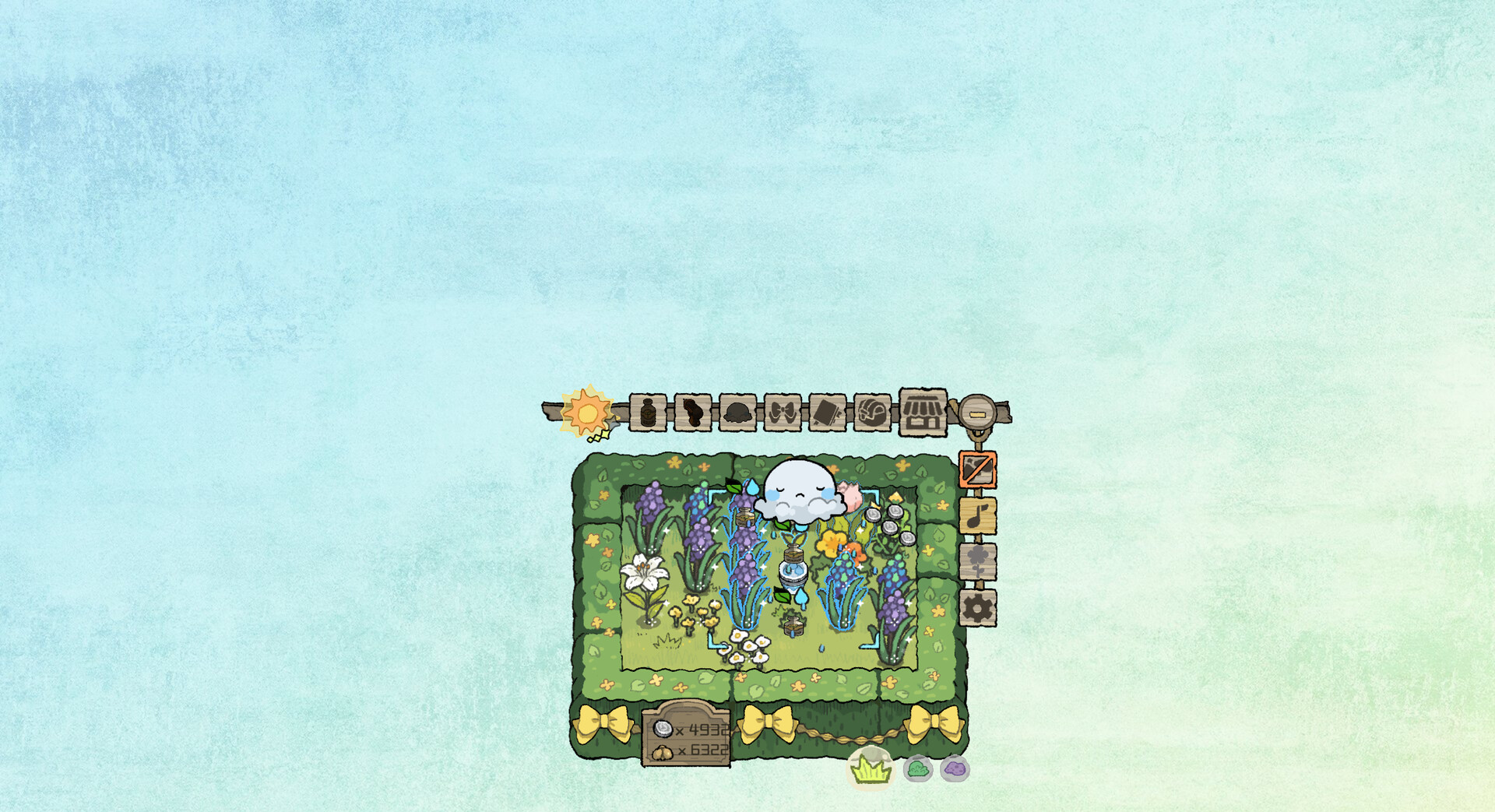
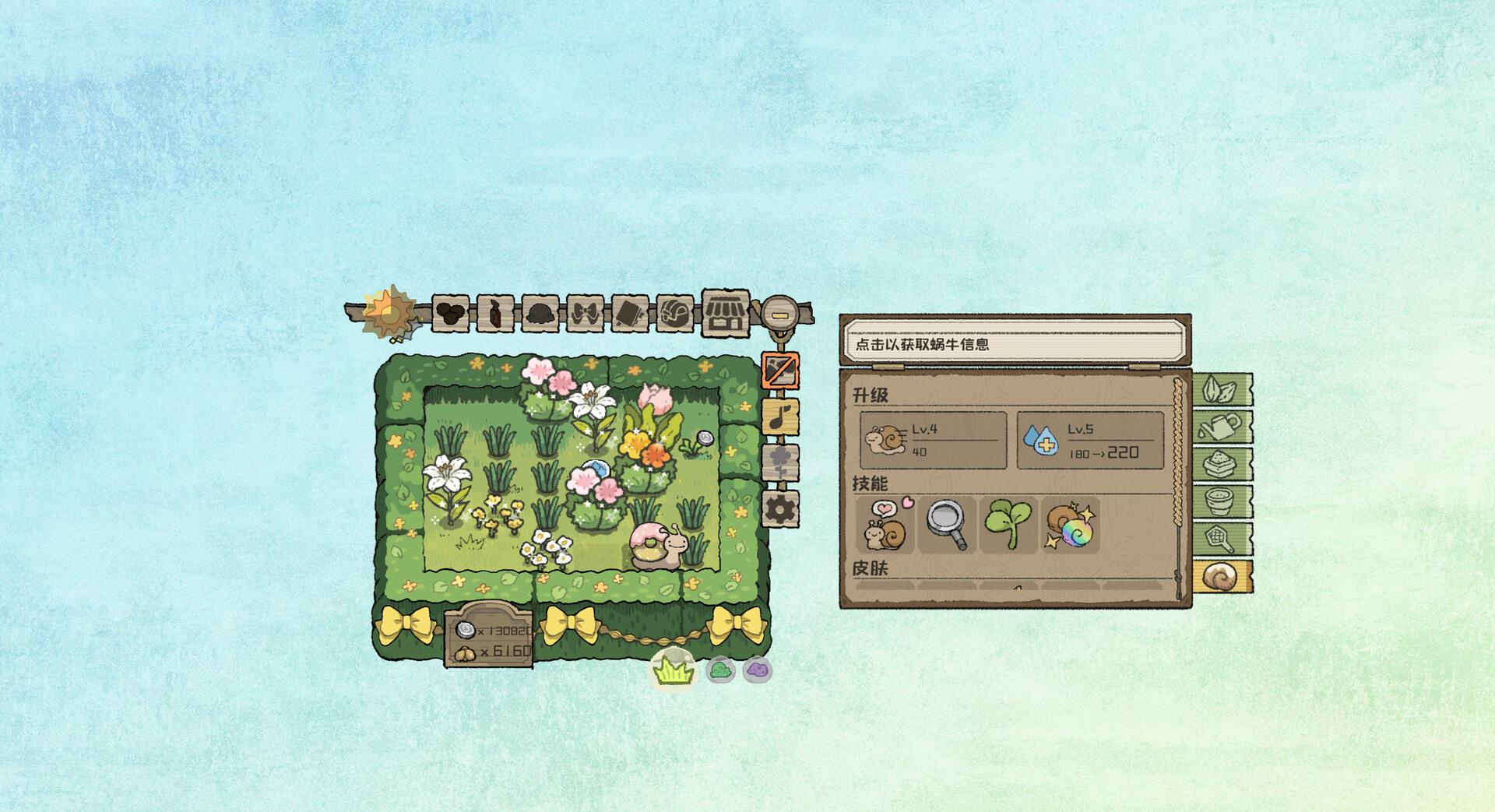
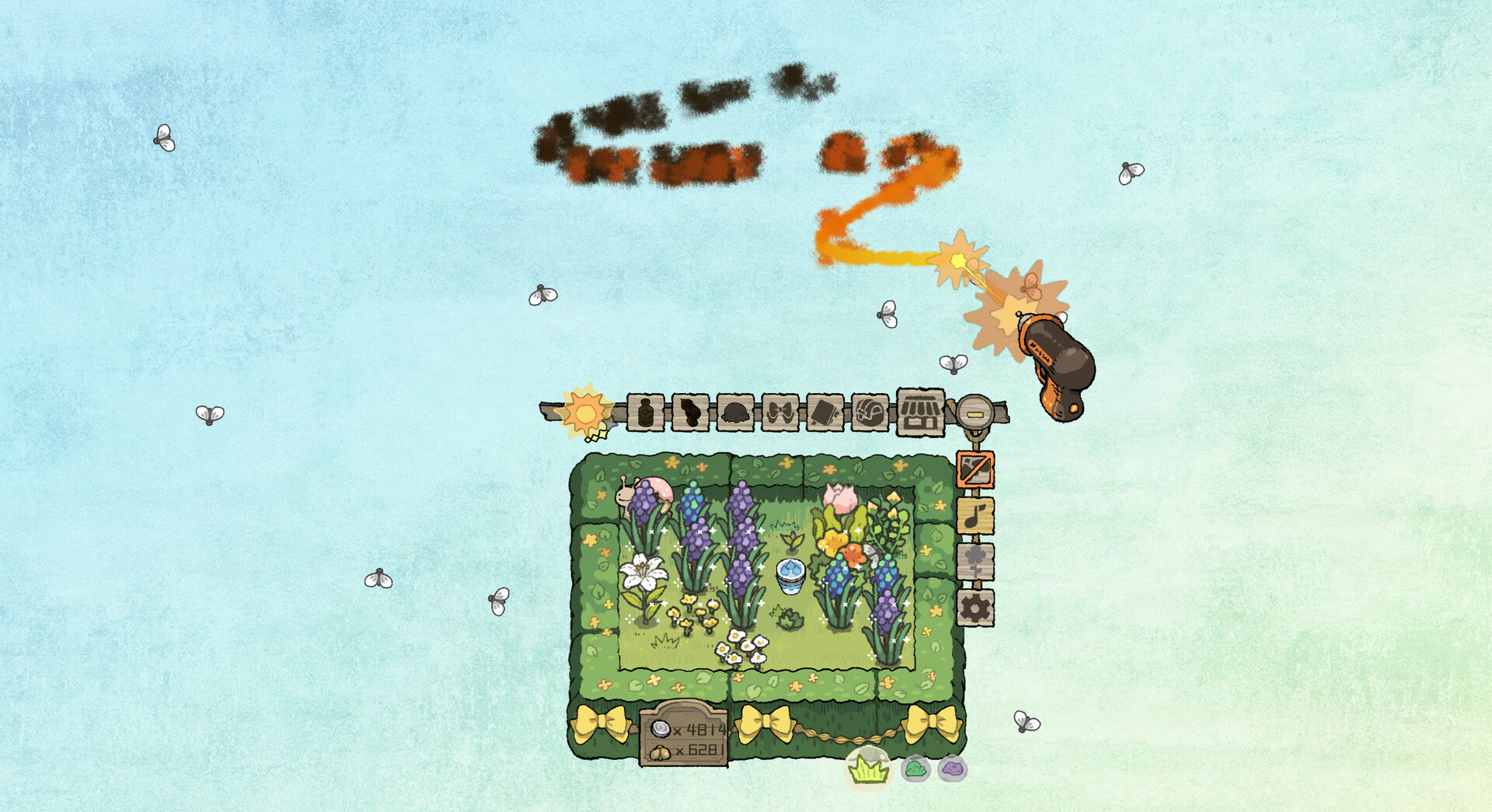
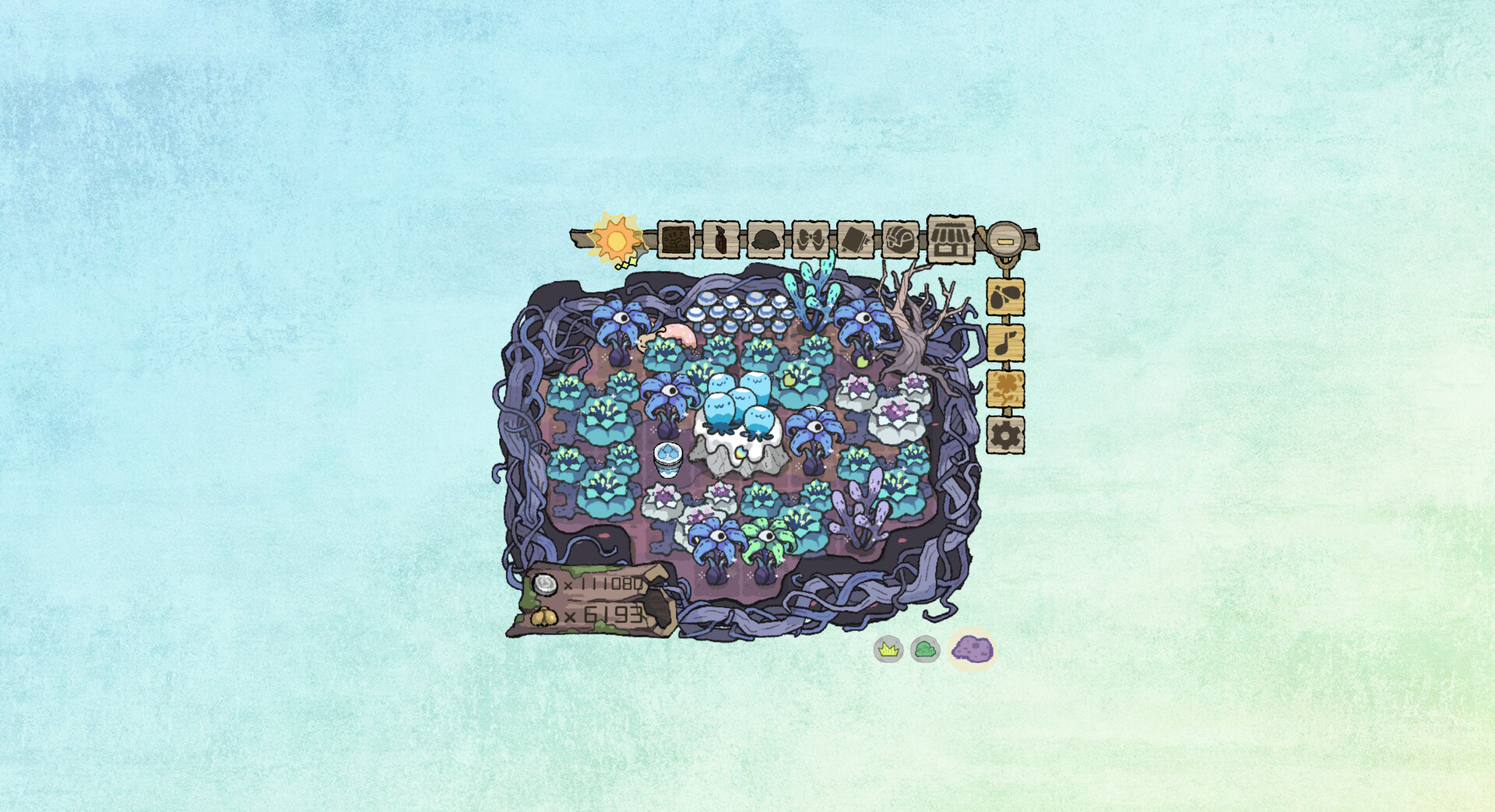
BuGarden is a desktop idle game where you nurture a small garden by planting seeds, watering, and fertilizing crops that grow at their own pace. You'll harvest flowers and fruits while occasionally managing harmless bugs in a low-stress environment. Perfect for players seeking a gentle, always-on companion that requires minimal engagement but rewards regular attention.
About this game
《BuGarden》 is a cozy idle flower-growing game that lives in the corner of your desktop. Plant seeds, water and fertilize them at your own pace, harvest cute flowers and fruits, and deal with a few playful bugs—nothing messy, just a calm little garden keeping you company.
Players, last 71 days
Peak 189 · Low 0
Daily peak concurrent players, sampled once a night from Steam.
What players are saying
▲ Recommended0 hrs
I played the demo and was excited about the release. Recently I got into desktop companions and this one is a really sweet, beautifully drawn and animated game. I bought it straight away. I am sure I will have lots of fun with it :3
Hello, fellow gardeners! This week, we've been working on some improvements to the Plant Collection! We've added a few handy features and made it easier to browse and explore your plants. You can now filter plants by terrain, see where each plant can be grown in its details, and enjoy several other display and usability improvements! Here's what's new: 1. Added terrain tabs to the Plant Collection, allowing you to filter plants based on which terrain they can be grown in. 2. Added plantable terrain information to plant details. You can now hover over icons and stats to see what they mean. Also, bug names will now display correctly! 3. Improved navigation in the Plant Collection. When returning from a plant's details, the collection will now remember your previous position and highlight the plant you just viewed. 4. When discovering a rare plant variant, you can now jump directly to its Collection entry from the discovery pop-up to view its details. We've also fixed the following issues: 1. Fixed an issue where flowers placed as decorations would stop playing their animations properly after switching between maps. 2. Attempted to fix an issue where snails would occasionally wander out of the garden and explore other parts of the screen for some mysterious reason. That's all for this week's update! Have a lovely weekend, everyone! Happy gardening!
The inventory management feature many of you have been asking for is finally here!This week, we’ve made a full update to the game’s storage/inventory interface. You can now choose quantities when selling or collecting plants, and we’ve also added new sorting and filtering options. The inventory now looks like this:Here are the full update details:Adjusted the inventory interface and updated plant-related inventory actions:Removed the old left-click to sell 1 item action. Left-clicking a plant will now select it instead. After selecting a plant, you can enter a quantity in the details panel at the top to sell or favor plants in bulk.When viewing a single plant, you can now directly see how many of that plant are currently in your favorite.Added filter options so you can filter plants by rarity and by whether they have already been added to your favorite.Added sorting options. By default, plants are sorted by Plant ID, and you can also manually sort by rarity in ascending or descending order.Kept the right-click to collect 1 item action.Added a display showing the exact amount of gold gained when selling all items.Added rarity-based filtering and sorting to the Plant Placement tab in Decorate Mode as well.Optimized memory usage in Decorate Mode, reducing lag and helping prevent freezes or crashes caused by having too many decorations placed.Reduced the cost of fertilizer, and also reduced the effect values of Efficiency Fertilizer and Water-Retention Fertilizer.Adjusted the number of stars required to unlock new maps.Fixed window positioning issues in Auto-Follow Mode on the Cloud and Swamp maps, where the window could be obstructed. We also added UI position correction when scaling flowerpots.After the previous update, some players were still experiencing save migration failures. After investigation, this appears to have been caused by file write failures due to system usage during the save process. We have now added:an option to retry the migration if it fails, anda...
After the previous update, some players encountered save data loss issues, so we are releasing an urgent update: 1. Added migration compatibility for possible old Mac save paths. 2. Added a “Retrieve old archives” feature in the game settings. You may need to scroll to the very bottom to find it. If the migration failed, or if you accidentally selected “Start New Game,” you can use this feature to migrate your save again. 3. We have received feedback from some PC players that the game still restarted from the beginning after clicking “Migrate.” You can try using the “Retrieve old archives” feature mentioned in 2. 4. If the migration still fails, you can use “Open Save Folder” to locate the save directory. In the parent folder, find the backup folder, then manually copy the most recent save file inside it to your own folder path, and try opening the game again. 5. If you encounter migration failure, please also submit your player.log in the background to help us identify the cause. Thank you very much! 6. Fixed an issue where the migration window was not properly localized. Finally, thank you again for your feedback and patience. Your help allows us to resolve these issues as quickly as possible!
Posts come from Steam's official announcements feed.