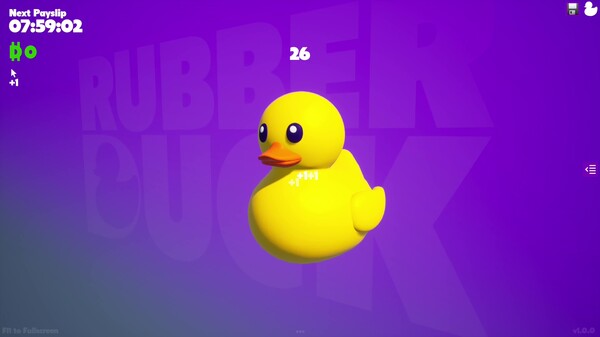
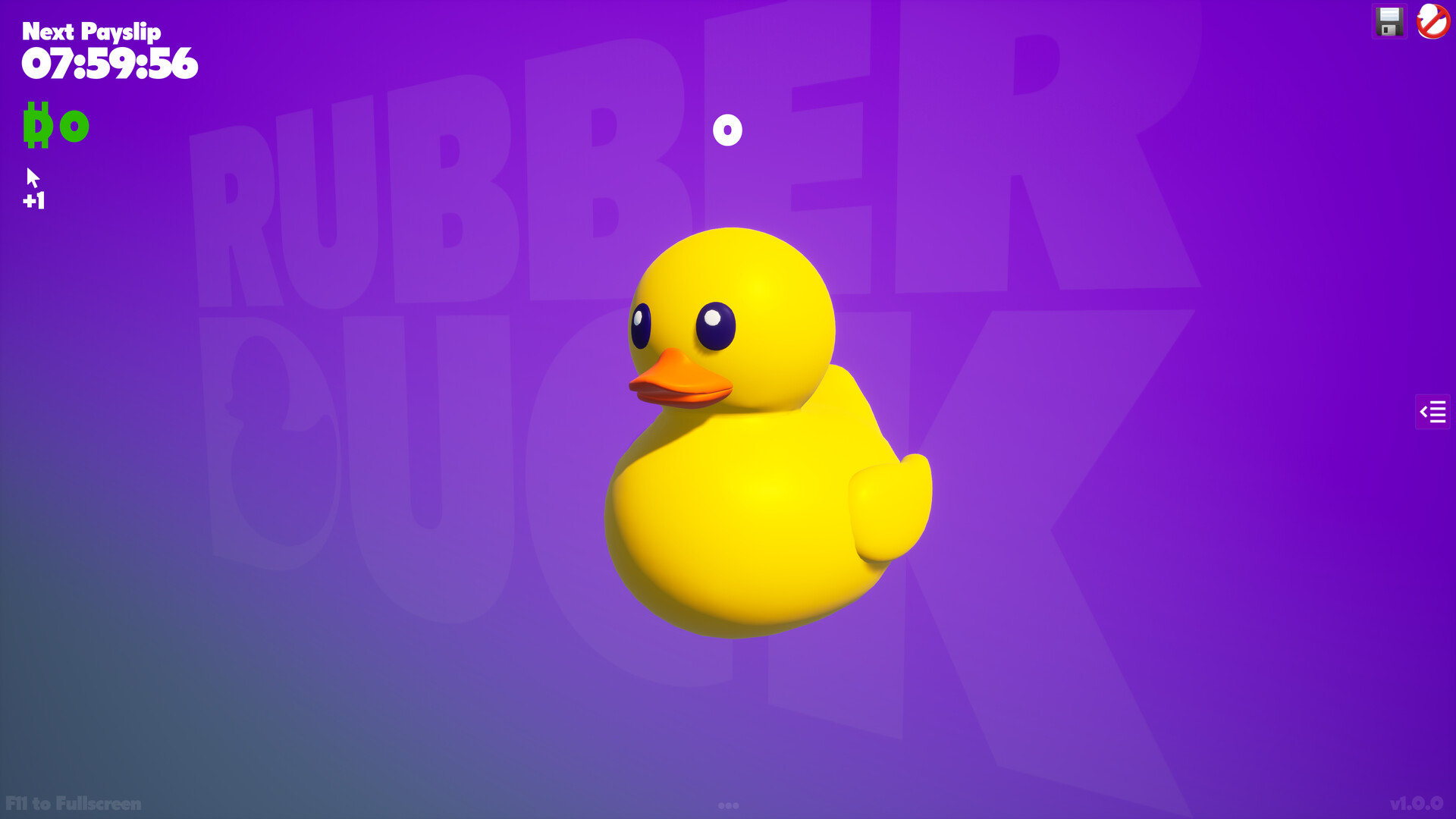
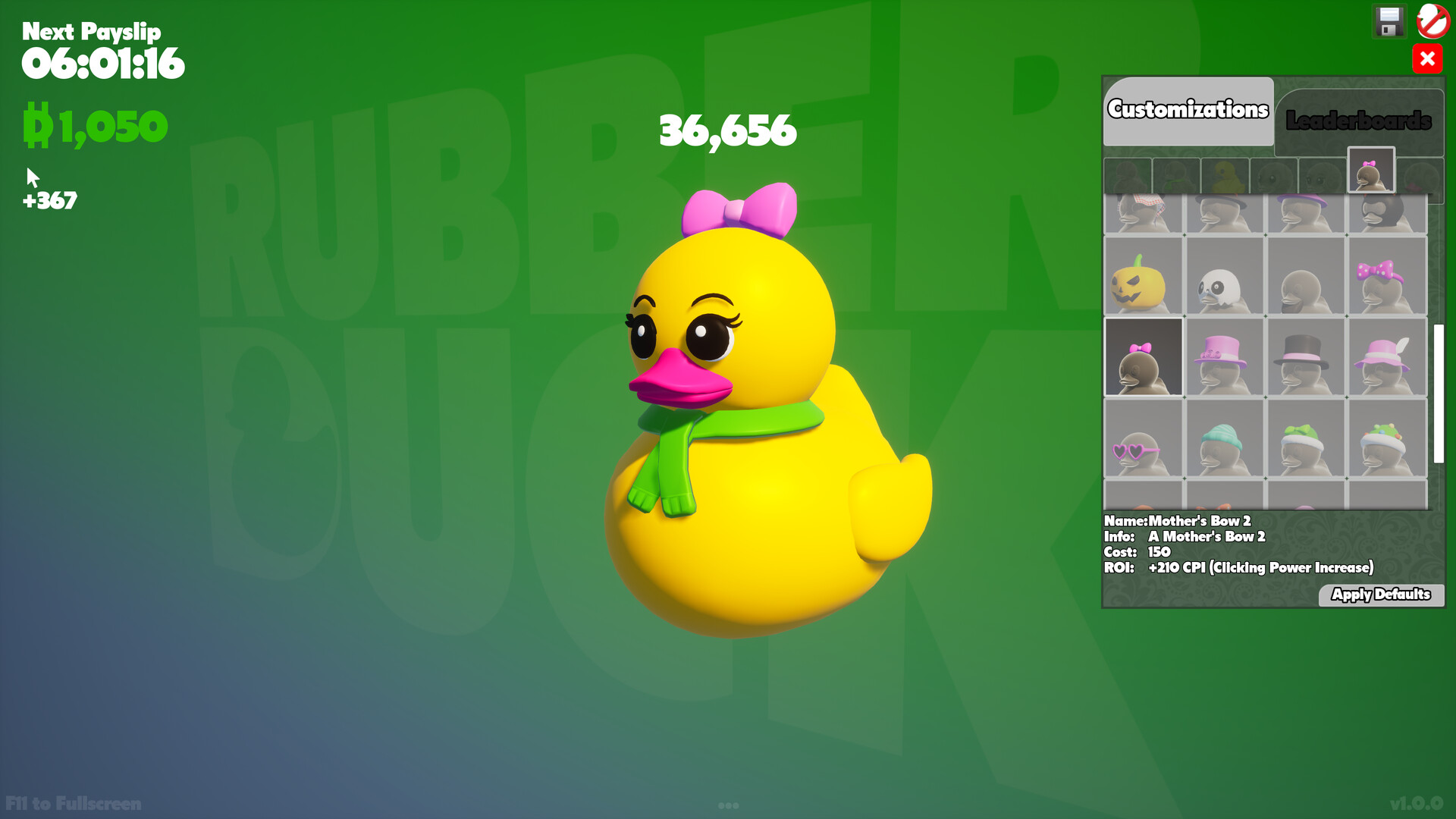
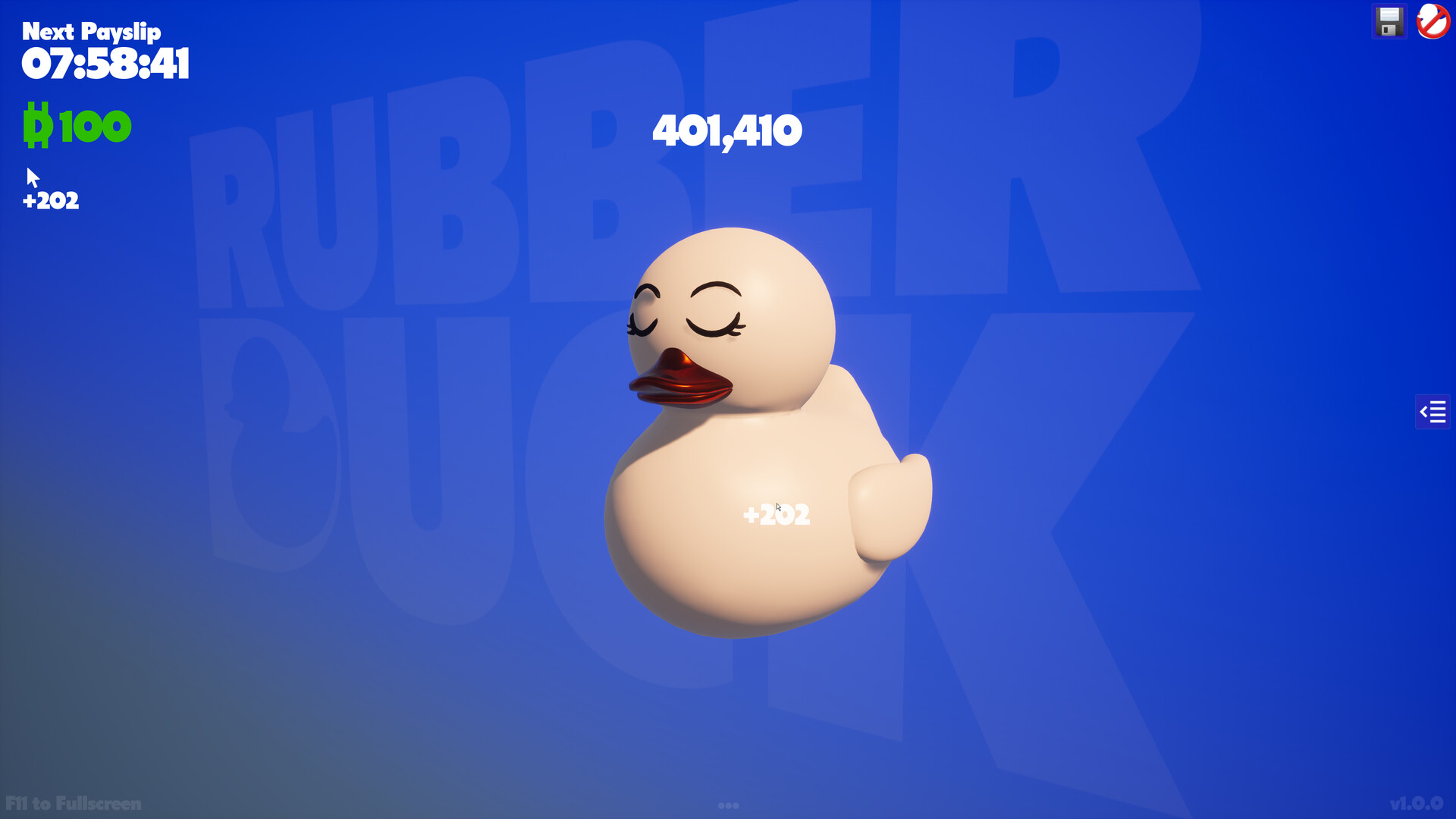
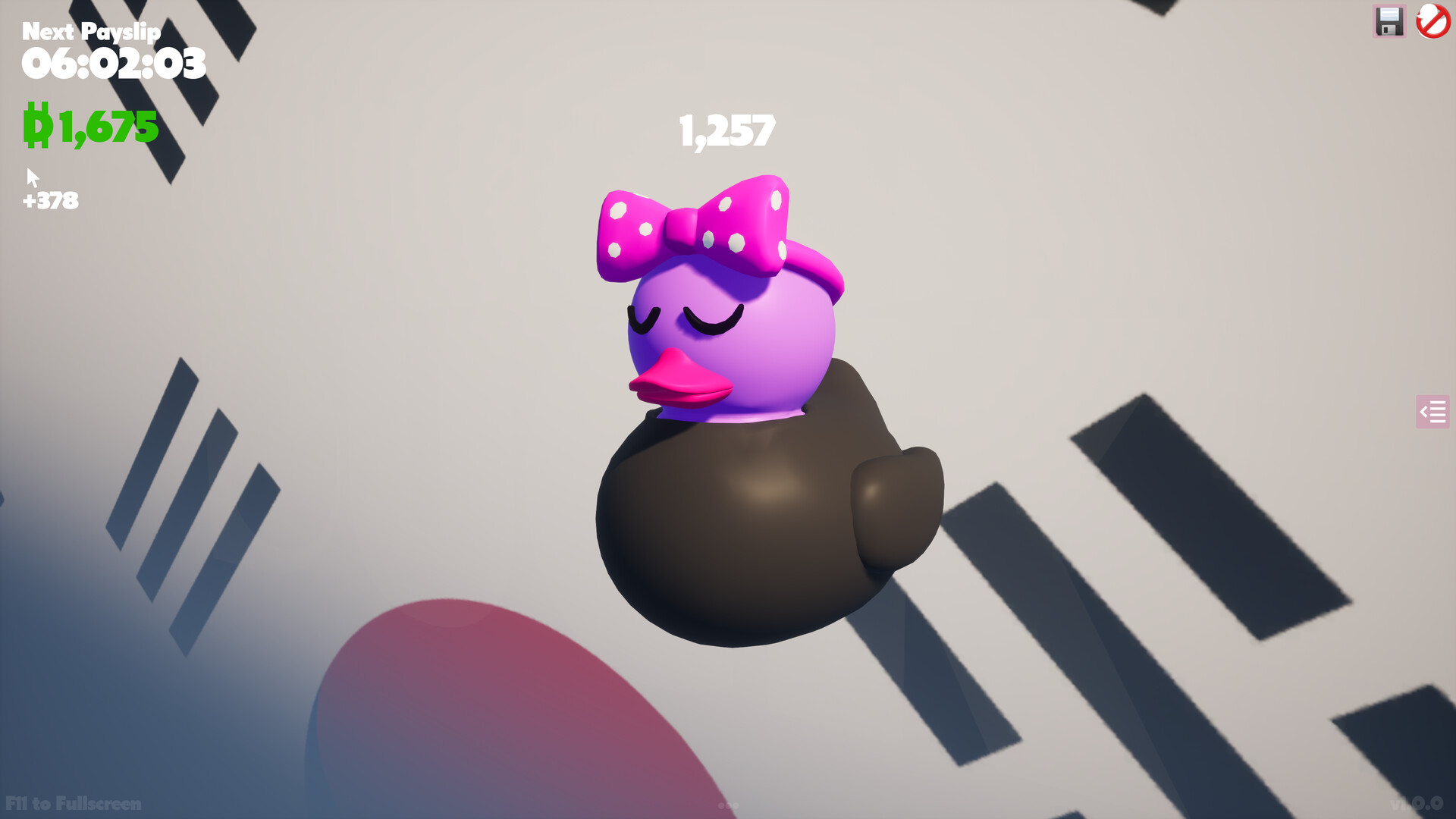
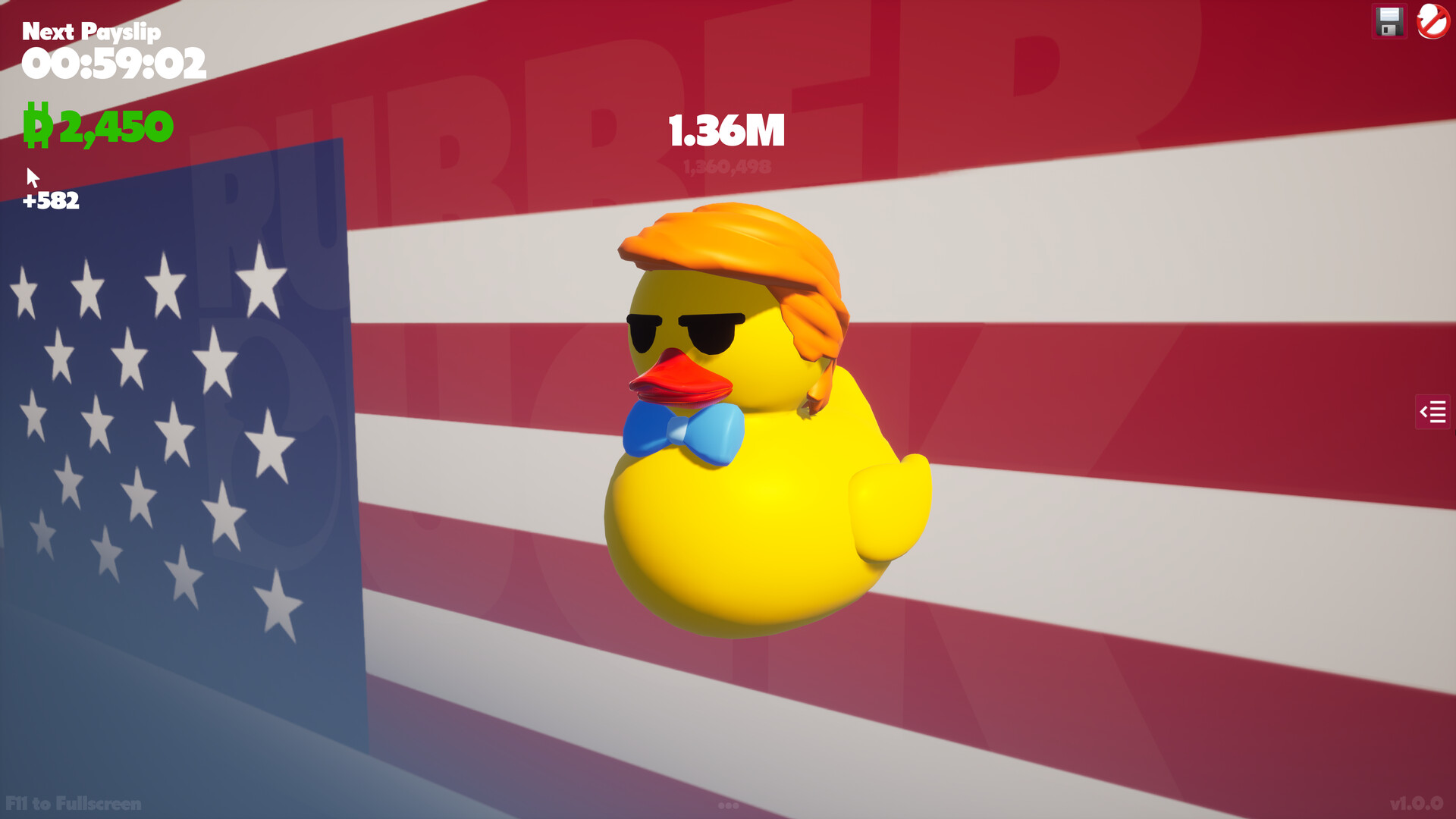
Rubber Duck is a bare-bones clicker where you tap a duck to accumulate clicks and unlock cosmetics tied to achievement thresholds. Progression relies on timed paydays rather than click volume, creating long idle periods between meaningful unlocks. Best suited for players who want completely passive background gameplay while working on other tasks, though veterans of the genre may find the grind prohibitively slow.
About this game
Ever had to spend your working hours staring at screen clicking and pretending in order to gain for living? Now you've a Rubber Duck that can make your (and my) miserable working day much more fun!
What players are saying
▼ Not recommended0 hrs
Purchased cause the ducks were cute and wanted something mindless to do on the side while focused on other tasks. Clicked for 20min then clicked on uninstall, Not a single customization was earned. Whomever thought the timed payslip was a good idea for progression over just sheer amount of clicks is wild. This Clicker is about as bare bones as it gets, and I wasn't willing to wait for a 3hr timer to go off to access any of the honestly good looking customizations.
In the game's description's words from the dev, "If you are dedicated, technically you need to play the game for ~97 years to unlock everything and reach limit of clicks.". I wish I'd read that before I paid money for this grind fest of a game. I'm too old for this ♥♥♥♥.
You click on the duck and your click total increments. Some achievements are based on the number of clicks.
Every 8 3 hours there's a currency drop. That's better than the original 8 hours for a drop. Upgrades/customization require in game currency. The amount of currency has been more than tripled by an update/patch.
The devs willingness to patch/update the game is a good start.
If you like grinding more than results, this is the game for you. If you're not into excessive grinding, skip this idle/clicker.
I'm not sure how much grinding will be required now and the games basic structure hasn't changed and it isn't something I enjoyed.
If Steam allowed for neutral recommendations (neither recommended or not recommended), I might give it a neutral rating now but Steam doesn't allow for that. A real shame. Then again will the changes made significantly speed up the experience? I still think it'll still take more time than I have left and my recommendation remains the same.
Others should comment/review this. Don't let my comments be the only one.
I like the concept and i understand taking some time to unlock everything. But having to stay on the game for 3 hours originally 8 which is better just to get a small amount of money is such a waste of time. Its just going to take forever to even get anywhere.
EDIIT: The pay day is only 3 hours now which is so much better, but i think the pay should be more based on click amount as its still gonna take ages however its so much better. And i want to say a huge thankyou for the fact the developer instantly updated their game from comments to make it better for everyone :))
V1.0.3 comes with several updates based on your feedback. Let's list them:CPI IncreaseIncrease the CPI for all items, some will get slight increase, others will get large increase. If interested to learn more about the increase criteria, we can discuss that in the game's Discussions page. And this was not limited to specific list of items, all items got an increase, including the most powerful items!Before:After:Hamster (In-Game Auto-Clicker)Adding an in-game auto-clicking mode (Hamster), so you don't have to go with a third party app that would most likely blocks you from using your computer normally.It can only be available for you after reaching your first Billion, and you can set it's power to 2x, 3x or 4x from the little slider next to the Hamster button. So for example, if your current Clicking Power is 555 and you set the Hamster to On at 3x, this means each click will be 1665 (555*3). You may need to toggle the Duck's sound & animation to Off from the top right corner when on the Hamster auto-clicker mode.Taking this example:My CPI is actually +3001 but the hamster is running at 2x and that makes it +6002, so we're not only leaving the Hamster to auto-click for us, but also to double, triple or quadruple the Clicking Power for us. Clicking power back to your own value when Hamster is turned off (I doubt you will turn it Off!).The previous 2 updates won't work under the -OG launch argument that preserve the original game's vision (just in case anyone wanted it).Hi Resolution ScreenshotsAdded a Screenshot button in the UI, just in case you want a high resolution clean screenshot of your customized duck for any purpose (Steam F12 don't produce that clean upscaled resolutions).TooltipsAdded some tooltips here & there, mostly on the UI buttons in order to make sure to deliver all the info related to a button or system in case it is not clear, like for example: "where does the new Screenshotting tool will be storing the screenshot files?". Or, "What does the Save ...
Based on the more given feedback, this patch including some balancing as follow: Drop time (working hours in game concept) been reduced from 3h to 1h Dullaks (payslips in game's concept) been increased from 250D to 300D And the fun part, if you still want to stick with the original vision of the game, the work life slavery, you can always lauch the game with the commandline argument -OG either from Steam or from system commandline, and it will take you to the original values of: Drop time (working hours in game concept) of 8h Dullaks (payslips in game's concept) of 80D So, you've it all..Easy way & torturing way! Let's see how this goes, all eaaaaaars! Keep in mind, after updating, you will need to remove that save file below: C:/Users//AppData/Local/RubberDuck/Saved/SaveGames/0x01014438464646461.sav
Based on the given feedback, this patch including some balancing as follow: Drop time (working hours in game concept) been reduced from 8h to 3h Dullaks (payslips in game's concept) been increased from 80D to 250D Let's see how this goes, all ears! Keep in mind, after updating, you will need to remove that save file below: C:/Users//AppData/Local/RubberDuck/Saved/SaveGames/0x01014438464646461.sav
Posts come from Steam's official announcements feed.