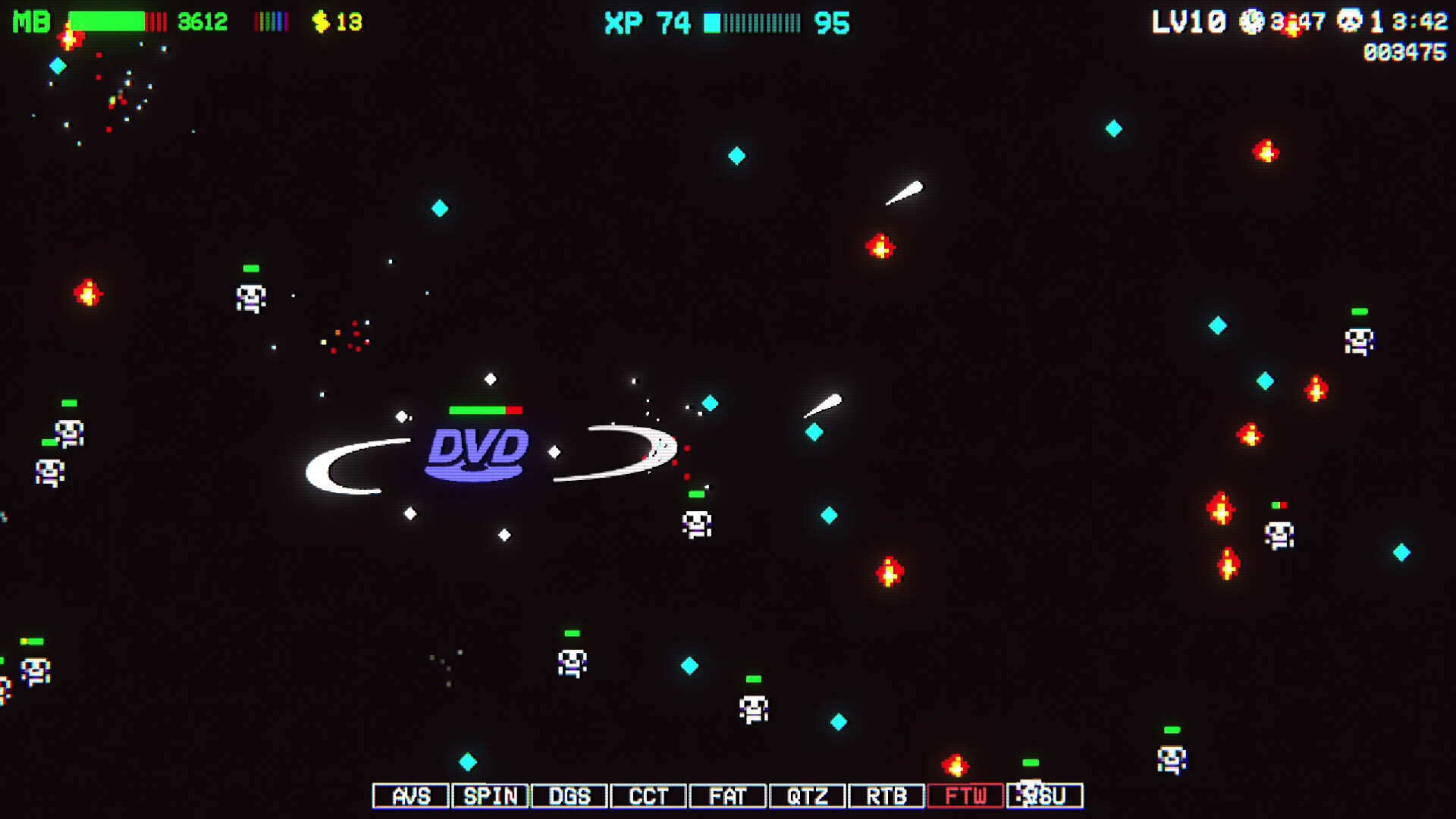
Transform the iconic DVD screensaver into an incremental clicker where you select upgrades and watch colorful chaos unfold across three decades of DVD history. Each run is quick but compulsive, blending the hypnotic appeal of the original with idle game progression as numbers climb and visual spectacle intensifies. Best enjoyed by players seeking low-effort, visually engaging gameplay that rewards idle watching.
About this game
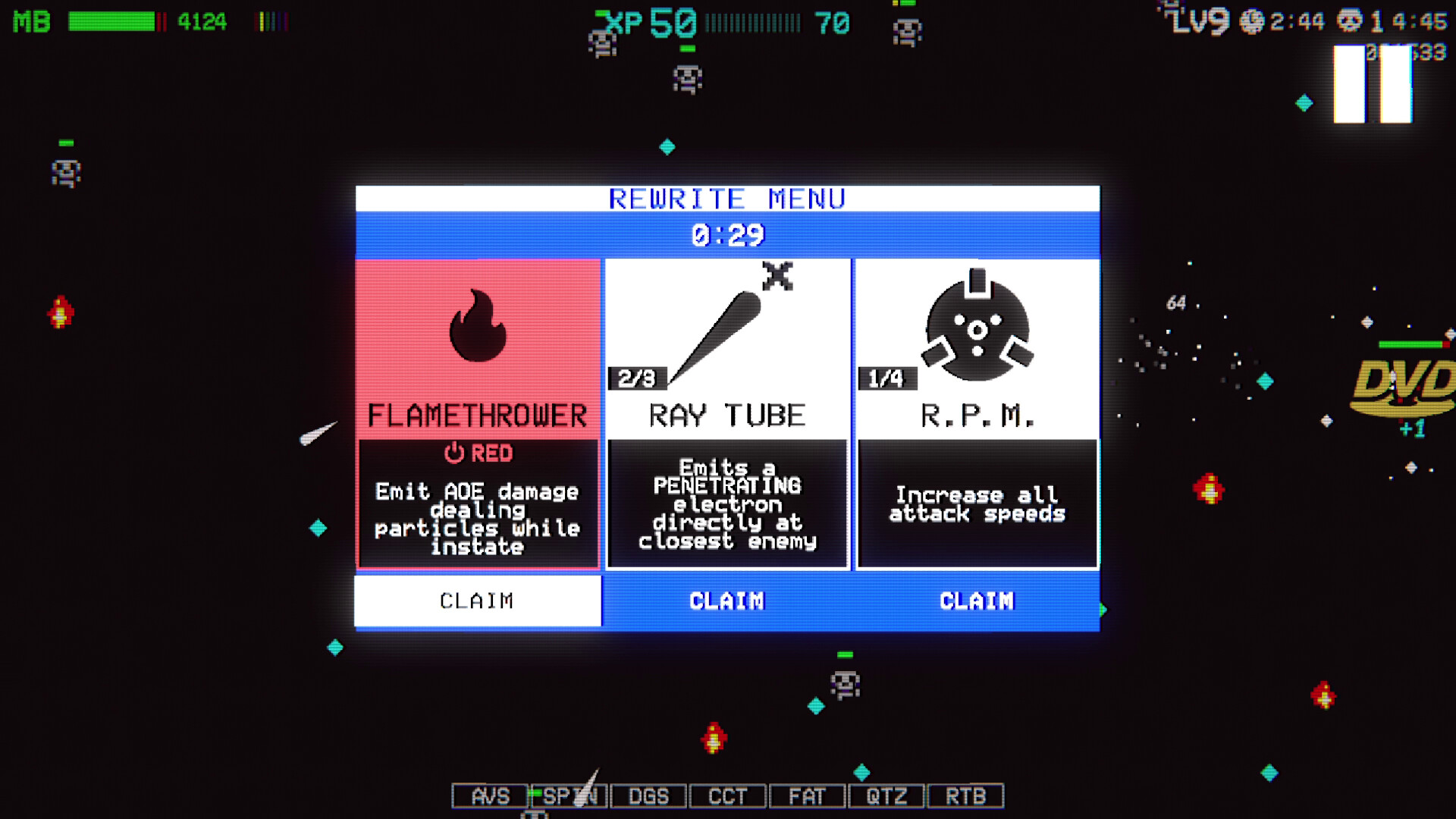
The classic DVD Screensaver, turned survivor! Choose upgrades and witness color-activated chaos unfold as you rewrite your way through 30 years of DVD history. Or run it as your actual Windows screensaver!
Players, last 29 days
Peak 4 · Low 0
Daily peak concurrent players, sampled once a night from Steam.
What players are saying
▲ Recommended0 hrs
bright colours and numbers go up = neurons activated
I'm having a lot of fun with it! Hypnotising to watch, just like the original DVD screensaver. Also highly addictive - just one more time, I think - and suddenly an hour has passed, even though a run only lasts a few minutes. I don't feel like I have much control over my build, but it doesn't bother me much. The fun of it is just to see what happens. It's even really charming to just watch the DVD play all by itself in auto mode. I also really like the pixel art and the music and all the little references to the history of the DVD. Pirates, and tooth paste <3
All, in all: A charming and silly little game! Well worth its humble price I think. I was lucky enough to get a free key from the devs, but I would have bought it if I could. I recommend checking out the demo at dvdscreensaver2.com if you're unsure about buying it. I also recommend watching this on a screen together with other people - the shouting when the DVD hits the corner is priceless!
Hi,Two months have passed since we released DVD Screensaver 2. In that time exciting things have happened behind the scenes - things that unfortunately require us to take DVD Screensaver 2 down from the Steam Store.Rest assured that everyone who have already bought DVD Screensaver 2 will keep their copy, meaning you can keep playing it and keep downloading it to your Steam library. It will however not be possible to purchase new copies of the game, nor will there be any new updates to DVD Screensaver 2.Even though we are taking the game down, we’re excited to say that we're working on something new that builds on the foundation of what we made here.Stay tuned 👀AlexSG
These are all the changes in DVDSSII v2.0.0.32AdditionsToggle Auto with \ button on gamepadImprovementsTo prevent taking unintentionally high levels of damage, upgrade item Sawtooth does not cause knockback anymore. Sawtooth knockback tended to push enemies in front of player, only for player to hit them and take damage again, and again, and again...Landmines now start dropping instantly upon entering the correct color state.Made it possible to ignore the contents of chests.BalancingIncreased draw probability for upgrade item Magnetron.Increased draw probability for upgrade item Bounce XP.Higher crit chance for the AOE attacks of weapon Icethrower.Increased damage for the AOE attacks of weapon Flamethrower.Increased healing power for items Green Survivor and Data Steal.Increased melee damage of weapon Sawtooth.FixesFixed an issue that caused mini-bosses to stop spawning correctly after the first one. Mini-bosses drop coins, and can be identified by a little yellow dot next to their health bar.Fixed issue with bullets. Sometimes, when firing a bullet very close to an enemy, the enemy could be killed by the bullet, but still be able to deal damage to the player, making the consumed bullet feel kinda wasted. Enemies should now not be able to deal damage after being killed, and bullets should ignore killed enemies.Fixed issue where hitting two breakout blocks at the same time would destroy both, but only trigger one bounce event. Now only one breakout block will be destroyed when hitting direct neighborsFixed issue causing breakout blocks to consume shield crystalsFixed issue that could cause XP to get stuck outside screen
Hello there,The last couple of weeks I've spent reading through your feedback, and working on implementing as much of it as possible. The game should now run smoother, reward modchips at a more reasonable pace, and the HEAT system is now something you can opt into, just to name a few things.I hope you like the changes.Here are all the changes in version 2.0.0.23AdditionsGamepad supportFUTURE RAY - Low damage penetrating BLU-ISH CYAN laser weaponShortcuts - Select upgrades or shop items with keys \, \ and \. Exit shops with \HEAT - New HACK available in the WAREZ-menu after earning enough MODCHIPSChangesPerformance improvements!Edge Trace weapon more powerfulRebalanced scoring steps. Tuned the rank system to provide a more reasonable pacing of MODCHIPS and NEW ITEM rewards*During gameplay, screensaver specific OPTIONS have been made unavailableUniversal ITEM level cap - All items and weapons will cap on level 10, unless another (usually lower) level is specifiedHEAT is now something you have to opt in to. To enable HEAT, spend MODCHIPS in the WARES-menu. The HEAT-mechanic is also properly explained in the hack description windowWhen restocking in shops, dismissed items are taken out of the draw pool before drawing new items. The items are put back into the pool before visiting the next shopDamage resistance - Damage resistance have been reimplemented in order to be easier to explain in the short space available for item descriptions. Related items and hacks have better descriptions nowGame now auto selects leave button in shops if you cannot afford anythingTuning of some item's rarities, and some abilities' luck and power statsAdded an alternative way of discovering the secret 6th colorFixesFixed issue where game would end up in a black void after defeating last bossFixed issue where DVDSSII Windows Screensaver would launch in last used windowed mode. Screensaver mode now forces fullscreen modeFixed issue where player could get stuck inside final boss. Fixed it by re...
Posts come from Steam's official announcements feed.