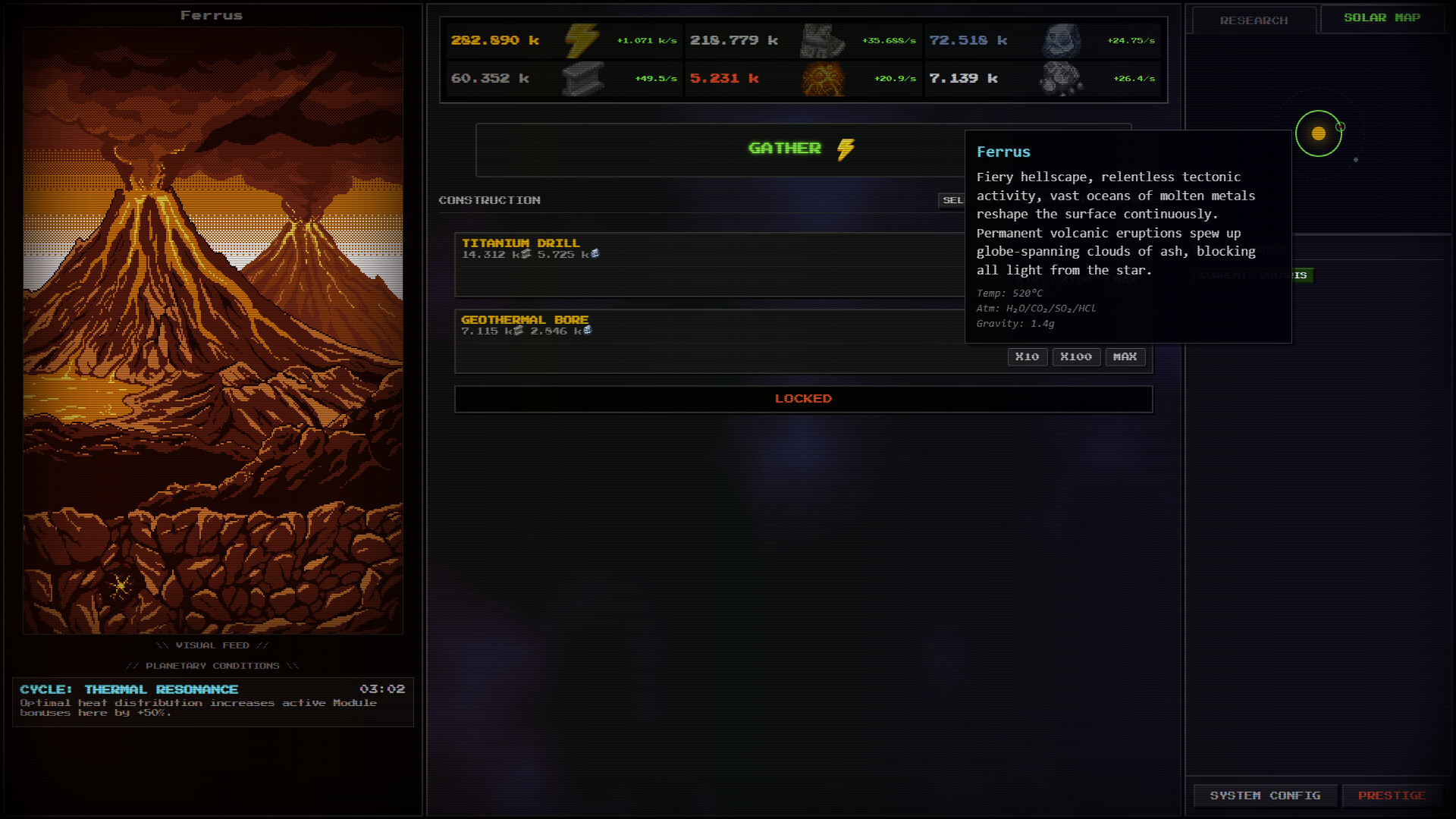
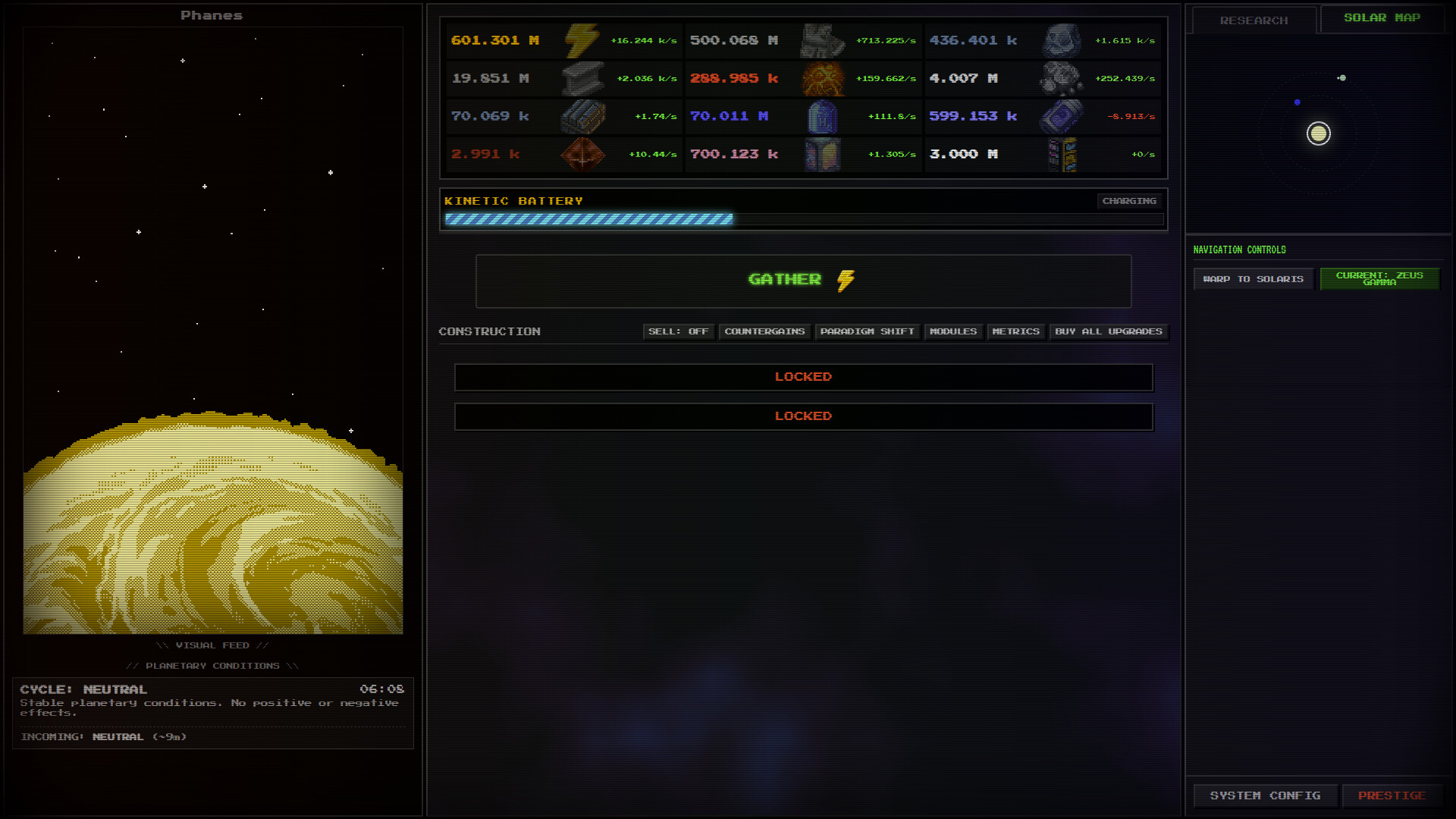
Build sprawling modular megastructures across alien star systems in this retro-futuristic idle game. You'll optimize grid-based factories, manage resource chains, and gradually unlock cosmic mysteries through systematic expansion and automation. Best suited for players who enjoy methodical progression and the satisfying mechanics of large-scale industrial construction.
About this game
Construct colossal megastructures in this industrial, retro-futuristic idle game. Manage grid-based modules, explore exotic star systems, and unlock the secrets of reality through exploitation and optimization.
Players, last 30 days
Peak 0 · Low 0
Daily peak concurrent players, sampled once a night from Steam.
Before getting into the patch notes, I want to give a massive thank you to every single person who played the demo, left feedback, and wishlisted the game during Steam Next Fest. The response was incredible to watch, and genuinely heartwarming to see so many positive reactions from you all to the concept!I also want to apologize for this update rolling out a little later than planned, I had to step away for a business trip right as the festival was wrapping up. We are back at the desk and ready to keep buildingWhile you have all been busy pushing the boundaries of the game, it was time to take a step back and look at the game's engine. As Azimuth grows, so does the math running behind the scenes. This patch serves as a massive code audit. You won't see any new buildings or buttons in this one, but you will certainly feel the changes. We spent five separate rounds tearing the engine apart and putting it back together leaner.Long story short: same game, less problems, longer sessions, sturdier saves. Here's what's changed in version 0.9.18:CPU gainsThe game does a massive amount of math every tick to figure out what all your buildings are producing. Previously it performed the same shared calculations over and over, once for every building you own. Now it does that work once per tick and shares the answer among every building.The bigger your industry, the bigger the gains. On busy saves this patch delivers, as an estimate, roughly a 25% to 45% reduction in the background simulation overhead. Note: this specifically applies to the background production math, not your total framerate! But unlike before, that calculation cost no longer balloons out of control as you stack up hundreds of buildings.UI and memoryThe UI logic used to redraw buildings costs 60 times a second, even when nothing changed. Now they only recalculate when a number actually changes. The UI also rebuilds lists in single clean passes instead of nudging the screen dozens of times over. Translation: not...
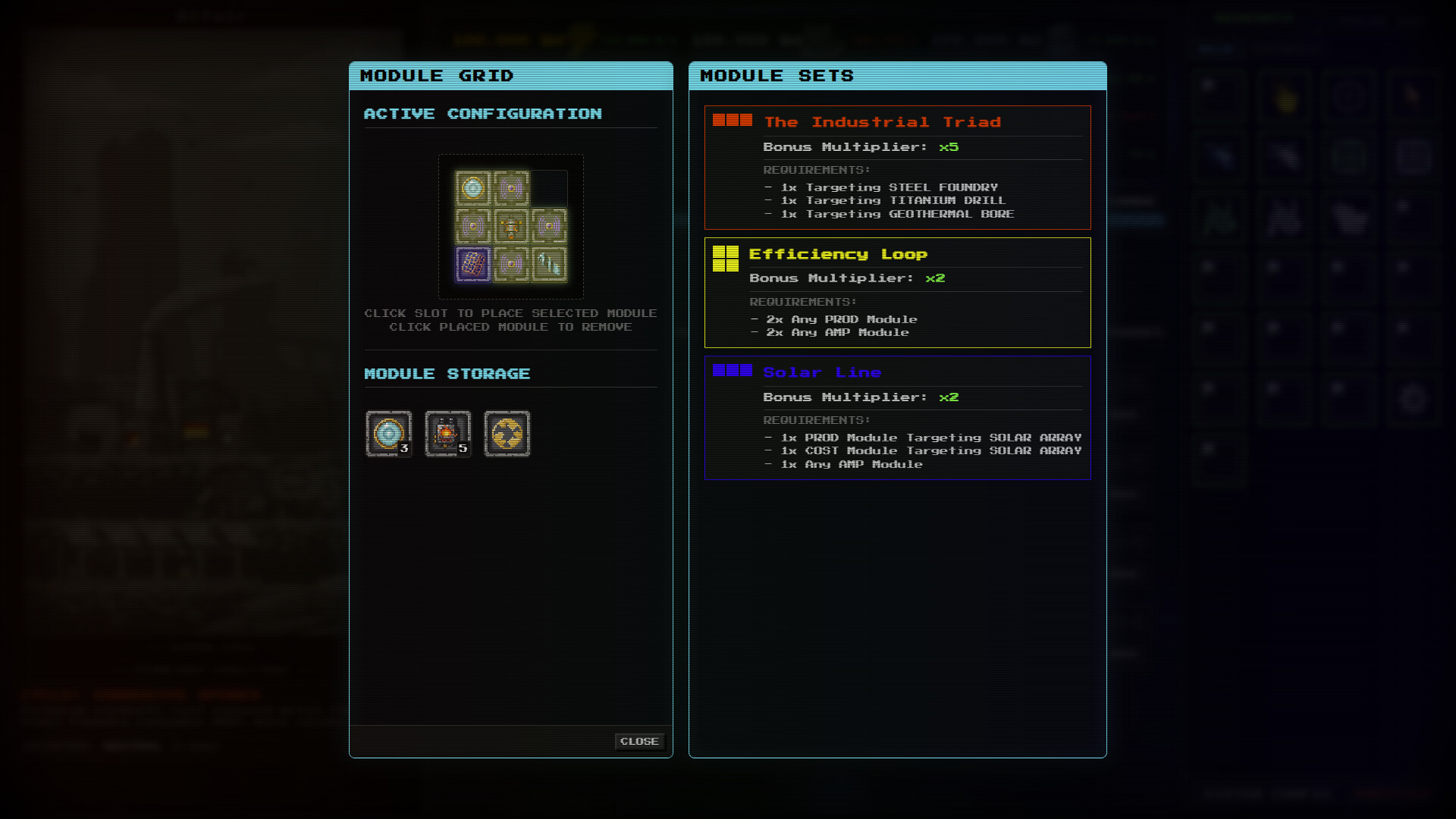
It is Day 3 of the Steam Next Fest! Interacting with the jigsaw puzzle that is the modules system can feel a bit chaotic sometimes, and the time has come to fix the absolute mess that is module sets.Today’s patch is dedicated entirely to quality of life and visual changes related to modules and module sets.Here's what's new in version 0.9.17:AddedModule sets have received a big overhaul. Active sets now receive extra visual features when activated, as well as an "ACTIVE" badge indicating exactly how many copies of that set are currently placed on the grid.Hovering over an active set's card will now highlight its exact position on your grid. This drastically reduces visual clutter compared to having the entire grid glowing at all times, especially when overlapping multiple module sets.ChangedModule placement now works through drag and drop instead of clicking to select (Note: you can still right-click modules on the grid to return them to your inventory).The module sets list now hides any set whose shape is too large to fit on your current grid.RemovedThe Hollow Diamond module set has been removed as it shares almost the exact same layout as the Power Cross.
It's now Day 2 of the Steam Next Fest!The response to this game keeps growing and improving as more and more issues are fixed, and enough thanks cannot be given for the feedback all of you have given to make it possible!A common point of concern was that managing the module grid was too clunky and slow. Today's patch introduces neat quality of life changes to module placement controls, alongside some much needed visual and bug fixes.Here's what's new in version 0.9.16:ChangedThe way you interact with the module grid has been refined and improved. You can now click to select a module already on the grid and click another spot on the grid to move it there seamlessly without it jumping back into your inventory. (You can still right-click a module to return it to your inventory).Updated resource tooltip description texts.FixedThe sprites for Solaris Prime and Phanes have finally been fixed, there should no longer be anymore blank edges.Fixed a new UI bug that prevented module set shapes from rendering in the modules screen.Cleaned up internal code so that bogus, harmless audio errors no longer clog up your error logs.
Posts come from Steam's official announcements feed.