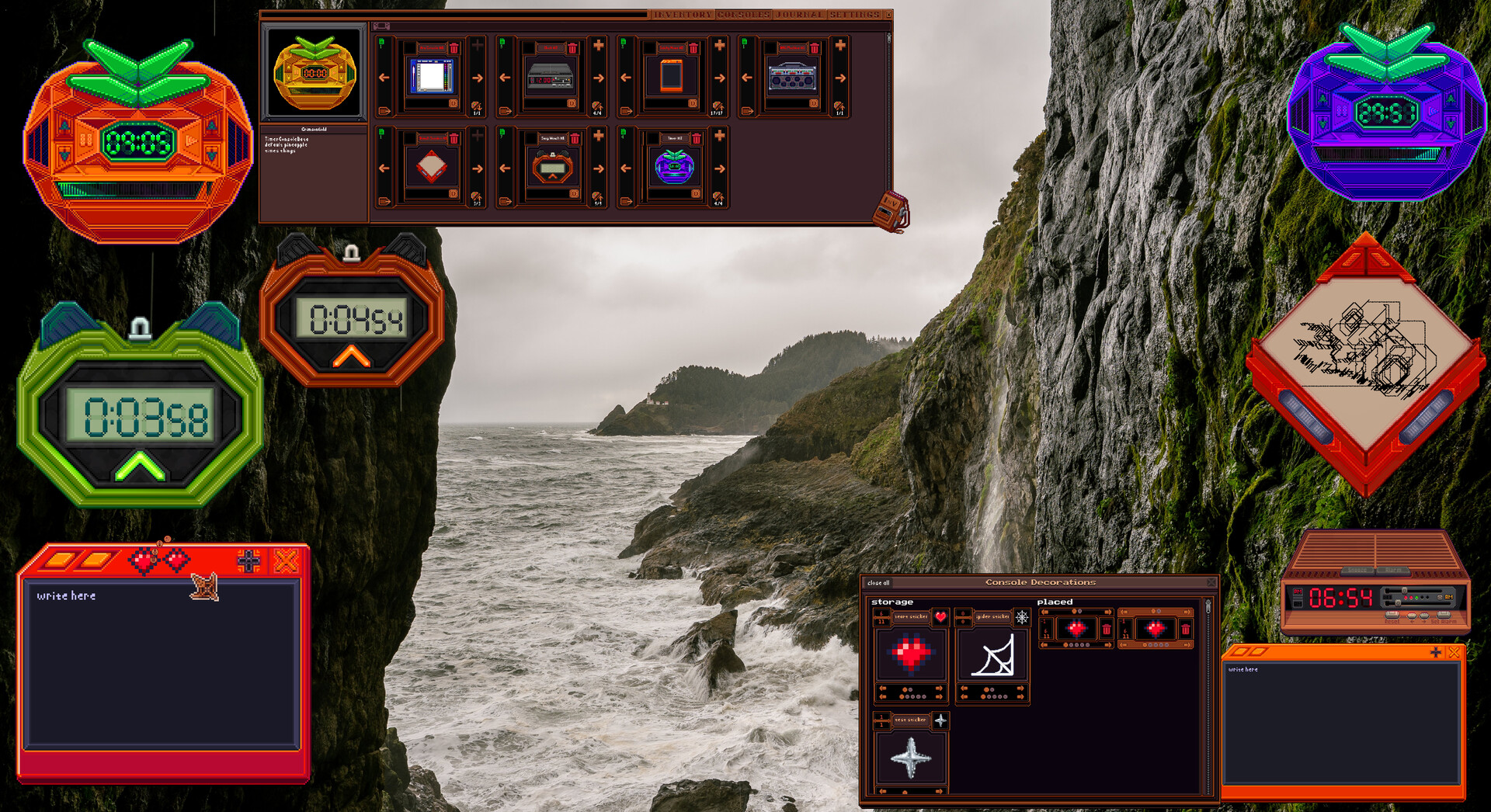
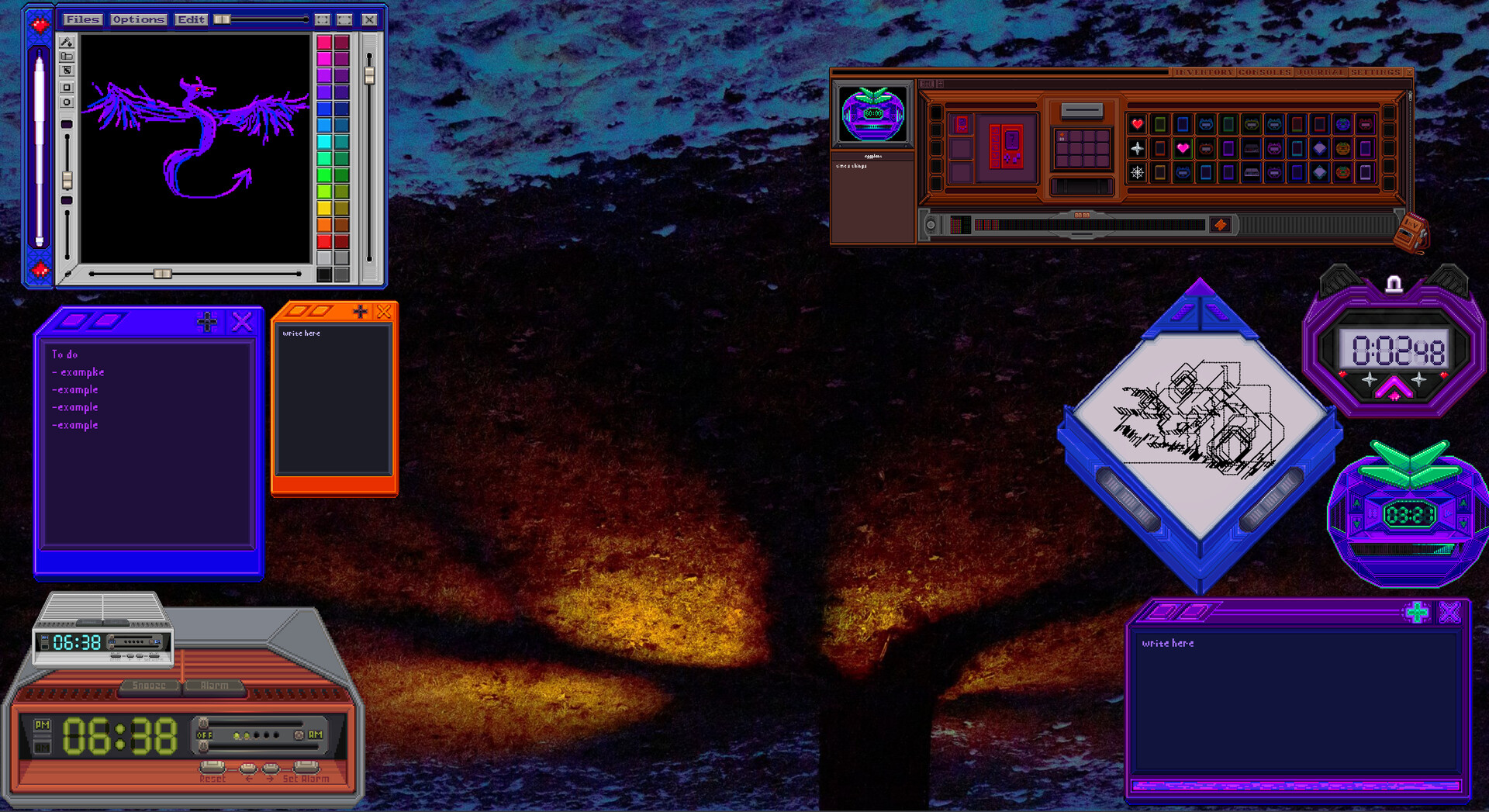
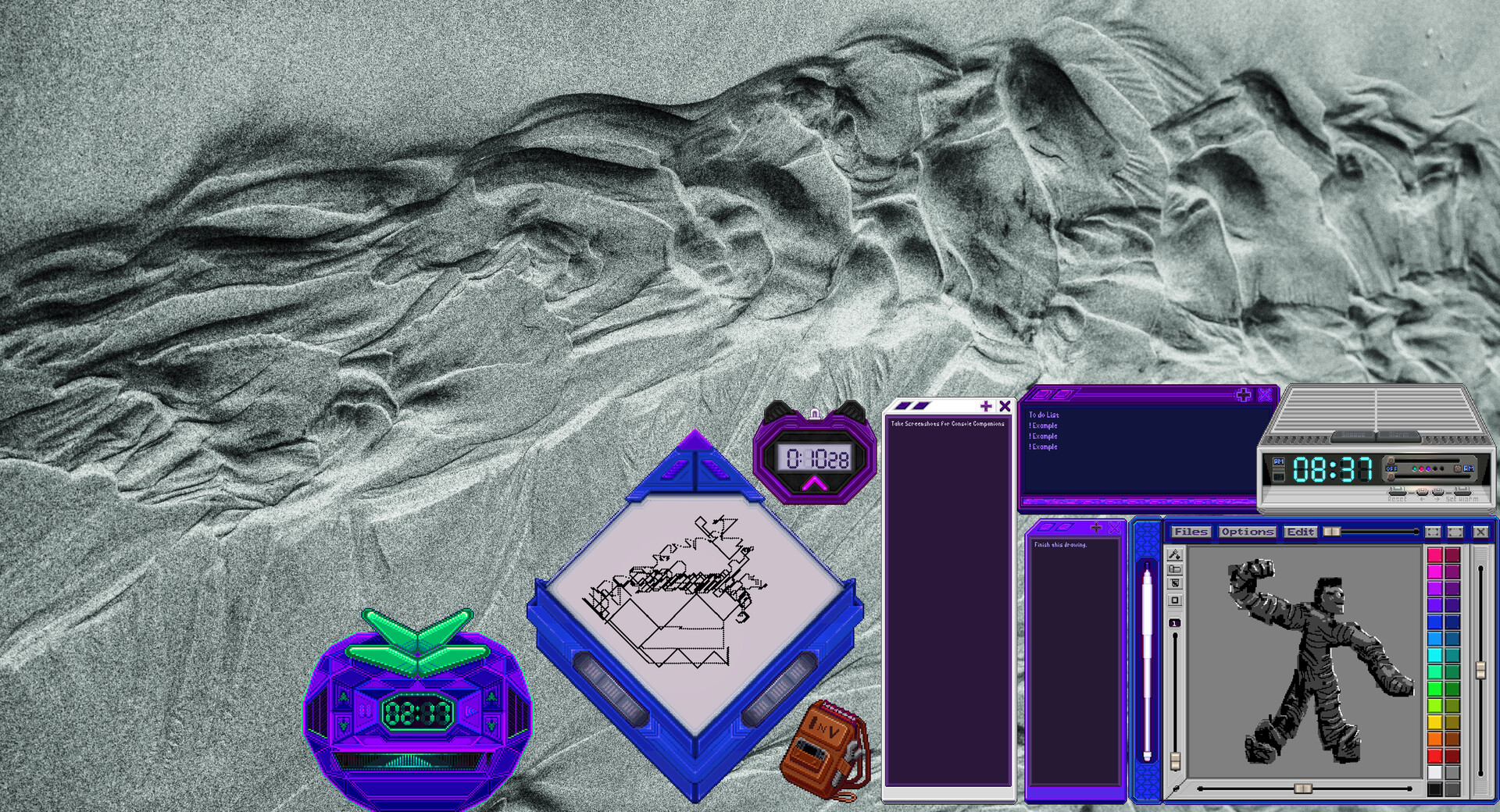
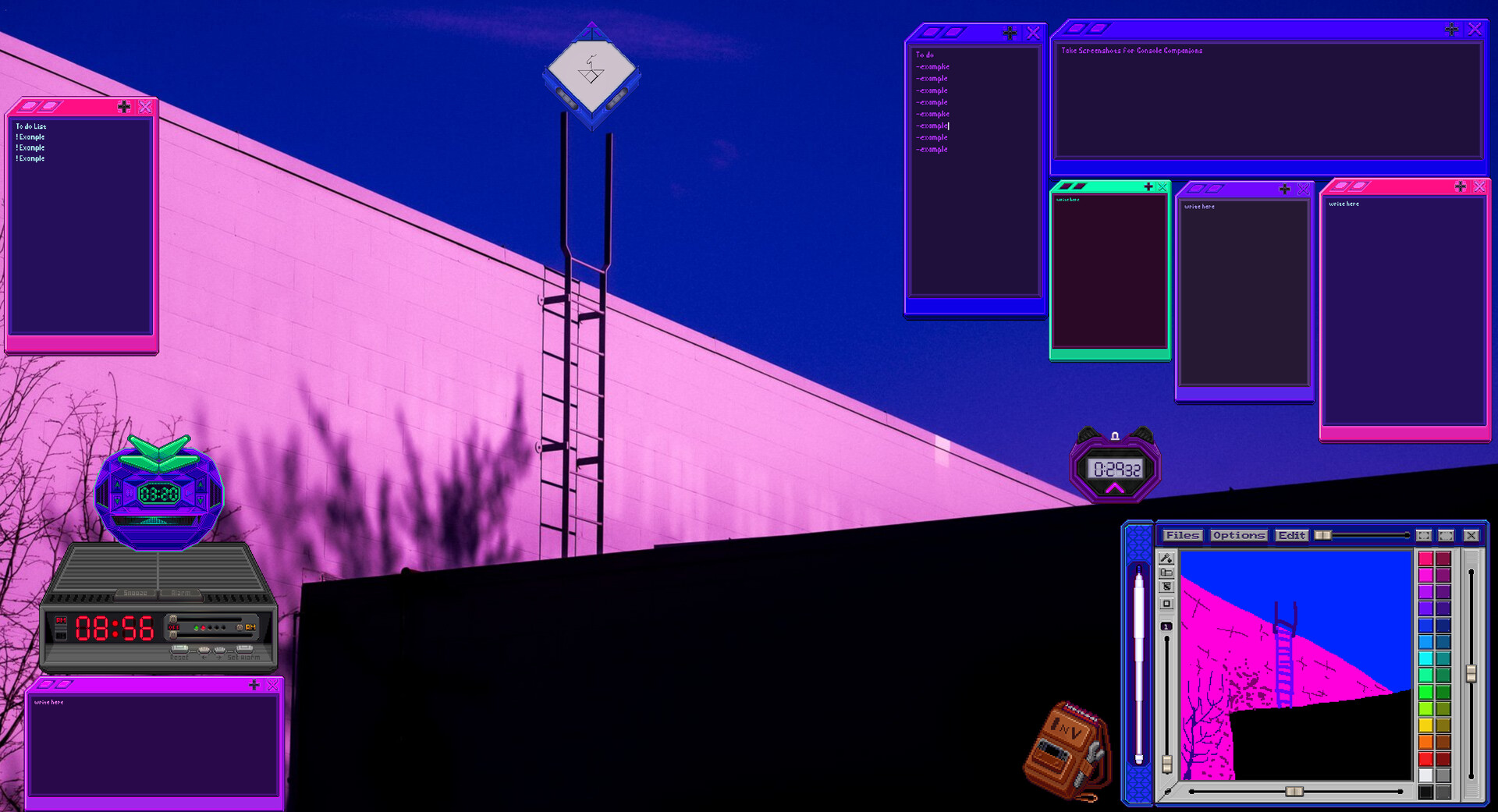
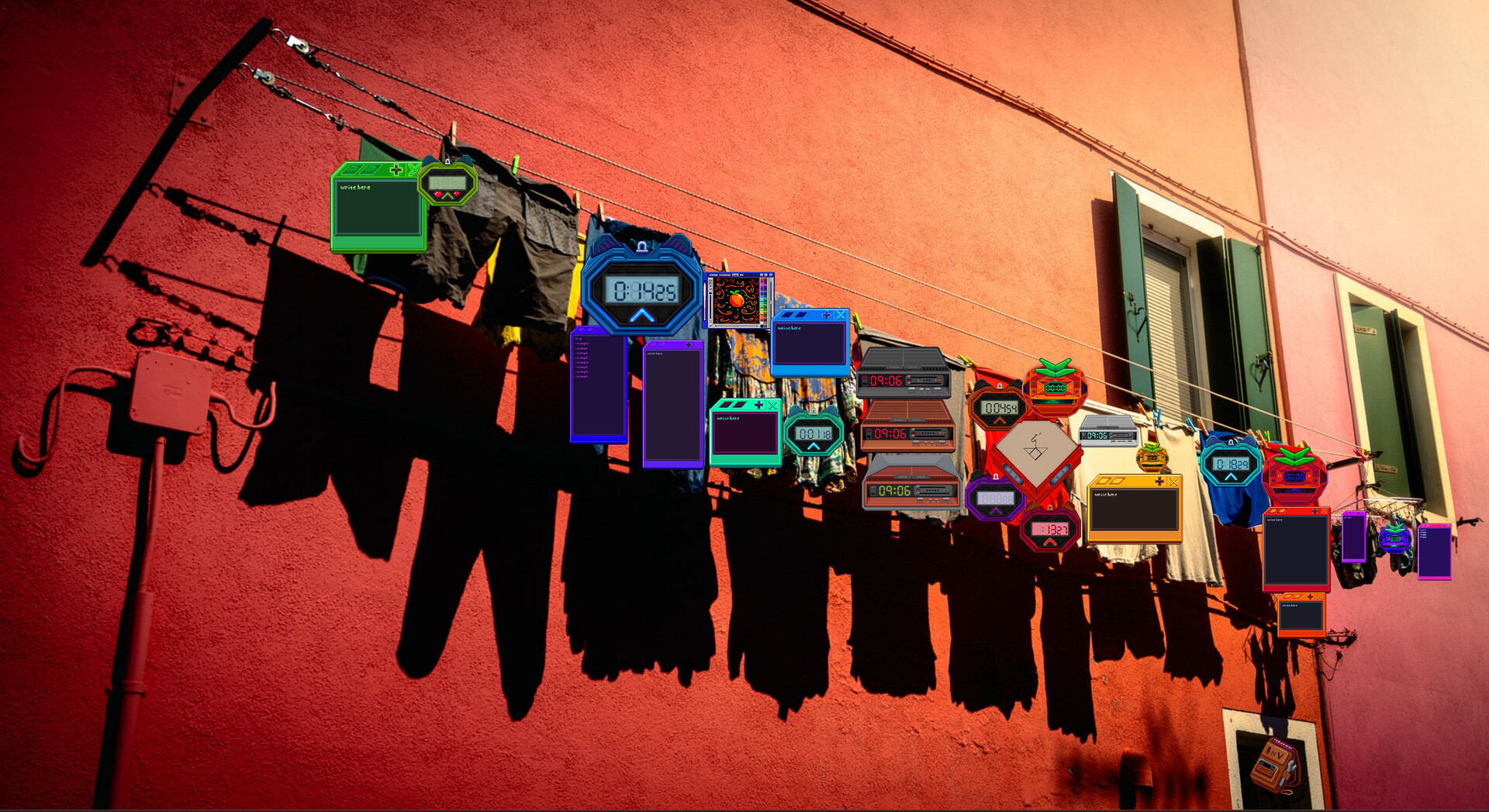
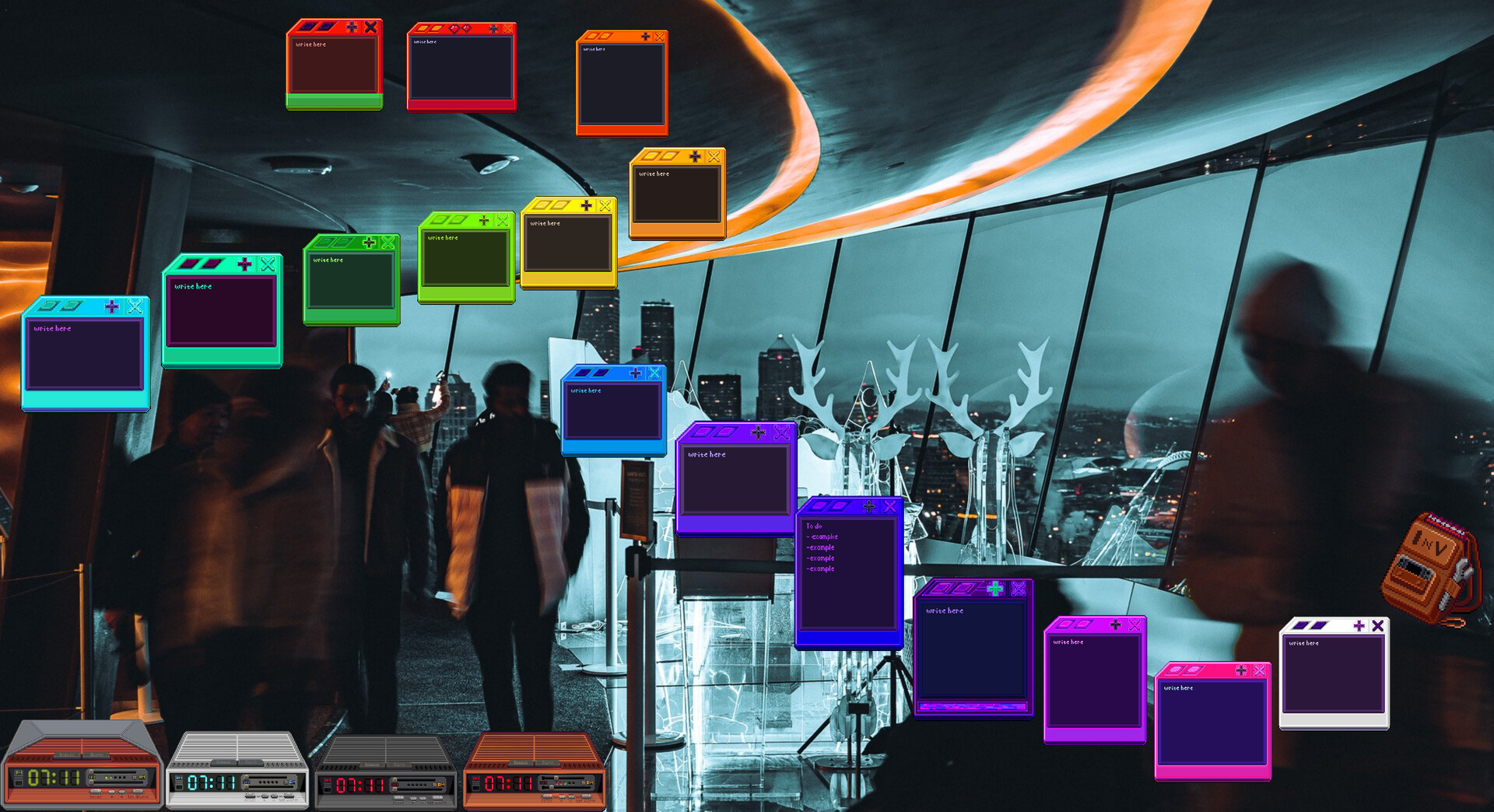
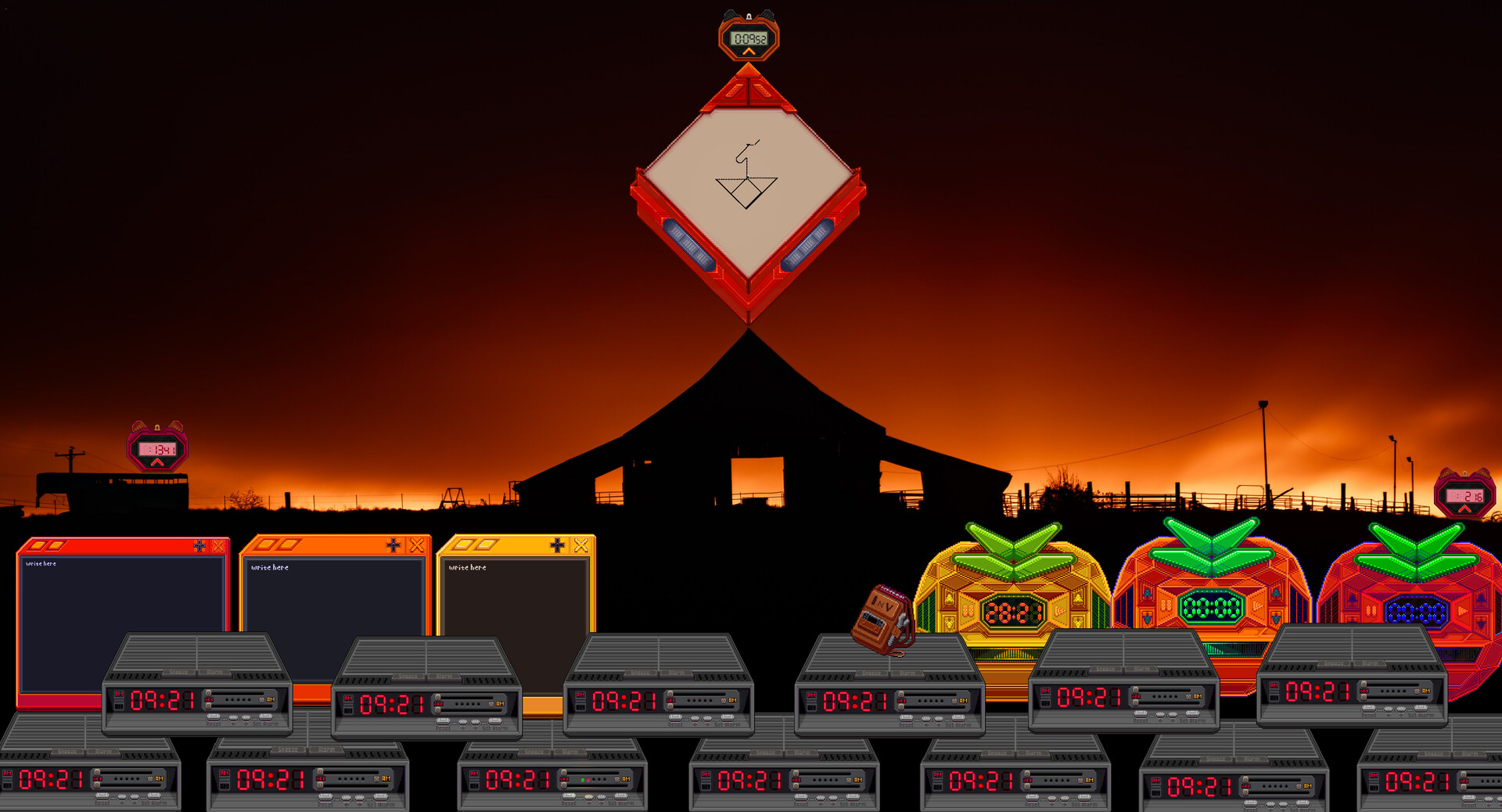
Console Companions transforms your desktop into a customizable workspace by placing retro gaming-inspired widgets on your screen. You can decorate virtual consoles with drawings and notes, use them as functional timers and organizers, and personalize them to suit your workflow. It's ideal for anyone seeking nostalgic desk aesthetics combined with practical utility.
About this game
Accessorize your desktop experience with customizable retro consoles on your screen. Draw, decorate, write, and even keep track of time. With a focus on functionality and long term support, Console Companions will continue to grow with its community! Linux compatible on most distros.
Players, last 16 days
Peak 0 · Low 0
Daily peak concurrent players, sampled once a night from Steam.
Patch Notes Version 0.0.14Tutorial, Manual, Font Improvements, Console Menu Features, QOL, Bug FixesAdded FeaturesThe inventory description on the left side now has a scroll bar.The manual has been improved. It now has several pages explaining different parts of the game.Improved fonts and font colors throughout the game.Added sticker mask variations for all consoles accessible from the right click menu.The right click menu title now displays the name of the console it is from.Added bandage sticker.Added a star button in the console menu that opens the favorites menu for that console.Added a sticker button in the console menu that opens the decorations menu for that console.Added a notification "!" that shows on new unlocks in the console menu.When resizing a console info container, the container recenters if it changes lines.The console info container now scrolls to new instances and scrolls with the arrow buttons.Clicking a console now selects that instance in the console menu.Console menu expand/contract button now switches sprites when expanded past minimum.Skin names have been improved.Bug FixesTimer and Clock sticker overlap fixes.Crimson gold incorrect digit order sprite has been corrected.Vending machine loot pool animation alignment fix.Clock sprites all look slightly better in several different areas.Clock lights now switch color when you swap skins.
Patch Notes Version 0.0.13Added FeaturesAdded sprites for the Remove Stickers button in the sticker menu.Sticker menu is now a dual scroll box with a title bar built in.A green light now shows over each unlocked item in the Vending machine.Added a Tutorial that is re-accessible from the Manual in the Journal Tab. Descriptions have been added to skins and settings, we also updated item descriptions.Added a sticker icon that shows over which skins you have stickers equipped too.The Journal Tab's sub-tab icons now have separate pressed versions.Added the Foliage Sticker set.Playrooms are now draggable by their border, incase they get in way. Bug FixesClickthrough bug is fixed on windows.
Patch Notes Version 0.0.12Added FeaturesPlaced decorations in the Decorations Menu now have a slight highlight when hovered.Art Console now shows which save you are selected on.You can now copy and paste stickers with ctrl + C then ctrl + V OR ctrl + D OR Hold ctrl and clickand drag a sticker.Inv now shows a clickable Ticket popup menu when a ticket is ready which makes claiming aticket way quicker.The Timers scroll bar now slides back to center when you let go of it.Art Console menu now has sprites.Art Console buttons now show which tool is in use.Art Console now has smarter pixel previews.Added some new sounds for some button clicks mainly for Inv and the Notepad.Added a new secret achievement for the Sketch Station.Added new sticker colors.You can now resize your consoles immediately when pulling them out of the inventory.Bug FixesFixed an issue where the consoles were not dragging out of the inventory properly.On an empty save the Inv & the Right Click Menu now start at a more readable size.Sticker bubbles no longer get as small which helps with readability.Notepad no longer resizes when clicking delete, +, or - while writing and lets you use esc to leavethe text editor so you can still close it quickly.Sticker selection has been made more consistent but can still sometimes be a little aloof.
Posts come from Steam's official announcements feed.