Virtual Cottage 2 combines a productivity timer with cozy space customization to help you focus on work or study sessions. Build better habits by completing daily tasks in your personalized cottage while ambient music and customizable soundscapes keep you in the zone. The one-time purchase includes lofi tracks and modding support for players seeking a low-cost alternative to subscription-based focus tools.
About this game
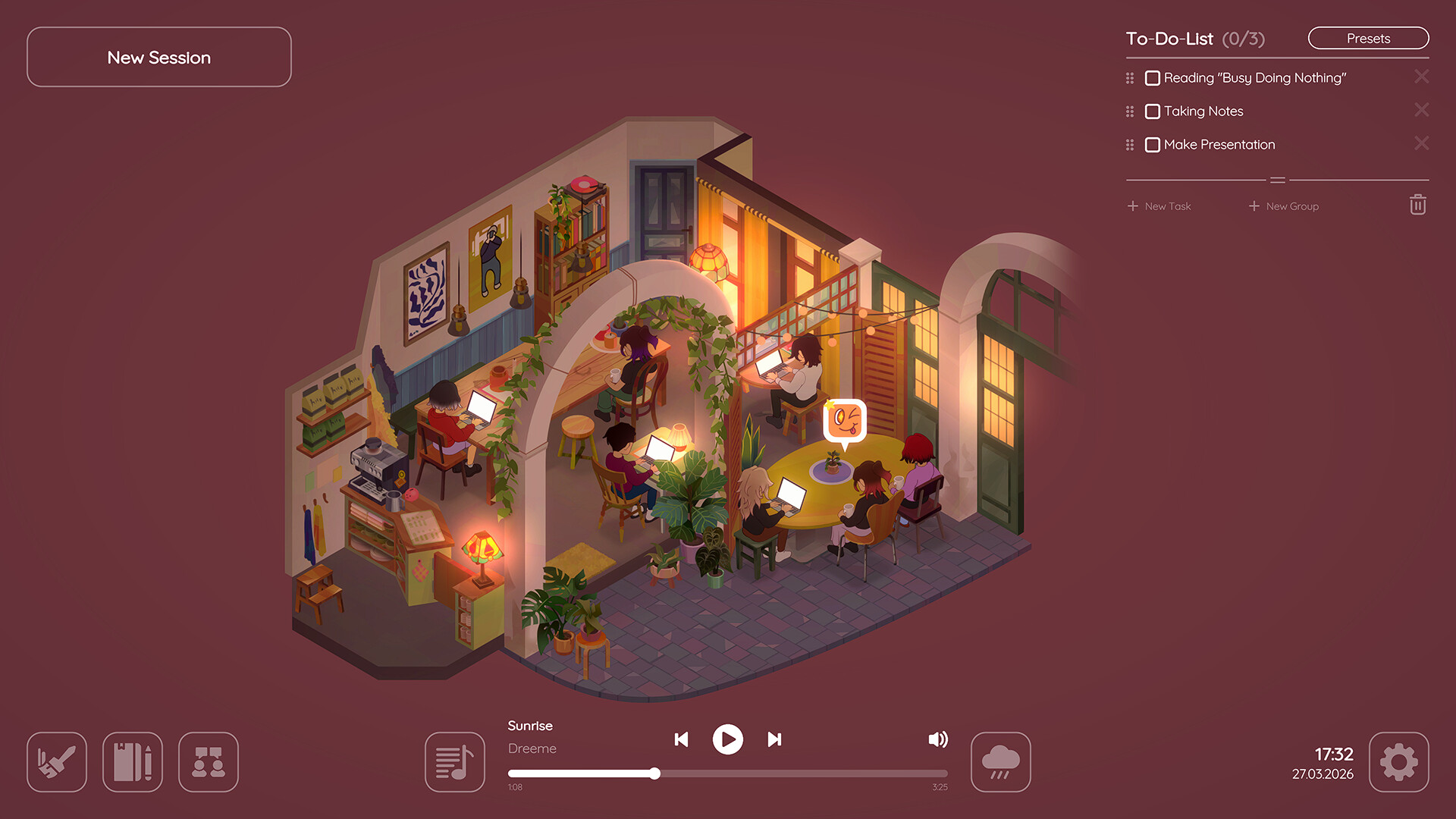
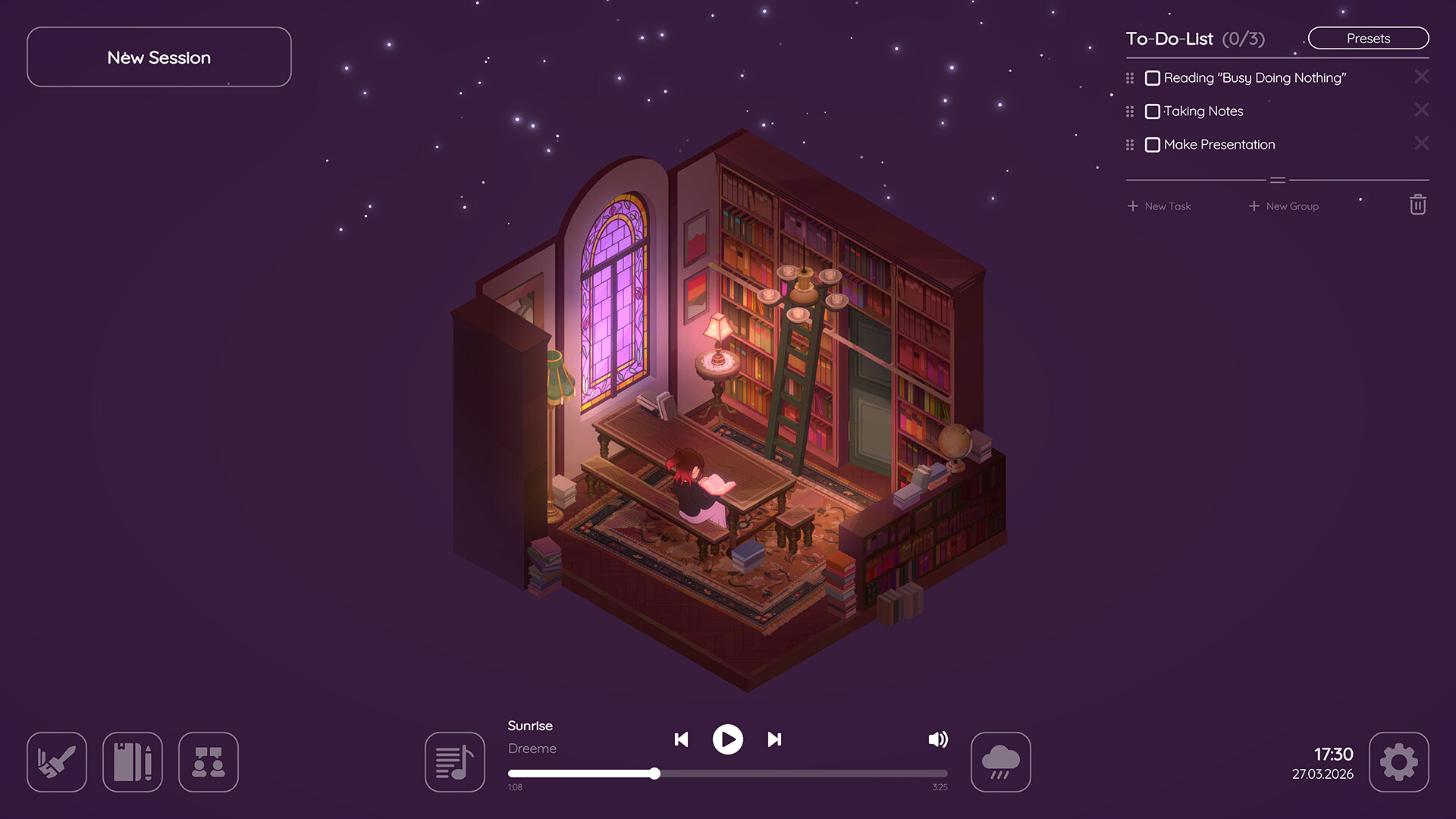
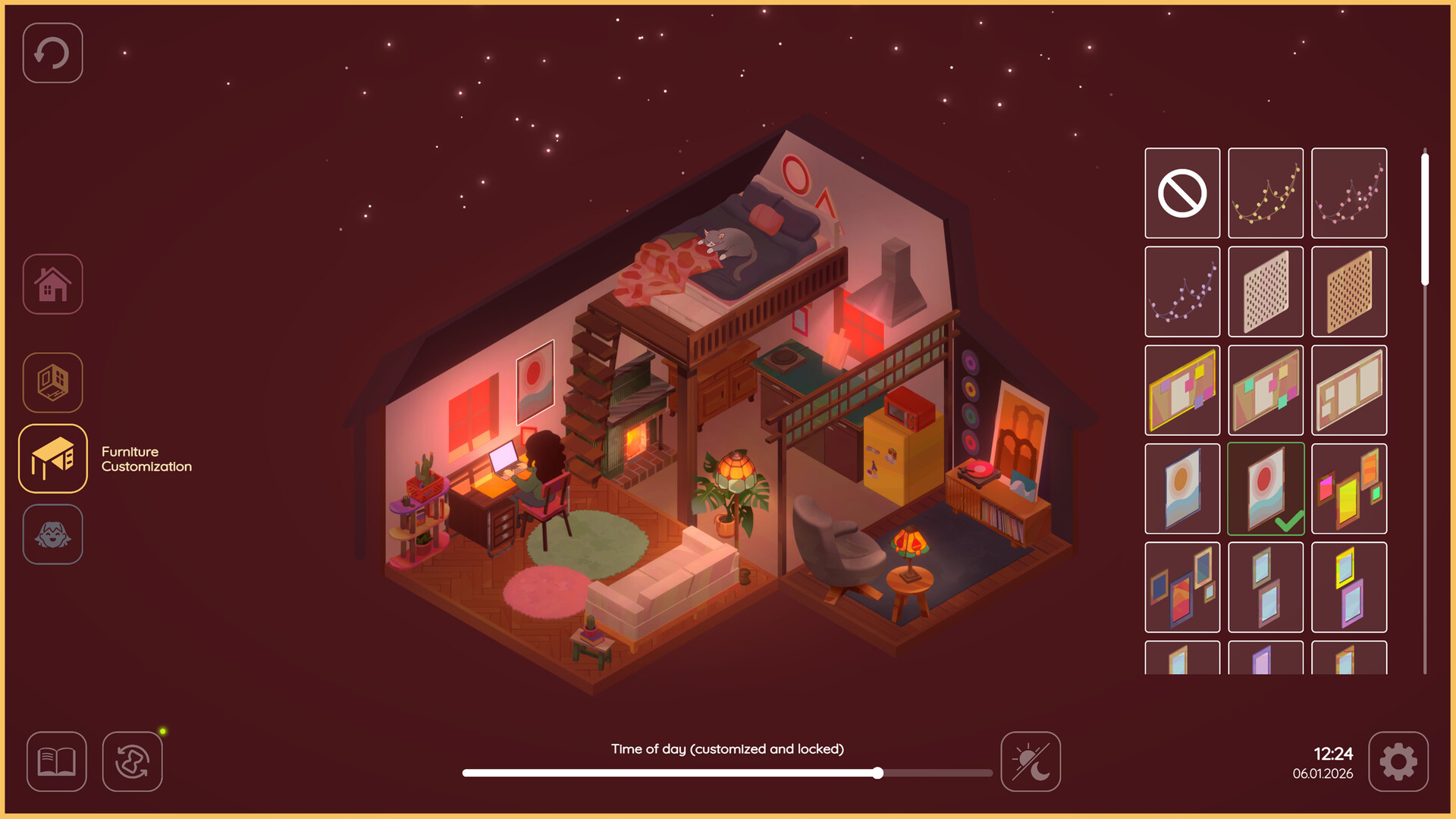
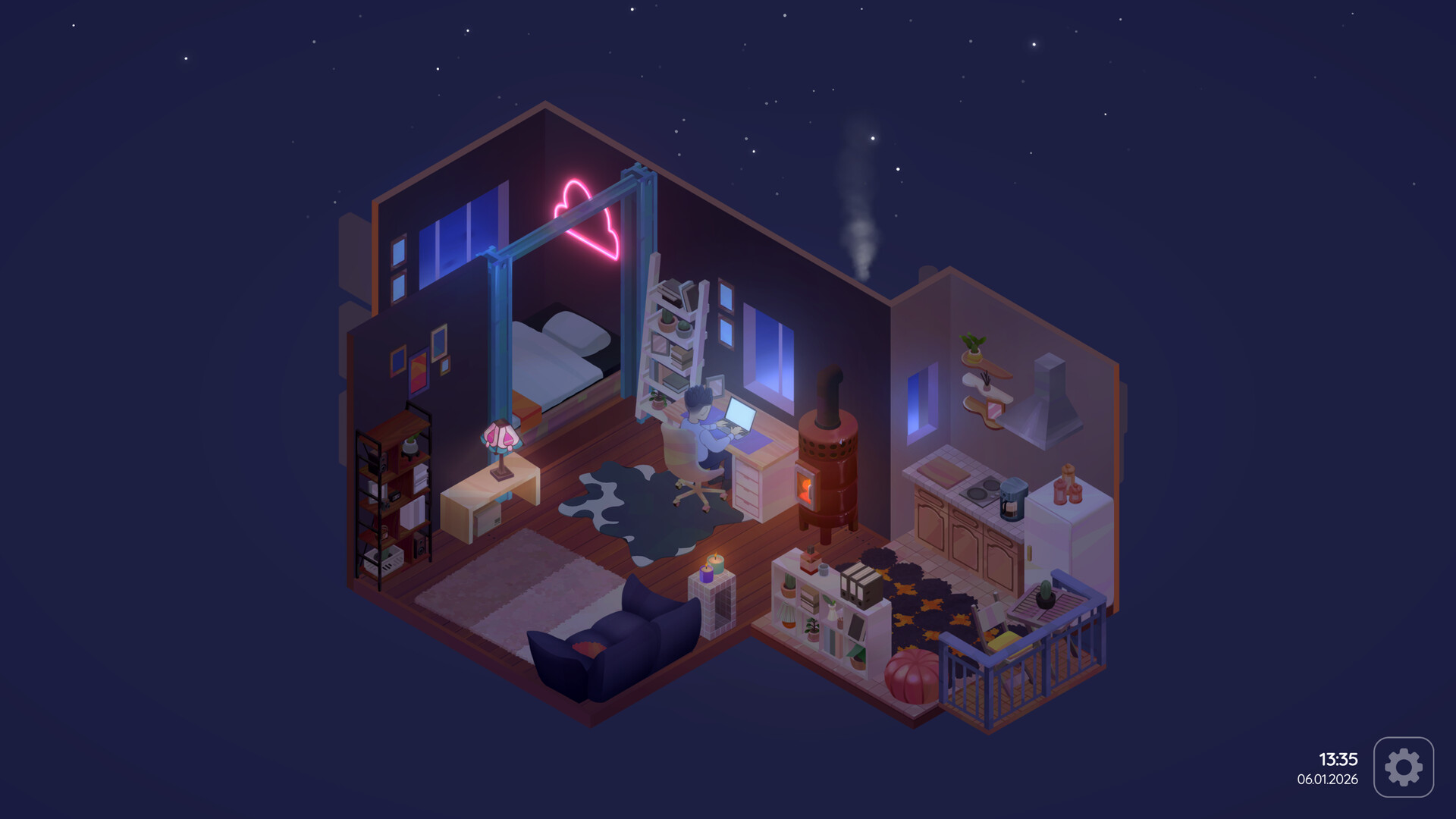
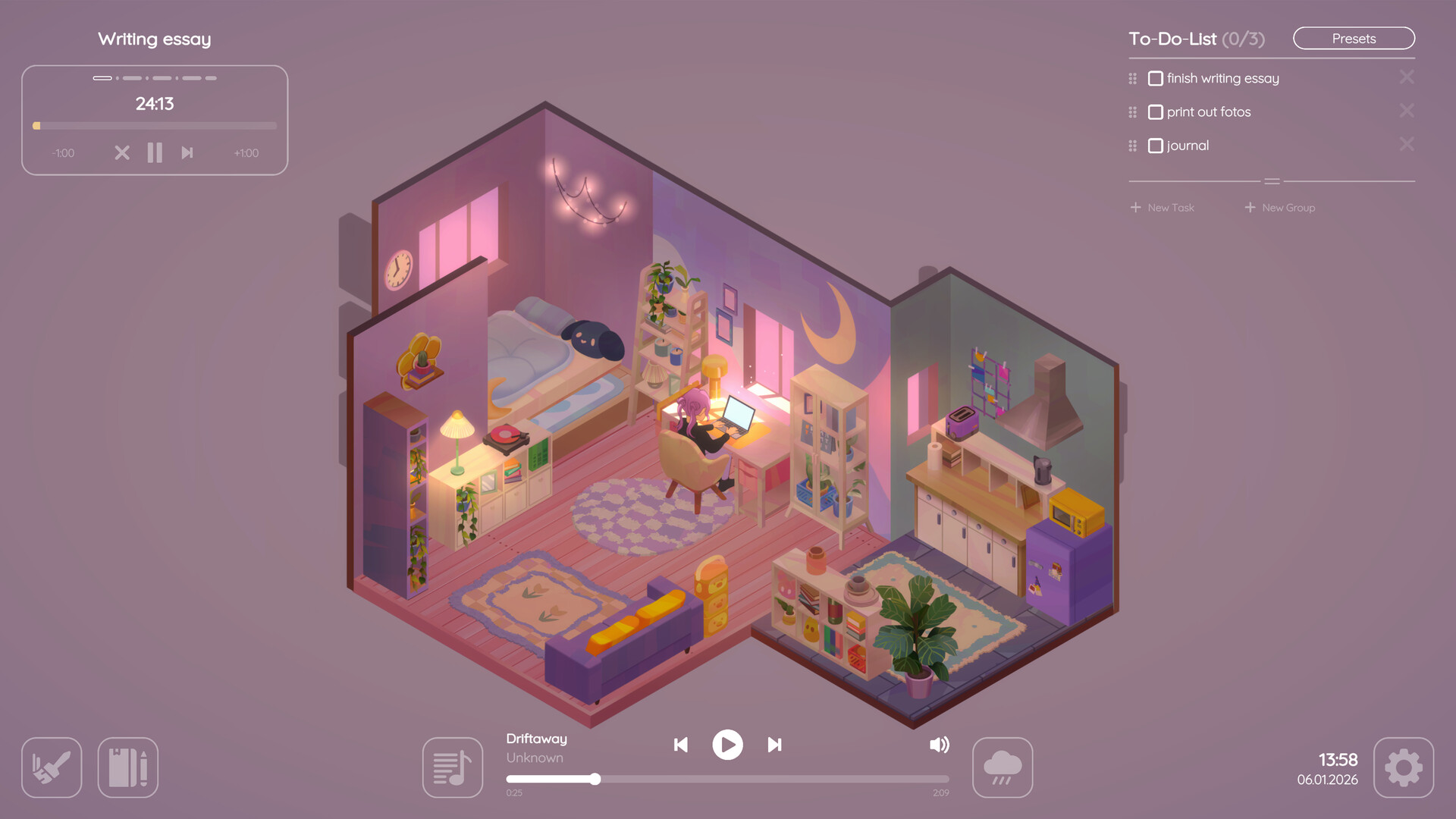
Study alone - or together in your own customizable cottage! Virtual Cottage 2 motivates and supports you in tackling your daily tasks. Use its built-in productivity tool to accomplish your goals faster. Create your ultimate cozy space with hundreds of items.
Players, last 30 days
Peak 269 · Low 147
Daily peak concurrent players, sampled once a night from Steam.
What players are saying
▲ Recommended5 hrs
I downloaded this game to offer incentive toward focus while completing schoolwork. It's chill enough that I don't feel pressure while using it, but enjoyable enough that I want to. Definitely recommend trying it out.
As a side note - when I began my degree program, my constant study buddy was my cat, Nina. She died midway through my coursework. With this game, there is a feature for adding pets who hang out with your avatar while you work. Maybe it's silly, but it almost feels like in this way, she's with me while I study again. Thanks, devs. It means a lot.
Virtual Cottage back in 2020 was my first of these focus tools, and it marked the beginning of a big turning point in my life. At the time, I was struggling with focus and direction, but tools like this have helped me slowly build better habits and a more structured mindset and have helped me grow.
Now I am in my final year of university, and looking back I have changed so much as a person. What started as just a simple productivity app became part of a larger journey of self improvement along the way. I have used many similar tools along the way, and it feels like a special milestone to have come from the first one to now.
If you are someone trying to build focus or improve and develop healthy habits, this kind of experience can help you immensely and make a difference over time!
For only eight dollars, you get access to a full playlist of Lofi and you also get ambient sounds that you can listen to ad free. And you only have to pay once which is great!! This time around, you can also mod other songs into the game that aren’t Lofi in case you want to listen to other stuff while you draw or do whatever else on your computer Fun fact about this You can get away with adding more than just music, you can add LITERALLY ANY MP3 FILE!!! Meaning, if you really wanted to, you could have a random chance of a fnaf jumpscare playing after one of your songs. Hell, one of the devs for this game even suggested that I should add a metal pipe sound into this game Thanks Simone I’ll make sure to do that, I can’t wait to randomly get jumpscared by a metal pipe when trying to play f#cking Minecraft
And it doesn’t end there folks You can also customize your cottage now There’s not really any limits from what I’ve noticed. Most of it just seems to be locked behind daily unlocks, but that’s not really too much of an issue for me. Point being you get almost unlimited customization for the cottage and there’s also a little apartment you can customize as well which I thought was neat You can also have pets in this game apparently You can have a cat, a dog or a bird and they all make little sounds when you click on them There’s also multiplayer where you can enter chat rooms and talk to people I personally would only change one thing about this and that would be to add voice chat, but that’s not really needed because people could just use stuff like discord or call each other on Steam It’s definitely not a needed change, but yeah those are my general thoughts on that part of the game
You could also write down notes for each day in the week So basically, you can use it as a way to keep reminders and stuff kind of like an alternative version of the task menu in a way you could also use it for other things such as write down how your day went if you really want to But like my review of the first game, I would still recommend this over Spotify or YouTube Even though yes, it does cost eight dollars at least you won’t have to listen to ads when you try to listen to your music or ambient sounds
But to end things off I really like the game and I’m so happy that the first game got a sequel I can’t wait to see what the devs add to the game in the future. I personally give this game a 10 out of 10 for being one of my favorite cozy games
Version: 1.2.2 Dear friends,A while ago, Łukasz from Eremite Games, the developer behind the hit game Against the Storm, reached out to us. He let us know that their team was using Virtual Cottage 1 during the development of their game and asked if we’d be interested in implementing lo-fi versions of their soundtrack in Virtual Cottage 2… WHAT? OF COURSE! :DMikołaj Kurpios, Against the Storm’s composer and sound designer, arranged and remixed their OST into lo-fi versions, and they are now available in-game for everyone to listen to!In case you love the new tracks as much as we do, you can also listen to them when you're not at your PC: But that's not all! We also added new fantasy-inspired items and some frequently requested features to the music player. New Music Album: Against The Storm (Lo-Fi)Seven new tracks for you to enjoy!Music Player UpdateLoop Button: Plays your favourite song on repeat (be careful ;) )Normal Play: A lot of you wanted to listen to your audio files in alphabetical order! This is now possible. Toggle between Normal Play or ShuffleCustom Music SubfoldersIn your Custom Music Folder, you can now create one layer of subfolders, which makes it easier to listen to your curated music stylesNew Items19 new decoration items inspired by Against the StormVisual EffectsNew lightning effect and heavier rain addedRemoved the fireplace button from the visual effects. You can now toggle the fireplace like any other lampBugfixesIf a track had a playtime longer than 60 minutes, the playtime would not be displayed correctly. This is now fixed.Pressing ESC while writing a task does not delete the text anymoreThe pink outline visual bug which sometimes appeared while decorating your home should be fixedIn case you have not heard about Against the Storm and are curious now what it is about, please go ahead and check out their game!Thank you, Eremite Games, for the collaboration!
Dear Community,Over 500 of you have taken the time to write a review for our game on Steam. We just want to say a huge thanks for all your support and feedback. It truly means a lot to us!Because you’ve all been so awesome with your reviews, we’ve gone ahead and unlocked some special in-game items for everyone! (We also hid a little secret in the Location Selection ːsteammockingː )We’re excited to see what surprises the next 500 reviews might unlock. ;)Thank you so much for your continued support!Simone & Josef
Hello everyone, and welcome to the Summer Update! For details, see the list below. And don’t forget to hydrate!SUMMER UPDATE 2026 Additions and Changes:Version: 1.2.0(For multiplayer to work correctly, you must be on the latest version!)Habit TrackerThe Journal was expanded with the highly requested Habit Tracker!Enter new habits, choose when you want to do them, and simply check them off when done! This will also be automatically tracked in the Journal.New LocationWe've added a new summery location: the beach! It has space for you and 3 of your friends, and it comes with soothing wave sounds and environmental animations.Item UnlocksWe’ve added 20 new Summer-themed items that are claimable in the gifts tab. (There are also curtains and kitchen tiles now!)MultiplayerYou can now host a multiplayer session by sharing a room code with others. Being friends on Steam is no longer required.Save SlotsEach customizable location now has up to five save slots, so you can keep variations of your homes without having to completely redecorate every time! Daytime ChangesThe background colors will now match more closely to your real-life day-to-night cycle. Additionally, we’ve added a colorful slider to the customization menu where you can set a preferred fixed time of the day.Quality of Life ChangesOverhauled the Location Selection to make it easier to navigate between locationsOverhauled the Settings MenuNew Settings added to fade out or completely hide the different UI elements (Session and Timer, To-Do-List, Game Music, Digital Clock, Chat)BugfixesThe lanterns from the Spring Update items can now be turned on and off again.As always, thank you so much for all your feedback and support. We’re always happy to hear your feedback and suggestions! If you'd like to chat with us or share your thoughts directly, feel free to join our Discord server as well!Cheers, Simone & Josef
Posts come from Steam's official announcements feed.