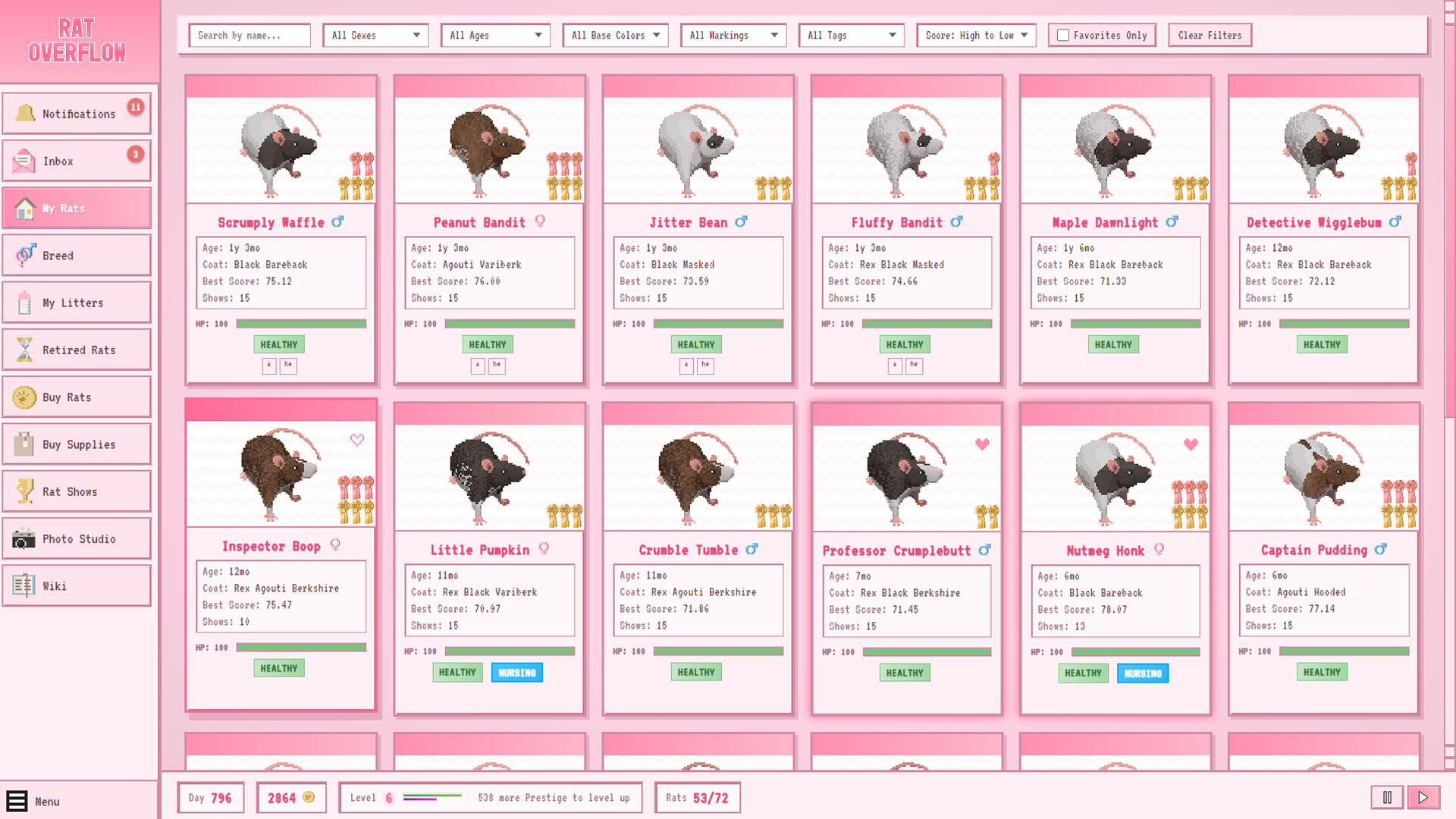
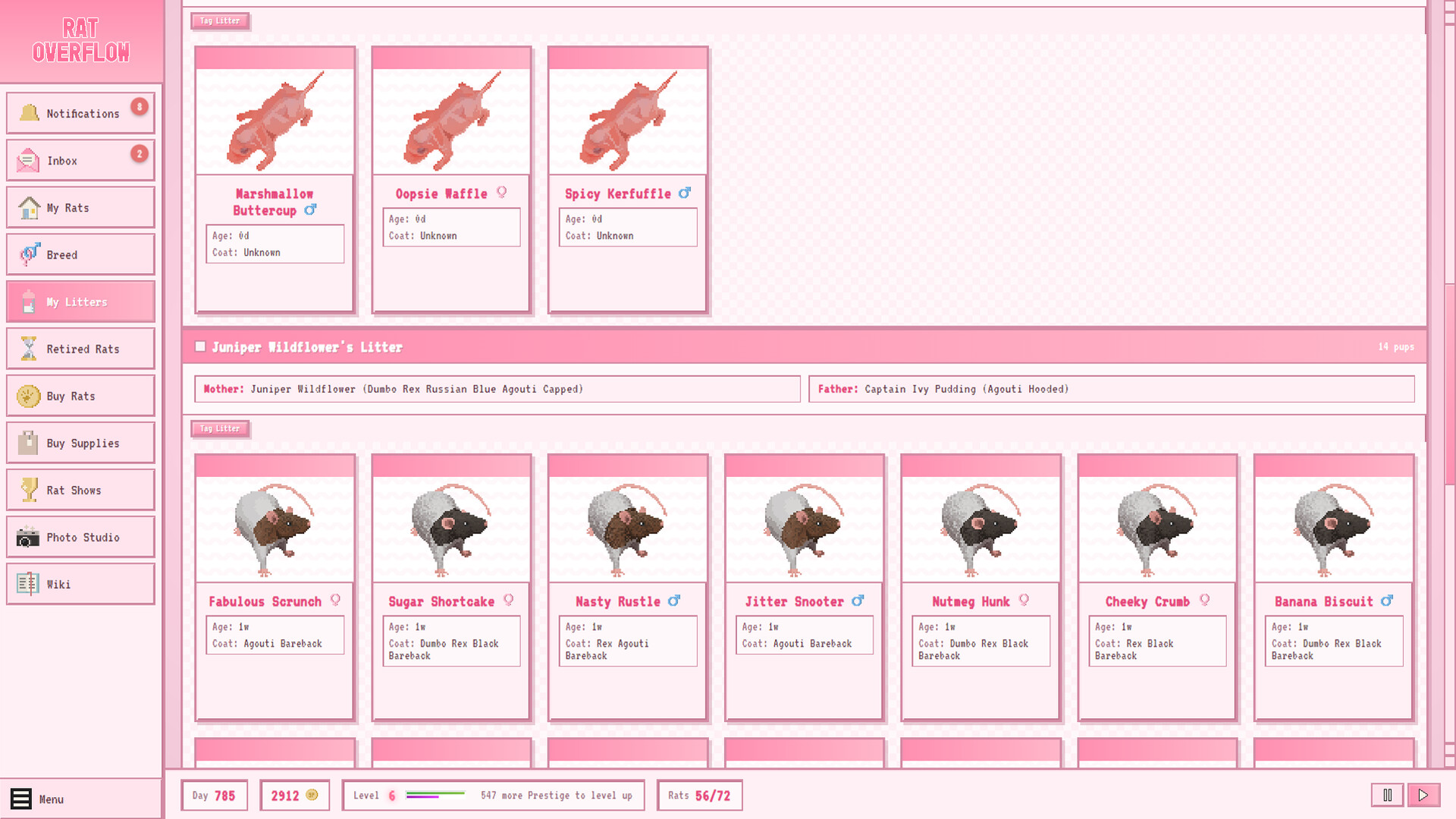
Rat Overflow is a genetics-focused breeding simulator where you develop rat bloodlines to achieve specific coat colors and traits. The game combines selective breeding mechanics with collection elements, letting you accumulate thousands of uniquely-colored rats as you work toward show-winning standards. Best suited for players who enjoy deep genetic systems and the satisfaction of witnessing their breeding goals realized across generations.
About this game
Rat Overflow is an adorable rat breeding simulator about genetics, glory, and having way too many rats. Develop your show winner bloodlines and breed thousands of unique rat coats!
Players, last 30 days
Peak 7 · Low 0
Daily peak concurrent players, sampled once a night from Steam.
What players are saying
▼ Not recommended0 hrs
I'm sad to give this game a negative review.
I was completely unable to breed any rats in the game, leaving the game completely unplayable. I suspect it has to do with the fact the game is vibe coded with AI. I've requested a refund.
It's a shame, I love genetics games (nearly 600 hours in Niche alone!), and I'm new to rat genetics so I was hoping to learn through gameplay. With a poor first impression and low trust in AI, I'm not willing to stick around to find out if the game becomes (and remains) stable enough to play.
Love, love, love this little game so much. It's so informative and educational, while also having so many wonderful babies!!! One little gripe though, and this is 100% ONLY ME saying this. But could there possibly be an option in the future to turn off death and getting rid of the euthanize button? I know it's realistic in the life stage sense, yeah, but one of my goals is trying to get the exact coat of the ten rats I've had in my life. I've already lost all my babies once and losing them a second time, even virtually, makes my belly hurt.
I wouldn't really recommend this game in the current state. While the genetics are in depth and realistic - the management of the rats leaves a lot of improvement.
You cannot pause and manage your rats at the same time. If you pause you are only allowed to read the game wiki. Odd choice for a single player game. If you mark rats for sale in your litter and you would like to do it all at once - better be quick about it. If you just have them selected before clicking "mark for sale" and the day goes on to the next one (remember you cannot pause while you do this) it will simply deselect your selection. There is no indiciation on when a day will go over to the next one. You can change the game speed but unless you keep checking the date you can't tell how fast it actually is.
If you use a bigger font you have to check if your rats are male and female because the icon gets pushed out of view as well
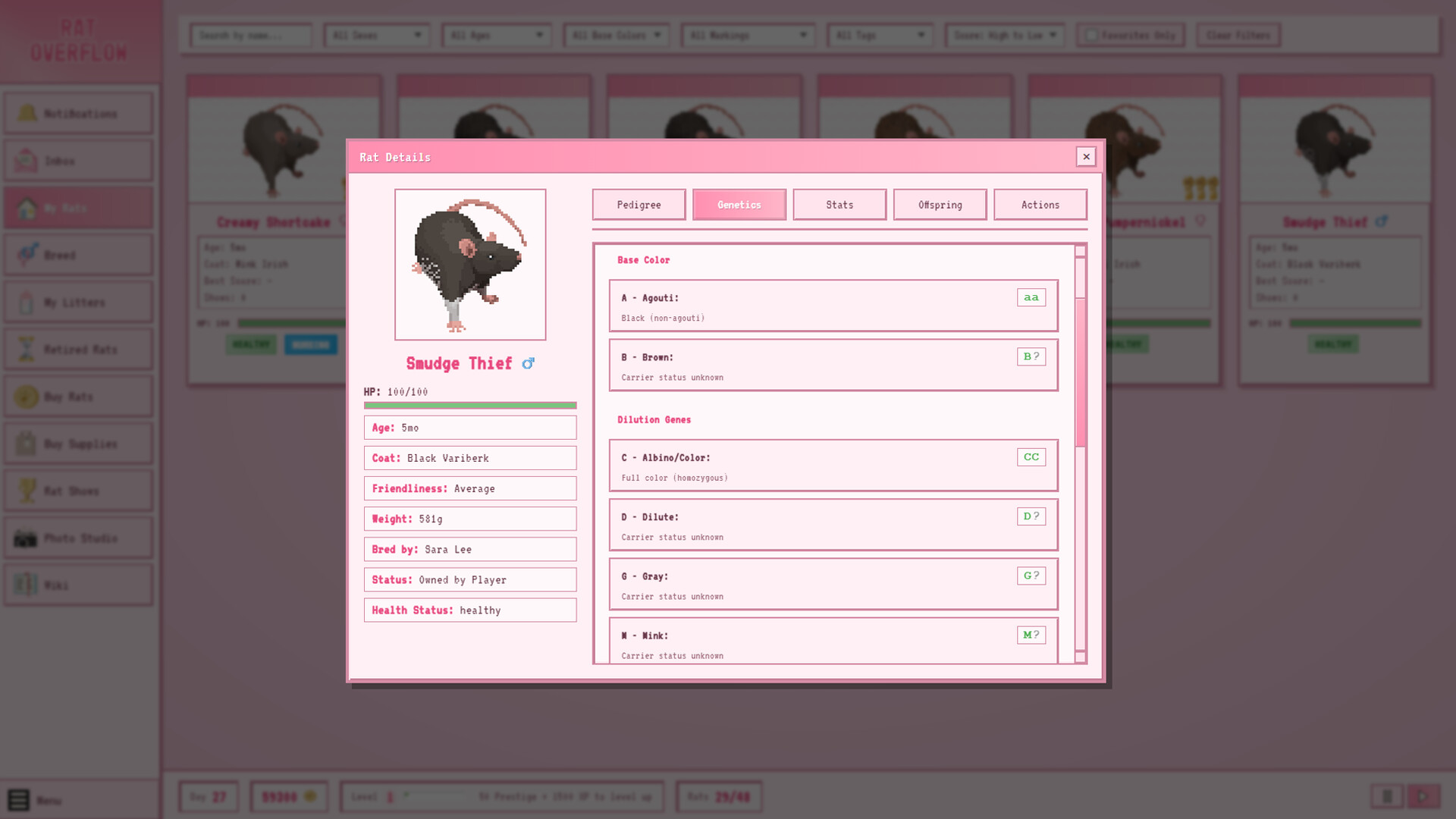
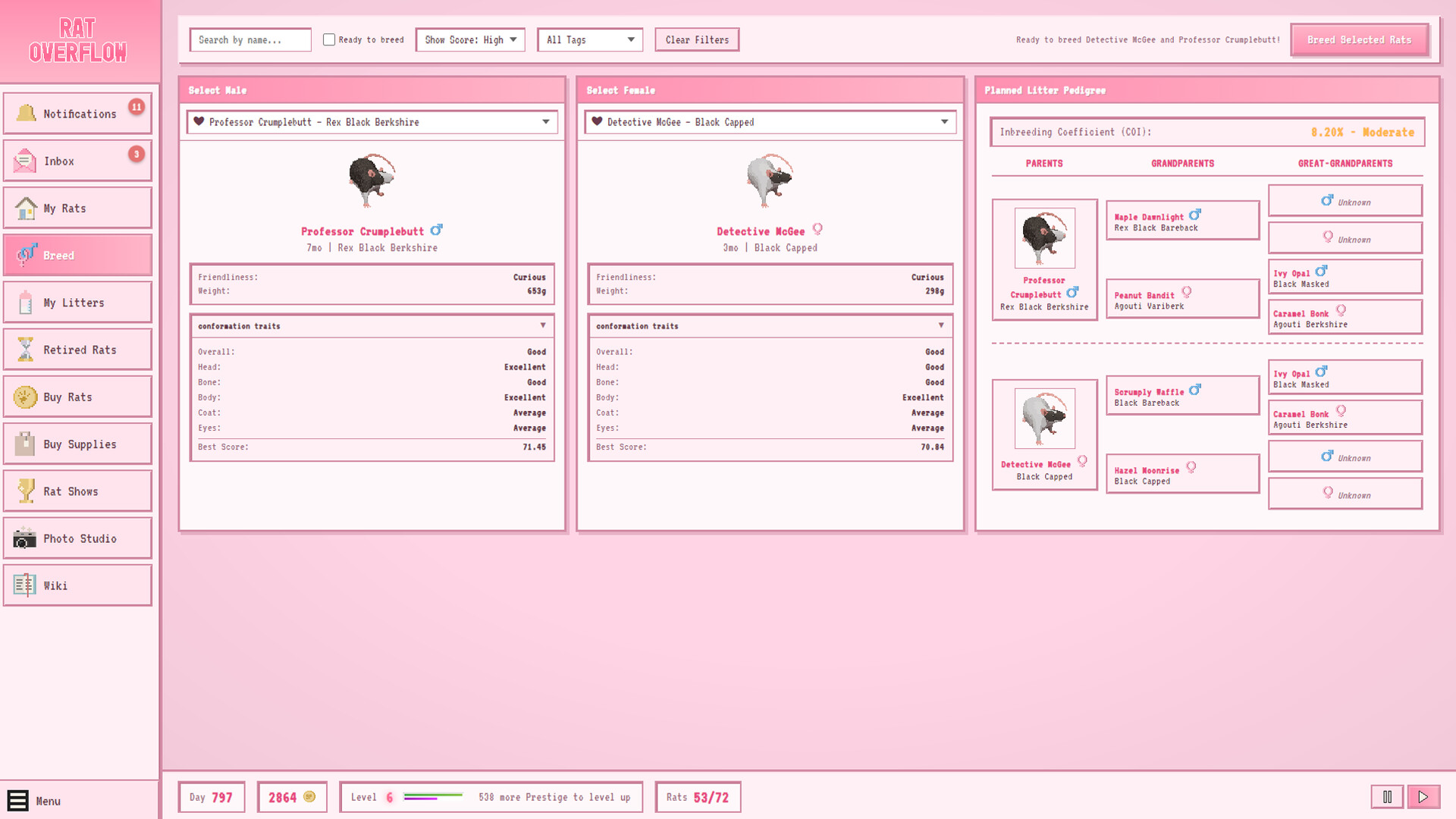
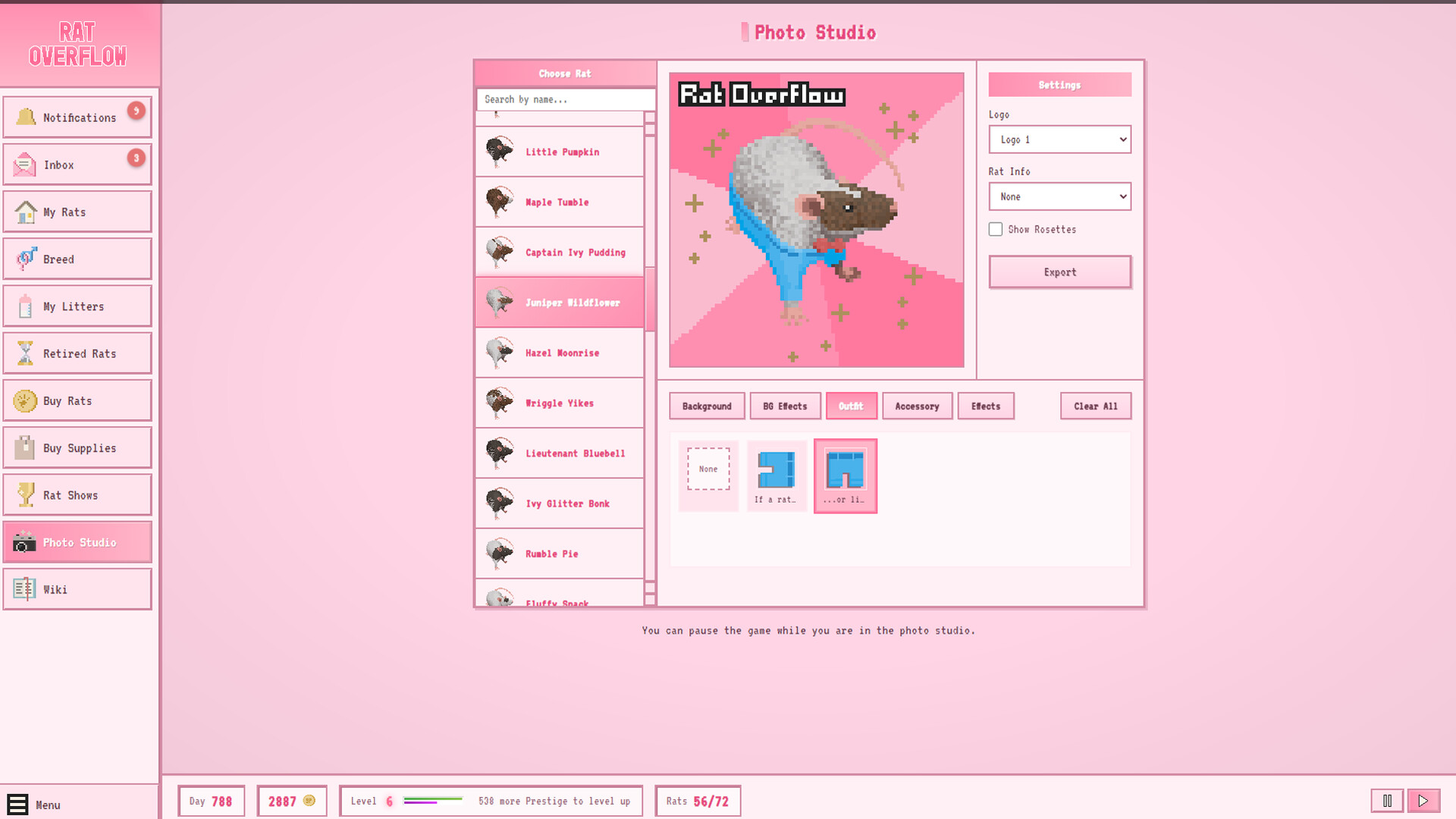
Patch Notes A bunch of quality-of-life fixes and one big crossplatform improvement, mostly driven by player reports — thank you for sending them! Bug Fixes - **Mark-for-Sale in litters now updates immediately.** - **Pup profiles no longer leak stats info.** If you viewed the Stats or Genetics tab on an adult rat and then opened a pup (pinky), the pup's profile would briefly show conformation/genetics info that pinkies shouldn't reveal yet, until you clicked any visible tab. Opening a pup now correctly lands on the Pedigree tab. - **Breeding dropdowns work on Linux/Proton.** Several reports came in about the male/female pickers in the Breed tab not opening on Linux (including under Steam Proton) — you'd click the dropdown and nothing happened, though arrow keys still worked as a workaround. The dropdowns have been rebuilt to render entirely in-page instead of relying on the OS to draw a popup window, which fixes the Linux/Proton issue and shouldn't affect Windows or macOS at all. Same for the sort dropdown in that tab. - **Photo studio: rat info box no longer overlaps on long color names.** - **Photo studio: rosettes are no longer squished.** Rat Profile Improvements - **The profile modal now has a stable, resolution-aware size.** - **The scrollbar gutter is reserved.** - **Overall Show Quality now uses all five colors.** - **Conformation bars now have tick marks.** Navigation Improvements - **Each tab now remembers its own scroll position.**
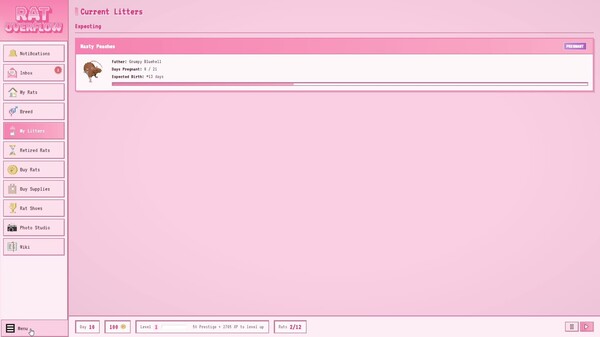
### Unlimited Save Slots - You can now create as many save slots as you want! Click **"+ New Save"** in the save menu to create a new named slot. - Existing saves (Slot 1, Slot 2, Slot 3, Autosave) are all still there — nothing has changed about your save files. - Save and load menus now sort by most recent, so your latest save is always at the top. - The load menu only shows slots that have data (no more greyed-out empty slots). ### Bigger Rat Archive - The archive limit has been raised from **400 to 2,000** rats. Your rats are much less likely to be trimmed from history now. - Previously, the archive would start pruning at 500 rats and cut down to 400. Now it doesn't prune until 2,500 and only trims to 2,000. - Pedigree ancestors of your active rats are always protected from trimming, same as before. ### Performance Improvements - Rat lookups by ID are now instant (O(1) Map index) instead of scanning every rat in the colony and archive. This speeds up pedigree trees, COI calculations, show processing, breeding records, and any UI that resolves rat names/links. - The breeding records dropdown no longer scans the entire archive to check if each rat is archived — it uses the flag that's already on the rat. Much faster with large archives. - Save/load modals now scroll properly if you have many save slots. ### Technical Notes - Save file format is unchanged (still version 4). No migration needed — existing saves load exactly as before. - The `_ratIndex` Map is a runtime-only structure, never serialized to disk. - Save slot names are validated against a permissive regex (alphanumeric, spaces, hyphens, underscores, up to 50 chars). ### Font fix - VT323 is back! This time with full offline support. - With accénts, because we finally gave a crêpe about your é’s 🇫🇷 ### Fixed siamese and himalayan rats with Be - **Fixed:** Pink-Eyed Siamese/Himalayan rats with the Black Eyed gene no longer incorrectly display as "Black Eyed" — pink-eyed dilution always override Be - **Fixed...