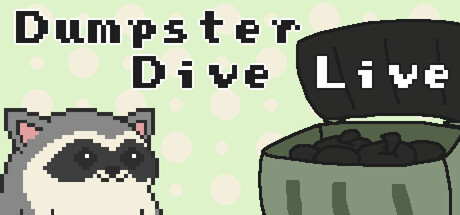
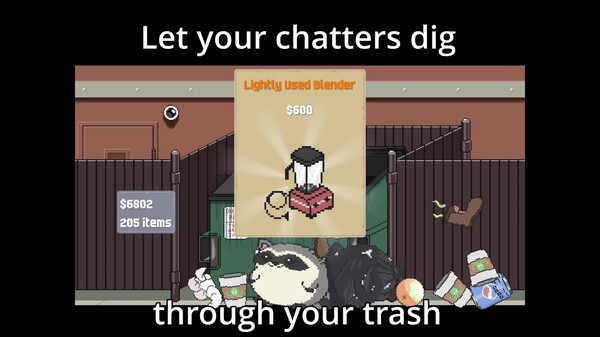
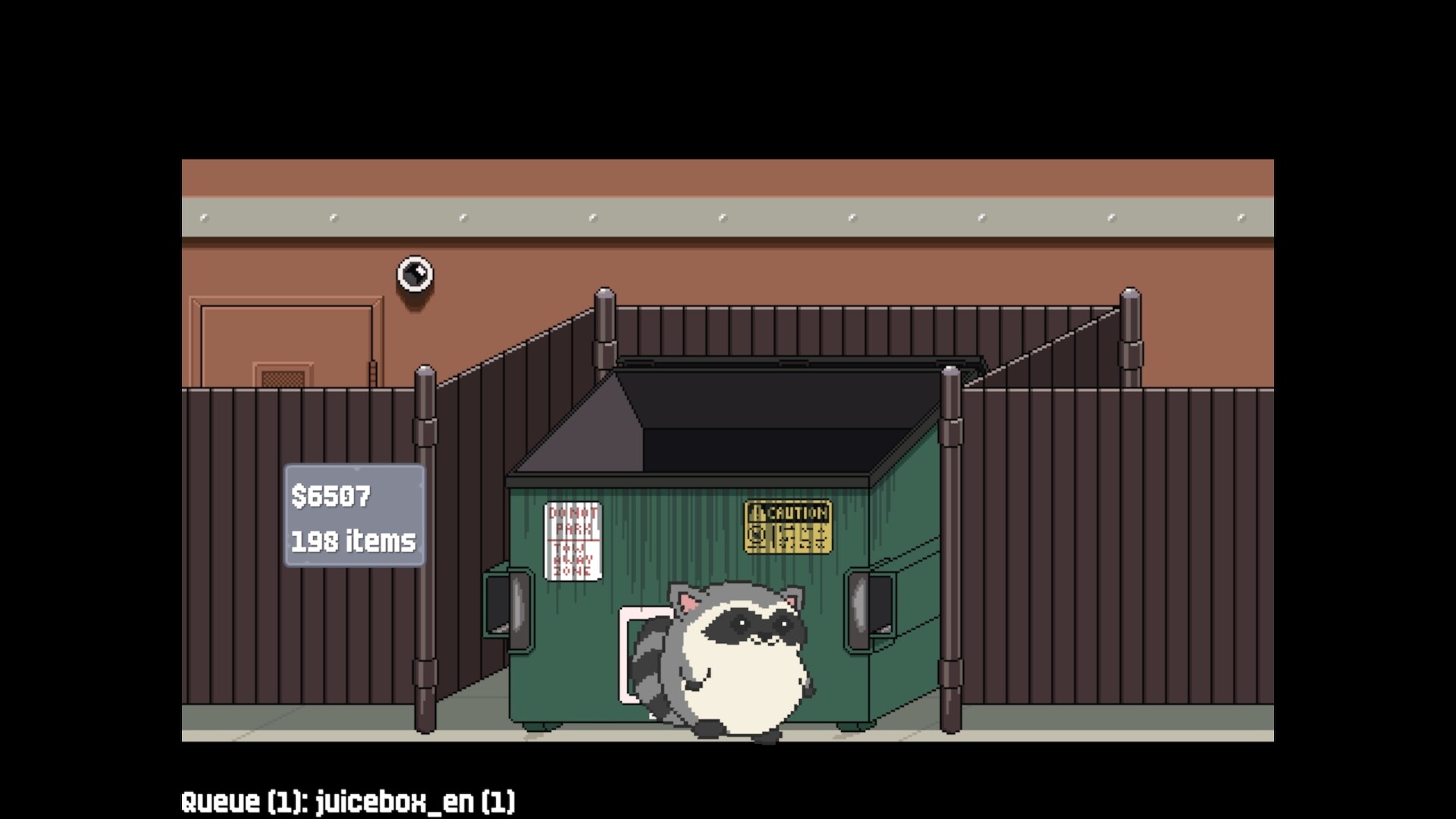
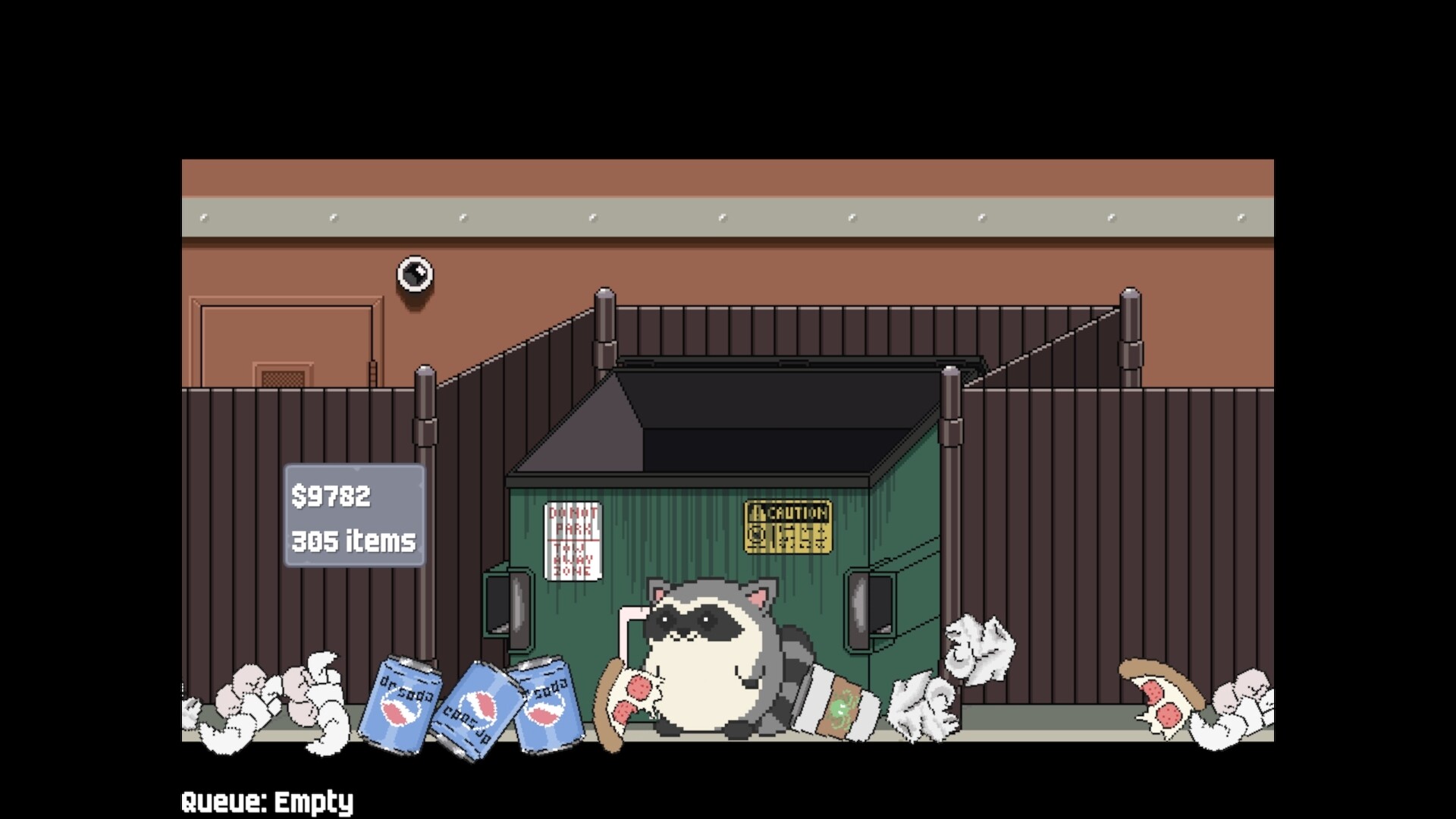
Dumpster Dive Live is a Twitch integration game where viewers dig through garbage heaps by spending channel points, subscribing, or donating bits to uncover pixel-art treasures as a cute raccoon. The simple setup and frequent interaction opportunities keep chat engaged during streams that demand streamer attention or extended breaks, with daily rewards encouraging repeat participation.
About this game
An interactive and cozy raccoon fueled trash digging game for your Twitch viewers. Viewers can dig through your garbage with commands, subs, gift subs, and bit donations. Ideal for keeping chat engaged during content that requires extra attention, or while on long breaks.
Players, last 30 days
Peak 5 · Low 0
Daily peak concurrent players, sampled once a night from Steam.
What players are saying
▲ Recommended8 hrs
Easy to set up and the pixel art is super adorable! Everyone was excited to !dig for their treasures! Cant recommend enough!!!
Good afternoon Dumpster Divers! Today's update brings the item shop to the game!Your raccoons can now spend their hard earned gold on several different buff items, or a trap item to prank other raccoons! To use the shop: !shop will open the shop menu and automatically scroll through it.Each item will have the command to buy it (!buy 1, !buy 2, etc.) underneath the price. The settings page has also been rearranged and hopefully is now easier to navigate and find the settings you're looking for.There are now also some simple framerate related options (FPS target, v-sync, limit FPS when faded out).Please be sure to visit the settings page to check out the new customization options! Once again, thank you all for your support and enjoying the dumpster!
Good afternoon dumpster divers! Today's update brings more new features:Custom Item SFX (supports .wav, .mp3, and .ogg)Custom Item SFX RecordingDumpydexFour more trash itemsRarity boost during Hype Train events (increases by Hype Train level)Leaderboard now additionally shows best items found and their iconsDisable special SFX option in case the smoke detector, etc. are too annoyingYou may need to disconnect and reconnect your Twitch account with this update! We added a new feature for Hype Trains which required a new permission to be added to read your channel's Hype Train data.Each of the new trash items comes with their own sound effect. You can now optionally disable these special sound effects in case they're too disruptive for you.For custom item SFX, you can choose any audio file of your liking (.wav, .mp3, .ogg) and theoretically any length. The raccoon will resume wandering around after 15 seconds have passed to prevent queue blocking, but the audio will continue playing. Thank you all again for playing!
Good afternoon dumpster divers, Today's update brings a few new features! TLDR;Mod commandsQueue pausingThree new trash itemsPlayer scores reset buttonThere are now Twitch mod commands so your mods can help out a bit with settings without you having to switch tabs.!ddl bgm (0% - 100%, 0 - 100, or 0.0 - 1.0) control background music level !ddl sfx (0% - 100%, 0 - 100, or 0.0 - 1.0) control sfx level (items hitting the floor)!ddl lootsfx (0% - 100%, 0 - 100, or 0.0 - 1.0) control loot sfx level (sfx when loot appears)!ddl results enable or disable loot results printing in chat!ddl chat enable or disable the chat command (default !dig)!ddl points enable or disable the channel points redeem command (this does not affect the redeem displaying on your Channel Point redemption menu on Twitch)!ddl boost enable or disable rarity boost !ddl pause pause or resume the dig queue (will let the currently digging raccoon finish before pausing) !dig @username dig for another user 1 time (@ is optional, they'll also need to have dug before)!dig @username 1-100 dig for another user x timesIn addition to allowing mods to pause the queue, a pause/resume queue button has been added to the quick access bar. You can also change whether or not to save and automatically resume queues in the settings menu now. Save occurs when you exit the digging scene, or when exiting the game under normal conditions. If you or a mod do pause and resume a queue, multiple digs from the same user will be condensed into batch digs so that the queue clears faster.On the settings menu in the last tab you can now reset the scores of your chatters. Please note that this action is permanent.Finally, there are 3 new trash items, with one having its own loot sound effect. :)
Posts come from Steam's official announcements feed.