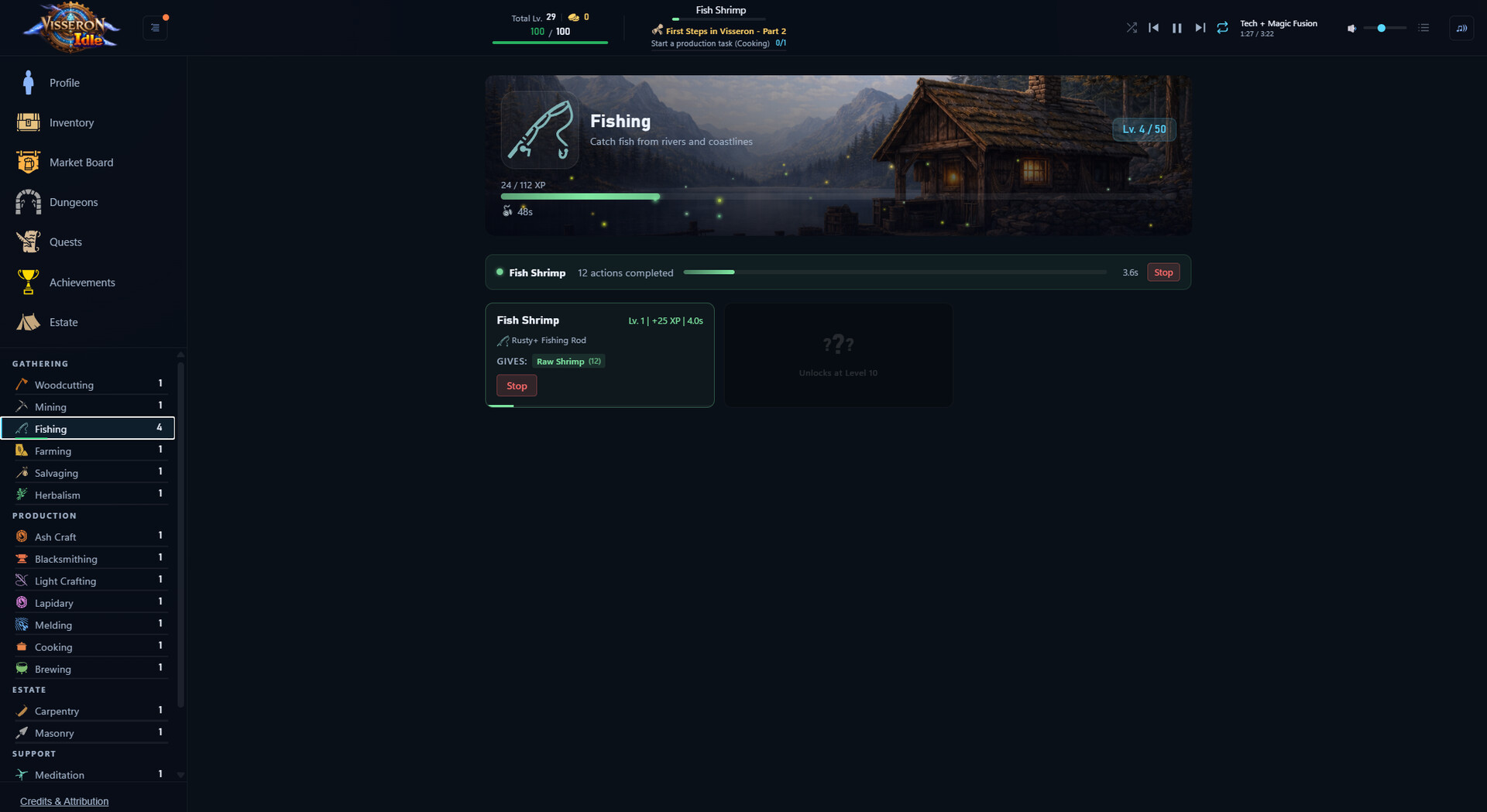
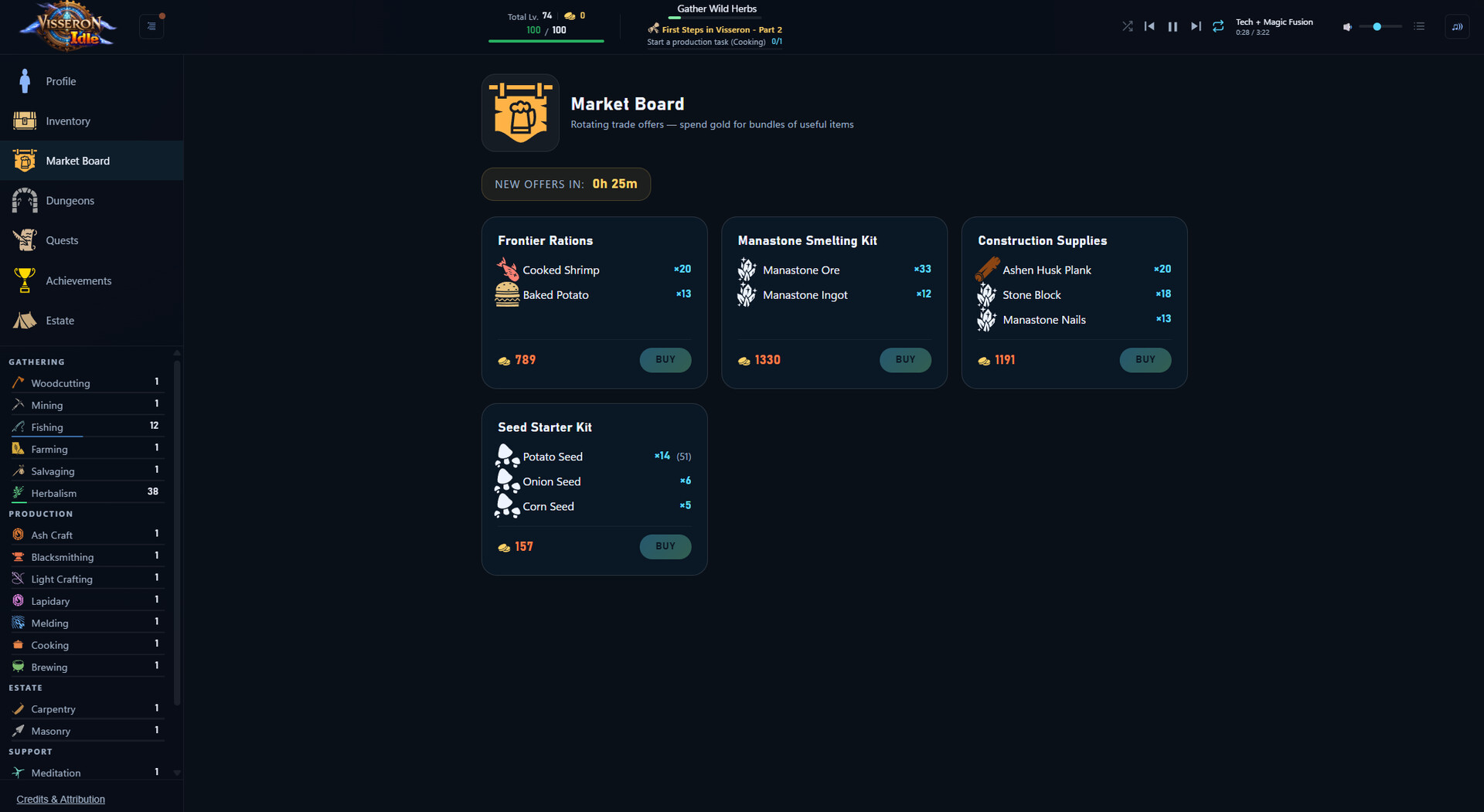
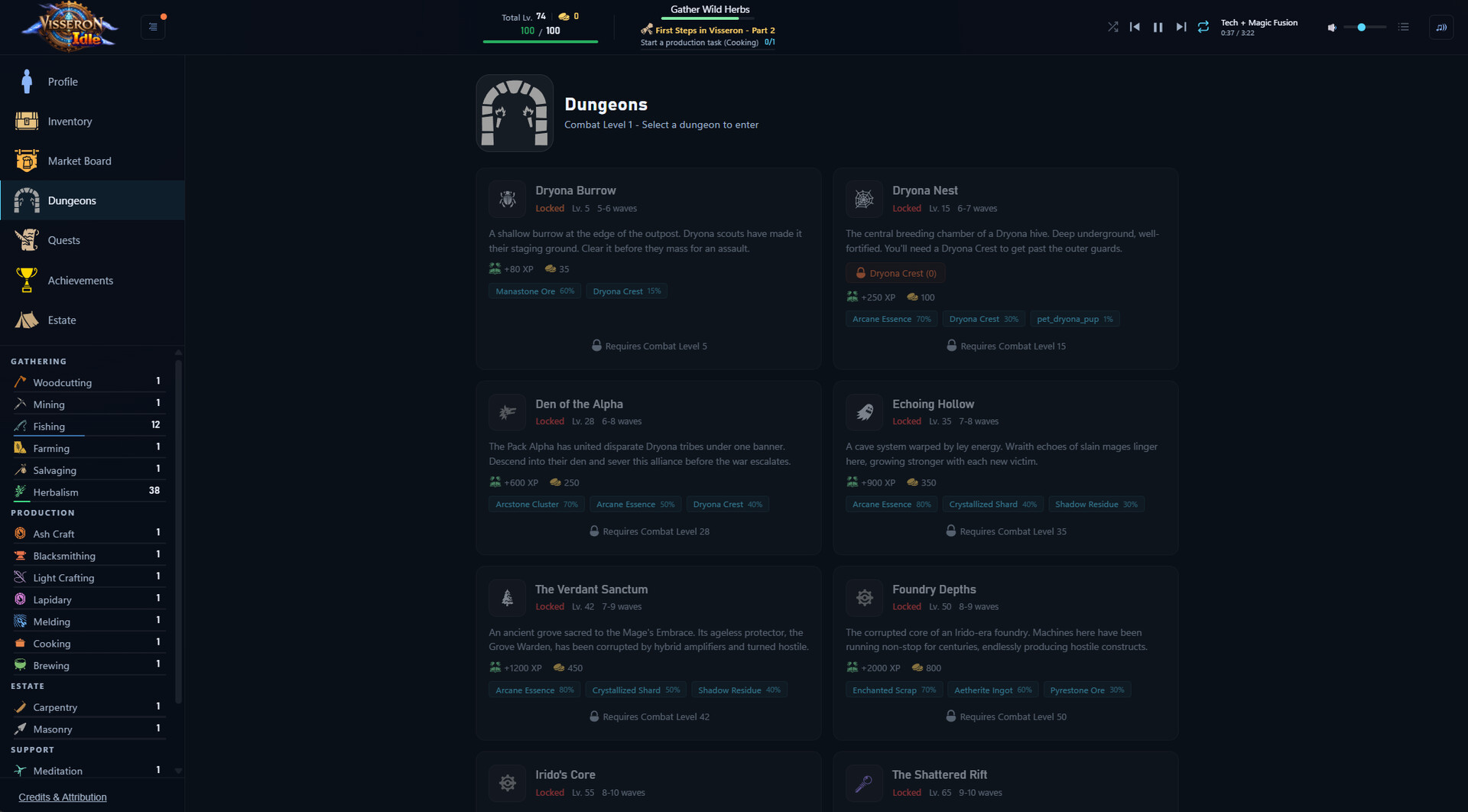
Visseron Idle combines 26 trainable skills with class-based advancement and wave-based dungeon encounters in a structured idle RPG. You'll craft gear, develop your estate, and unlock production automation while offline progression keeps things moving. The rebirth system lets you retain warehouse items across runs, rewarding long-term planning and giving players who prefer measured progression over constant resets a genuine reason to stick with it.
About this game
A deep idle RPG with 26 skills, class-based progression, and wave-based dungeon combat. Train skills, craft gear, build your estate, and automate production. Progress keeps ticking even when you're offline.
Players, last 35 days
Peak 21 · Low 6
Daily peak concurrent players, sampled once a night from Steam.
What players are saying
▲ Recommended4 hrs
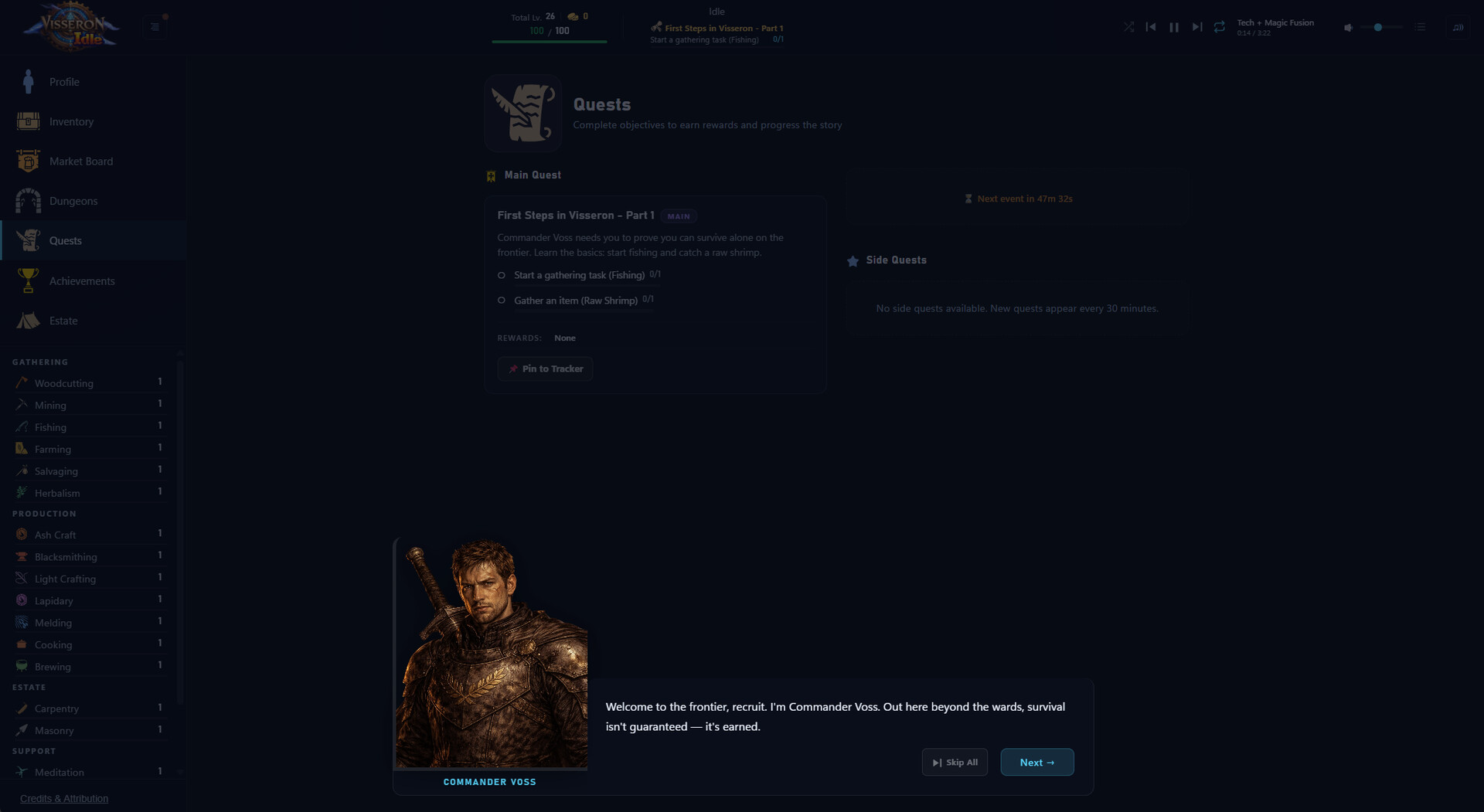
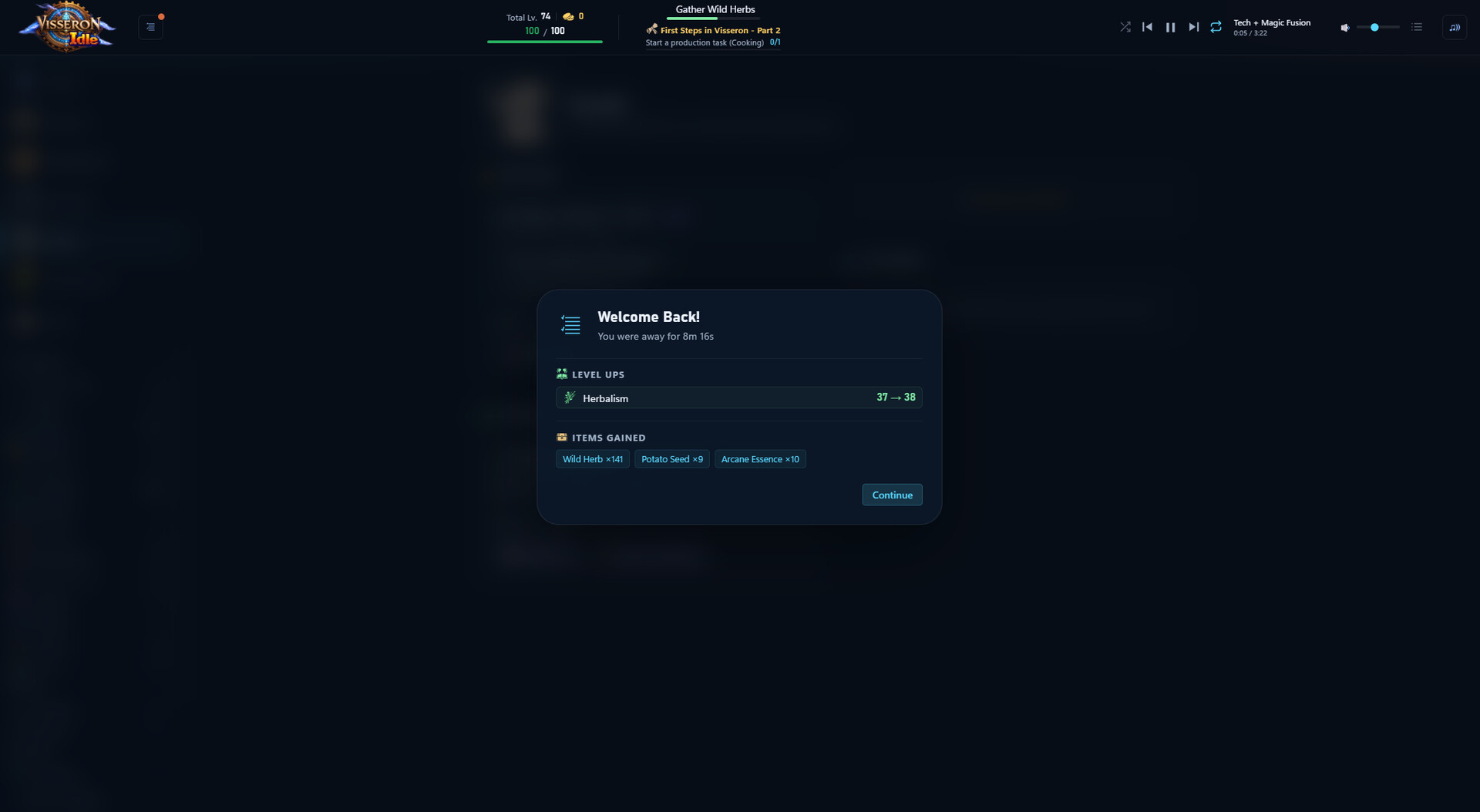
Ok, I was sceptical when I first saw this game in my discovery queue due to the AI images and UI as lately there has been a large influx of vibe coded idlers that have very generic ui and game progression loops. I decided to look into the game further and after reading the Devs bio and background to this development I decided to give it a go. I was impressed with the devs transparency on the use of ai and how it was a complimentary feature rather than the framework of the game. Well, I have now gone past the 'refund window' for steam but I am pleased to say this idle incremental progression game has gotten its hooks into me. I installed it late at night and decided to leave the game tasked with some salvaging, the games has offline progression, when I returned this morning I had a really nice selection of materials from salvaging ... perfect for the tutorial quests ahead. The game has a host that leads you in by way of an introductory tour via quests and tasks, this is actually a rather nice tutorial and unlike other games it does not appear patronising, it actually sets the tone of the game and instills some atmosphere that is often missing from these type of games. If you like Melvor style games then this is deffo worth a look at, I am enjoying this and also at this time of writing the game is very much in an early stage and I am looking forward to being part of this games journey, often I arrive at these games rather late and miss the excitement of the updates and features discovered..... So hop on in now and join the adventure. I am really liking this and its very early days and the community is so far very small, I hope this gets the idle fans attention but for now I am enjoying working out the synergies for greater progression.
I hear comments about 'Melvor 2' clone and stuff, and i'll be honest, i own Melvor but Visseron is the first one that actually 'clicks' for me and makes sense for me how its structured to play
I like how the rebirth system is split into categories and then the overall and later on you get the ability to save some of your items via the warehouse so the rebirths add to each playthrough and your ability to queue items grows per category rebirth etc
The campaign is fun enough to learn what's going on to nudge you forward into each rebirth
Visseron Idle - v2.30.19 Combat Rebalance Monster difficulty now scales more meaningfully with your level, in four tiers (levels 1-25 unchanged, then progressively harder at 26-50, 51-75, and 76-100) instead of trivializing almost everywhere once you had appropriate gear. Fixes Auto-eat could fail to trigger during combat against slow-attacking enemies, leaving you stuck below your auto-eat threshold until the next enemy hit. Equipping gear during an active fight could leave the HP bar showing a stale percentage that didn't match what the game actually used to decide if you were too hurt to keep fighting. Time-Sensitive/side quests could get stuck asking for an item you could no longer produce after prestiging a skill. Those quests now drop automatically on prestige and a reachable one generates in its place. Quest targets also lean a couple levels below your current level now, instead of the very last thing you unlocked. The header quest tracker could show a raw, huge millisecond count instead of seconds for timed quest objectives. "Born to Ride" and "The Thornmane Way" (Aldric Thornmane's ranching quests) now count Wool, Truffles, and Eggs from Fine- and Superior-quality animals toward their collection objectives - previously only Basic-quality animals counted. The Breeding mini-game's STOP button could reappear on top of the result panel a couple seconds after using "Roll for Quality" to skip the mini-game. Right-clicking an inventory item's icon opened the wiki instead of equipping or using the item. Added a proper "Open in Wiki" button (and right-click on the item name) to the item details panel instead. Socketed gems with a Speed bonus (Zephyrite, Eclipse Crystal, Arclite, Voltite) weren't showing that bonus on the item's hover tooltip. A few leftover timed-quest listings could show up in the in-game wiki in English regardless of your selected language. Timed and side quests are no longer shown in the wiki at all - they're temporary, personal quests, not refer...
Visseron Idle - v2.30.18 This update focuses on bug fixes reported by the community, plus some wiki improvements. Bug Fixes Fixed several quests showing cut-off descriptions in the quest log and wiki - the back half of the text was being silently dropped. Fixed several skill page headers (Alteration, Meditation, Prospecting, Inscription, Mercantile, Animal Husbandry, Thieving, Essence Bottling, Carpentry, Masonry) always showing English no matter what language you had selected. Fixed: selling the item you were actively Altering used to leave the task running forever in the background, doing nothing. It now stops immediately and lets you know. Fixed: if you had both an unaltered stack and an altered copy of the same crafting material, some task cards would show the wrong amount you owned, and could incorrectly say a craft was ready (or not ready) to start. Fixed: several rare boss-chest items (Bloodmoon Signet and others) were missing from the in-game wiki entirely and couldn't be found by search or browsing, even though they're real obtainable loot. Wiki Improvements Quest wiki pages now show the full story dialogue, not just a summary. Wiki pages have a cleaner two-column layout with quick-reference stats in a side panel. The Items and Tasks wiki pages are now organized into sections instead of one long list. Equipment items on the wiki now show rarity, material, and combat-type tags, and can be found by searching those terms. Removed a handful of unobtainable items from wiki search and browsing. Linux Support Visseron Idle now better supports native Linux and Steam Deck - no more relying on Proton. If you run into any issues on Linux, please let us know. Thanks for playing, and thanks to everyone who reported these issues! Feedback Welcome Discord - more closely monitored, fastest way to reach the developer Steam Discussions -- Visseron Games
Visseron Idle - v2.30.17 In-Game Wiki Localization Fixed: Every wiki page (items, monsters, tasks, quests, dungeons, classes, estate rooms, skills, NPCs, shop) now routes through the localization system instead of showing hardcoded English text under other languages. Fixed: Right-clicking your class name in the Combat section of the sidebar now opens that class's wiki page instead of the underlying combat skill's page. Fixed: Mira the Alchemist and Rike were missing a Race entry on their wiki NPC pages. Achievement Progress Bars New: Locked achievements with a clear numeric goal (skill levels, quest counts, playtime, and more) now show a progress bar and current/target count instead of just a locked icon. Feedback Welcome Discord - more closely monitored, fastest way to reach the developer Steam Discussions Thanks for playing! -- Visseron Games
Posts come from Steam's official announcements feed.