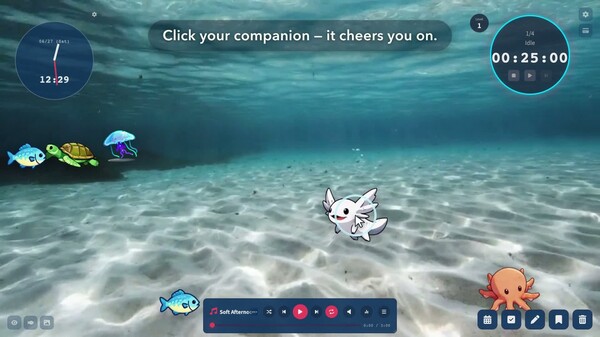
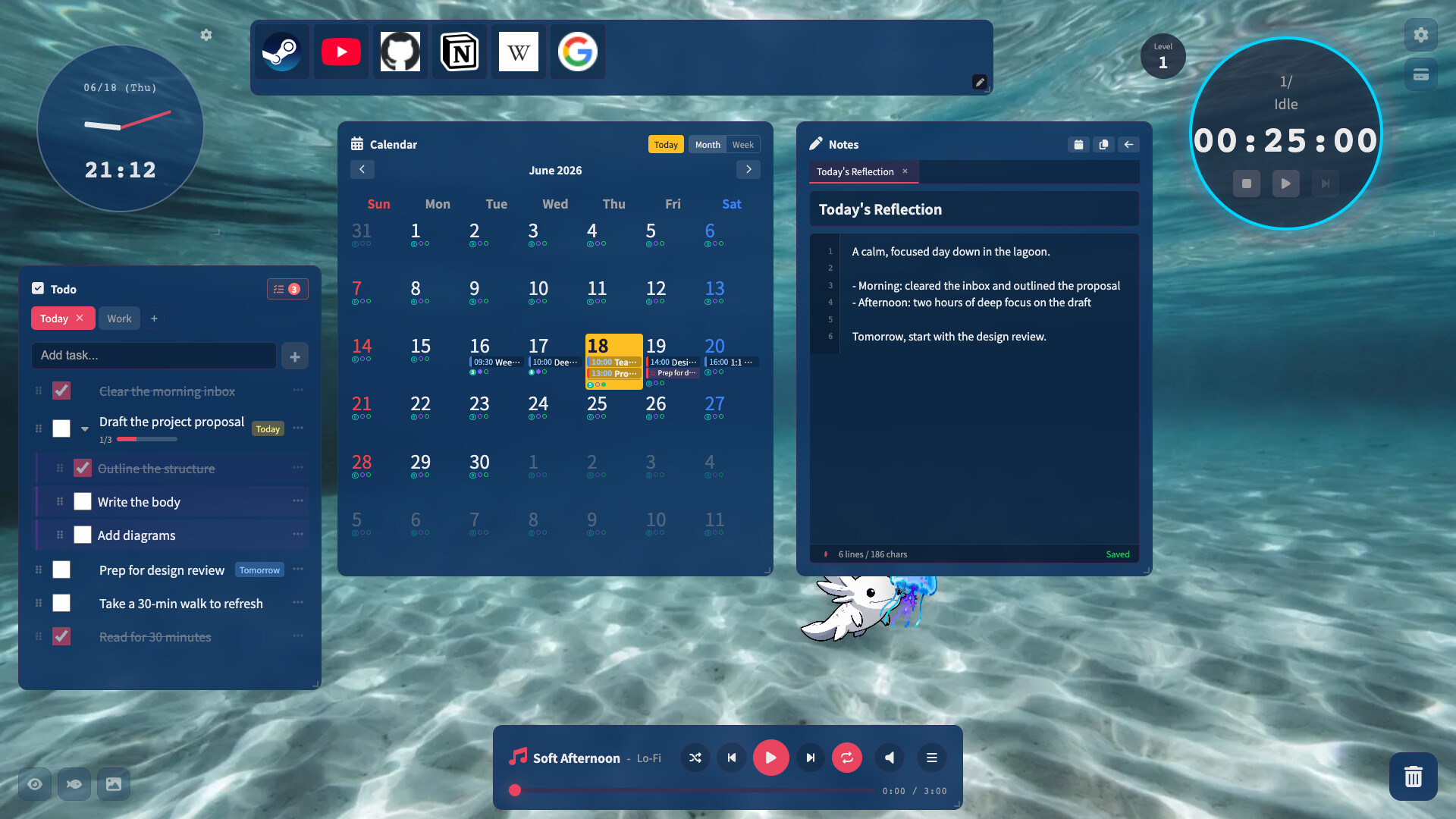
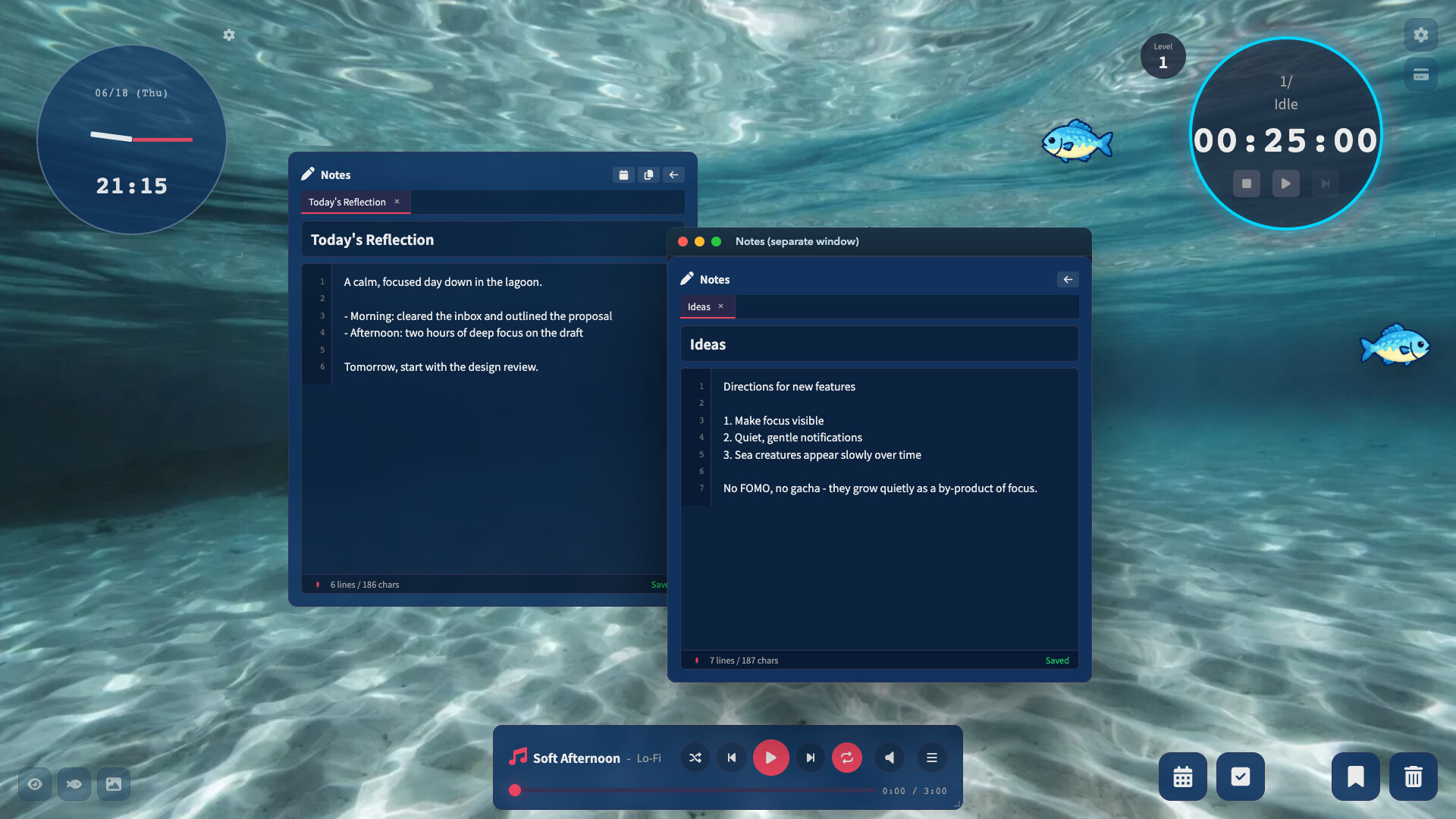
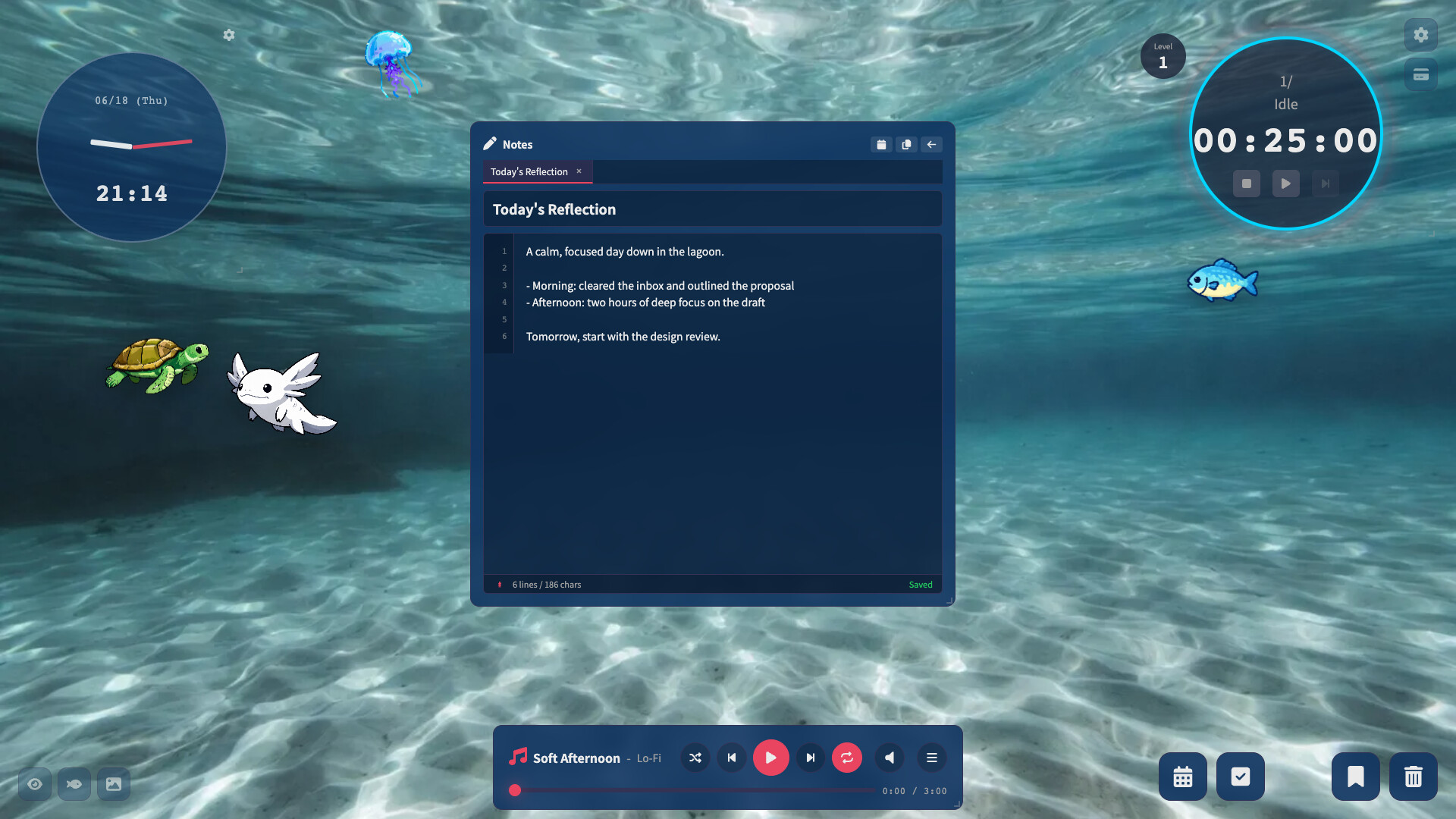
Lofi Lagoon bundles productivity essentials—timers, task lists, calendars, habit tracking, and notes—into a single offline-first application wrapped around lo-fi aesthetics and ambient ocean visuals. Each tool can float independently across monitors, and your data exports freely to CSV, making it useful both for focused work sessions and long-term planning without subscription fees.
About this game
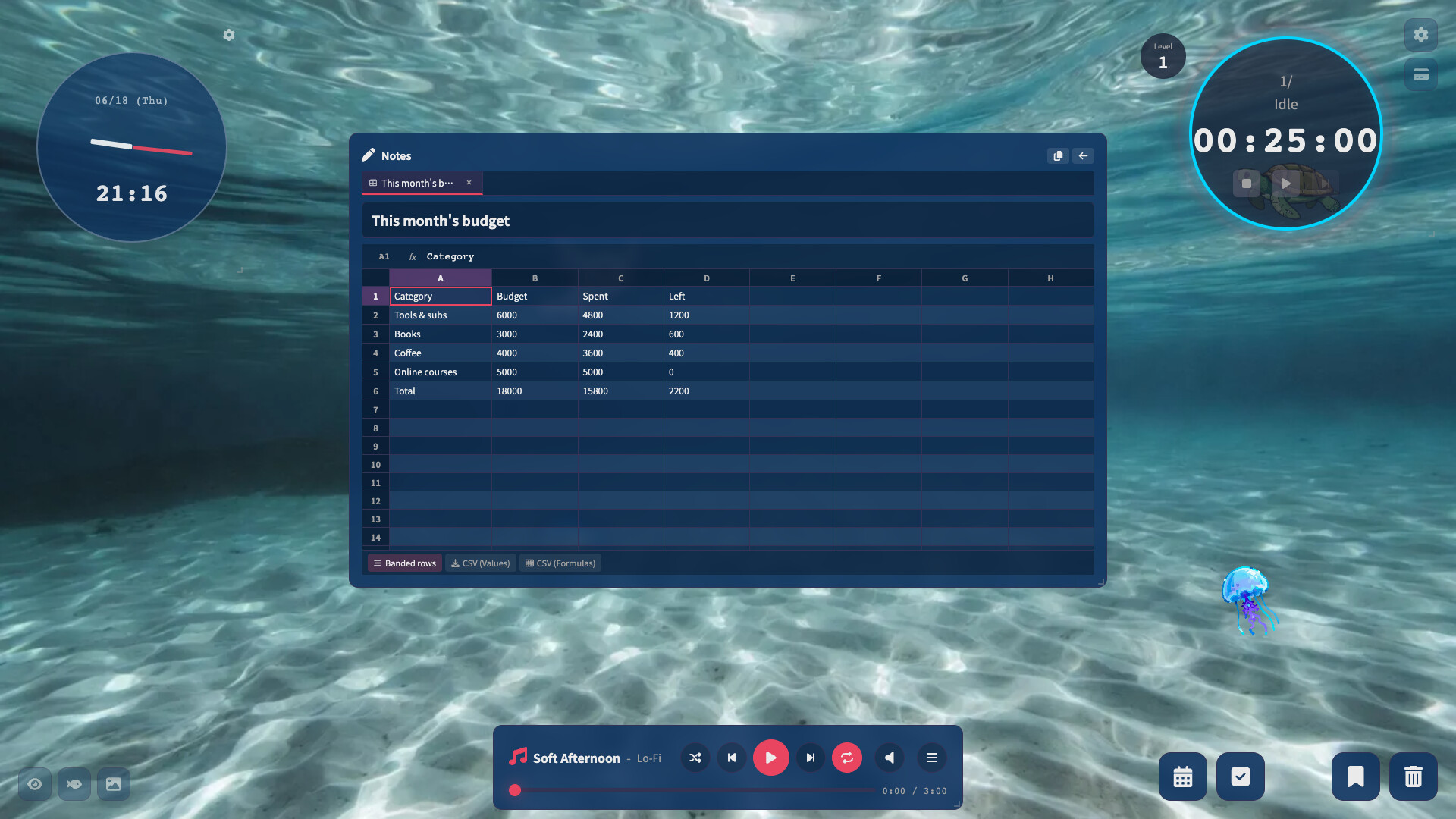
Every tool for deep work in one app — pomodoro, to‑dos, calendar, habits, notes, subscription tracking, and a lightweight spreadsheet you'll actually use — wrapped in lo‑fi music and a living sea. Pop any tool onto a second monitor; export to CSV anytime. Buy once, no subscription, works offline.
Players, last 90 days
Peak 2 · Low 0
Daily peak concurrent players, sampled once a night from Steam.
This update adds a Focus log where you can look back on your focus time and share it, a streaming mode, and a pixel-art ocean.■ Focus log• Open it from the new chart button at the top right• Summary: focus time for today, the last 7 days, and this month, plus your streak and all-time total• Charts: a bar chart of the last 14 days and a heatmap of the last 12 weeks (daily records start from this version)• Today's goal: write up to 5 things to do and set a focus time goal to see your progress. "Add today's due to-dos" adds your unfinished to-dos due today in one click■ Share images• "Share focus" and "Share goal" turn today's focus time or today's goals into an image with your current ocean background and your buddy• Save or copy the image, or post to X (the post screen opens; the image is already copied, so just paste it)■ Streaming mode• Turn on Settings → Appearance → Streaming mode to make the background a solid color (green, blue, or magenta) that you can key out in OBS and similar tools. Widgets become opaque, and you can also keep the window always on top■ Pixel-art ocean• Two new backgrounds: pixel-art ocean (day) and pixel-art ocean (night). The water surface ripples, light rays and bubbles drift, and glowing plankton twinkle at night• Sea creatures now have a pixel-art style too. Choose it in Settings → Buddy & Sea Life → Art style (Match background / Illustration / Pixel art). By default, creatures turn pixel-art when you pick a pixel-art ocean■ Improvements and fixes• Reduced unnecessary screen redraws while music is playing and while typing in notes or to-dos, making the app lighter• Fixed the Pomodoro timer's remaining time not going down when pausing and resuming repeatedly in quick successionThank you for your continued support.
A small update with two bug fixes.• Fixed the Pomodoro timer stopping while music was playing, so a work session never ended and the break never started• Fixed playback restarting from the beginning of the track when resuming after a pauseThank you to everyone who reported this on the Steam discussion board, and thank you for your continued support.
An update focused on the everyday feel, centered on the spreadsheet.• Major improvements to the spreadsheet (Sheet mode in Notes): in-cell text/IME input, cell formatting, insert/delete rows & columns, undo/redo, and more• Customizable keyboard shortcuts• Routine notification improvements (always-on-top display, custom presets)• Added a contact route (Contact tab in Settings, Steam discussion board links)Thank you for your continued support.
Posts come from Steam's official announcements feed.