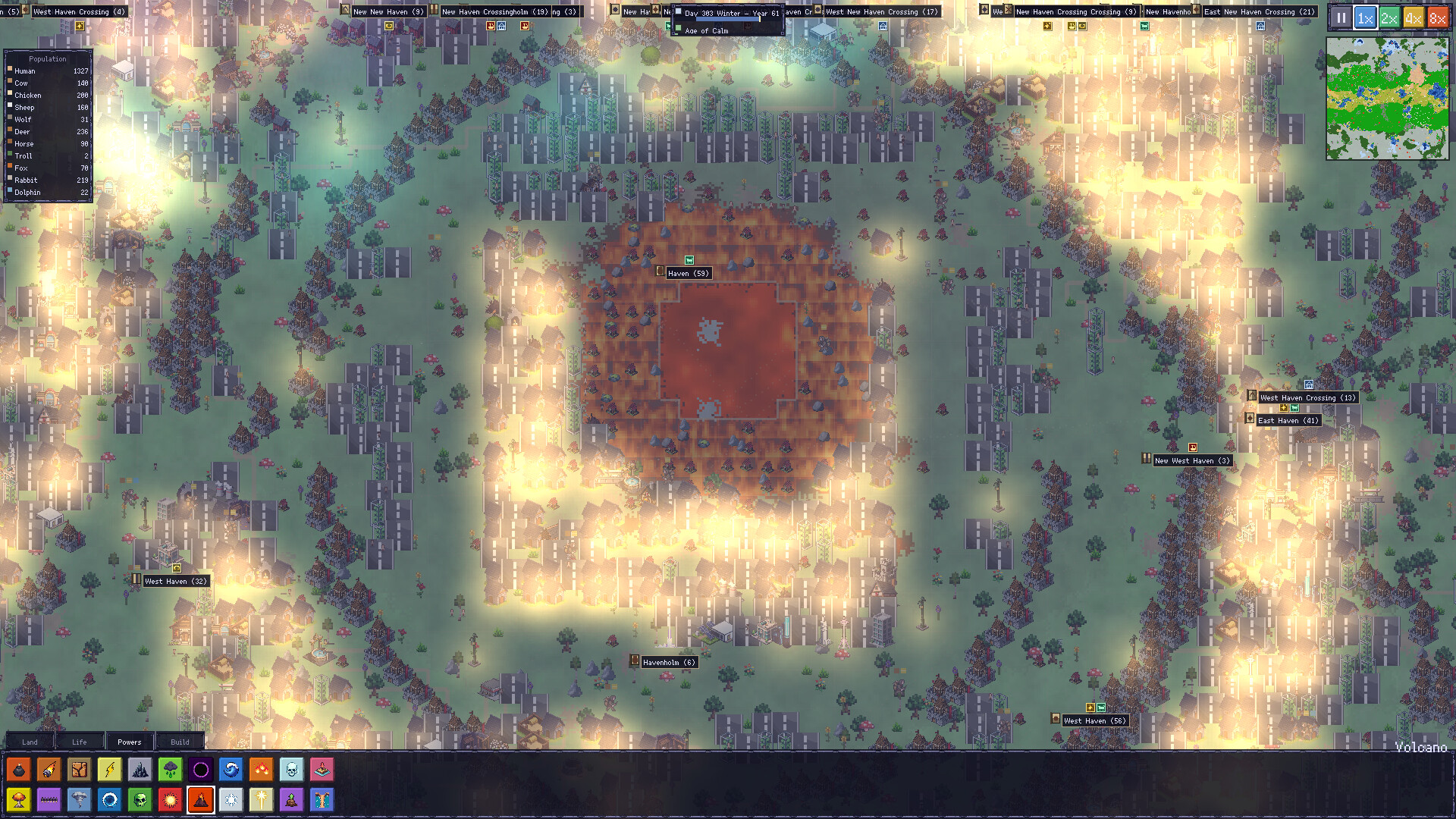
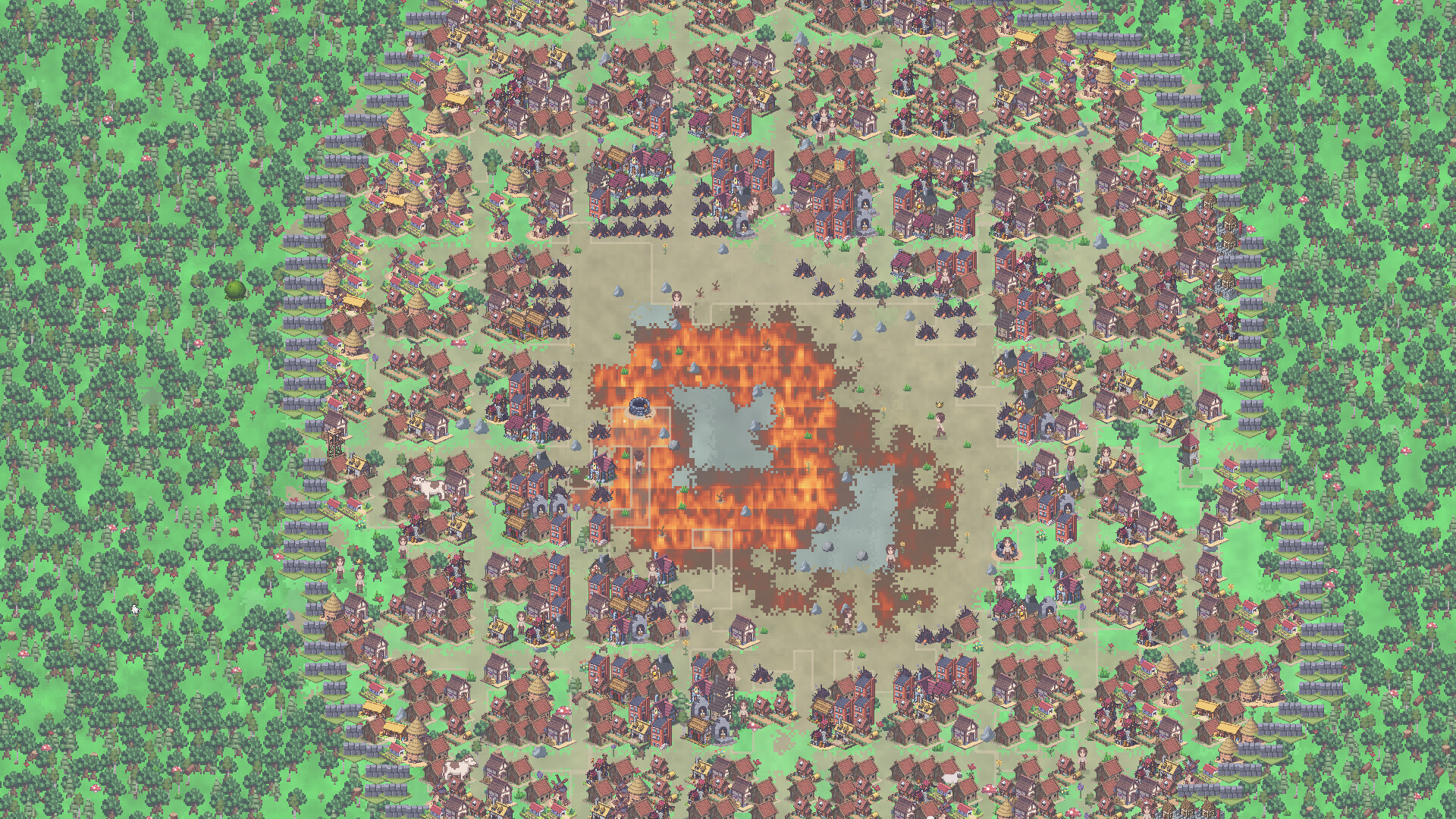
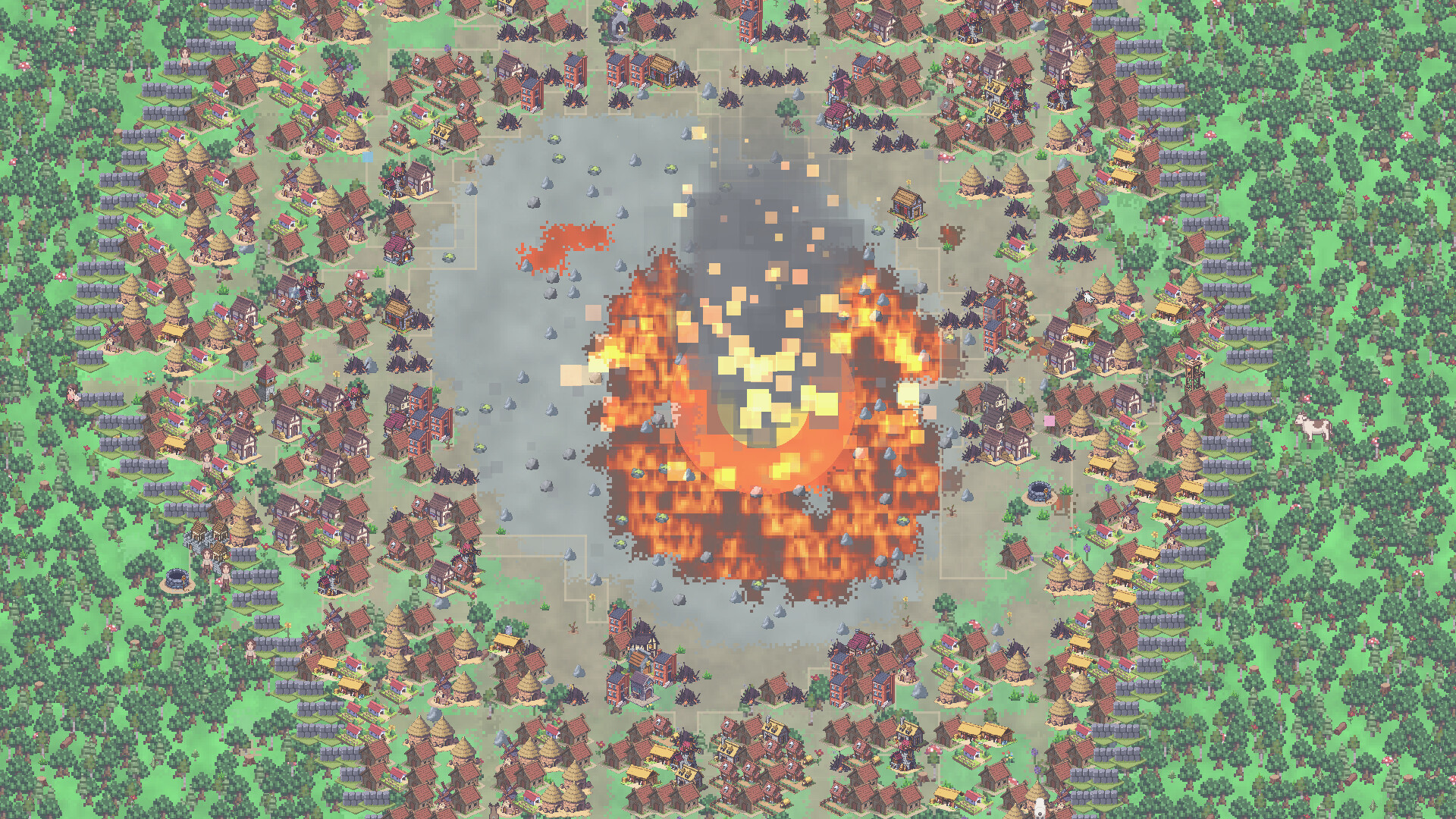
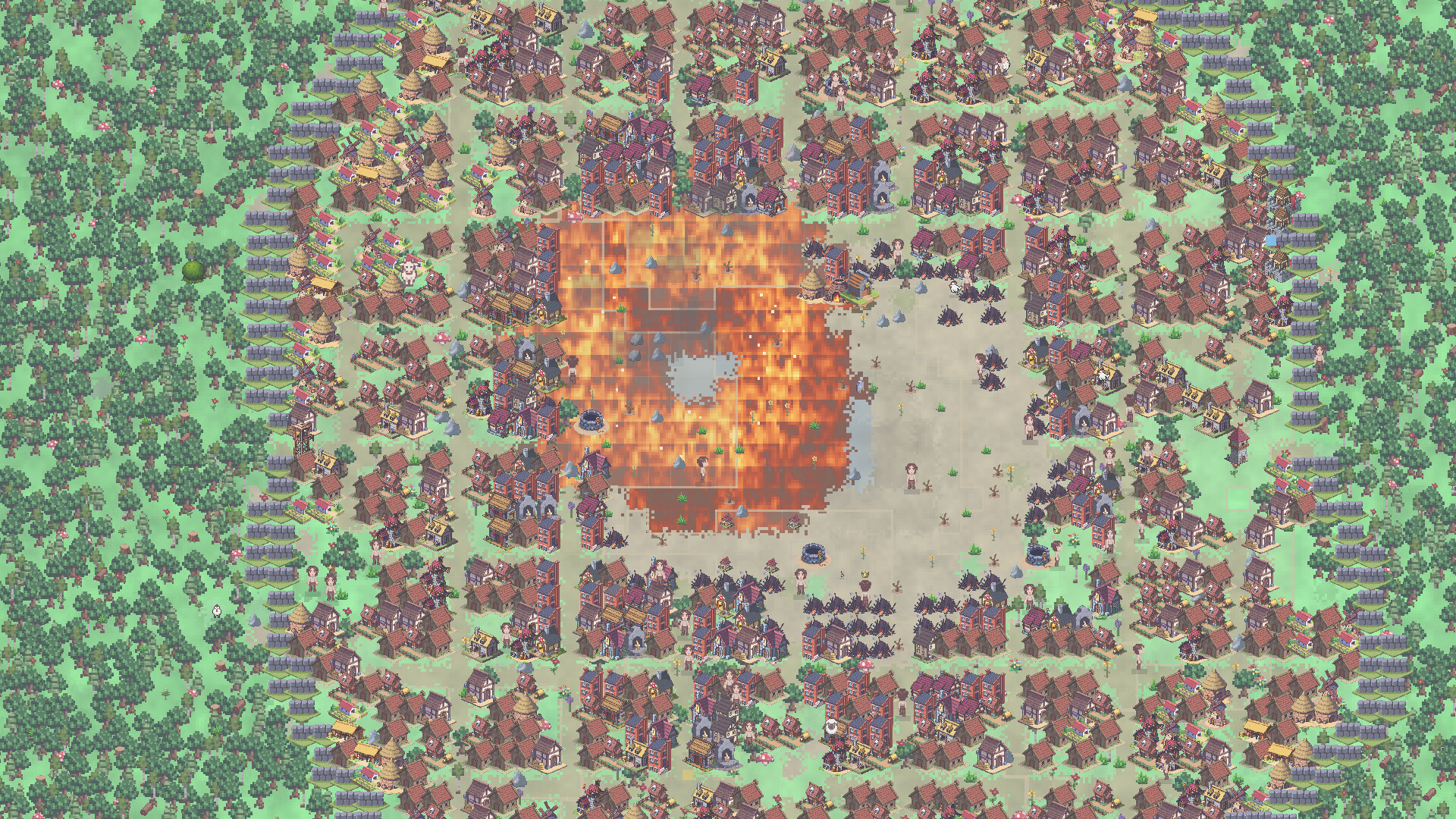
GodWright v2.0.0 - The World Remembers Most god games let you play with a world. In GodWright, the world now watches you back. Every villager who sees you act reacts on the spot, and every village keeps its own opinion of you: how much it believes, how much it loves you, and how much it fears you. They See You Villagers who witness a power react immediately: they kneel in the rain you send and run from the fire you drop.Hearts, alarm, anger and doubt appear over their heads, and prayer-light rises from the faithful.Your deeds earn you a name. Bring rain and they call you the Gentle Rain. Rain fire and you become the Burning Sky. There are 39 titles to earn.A new strip under the calendar shows your title and your believers. Click it for the full Reputation panel. Idols, Prayers and PilgrimsDevout towns raise an idol to you: radiant gold if they love you, weathered stone if they are unsure, dread obsidian if they fear you.At night, idols send up pillars of light and the faithful walk to them to pray.Villages pray to you by name when they are hungry, sick, under attack, or at war. Answer them and their love grows. Ignore them and they begin to doubt.New prayer: Smite our enemies. A town at war asks you to strike its enemy.New power: Revelation. A pillar of light that shows yourself to your people. Faith rises, heresy fades, no one is harmed. Push Them Too FarTerror without love turns to heresy. A town can renounce you and tear down your idol.A Godslayer rises from among the people who survived your wrath or lost someone to it, and marches on your idols. The first killing blows glance off.Villagers remember what you did to them personally. Inspect anyone to see it: "Survived your fire (year 1)".Someone you blessed may become your prophet and preach your name to neighbouring towns. A Rival GodTowns that renounce you are claimed by a rival deity with a name of its own.It raises its own void idols, whispers doubt into your faithful towns, curses them, and blesses its follo...
GodWright v1.3.2 - Faster Worlds & Save Fixes This update focuses on keeping growing civilizations running more smoothly, especially at 8x speed with lots of cities and the whole map on screen. It also fixes a save failure affecting some developed worlds. Faster Growing Civilizations Reduced repeated work across citizens, settlements, and crowded regions to improve performance as populations grow. Improved 8x fast-forward performance while preserving the intended passage of simulation time. Made resource gathering, housing assignment, housing upgrades, and building placement less expensive in worlds with many cities. Improved enemy searches and crowd handling so citizens spend less processing time checking the same nearby groups. Reduced unnecessary army, clan, and population bookkeeping in peaceful or fully established settlements. Added smooth movement interpolation between simulation updates. Smoother Map Rendering Added GPU-accelerated terrain rendering for zoomed-out map views on supported renderers, with a software fallback. Reduced the cost of drawing dense populations, city labels, and interface text. Improved minimap performance by reusing its population image when the displayed dots have not changed. Reduced repeated terrain refreshes and background fire-sound checks while keeping map animation active. More Room for Your World Raised the total live entity limit from 8,000 to 128,000, shared by people, animals, and monsters. Expanded population tracking and supporting systems to handle the higher limit. Verified saving and loading at the new 128,000-entity ceiling. This is a capacity increase; achievable frame rates depend on population, world activity, and hardware. Save Reliability Fixes Fixed an issue where a creature killed by cold could continue updating and regain health during the same update. Lethal cold, disease, and poison now stop the affected creature's remaining AI work at the appropriate point. Fixed ordinary figure-history refreshes incorrect...
GodWright v1.3.1 is now live! This update makes the history of every world easier to discover and follow, while bringing smarter battles, more dramatic disasters, sturdier settlements, and major performance improvements for large civilizations and fast-forward play. Stories Worth Following Structured Chronicle stories: Related events are now grouped into War, Reign, Dynasty, Disaster, and Invasion stories. Searchable history: Search Chronicle records by text, day range, kingdom, settlement, figure, or player-caused event. Event navigation: Click linked entries in the event feed or Chronicle to jump directly to a person, settlement, army, or event location. If the subject is gone, the camera returns to its last known location. Expanded Chronicle: History capacity has increased from 256 to 1,024 entries, with major events and bookmarks protected when old routine records are removed. Bookmarks: Right-click individual events or complete stories to preserve them for later. Clearer categories: Filter history across Realms, People, War, Disasters, Divine actions, Eras, and Other events. Favorites Watch Added a dedicated Favorites Watchlist, opened with the configurable comma shortcut or the unread WATCH indicator. Receive alerts for births, deaths, coronations, marriages, migrations, wars, disasters, transformations, major injuries, achievements, and other important events involving favorite people and settlements. Choose whether critical favorite events continue normally, slow the simulation to 1x, or pause it completely. View an alert, follow a living subject, jump to a last-known location, or dismiss it directly from the Watchlist. Favorite identities remain tracked through transformations, and watch settings, alerts, read status, and locations persist across saves. Legends, Memorials & Lasting History Added a persistent Legend Archive for rulers, champions, prophets, elders, and favorited figures, including those who have died. Legend records preserve roles, homes, rel...