Kiki's Default Collection CompletedKiki now has four complete poses: Working, Listening, Sleeping, and Drawing.New unlockable collectibles:· Channel Zero: Listen to music with Kiki for a total of 90 minutes. · Dreaming on Her Tail: Spend a total of 180 active minutes with Kiki. · Spark at the Brush Tip: Complete a total of 10,000 keyboard presses or mouse clicks while using Kiki.Each new pose now comes with its own unique animations and reactions:· While listening to music, Kiki responds to music playback. When leveling up, the particles around her ears and her tail movements become more lively. · While sleeping, Kiki features breathing animations, subtle ear movements, mouth animations, and pulse feedback in response to input. · While drawing, Kiki blinks, reacts to input, and generates particles around her brush. She also closes her eyes when being dragged around the desktop. · Level-ups and task completions now trigger animations based on Kiki's current pose.Character Tasks & Collectibles· Added a complete Character Tasks page where you can view task requirements, real-time progress, and unlockable rewards. · Added task completion notifications and companion animations. · Newly unlocked collectibles now use a progressive notification dot system to guide you to the relevant page. · Fixed an issue where notification dots could remain after completing a task. · Fixed an issue where some new tasks and collectibles were not registered correctly. · Fixed an issue where task progress could display outdated values until the page was reopened. · Added complete localization support for all new tasks, rewards, and interface text.Window & Desktop Companion Experience· Added a Remember Main Window Position option, disabled by default. · When enabled, Daymark saves the main window's last position locally when it is closed. · Window position data is not included in Steam Cloud saves and will not sync between devices. · Improved split-screen behavior: when the main window loses ...
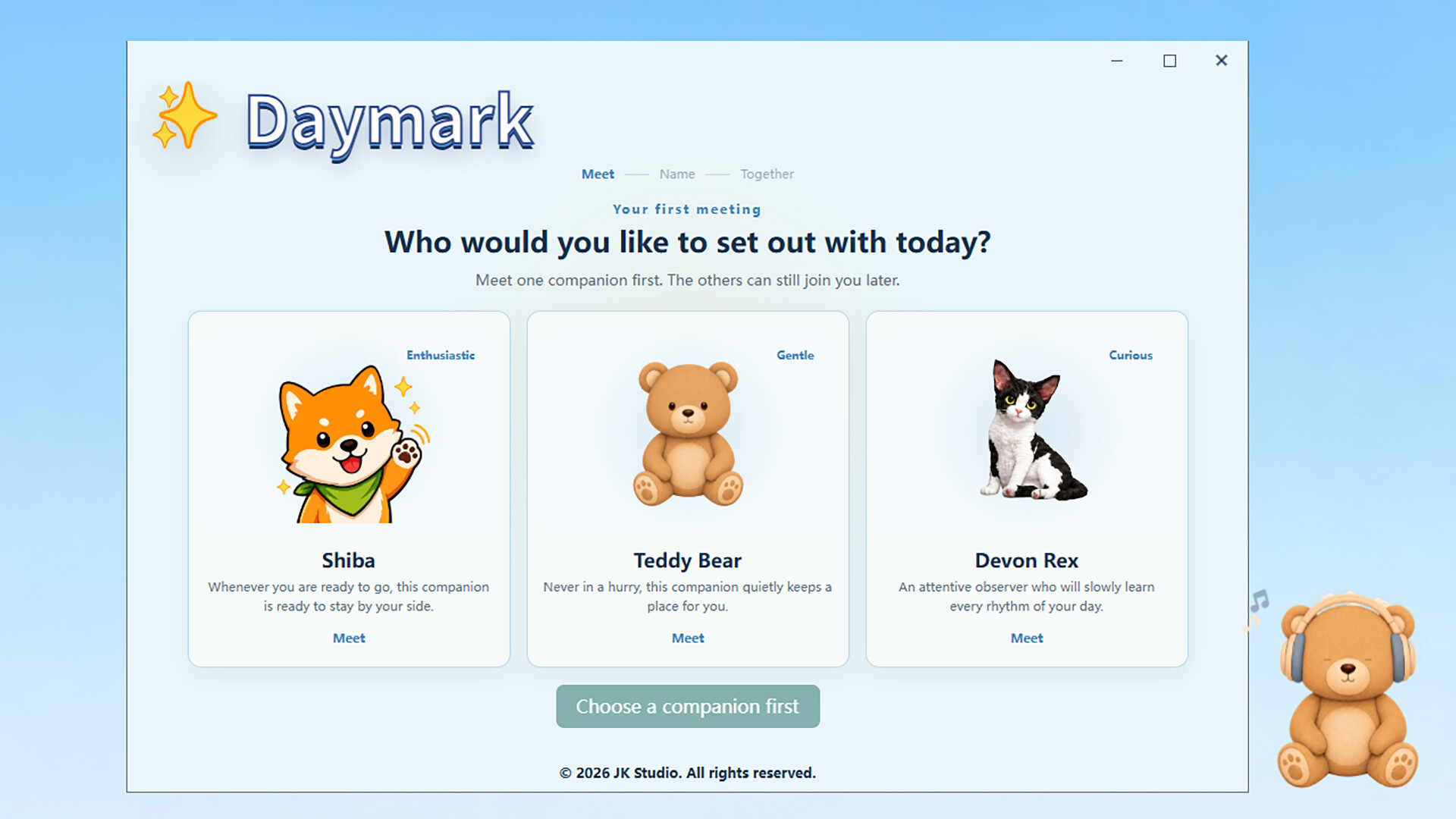
Kiki joins Daymark as a brand-new companion! This update is not only about adding a new character—it is also a major step toward making every desktop companion feel more expressive, responsive, and unique.Meet KikiNew players will now begin their journey with Kiki.Kiki’s Working pose is now available.Added natural blinking, mouth movement, and animated tail motion.Kiki closes her eyes while being dragged and smoothly returns to normal afterward.Her hands respond to keyboard and mouse input.Typing and clicking produce Kiki-themed blue glows and particles.Cyan and pink music notes appear while music is playing.Level-ups trigger unique expressions, tail movements, and celebration effects.Added exclusive familiarity titles and progression colors for Kiki.Kiki no longer uses the breathing-scale animation designed for traditional companions.New “Kiki Neon” ThemeAdded a new cyan-and-pink theme designed specifically for Kiki.The existing themes are now named “Morning Glow” and “Nightfall.”Removed the “Follow System” option so every theme now has a clear and consistent visual identity.New players will use Kiki Neon by default.Redesigned Focus and Rhythm ScenesFocus now features a retro CRT display showing the application currently in use.The CRT shell, screen, and lighting adapt to the selected theme.Rhythm now features a fully redesigned vinyl record scene.The record spins while music is playing, and the tonearm lifts naturally when playback is paused.Album artwork appears in the center of the record.Long song titles automatically resize to remain readable on a single line.Updated Character CatalogCharacters are now organized into “Default” and “Classic” collections.Kiki belongs to the Default collection.The original three companions remain fully available under Classic.Existing players receive a one-time guide introducing the new character catalog and Kiki Neon theme.Character thumbnails in the appearance menu, tray, and companion controls now correctly follow the selected...
UI 1.1Daymark’s main interface has been redesigned.Rebuilt the main window, sidebar navigation, and title bar.Added dedicated views for Focus, Rhythm, and Mark.Updated page hierarchy, spacing, typography, buttons, and cards.Unified back, close, and content navigation behavior.The title bar now continuously displays the Steam profile and combined status.Added feature search.Improved support for different window sizes.Revised the light and dark theme color systems.Improved long text, status text, and dynamic content presentation.Focus, Rhythm, and MarkThe three primary status modules have been reorganized.Focus now presents the current application, recognition status, and usage time in one view.Rhythm now uses a redesigned layout for artwork, track information, artist information, and media settings.Mark provides a simplified text entry and publishing experience.Improved how combined sources are displayed in the title bar.Improved browser media switching, artwork restoration, and media source refresh behavior.Characters and CareersCharacter and career interfaces now use a new presentation structure.Replaced the character selector with a centered carousel.Redesigned character career overviews, level information, and progression data.Redesigned the player career page.Added application usage rankings.Added character music rankings and related statistics.Updated milestones, witness records, and level archives.Improved high-level text and badge readability across themes.Added continued progression feedback beyond Level 100.Improved career duration formatting.Removed the previous accessory system and wearable title controls while retaining compatibility with existing saves.Application RulesApplication detection and rule management have been redesigned.Updated rule lists, search, and category organization.Redesigned the flow for adding preset and custom applications.Improved the process picker and rule editor.Simplified management of application names, status text, and enabl...
Posts come from Steam's official announcements feed.