Your empire gets its first fleet. Build Fleet Command, send ships on expeditions for credits, cargo, Platinum and ancient relics, and grow a roster of commanders. Fit your ships with parts, take on faction work and chart the way to two legendary destinations. Modules now use real inputs, and Enhancements count toward planet needs. This update also adds a perk that skips the same three builds on every new station, makes a crowded Modules tab easier to read, and fixes offline earnings so closing the game never pays better than playing it. Fleet Command New module: Fleet Command. One per empire, from station level 4. The first one you build comes with a Recon Sloop, the Wren, and its Commander, Hayes. Three expeditions. Local Patrol (20 minutes) brings back credits, titanium and fuel. Anomaly Survey (90 minutes, commander level 2) brings components, rare ore and 2 Platinum. Deep Void Expedition (6 hours, commander level 4) brings exotic matter, rare ore, components and 5 Platinum. Commanders level up. Every expedition earns XP, up to level 10. Each level adds 6% to the loot and lowers the risk. A Survey's Platinum stays at 2. Nothing is lost for good. A risky run can end in an Emergency Warp: no loot, less XP and a short repair stop. Ships and commanders always come home. Runs on real time. Expeditions land while the game is paused or closed. Credits and cargo go to your Fleet Command station. Your fleet stays. Ships, commanders and their levels carry through Prestige. You rebuild the Fleet Command module each run. Shipyard Build more ships. Up to 6, paid for with the Fleet Command station's credits, titanium and components. Five hulls. The Recon Sloop is all-round. The Strike Corvette halves the risk but carries less. The Armed Freighter carries 60% more but flies a little slower. The Exploration Cruiser and the Battlecarrier Flagship are new. Each comes with a commander. Void Runners make surveys and deep-void runs faster, Tacticians cut the risk, and Scrappers bring...
Your stations can now ship credits to each other. This update also makes it clear everywhere which station's money you're spending, gets every kind of controller working, and trims the tutorial down to what a new player needs. Credit Couriers Send credits between stations. Open a station's Trade tab, pick another of your stations and an amount, and a courier ship carries the credits there. You can watch it fly on the galaxy map. Bigger stations send more. A station can send up to 2,000 × its level² credits per trip (50,000 at level 5, 200,000 at level 10). Distance matters. Couriers reach 4 light-years: their own system and the nearest neighbours. Further trips take longer. One trip at a time. The ship flies back home after delivering, and the station can send again once it's back. New perk: Long-Haul Couriers. In the Logistics tree, each rank adds +2 light-years of range. You Choose Who Pays "Paid by" picker. Founding a Sun Station and sending a faction gift used to charge your richest station without asking. Now you pick the paying station, and only stations that can cover the cost are listed. Guild deliveries. When more than one station has the goods, you choose which one delivers. The reward goes to that station. Fair gift prices. A gift's price still follows your best station's income, whichever station pays. Clearer Money Top bar credits. Inside a station, the top bar shows that station's credits and income, with its name. On the galaxy map it shows the empire total, labelled "All N stations". Rewards say where they go. Objective rewards in credits name the station they're paid into. + Slot shows both prices. Extra slots cost Platinum and the station's credits; the button and its tooltip now show both. Costs have a minus sign. Event choices that cost credits now show "−". Galaxy Market. The Exchange tab now says "Deliver to" for the station that receives the credits. Tidier station panel. The panel no longer repeats the station's credits (they're in the top ba...
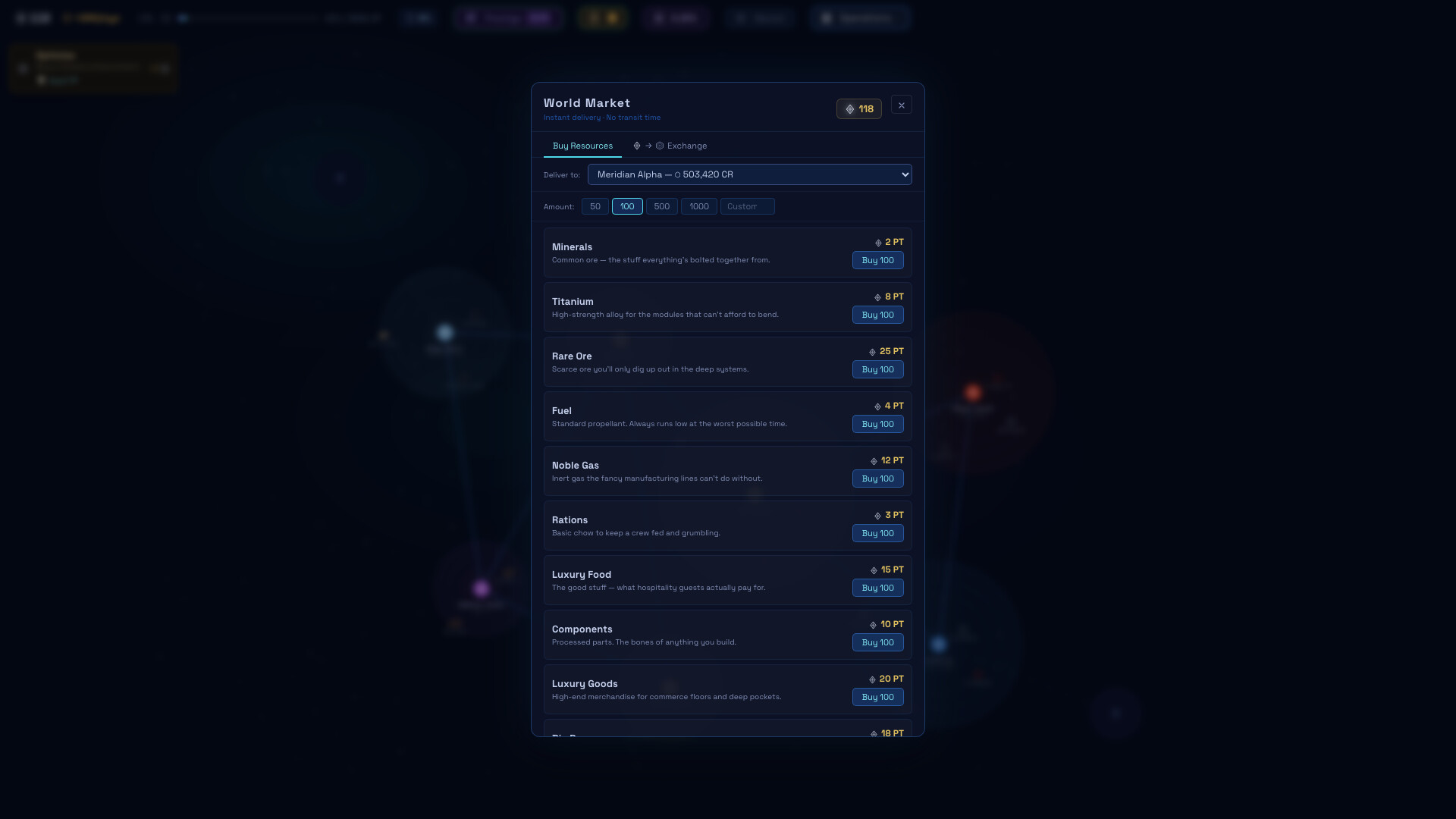
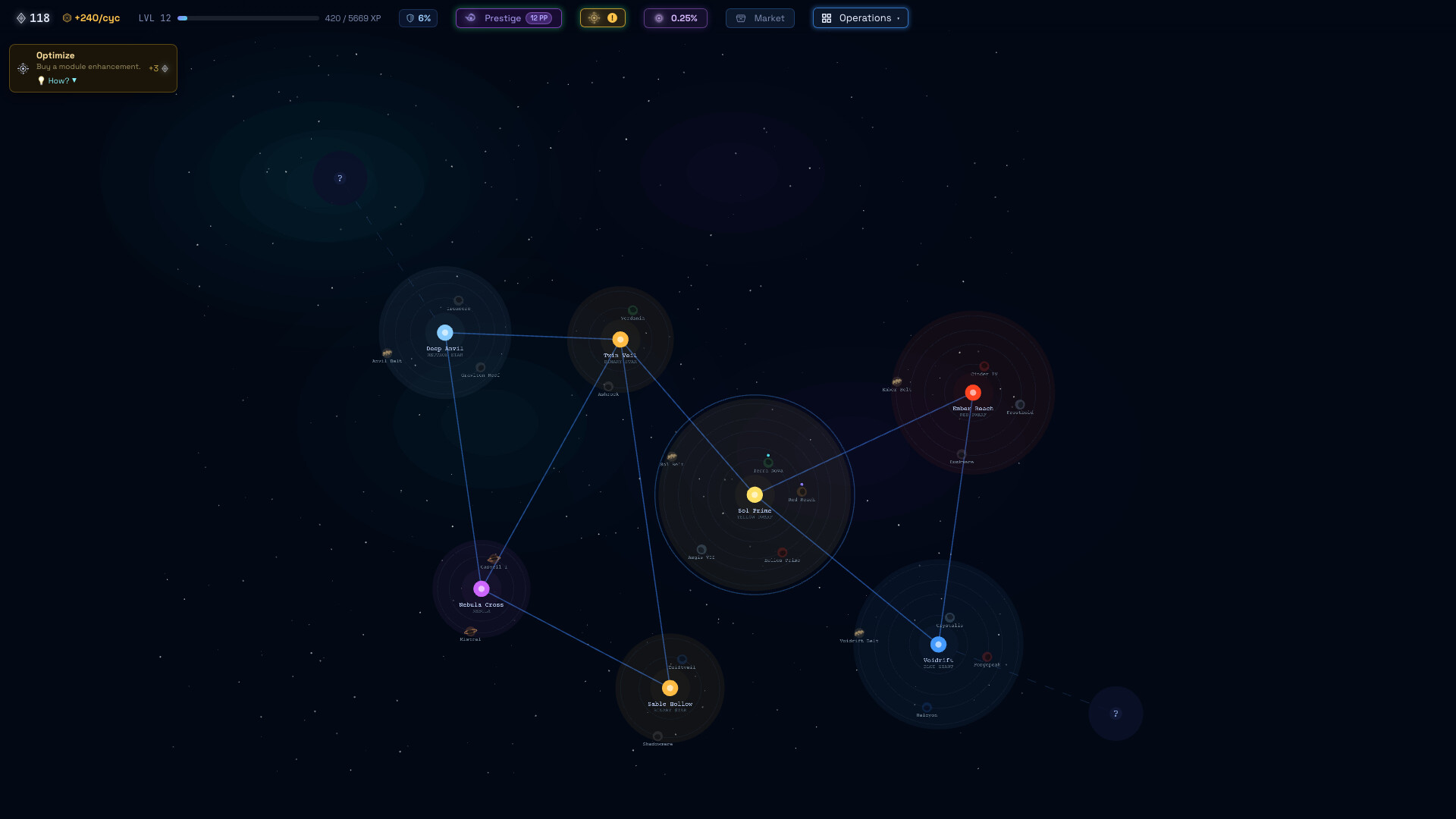
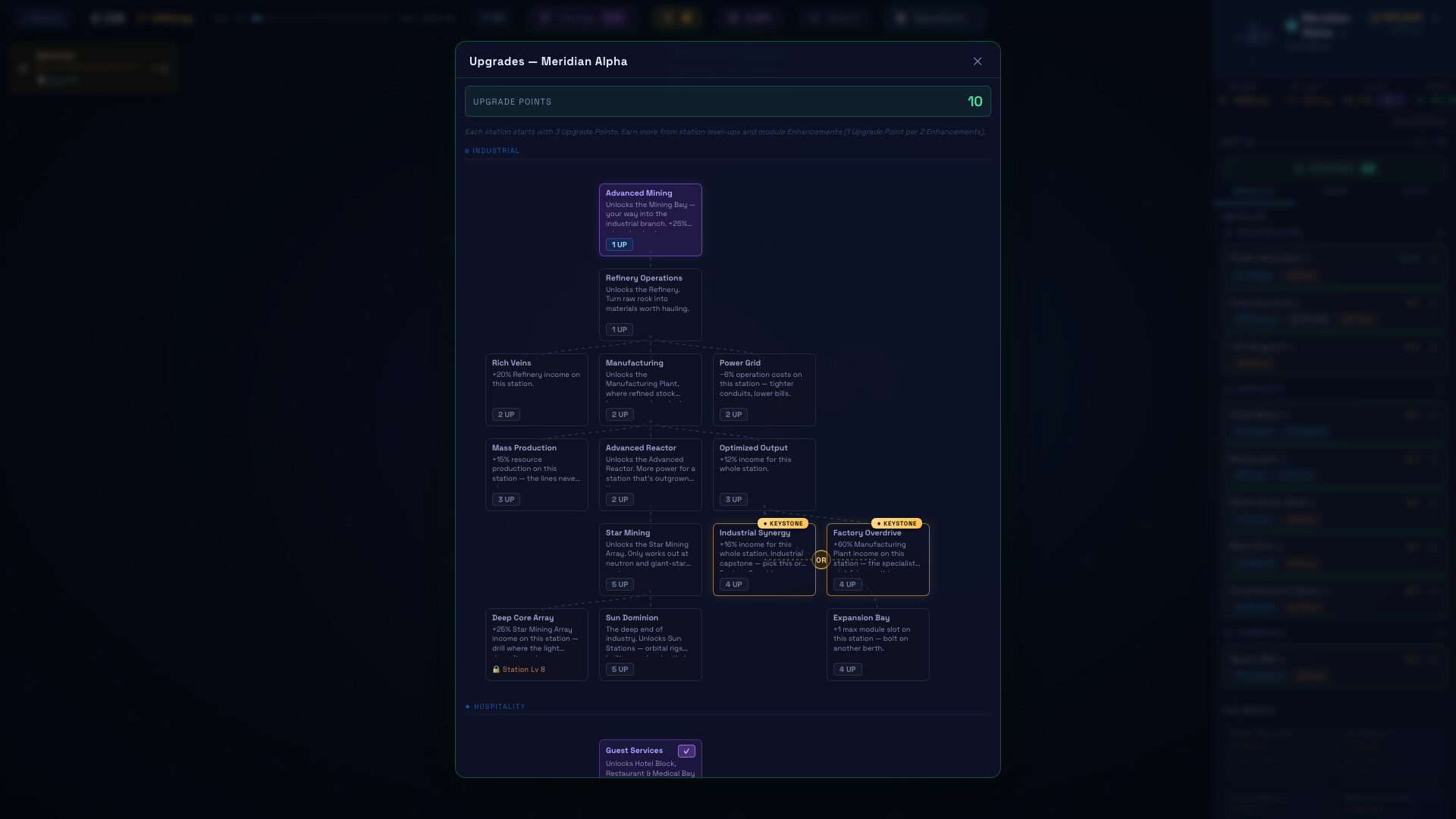
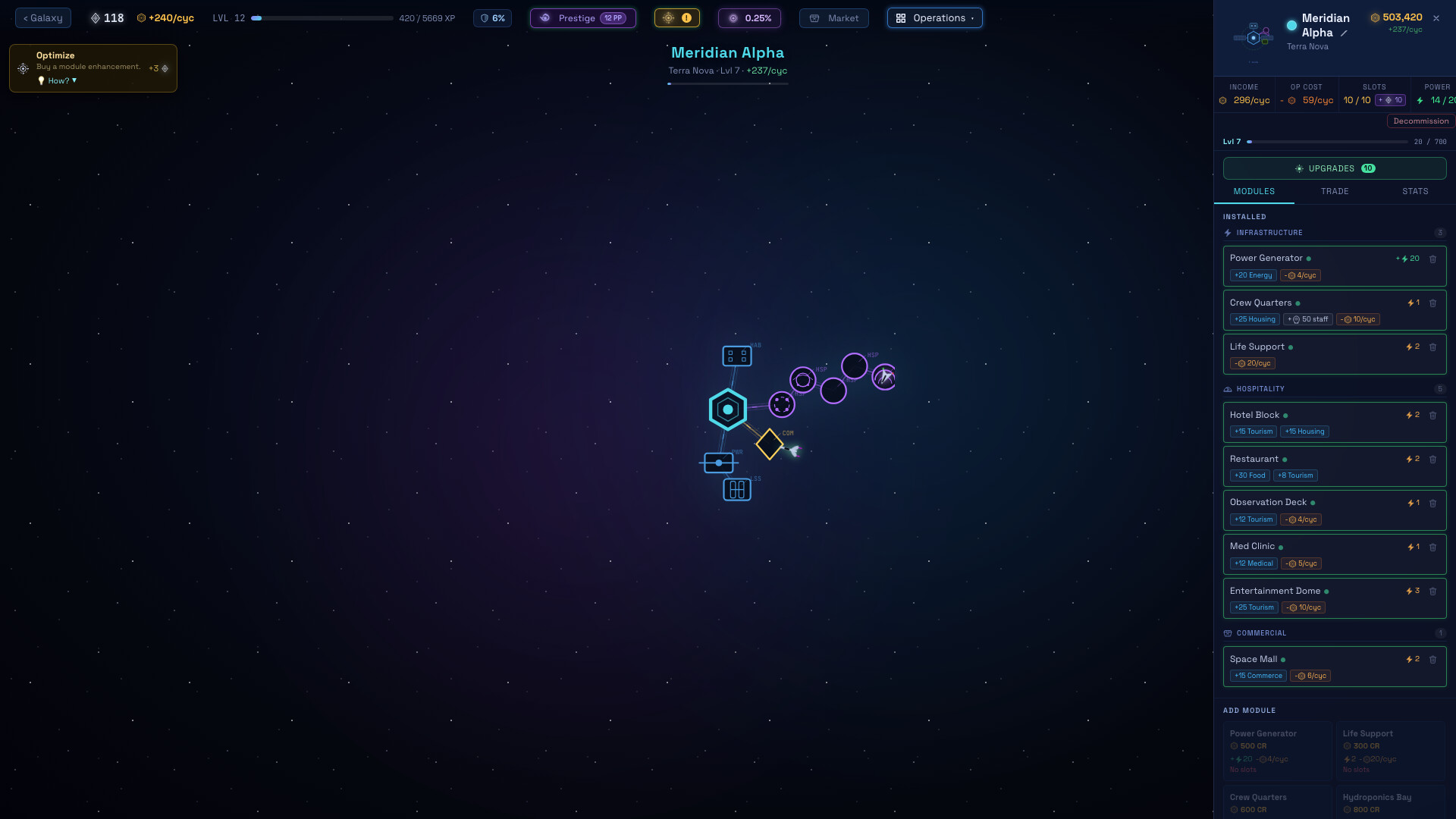
This update redesigns the screens that were hardest to read: Prestige, Objectives, Station Upgrades, the Bullion Exchange and the station Stats tab. The Market moves onto the station panel, and a controller now gets an on-screen keyboard everywhere. No Gameplay changes or balancing, purely visual update! Station Panel Upgrades and Market, side by side. Station Upgrades and the Market are two tiles at the top of the station panel. The Market moved here from the top bar, next to the station it delivers to. Refit is a real buy button. It shows what you get (+3% income), how much you have so far, and the price. It greys out with the price in red when you're short. Decommission stands apart. It sits on its own line, away from the buy button. Easier to find your way back. The Galaxy button is now cyan with a galaxy icon, so it stands out from the starfield. Top Bar Bullion Exchange in the top bar and not in the menu. Its button, labelled Exchange, takes the Market's old spot. Operations is now Menu. Same menu, shorter name. Station Upgrades Three clear lists. Each tree shows what's Ready to unlock, what you Own, and what's Locked. Locked says why. Each locked upgrade names exactly what it's waiting on, like "Needs Refinery Operations" or "Station Lv 5". Compare the trees at a glance. Each tab shows your progress and how many upgrades are ready, and the two capstones are marked "Pick one". Prestige, Objectives & Bullion Exchange Prestige. Your rewards come first as big numbers, with what you lose and what you keep side by side. Objectives. Your current goal and the next two lead the window. Finished goals fold into a Completed list. Bullion Exchange. One compact row per boost: what each level gives, what you have now, and the price. Stats Tab Net income first. The station's net income is the headline, with the breakdown underneath. Low satisfaction tells you how to raise it. Easier to read. Section titles are readable, specialization is a 2×2 grid that marks your current c...
Posts come from Steam's official announcements feed.