▼ Not recommended
43 hrs
So I believe I've gone through and tested all the controls and settings.
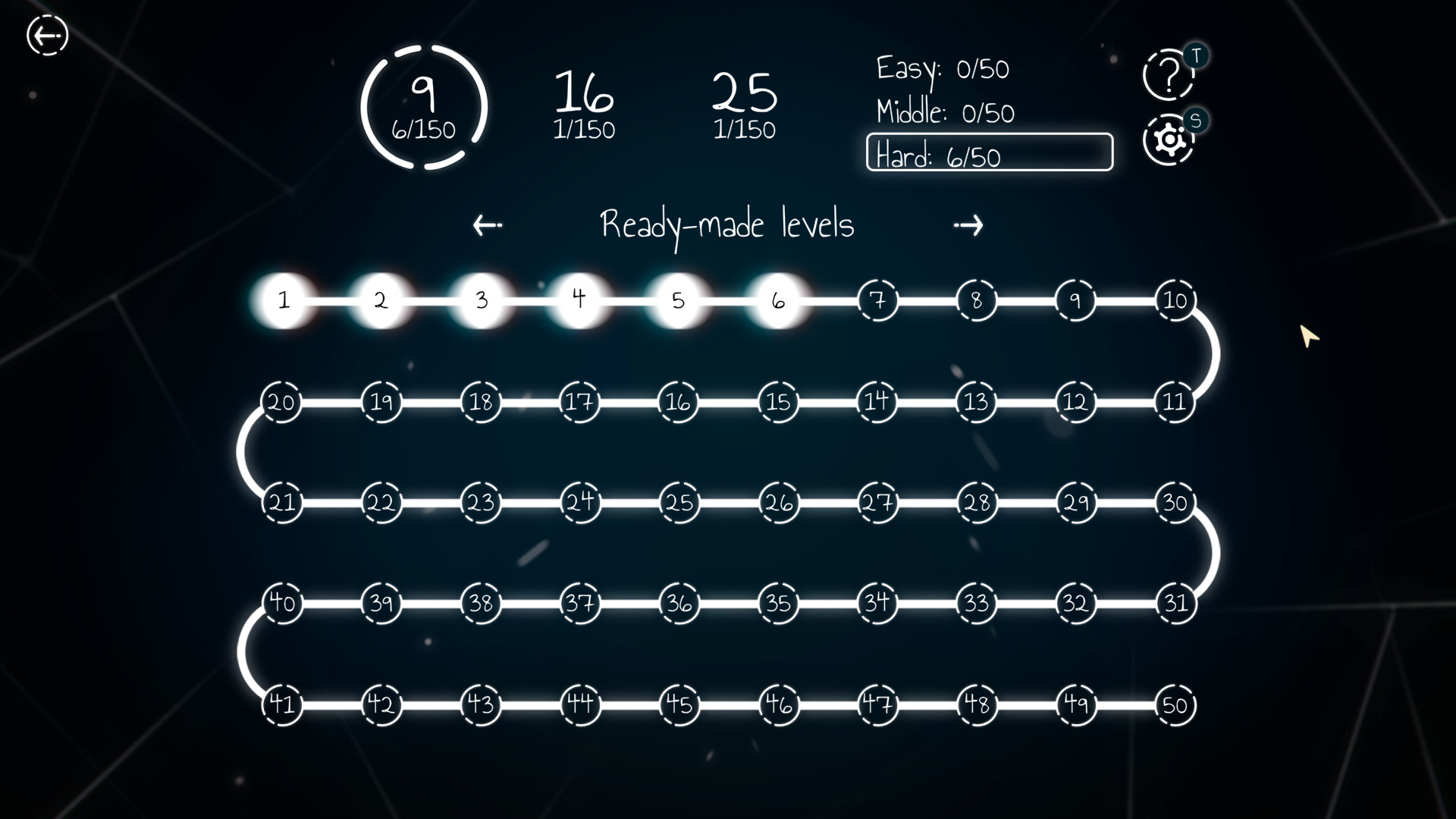
This is the only non web-based Alphaduko/25x25 Sudoku application I could find, and it looks and sounds pretty which is nice. Now, what you don't find out until you play is the flow state. Flow state for puzzle games, maybe especially for Sudoku, is critical. If it is hard to use the controls, the game becomes more about working around that issue than playing. User interface is incredibly important here.
Here's the missing critical features that plague most Sudoku applications and this one too, and they have no ♥♥♥♥♥♥♥ reason why:
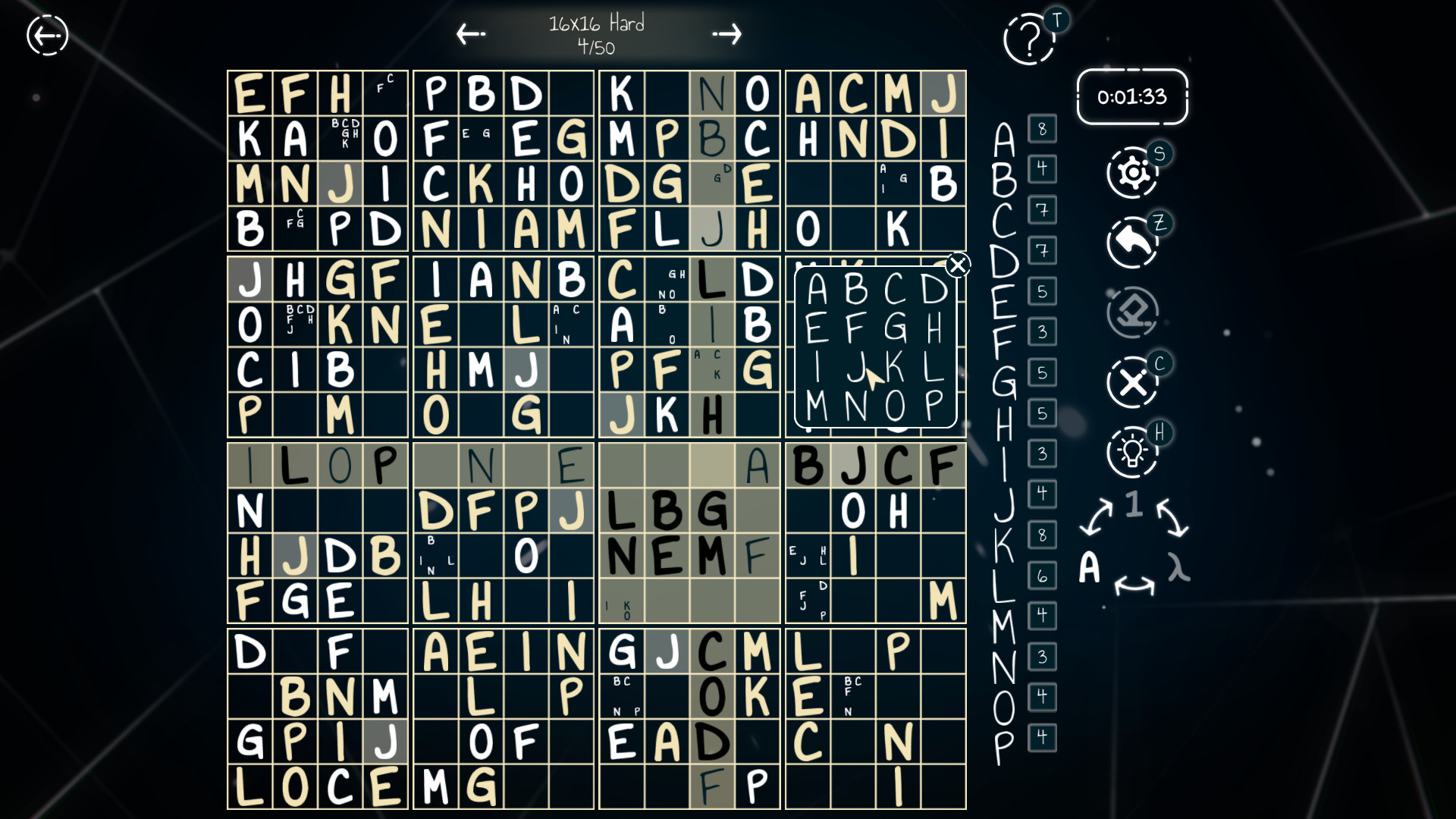
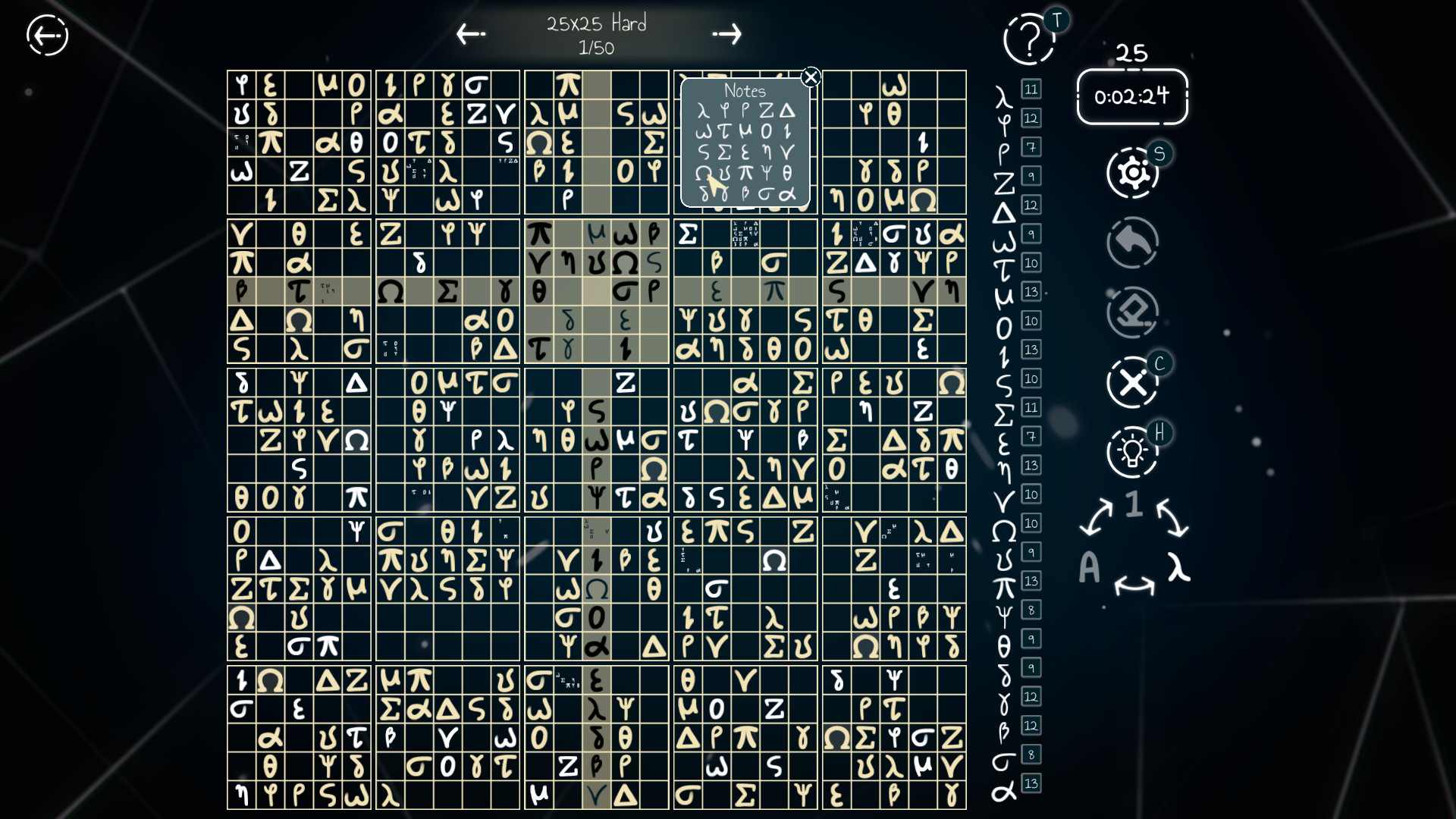
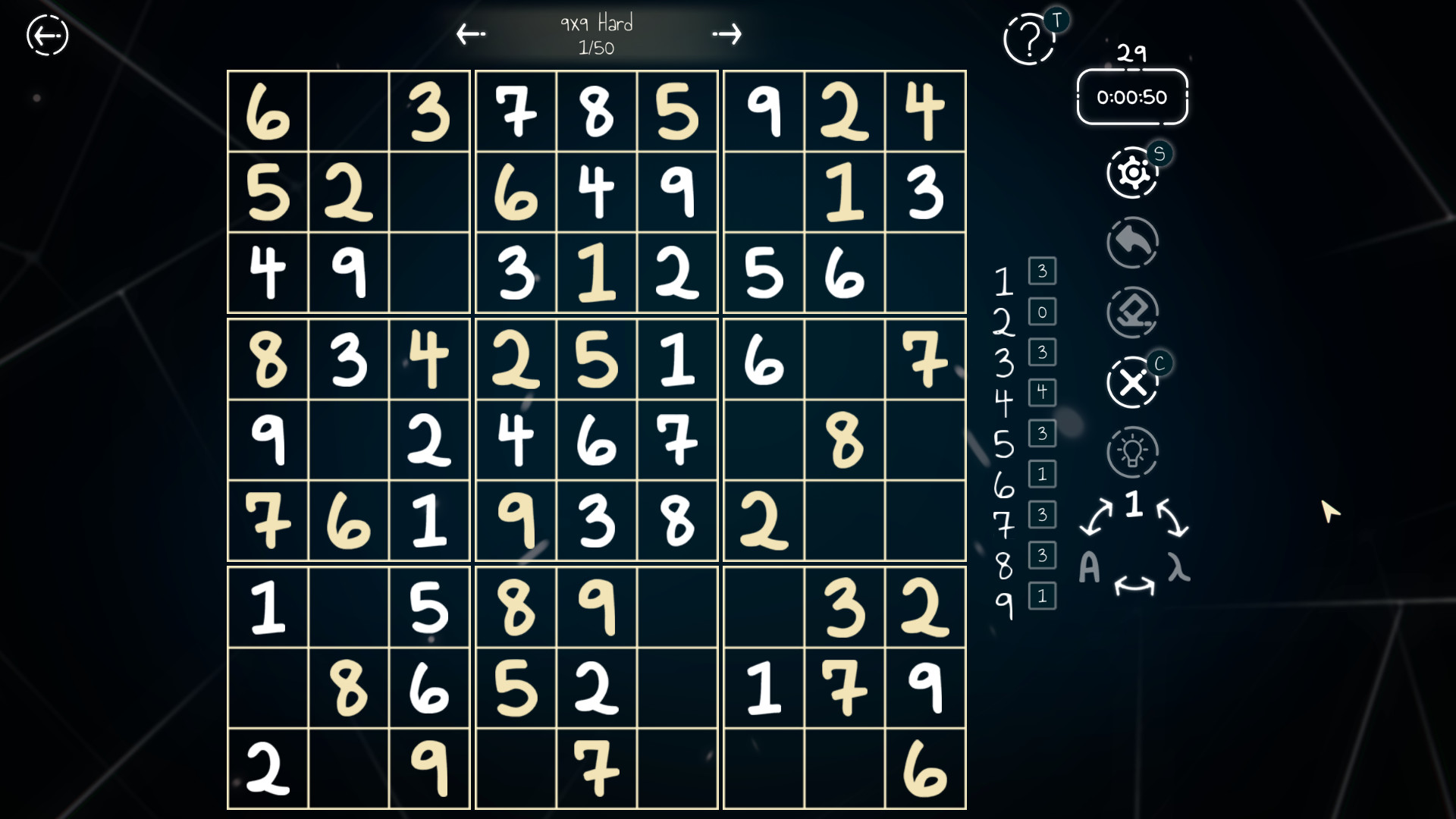
Notes are not highlighted. Particularly on 25x25, I need to know if I've noted pairs and blocked columns/rows or not, and highlighting only solved numbers makes the process so much longer than necessary. This is a quick fix, highlighting the whole box or just the small part of the square is fine as long as they are highlighted. Getting capped by this issue is incredibly frustrating. If I wanted to squint and track this much I might as well go back to paper.
The second gripe I have is that the highlighting is also the same beige color as the given numbers, just a slightly different shade. Why? Any other color. I could get into the flow state so much easier if the highlight was any color besides beige or dark blue (the color of the background). This is my least offensive issue as it's the easiest to adapt to.
Now the big one: How you place notes. My God. Jesus Christ. Unlike the highest tier of Sudoku applications which includes a toggle for notes and a hotkey for said toggle, the reason why several reviews bashed this game was because it is not intuitive and they couldn't find it. The regular solving numbers is already a pain if you do not use the keyboard/keypad, but to even bring up notes you must right click, then instead of using the keys, which you do as a human because the in-game numberpad is awful, you must use the numberpad rather than inputting keys. If you do, you input a solved number instead of a note.
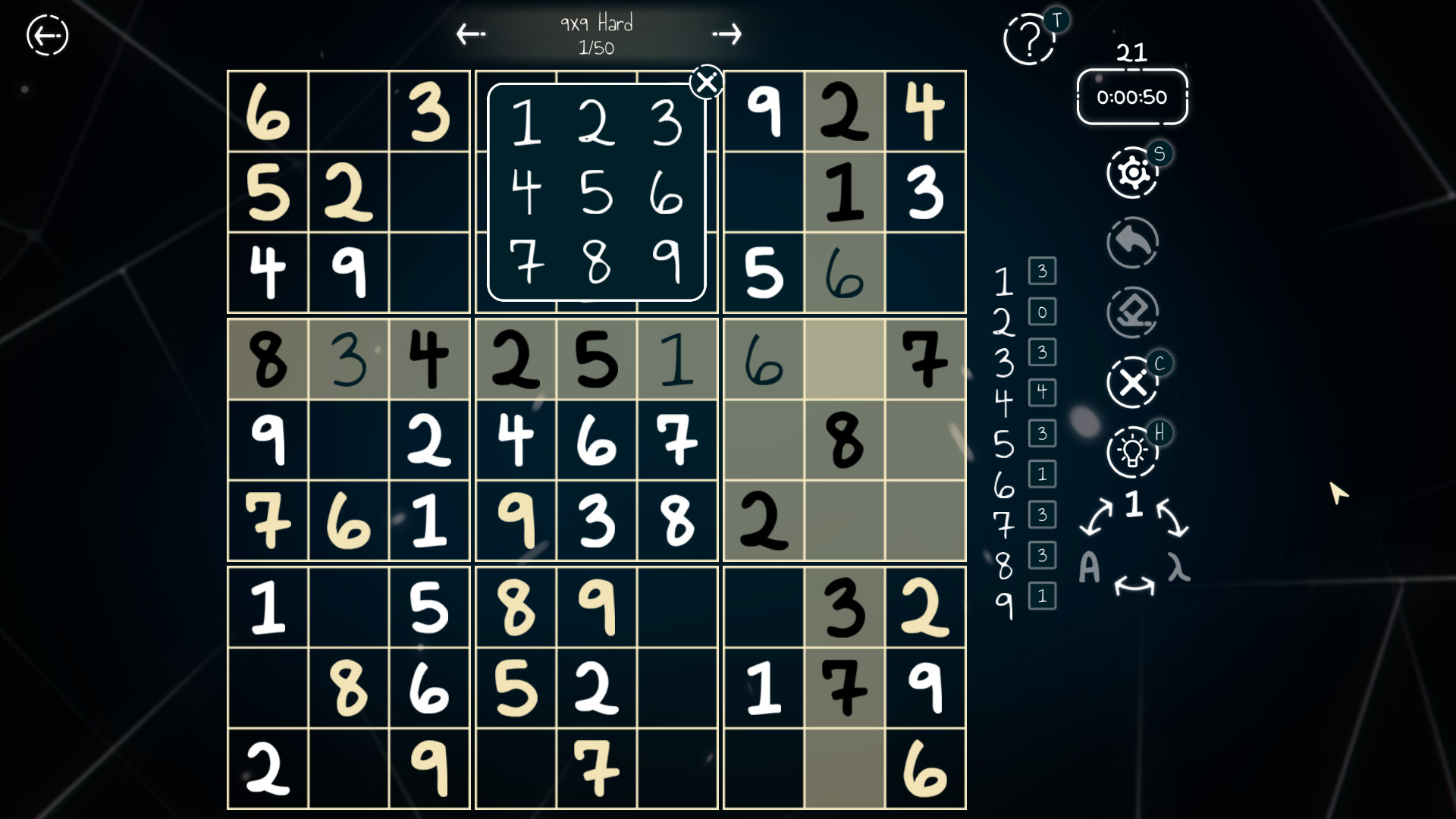
It is really hard to describe why you do not want to use the numberpad, but I'll try my best. The in-game numberpad that appears for you to solve numbers or make notes does not appear in the same place relative to the box in any of the boxes, except a few, so it is inconsistently inconsistent. So you must learn which box makes the numberpad go where, drastically reducing your flow state. A wheelpad that appears at the position if you hold left click, or always having the numberpad appear to one side always except on the edges in which case flip to the other side, or always having the numberpad appear over the middle box are all three common solutions that are infinitely easier to use than what this application does.
Of course, the first thing I did when realizing the numberpad did this was use my keyboard to mitigate this terrible UI. And it works! Great, now I don't have to use that inconsistent numberpad! Oh wait, nevermind, you MUST right click to bring up the notes' numberpad, and despite it up indicating you intend to input notes, the keyboard will only let you input solved numbers, so you must switchup from using your keyboard for solved numbers to using the mouse only to input notes on the inconsistent numberpad. I don't think people were wired to do this. It's the Sudoku version of trying to pat your head while rubbing your stomach, then switching to rubbing your head while patting your stomach. Sudoku shouldn't have a user interface learning curve at all, and not one this steep. All that is needed is one toggling key you press that says "now when I push a number key over a square, that is now a note and not solving."
Cool Math Games should not have a gold standard Sudoku application. That's weird. We should build upon using it as minimum. If this game was just that one but had 16x16 and 25x25 boards I'd pay $60 no questions asked.
Edit: 50 hours later, multiple Hard 25x25's solved, and I've only found more irritating UI issues. Don't use if you don't also have a show or something to pay more attention to.