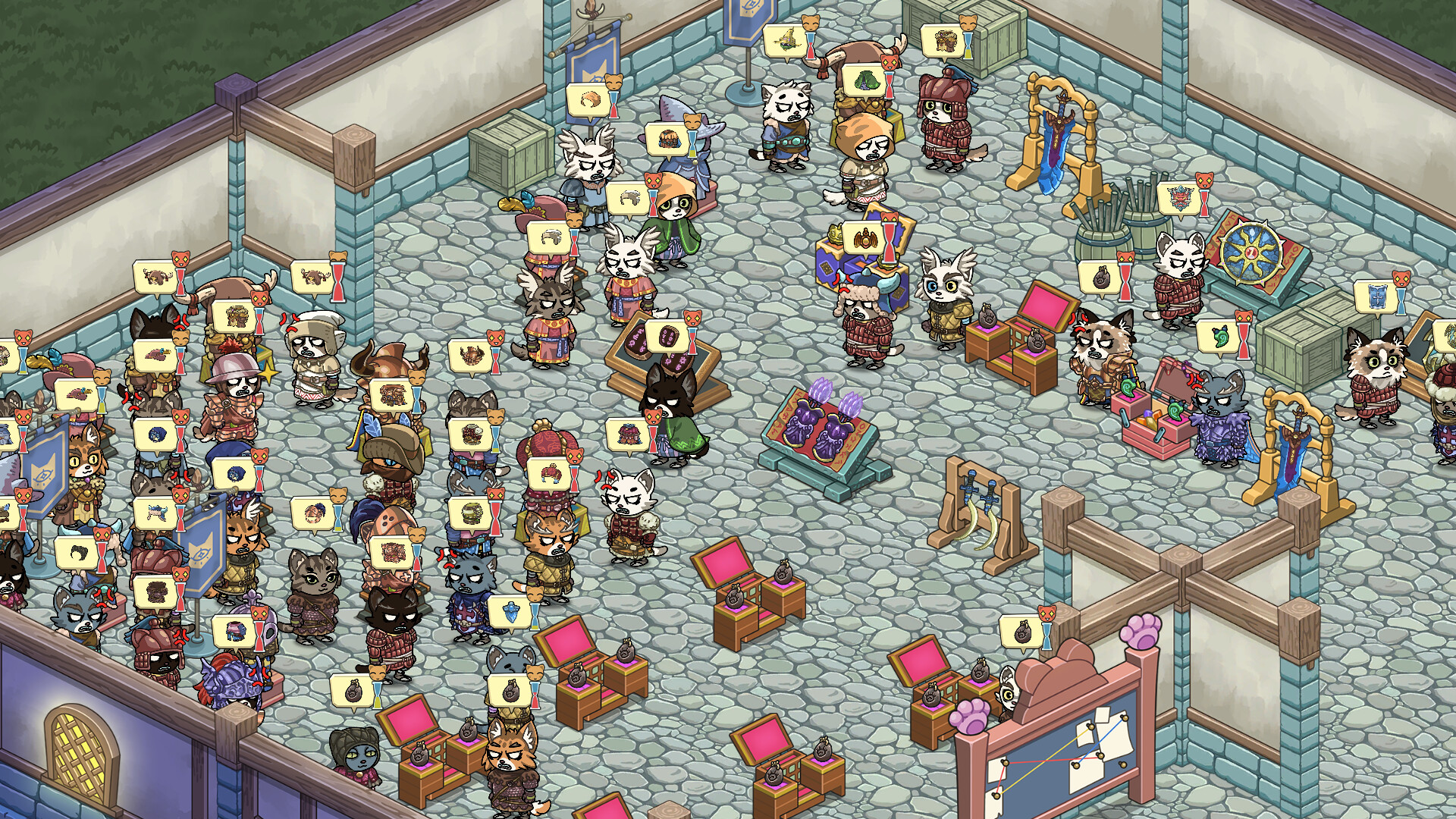
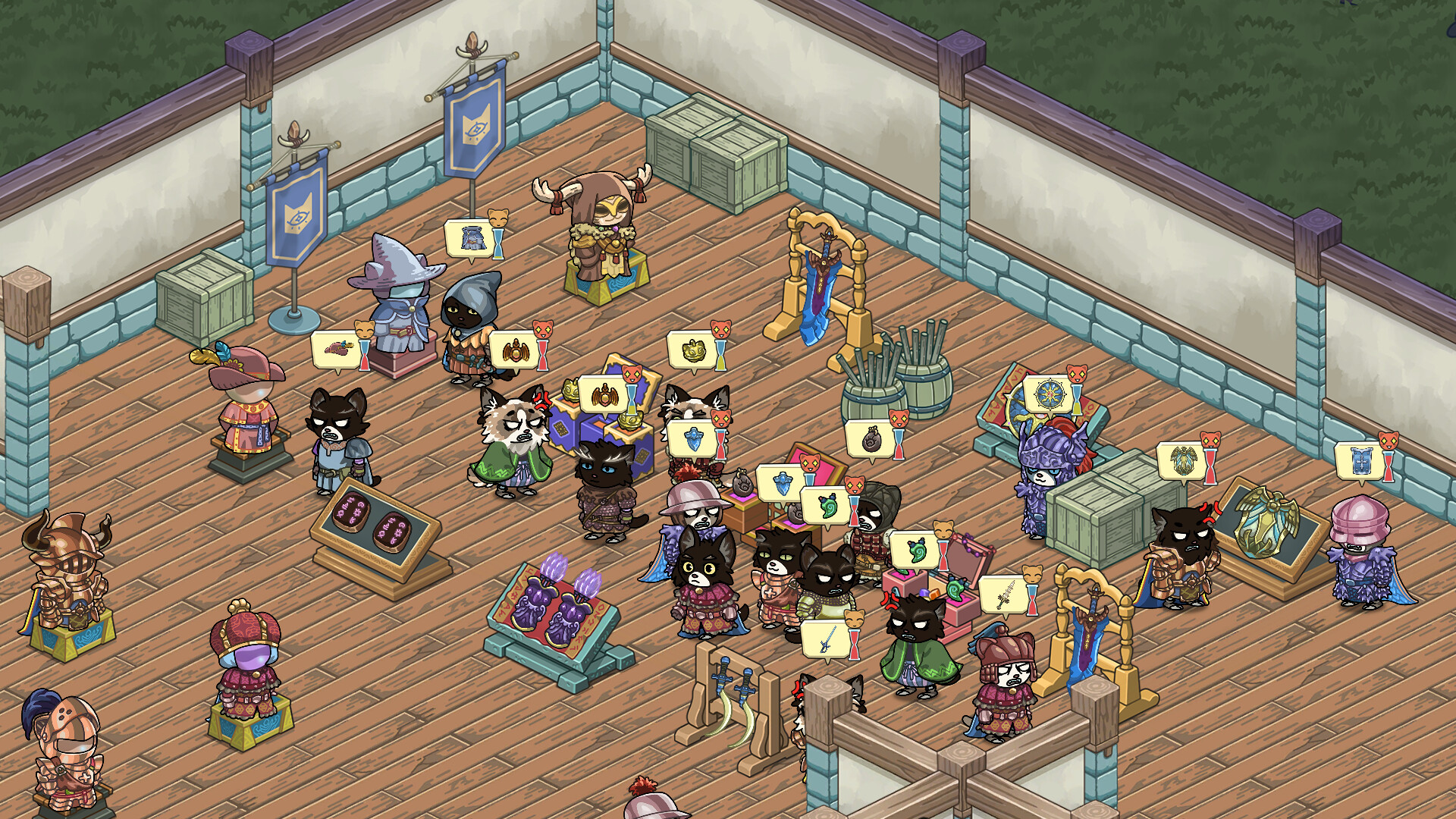
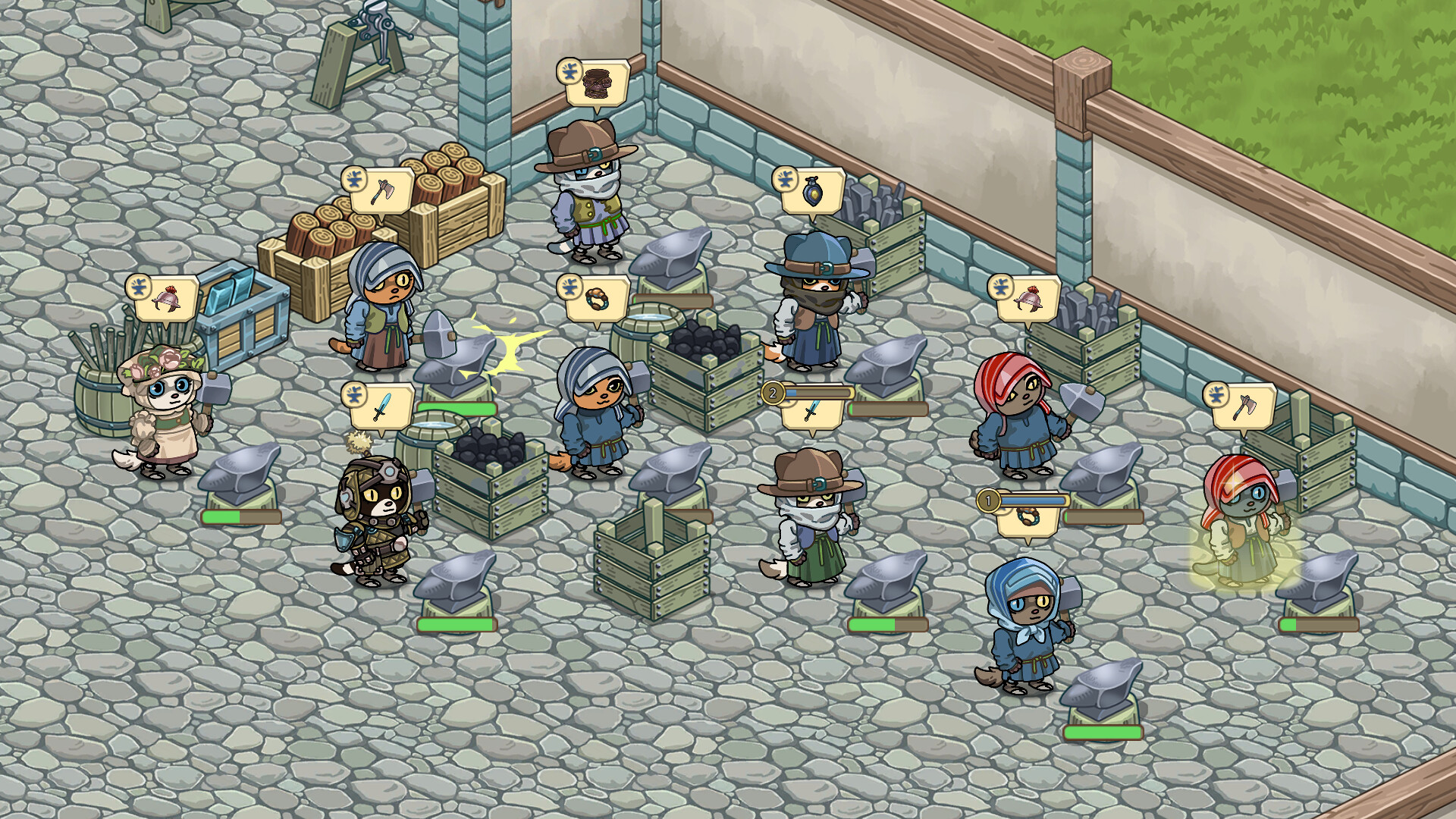
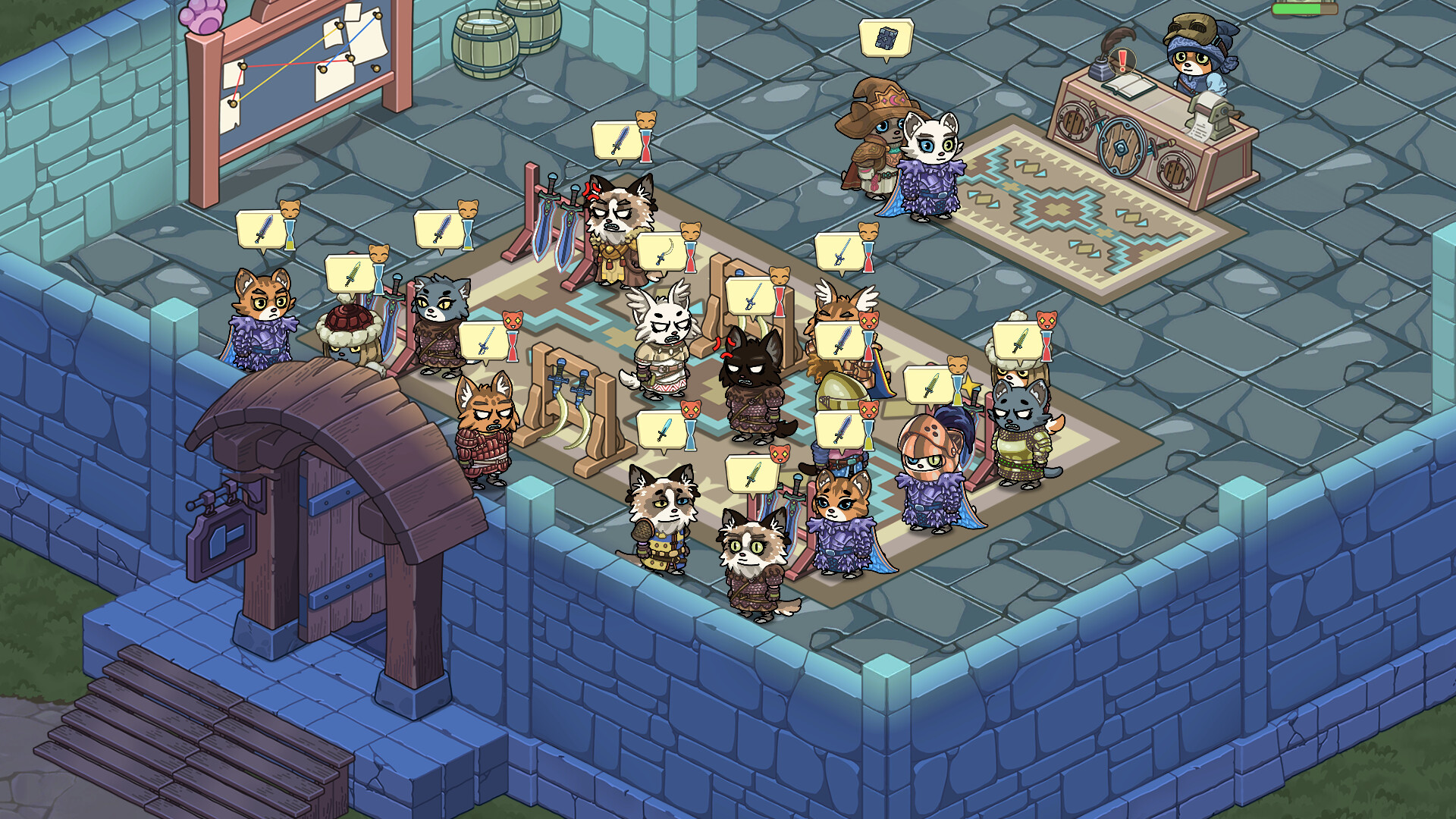
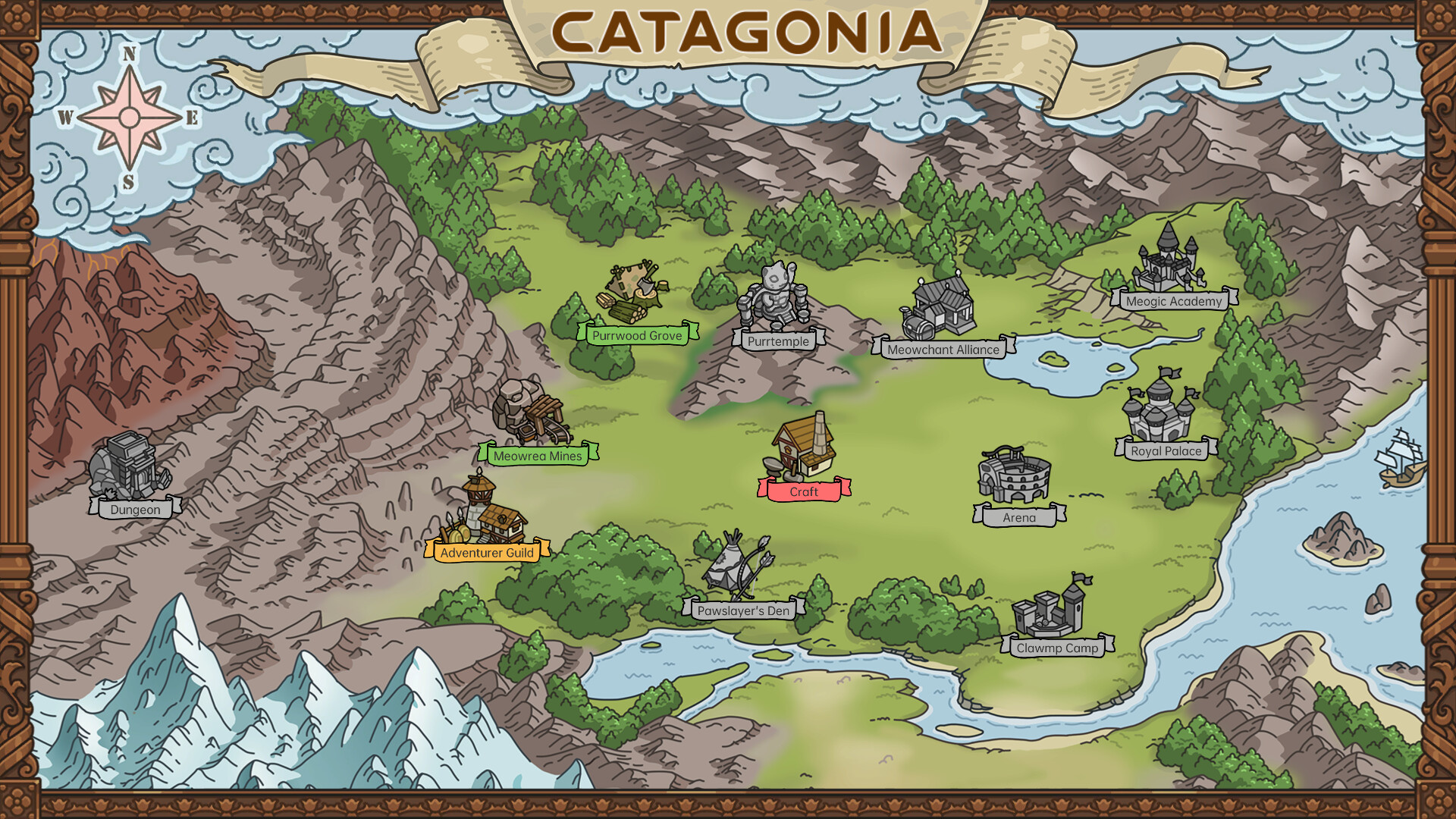
Run a cat-staffed blacksmith shop where you craft weapons, upgrade facilities, and send adventuring parties into dungeons to earn resources. The game layers shop management with idle mechanics and prestige-style progression as you expand your smithy and equip heroes to tackle increasingly difficult challenges. Fans of cozy management games with strategic depth and a humorous premise will find plenty to optimize here.
About this game
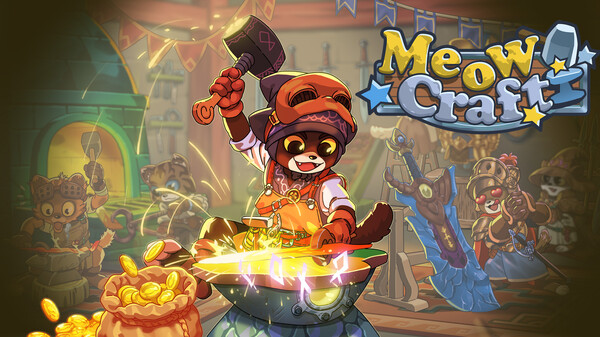
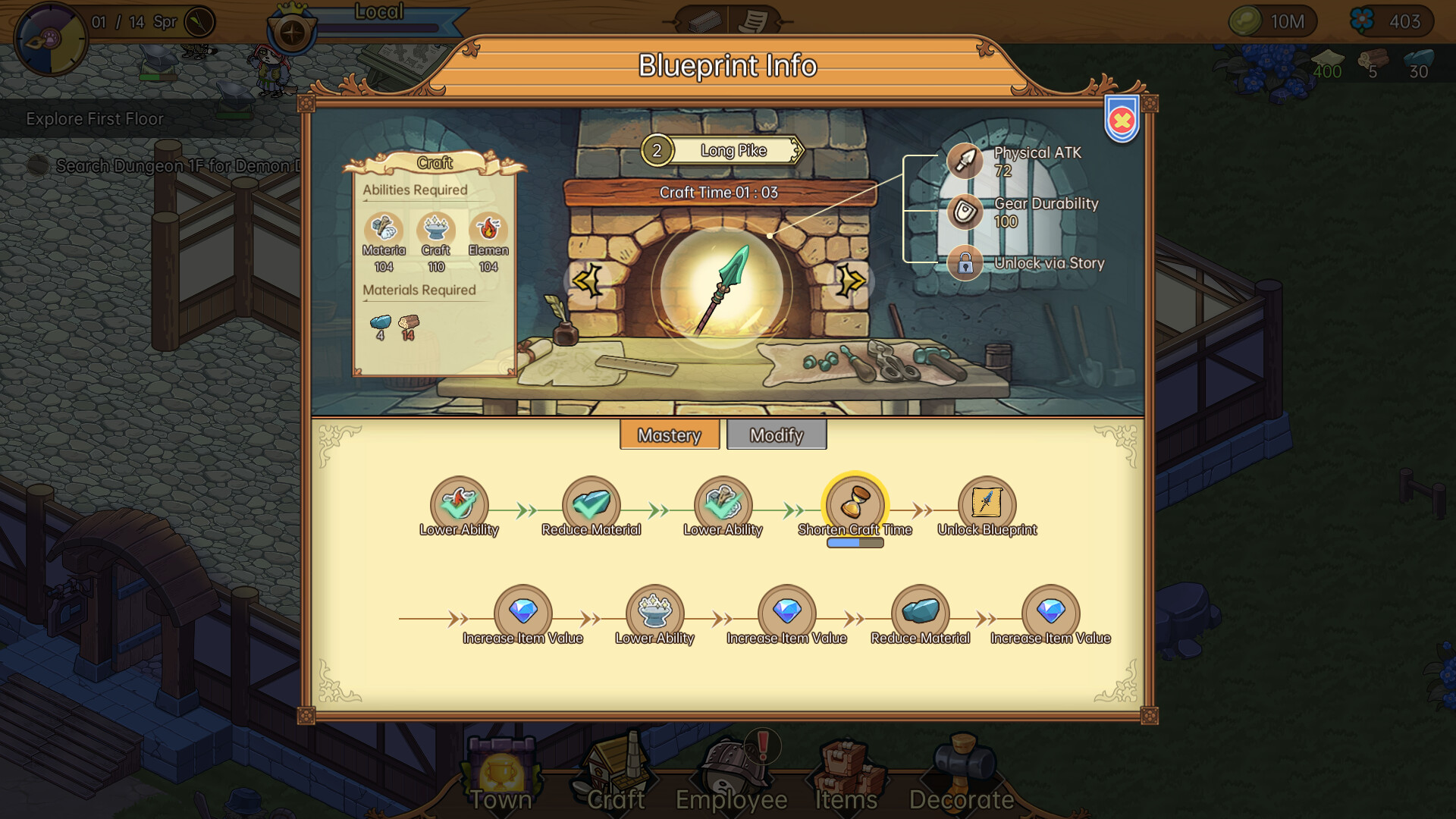
Manage your own feline forge in this cozy yet deep shop simulation! Craft epic legendary gear, expand your smithy, hire quirky cat staff, and dispatch hero squads into dangerous dungeons. You may be cursed to never wield a sword again, but you can build a forging empire to defeat the Demon Dragon!
Players, last 35 days
Peak 9 · Low 0
Daily peak concurrent players, sampled once a night from Steam.
What players are saying
▼ Not recommended0 hrs
Overall, it’s a pleasant, relaxing game. I like the graphic style and the cat characters. Unfortunately, it currently has too many problems and bugs for me to enjoy it.
- The game starts in Chinese. English is supported—so why is Chinese chosen as the fallback on a non-Chinese PC? It doesn’t seem like much effort to handle this properly like "player language if existing or English". - Graphics: I can’t change the resolution. - UI: There is a tutorial. Why is the “X” (close) button only on the last page? It feels strange when you open the tutorial and want to close it right away, especially since there’s no obvious way to do so. - UI: The “Sell” button scales with my camera zoom. I was already surprised that it appears only about 5 mm tall on my screen, and that’s an odd design decision. - Controls: Using SPACE for pause is normal. However, E and F for the normal and faster speed feel unexpected. Most games I know use number keys (e.g., 1 = normal, 2 = fast, 3 = faster). - General: Even with the tutorial, too many things are unclear. How do I get iron—do I need to smelt it? What happens if I run out of iron on day 1? A short one-line reassurance in the tutorial (e.g., “Don’t worry if happens” or “Details about will come later”) would help. - Dialogues: In the intro there are many, many text boxes that seem to present the story/prologue. The Chinese text might be readable, but for English it’s too long, and the text appears onscreen for too little time. The dialogue pacing could be adjusted, or it might be intended that the story is shown quickly.
Overall, there’s a lot of potential, but right now there are too many small issues for me to enjoy the game.
Hello everyone!Here are the main changes in this update: Added support for multiple save files. Added a \ button to the ESC pause menu. Clicking it saves the current progress and returns to the main screen.Added Info Management to Craft Management, allowing you to control the display of notifications for Blueprint Research, Gear Crafting, and Dungeon Exploration.Added a distinct UI style for Blueprints that have been fully mastered.Added Element tooltips to the Elements tab in the Refinement Research interface.Updated the Material Market interface in the Alliance to display both purchase and sales records simultaneously.When Repeated Exploration is enabled, completing a special floor will no longer affect the subsequent Repeated Exploration state.Increased Exploration Progress rewards for Dungeon Floors 21–50.Increased EXP gained from certain Dungeon monsters.Reduced ATK of Bloodwood, the Lord on Floor 30.Bug Fixes:Fixed an issue where the Refinement progress bar remained visible while a story script was playing.Fixed an issue where Repeated Exploration could cause Adventurer class change prompts to be skipped.If you encounter any issues during the game, please feel free to join our discord channel to share your experience and suggestions.
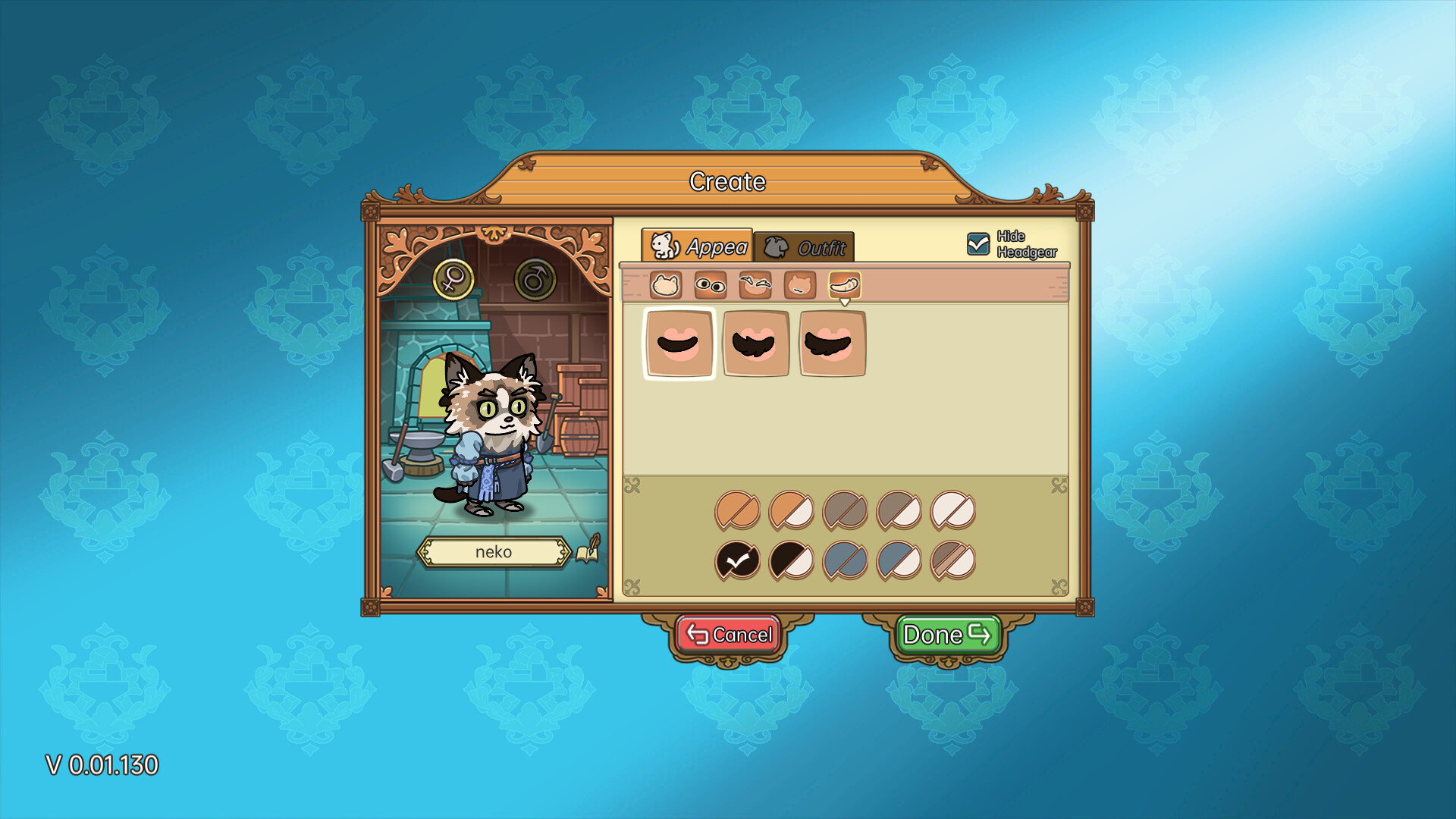
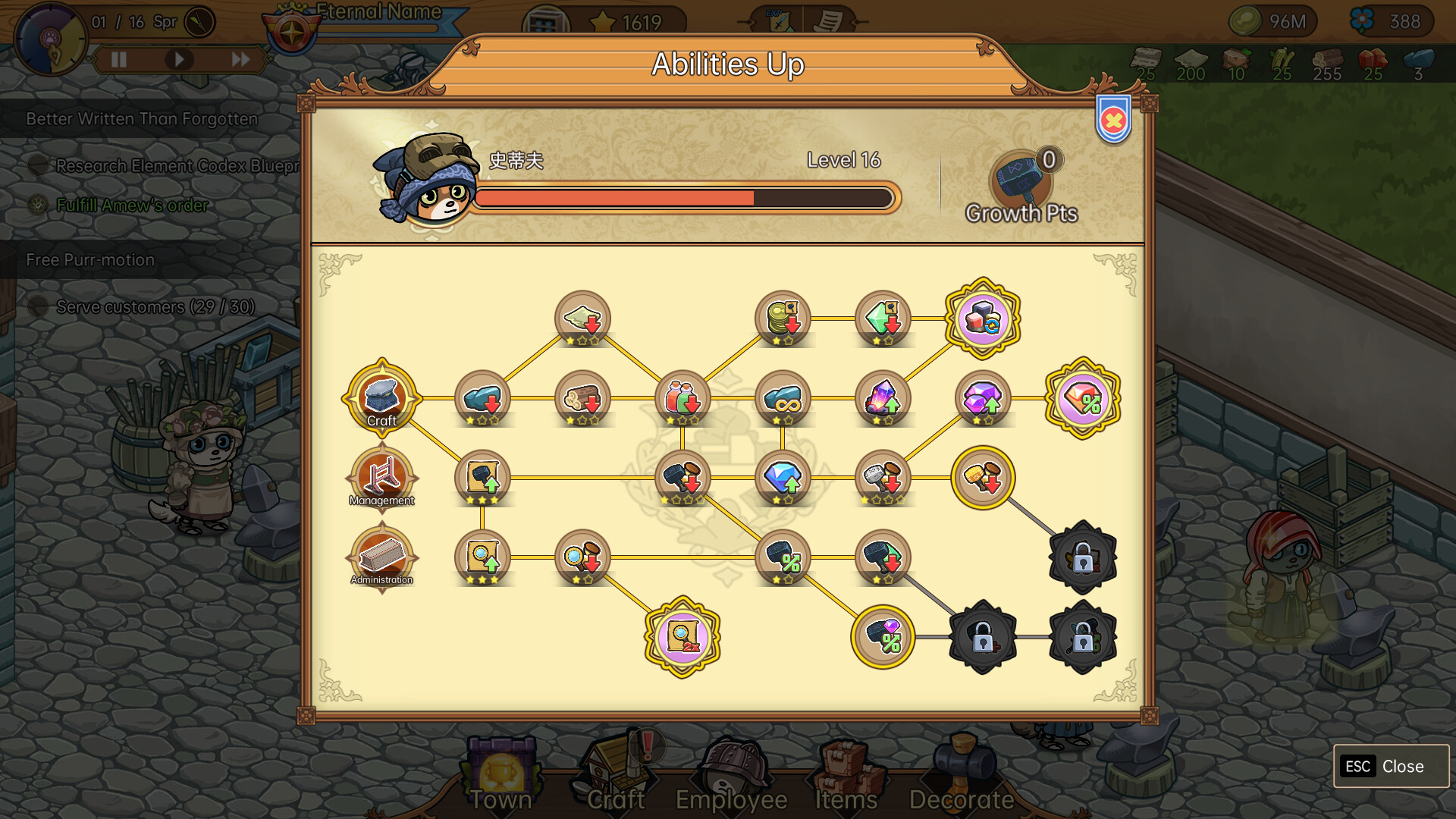
Hello everyone!MeowCraft Steam Community Items are now officially available! 🎉 And to celebrate, the game is now 10% off for a limited time!You can now collect cards, badges, emoticons, backgrounds, and other exclusive community items simply by playing the game. Customize your Steam profile and show off your identity as a Meow Blacksmith to your friends!Here are the main highlights of this update:Apprentice/Assistant System Adjustments: Added a new Assistant Goals feature, allowing you to unlock character-specific abilities by completing various objectives.Reworked Apprentice Abilities. Once an apprentice's ability exceeds the requirements for crafting a Blueprint, the excess value will now trigger the corresponding inherent effect: \/\/\. A new arrow indicator has also been added to the crafting interface to highlight when these effects are triggered.Added new items that can be used to increase Apprentice Abilities, including Cat Treats and Canned Food.Adjusted the color-coding rules for Apprentice Ability values. The displayed color is now determined by the current value plus Growth, and the tier will be recalculated whenever abilities are increased through skills, Growth, or items.Added several new Apprentice Skills, primarily focused on increasing Apprentice EXP, Blueprint EXP, and Apprentice Abilities. The rank requirements for unlocking certain Apprentice Skills have also been adjusted. Skills already obtained in existing save files will not be affected; when rebuilding a skill, the updated rank requirements will apply.Added a Skill List button to the Skills tab in the Apprentice Details interface, allowing you to view the complete skill list and see which skills are currently available for rebuilding.Added new Assistant Goal Achievements, along with corresponding Steam Achievements.Other Adjustments: Adjusted Growth Abilities: Cat Spark will now trigger when crafting items or researching Blueprints personally.In the Exploration Quest Dispatch interface, after...
Hello everyone,Here are the main highlights of this update:Feature Adjustment: Added display of Magic Cost / Cooldown turns for active skills in the Adventure Cat details interface.Added Hit / Dodge / Crit / Crit Resistance stats to the TIPS for Adventure Cats and monsters.In most cases, pressing ESC will now only close the current interface.In the employee crafting interface, numbers indicating insufficient ability are now shown in red.Fixed an issue where skill names were not fully displayed during combat in the English version.If you encounter any issues during the game, please feel free to join our discord channel to share your experience and suggestions.
Posts come from Steam's official announcements feed.