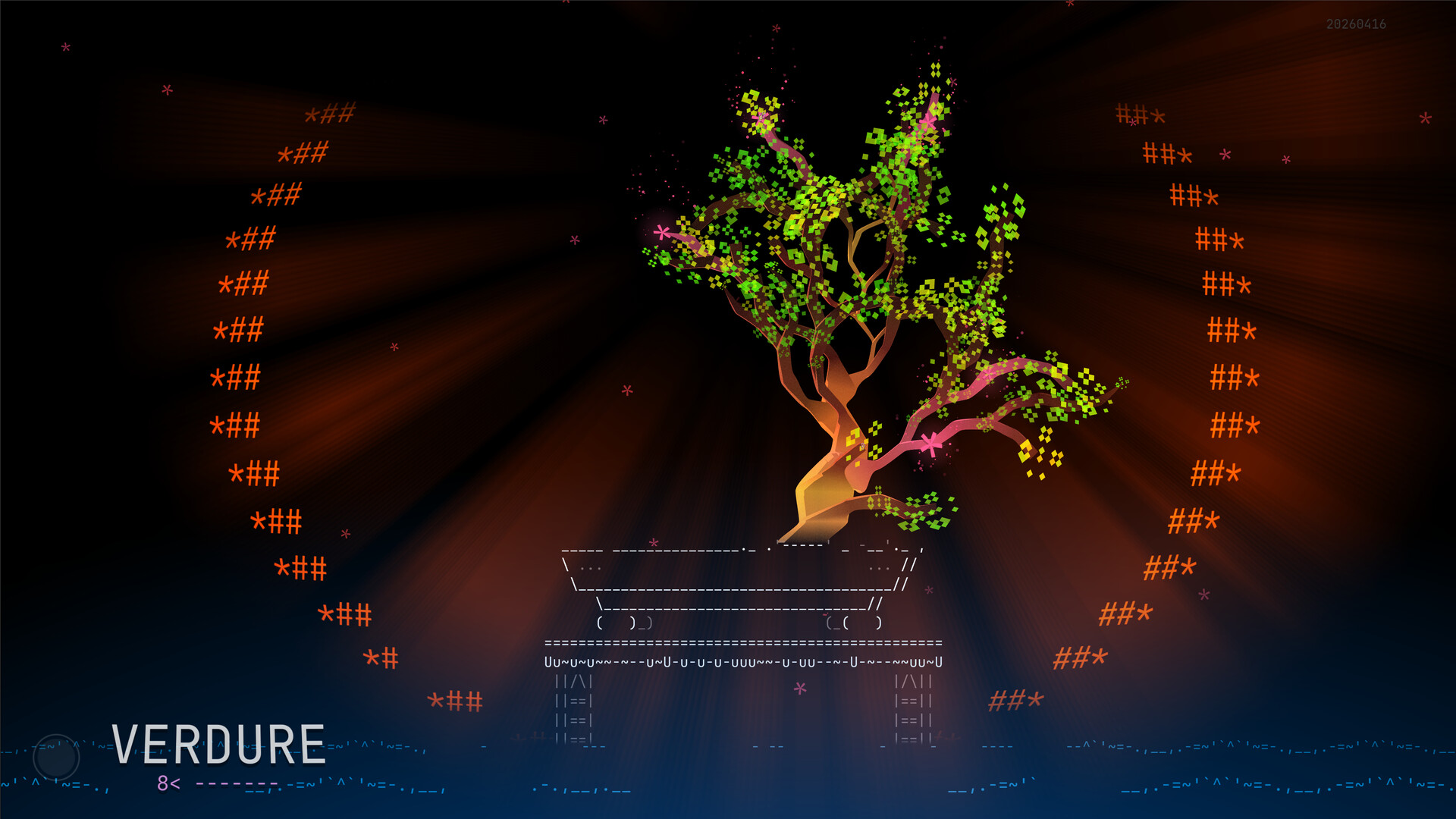
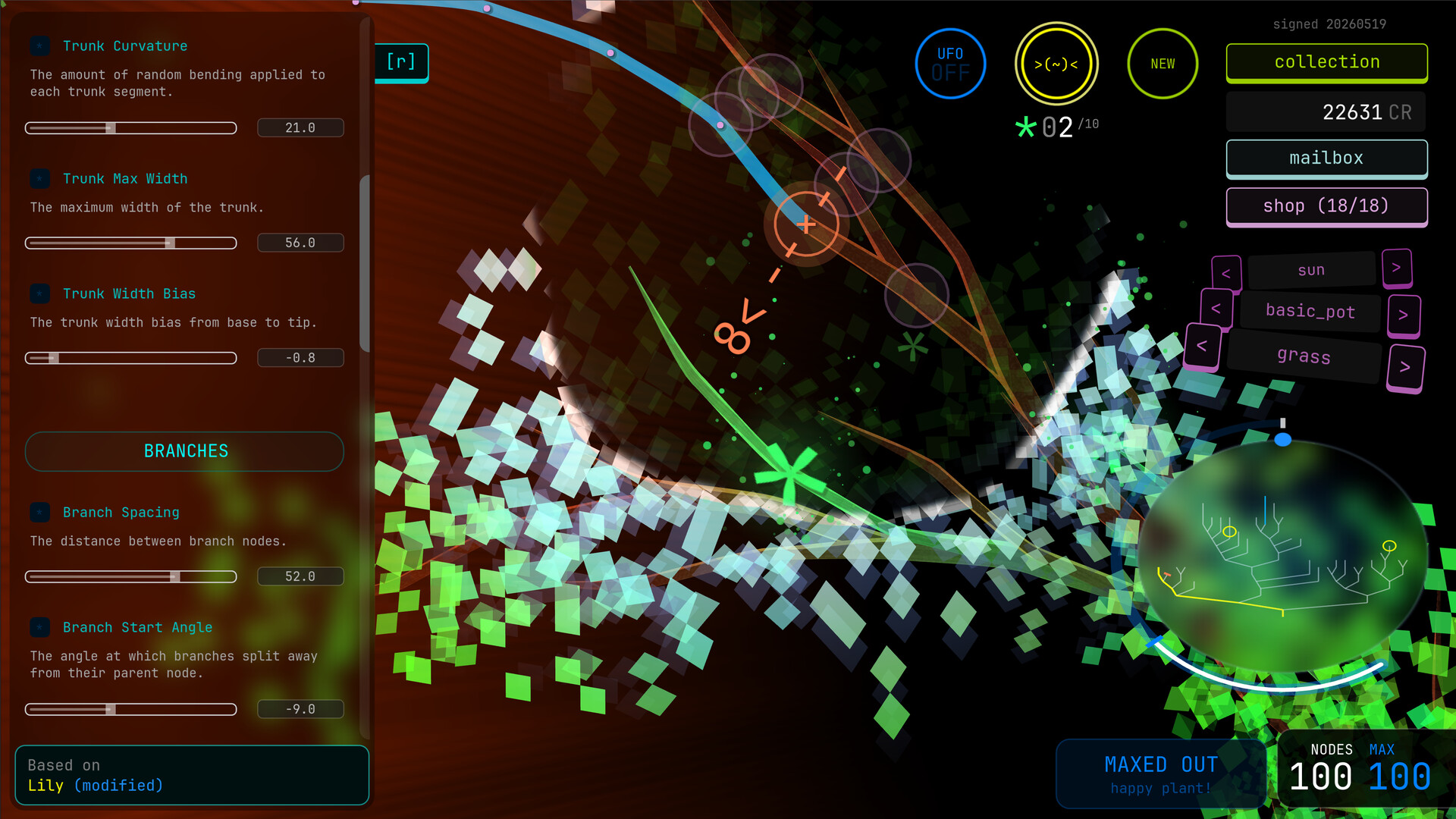
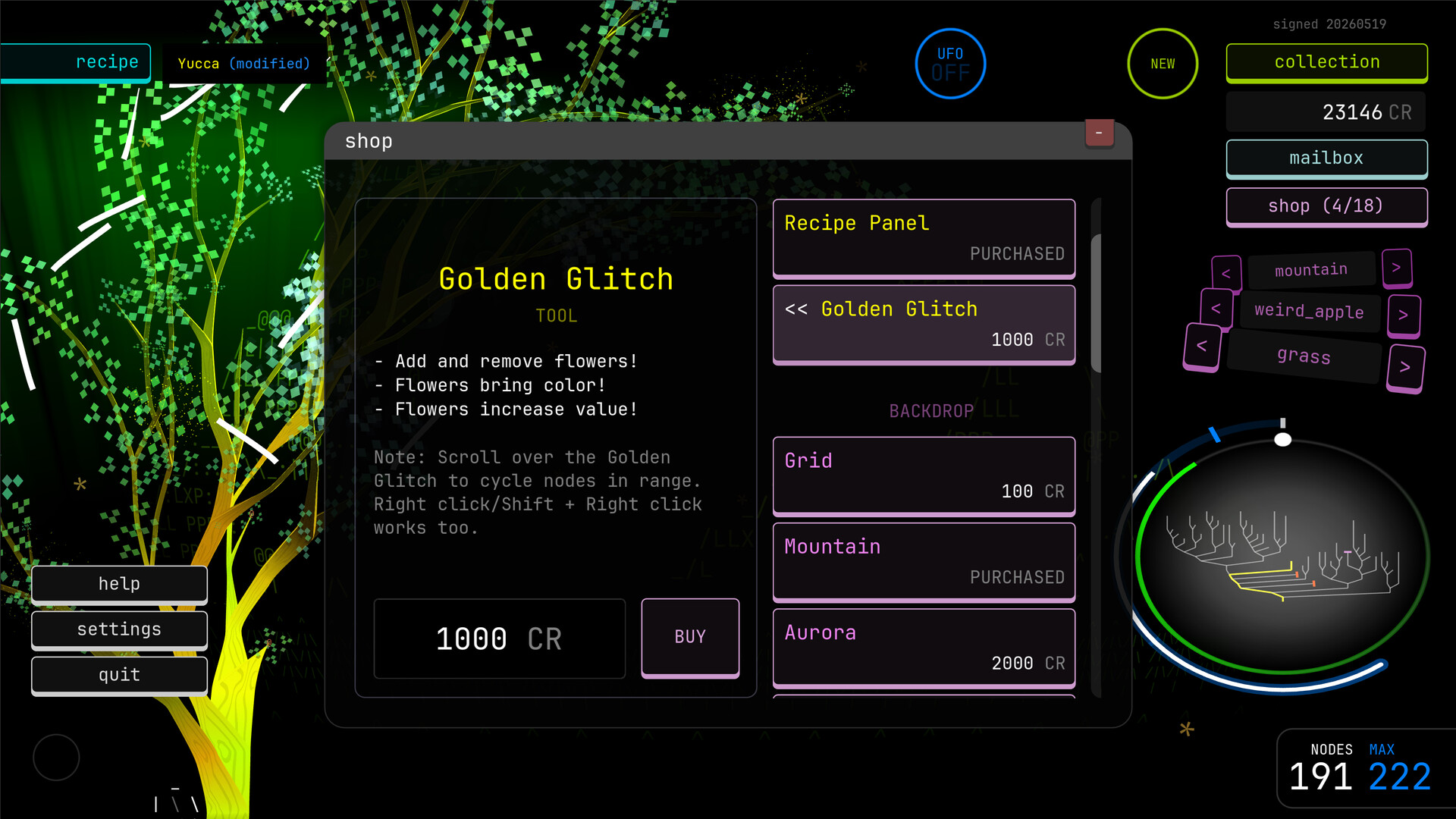
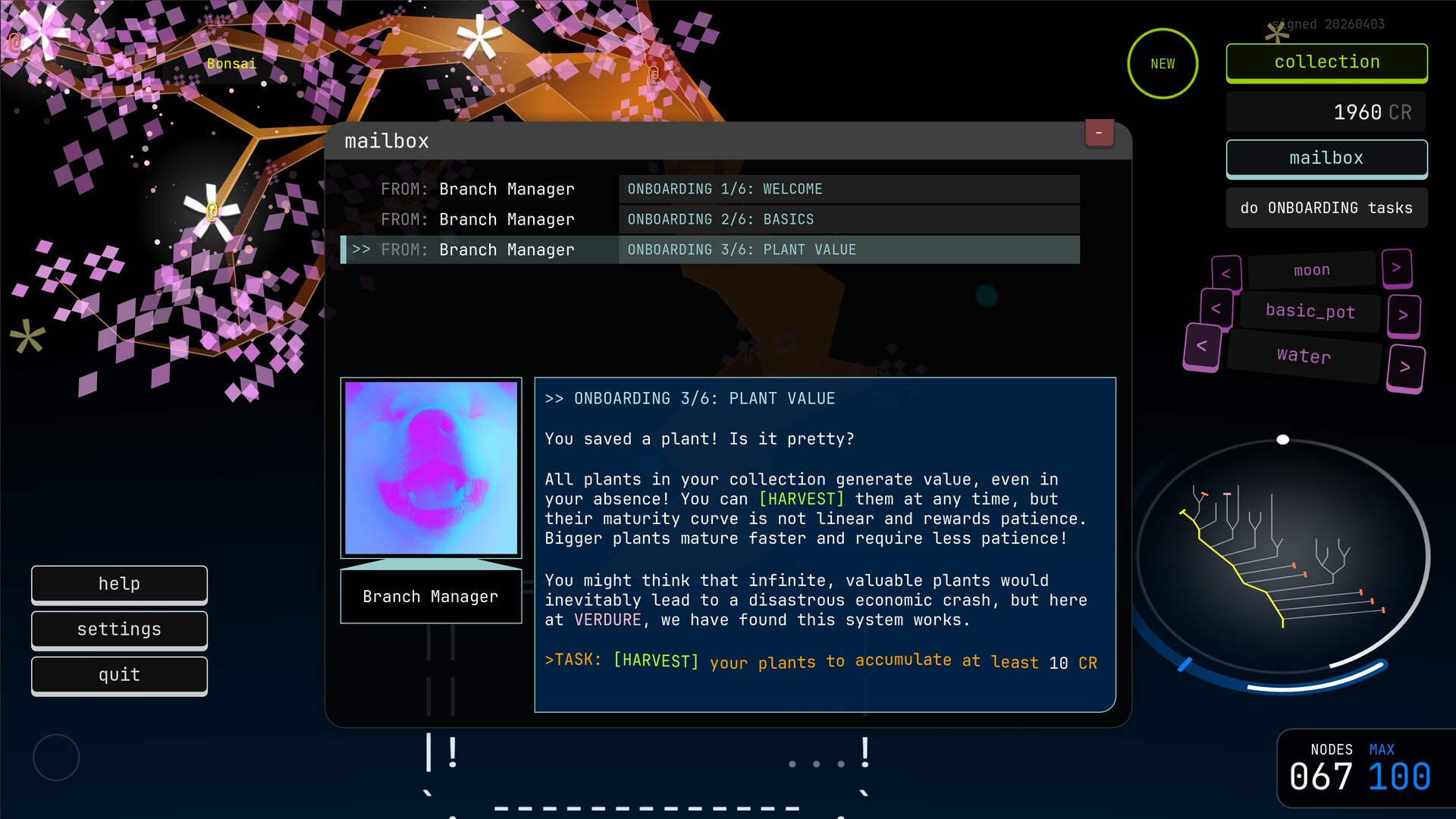
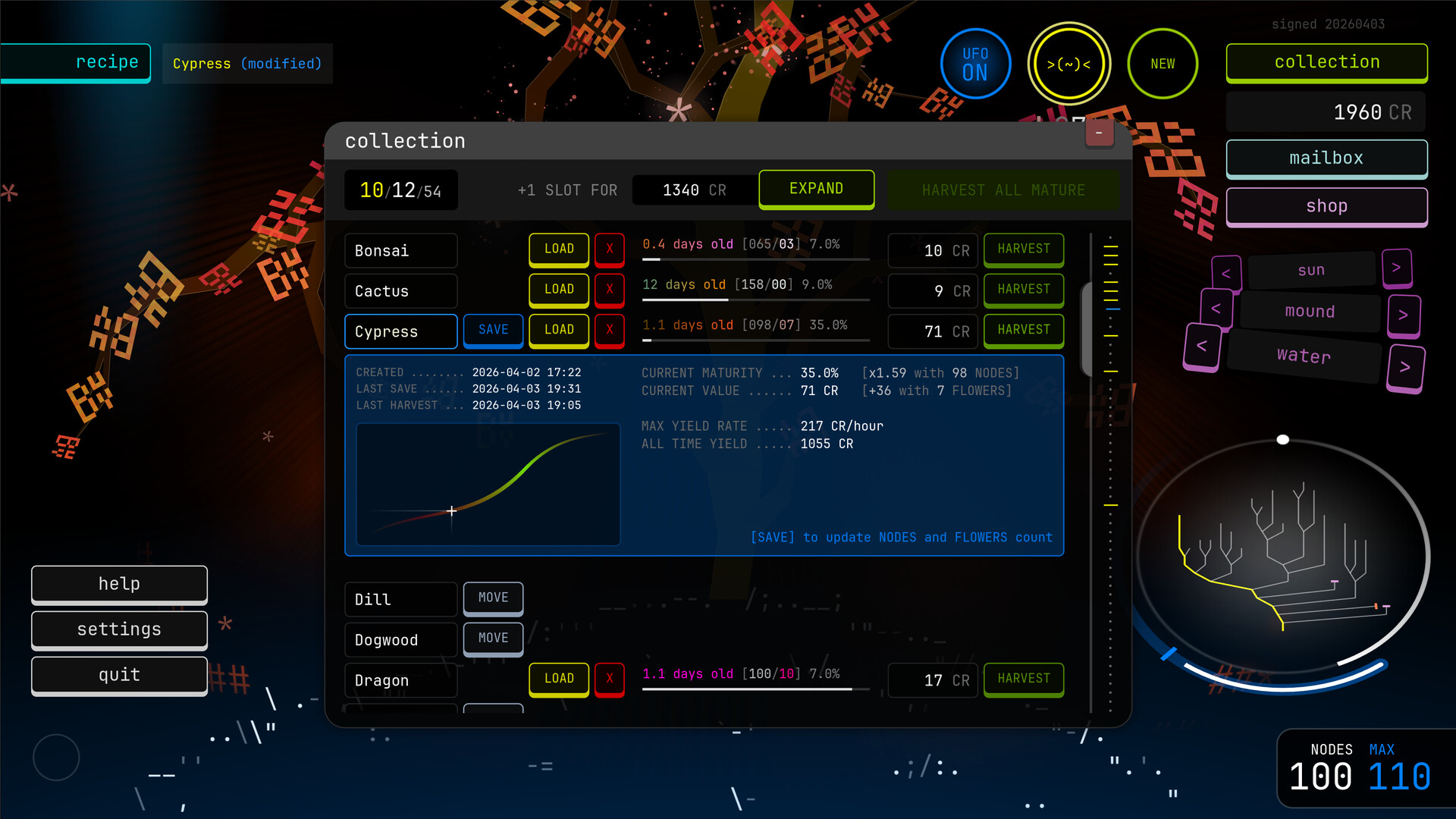
Verdure lets you cultivate and genetically modify plants in a low-stress creative sandbox, adjusting their growth patterns and aesthetics before storing your favorites in a persistent collection. The game emphasizes experimentation over optimization—you can reshape, prune, or restart any creation without penalty. It's ideal for players drawn to relaxing gardening mechanics and those who enjoy open-ended design tools.
About this game
Shape nature your way in a surreal playground of infinite plants and trees. Tweak their recipes, prune or let them flourish, and save your best creations into an ever growing collection.
Players, last 37 days
Peak 0 · Low 0
Daily peak concurrent players, sampled once a night from Steam.
What players are saying
▲ Recommended6 hrs
Pretty cool if you have any interest in bonsai. Very low pressure, you can lop a plant off at the base and start again if you want. Great music too, and it looks beautiful.
featuresOptimizations and UI/UX improvements, for example:during onboarding, all necessary tasks are displayed in a listthe growth widget shows a label when a UFO or ORB growth burst occursthe UFO beam turns white after the maximum nodes cap is reachedyou can spam cuts now and they will happen as soon as possible if they're still validthe loading animation for larger plants speeds up toward the endfoliage is lit by the cursor
featuresnew recipe settings: Trunk Spacing and Branch Spacing (they replace the previous single Spacing parameter, allowing you to tweak them independently)the circles and lines used to aim at nodes are zoom-aware and won't appear when zoomed outplants have a subtle animated patternnotesexisting plants saves are compatible, but the new spacing settings will be randomized during their next growth cycle or recipe change; adjust and save again
featuresnew unlockable 'backdrop' decor: cloudnew unlockable 'base' decor: cylinderGolden Glitch can cycle both forward and backward between nodes in range by scrolling or using Shift + right-click (previously forward-only via right-click)UI/UX improvements
Posts come from Steam's official announcements feed.