
Back to rankings
Q.U.B.E: Incremental TD

Q.U.B.E: Incremental TD

by MyDreamForever · Published by Andgo Games

Price $3.99
Avg Players 0
Released Apr 22, 2026
ActionBullet HellCasualClicker
Offline progress
View on Steam ↗

Media

Video
Screenshot
Screenshot
Screenshot
Screenshot
Screenshot
Screenshot

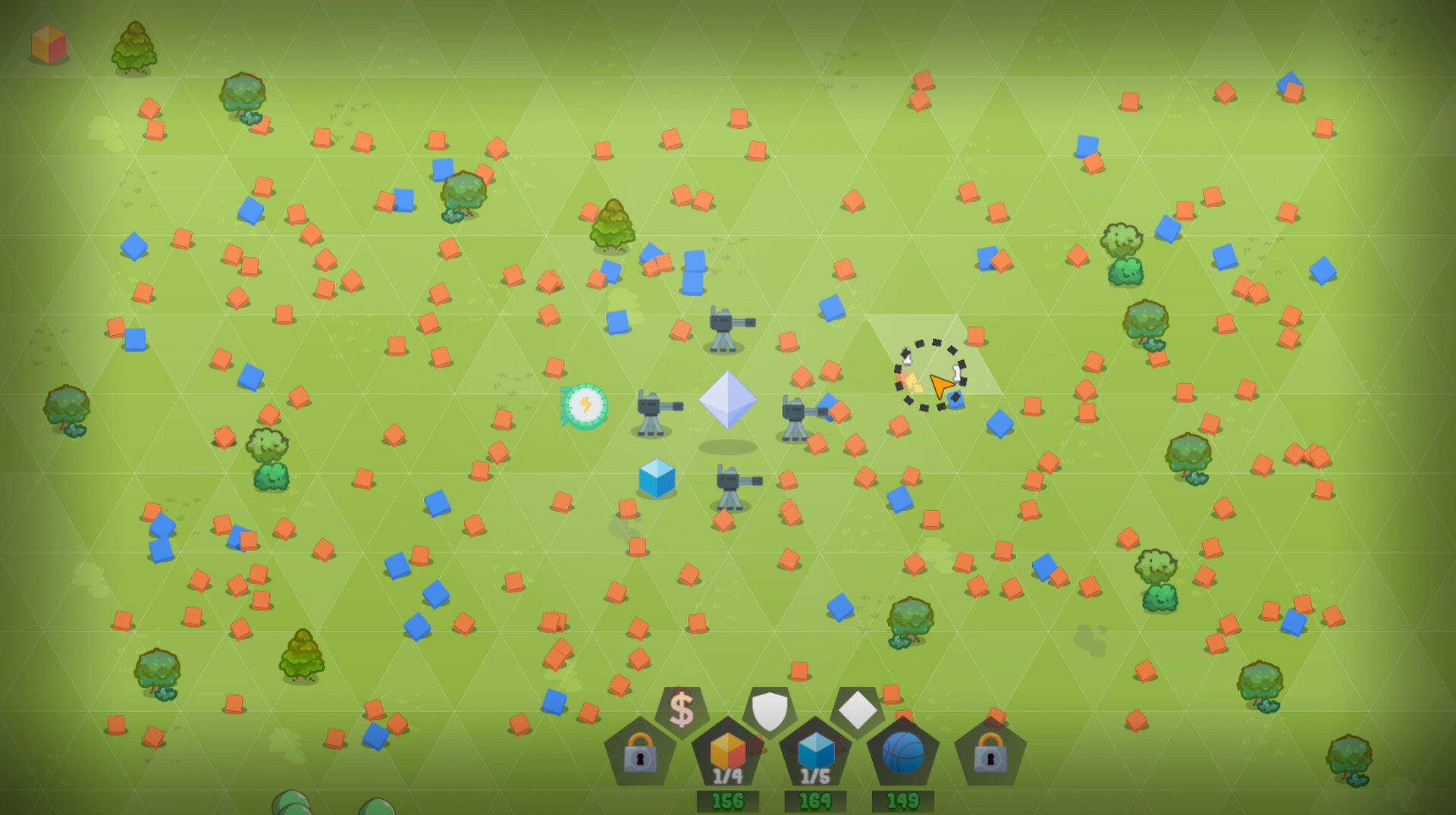
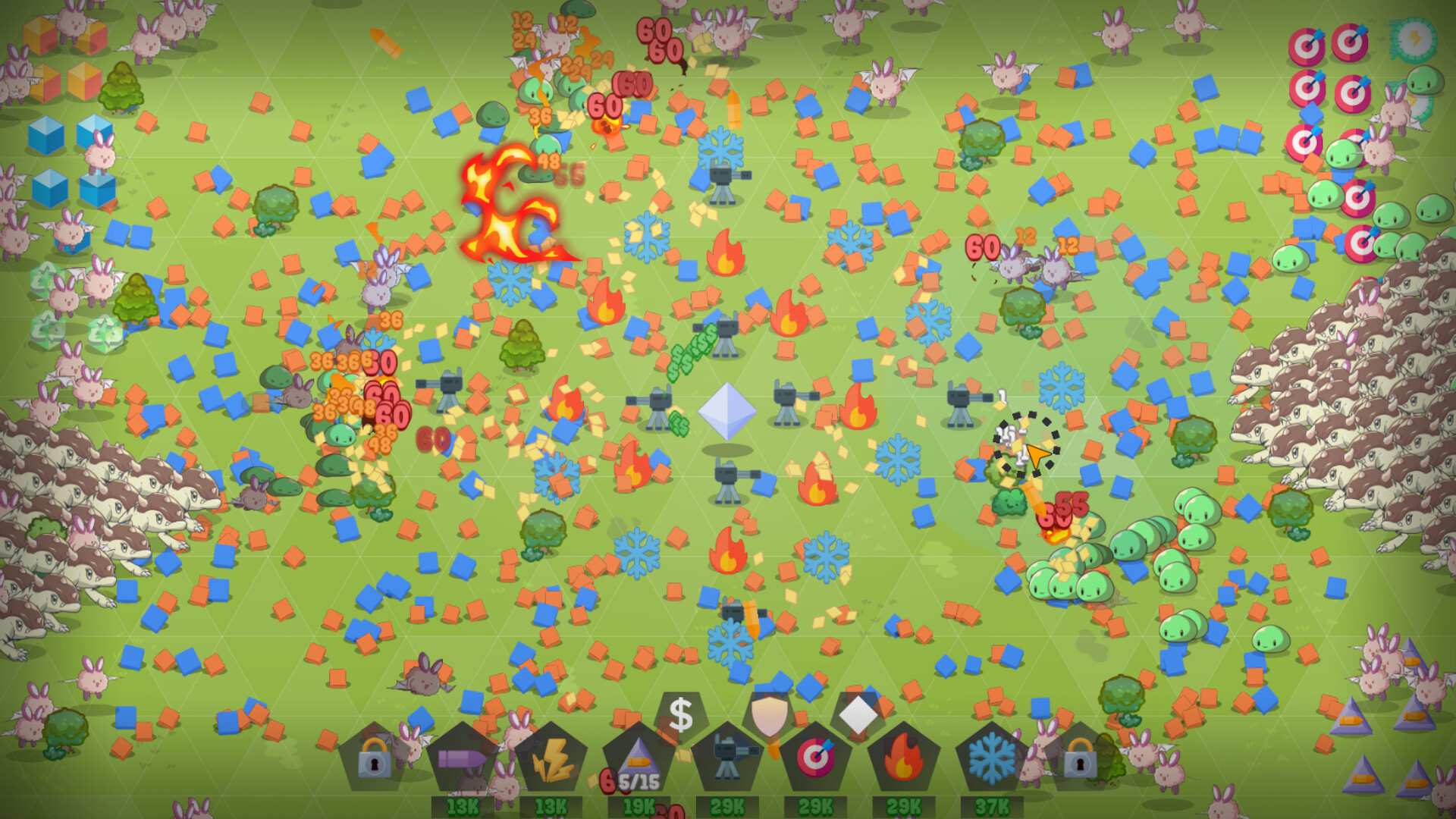
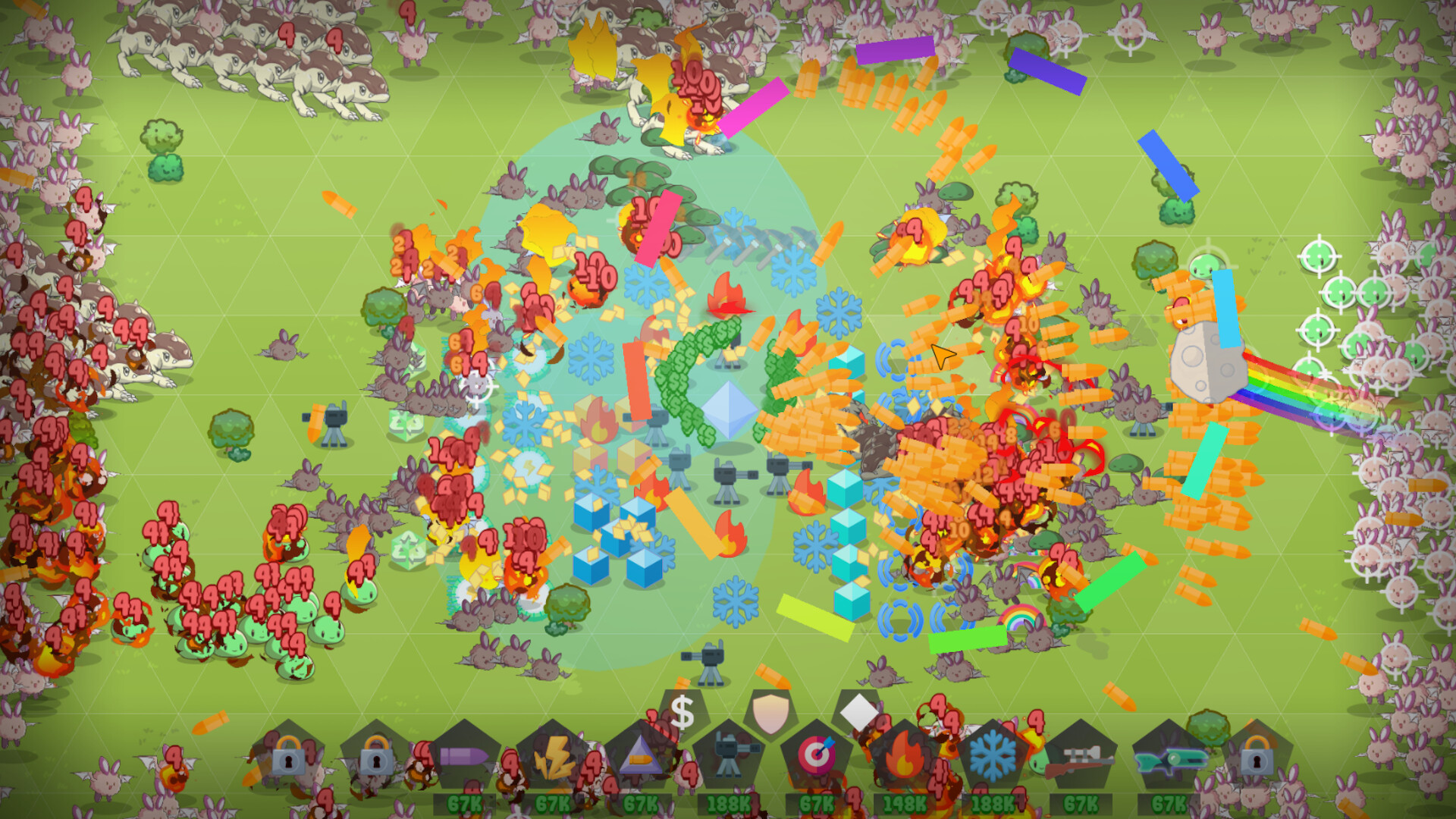
Q.U.B.E: Incremental TD blends tower defense with incremental progression, tasking you with gathering resources, building towers, and surviving waves while choosing between three upgrade paths. The game rewards idle play and repetitive prestige loops, though its tower defense elements remain relatively simple. Best suited for players who enjoy low-engagement idle games and don't mind performance issues at later stages.

About this game

What players are saying

▼ Not recommended 10 hrs
Idle & Incremental Lovers doesn't recommend Q.U.B.E. Incremental TD :
QUBE doesn't favor experimentation due to many design flaws. It's a braindead "Start run and play another game, come back, upgrade, rinse and repeat" one. TD aspect is too simple and disappointing.
* Progression is divided in 3 paths, but you have to focus on one due to the incremental nature of the game making little steps forward useless.
* Some percentages are unclear or erroneous (i.e. Dubble cursed bonus : 3% to 6% is dubble, yes, but 6% => 9% => 12%... is not), which is a big problem both for the incremental and the tower defense genre.
* You may have a job during a run, but it's unsignificant and not worth your time. You better grab a beer and chat with your loved one during the run.
* By the time you clear the game and get to Prestige 1 (aka the next difficulty), you've had enough of the game.
If the world were a QUBE, we'd all be Cubans.
(But everyone knows it's flat, right?)
Hope this review is helpful! Follow my curator page for more Idle & Incremental games recommendations :
Idle & Incremental Lovers Curator page
6 found helpful Steam ↗
▼ Not recommended 1 hrs
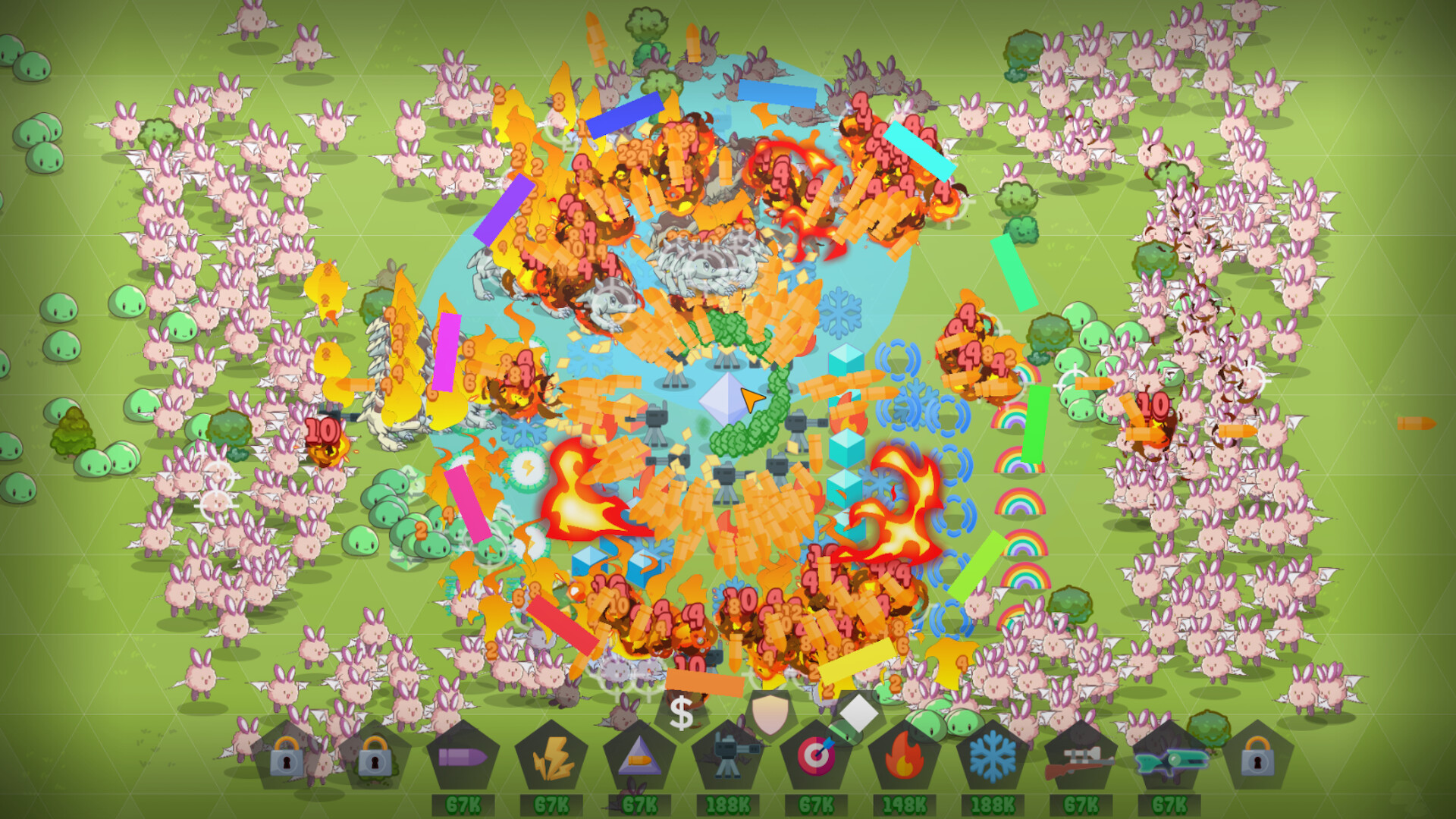
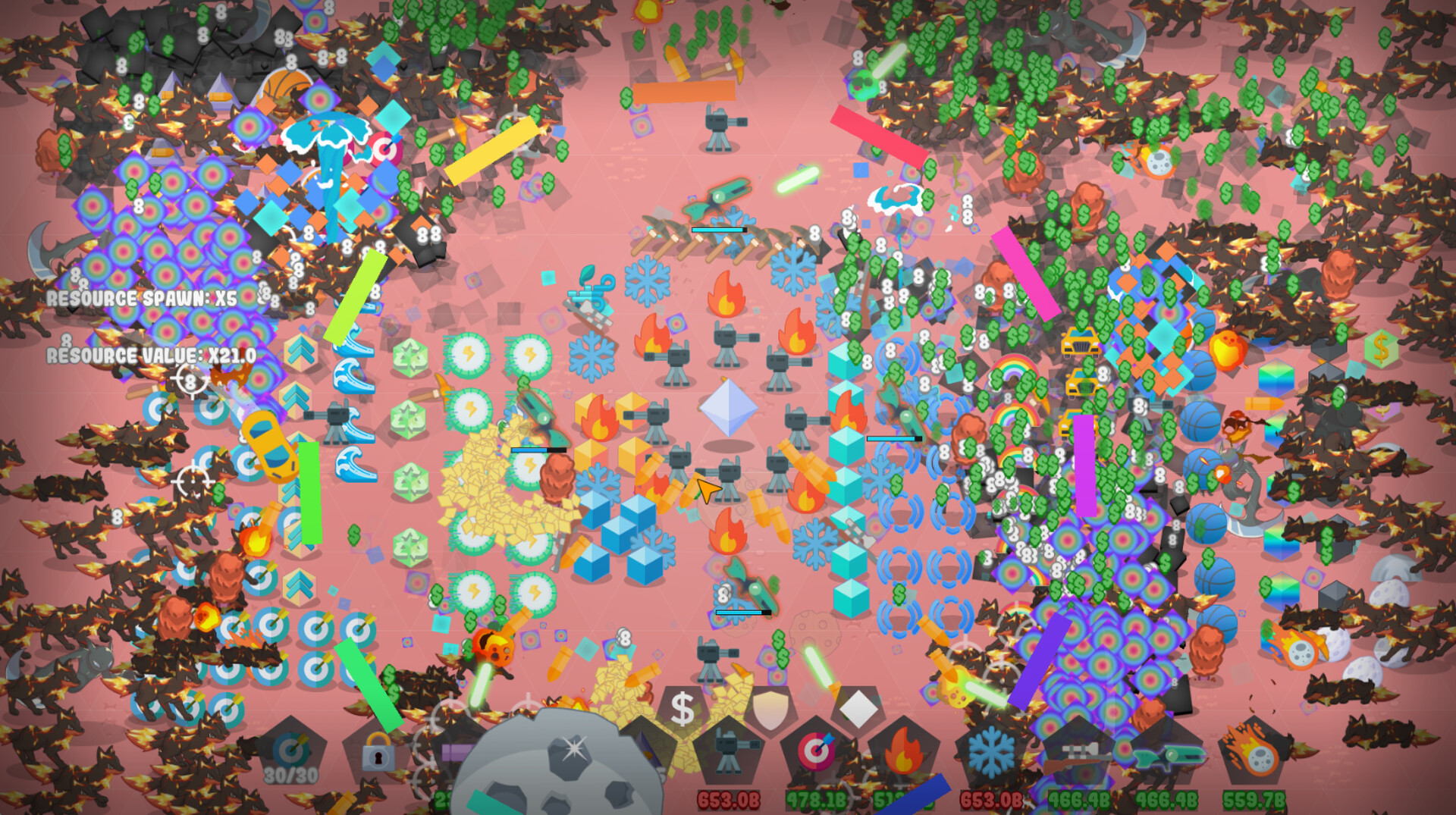
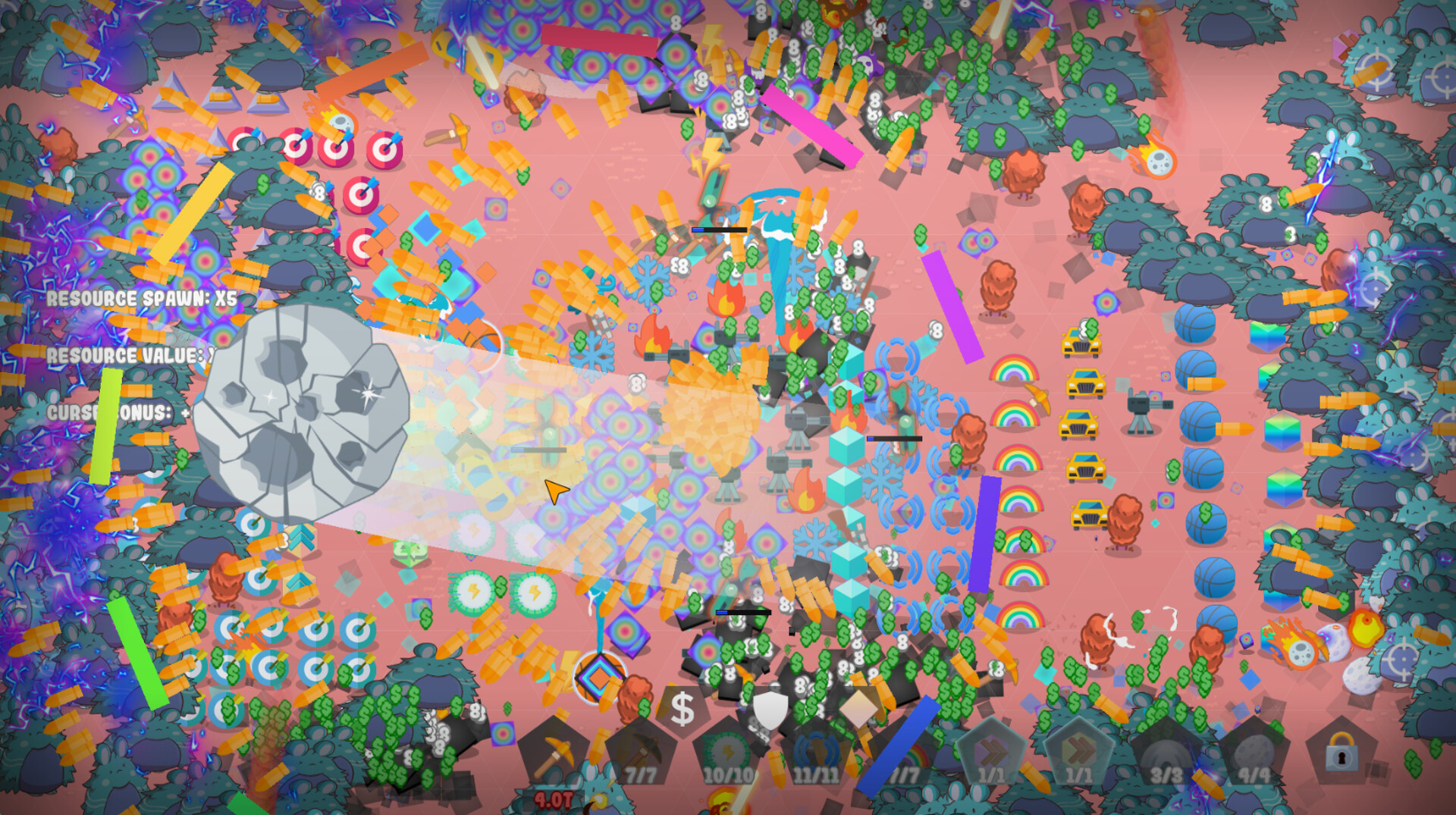
As much as i love playing braindead incremental games, I don't like playing them at less than 1FPS. There are no video options apart from a full screen or windowed option. If there was a way to disable particle effects it would greatly help but as of right now there isn't. If you still want to buy this game and try it yourself, do not buy the rainbow upgrade, it causes too many particles and effects on screen at one time.
2 found helpful Steam ↗
▲ Recommended 3 hrs
Edit: After patch v1.2 I can confirm the lag is gone and it is very much playable! I like the game it is quite brainless just upgade and go until you cant anymore rinse repeat but I love that kind of game and it fits with its goal of being a TD incremental imo.


Same sentiment as the other review, Great game but becomes unplayable very very quickly due to the amount of things going on. There are no graphic settings to assist with this. I'm using my desktop pc with a 3080ti so if you have less then this good luck.
0 found helpful Steam ↗

Reviews are by Steam users, hosted on Steam.

Latest updates

Patch v1.1

51 days ago
Patch v1.1 is out! Changelog: – The game now uses the discrete GPU by default, improving performance – Added a "Particles" option in settings (allows disabling particles to improve performance) – Changed the "100Qa" achievement to "1Qa" so it takes less time to obtain

FPS in the game is low? This will help!

54 days ago
Hi everyone! My name is Andrew, we developed Q.U.B.E.: Incremental TD game using GameMaker, and unfortunately, games made with this engine may, by default, launch using the integrated graphics card on laptops instead of the discrete one. This can significantly reduce performance (which is especially critical when there are many objects on the screen).We are unable to change this ourselves, only the user can adjust the launch settings. However, fixing this issue is quite simple: you just need to set the game to run using the discrete graphics card.For NVIDIA: Open the "NVIDIA Control Panel" -> Go to "Manage 3D settings" -> "Program Settings" -> Select the game and set "High-performance NVIDIA" (set video card).For AMD: open "Radeon Settings" -> go to the "Graphics settings" section -> Add the game to the application list -> Select "High Performance" (set video card).It is very important to us that you have the best possible experience with our game. If you have any questions, I’ll be happy to answer them.

Posts come from Steam's official announcements feed.

Comments

Log in to leave a comment.

Loading comments…

Developer of this game? Add an IdleDB badge to your site