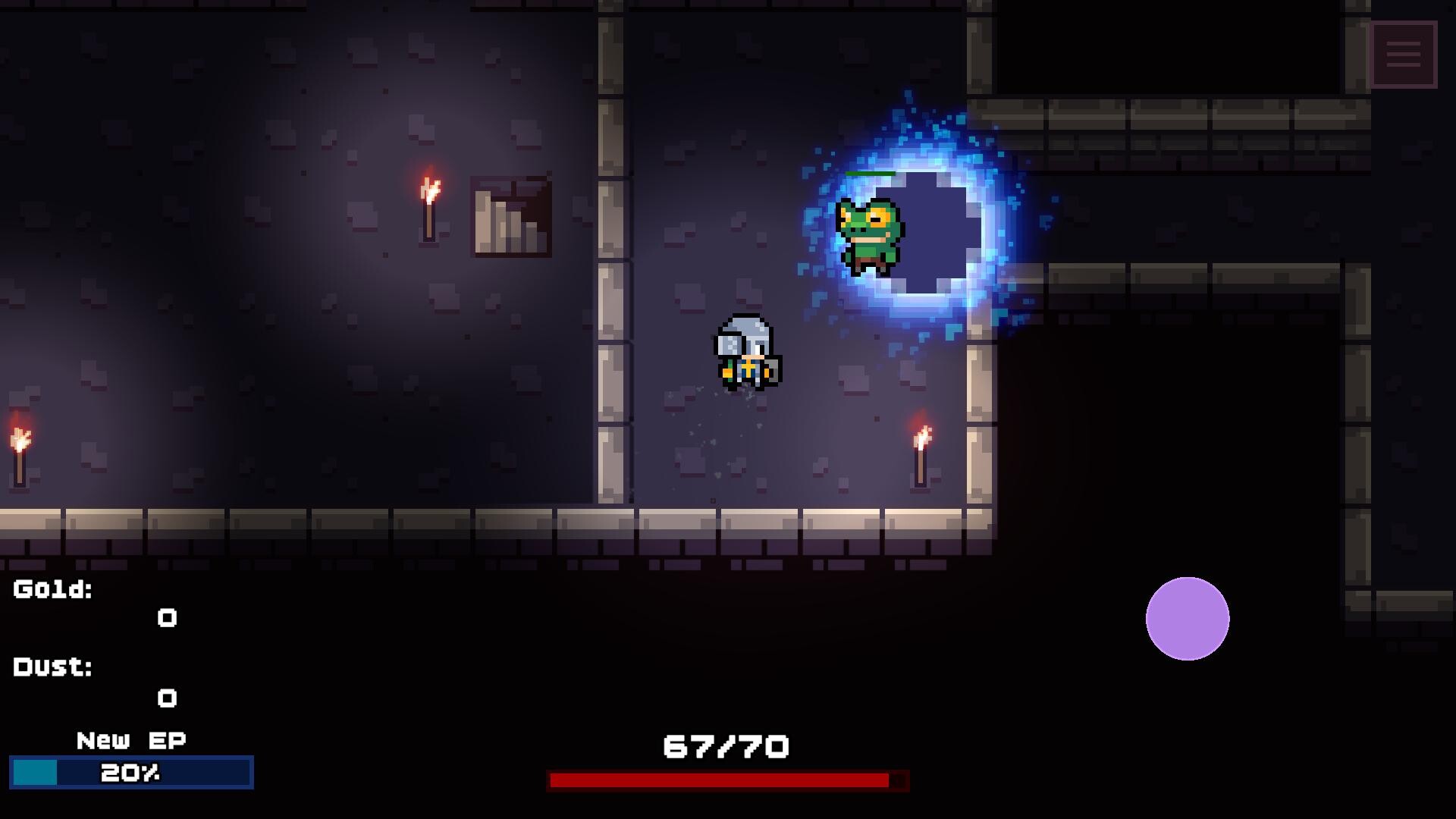
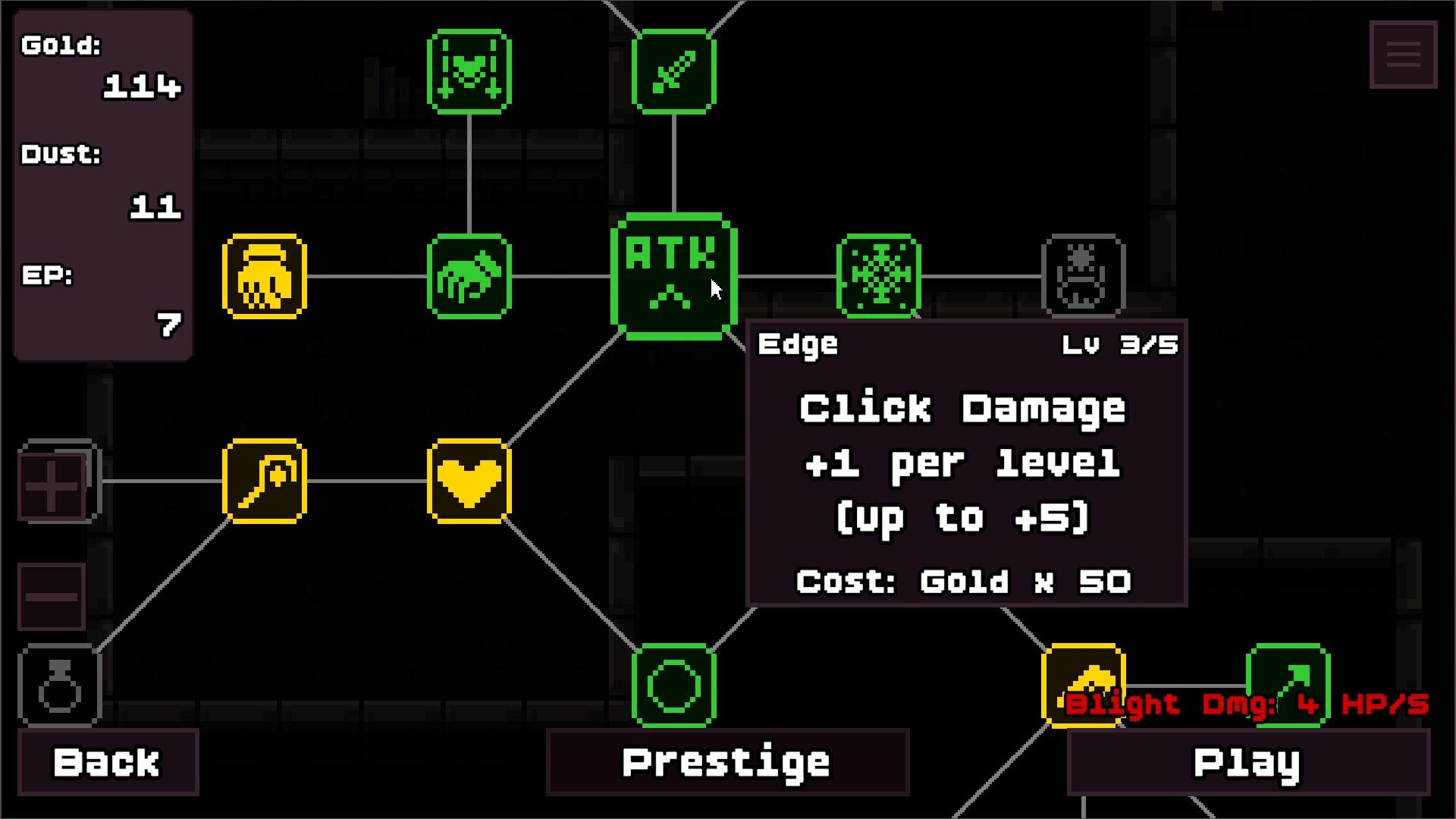
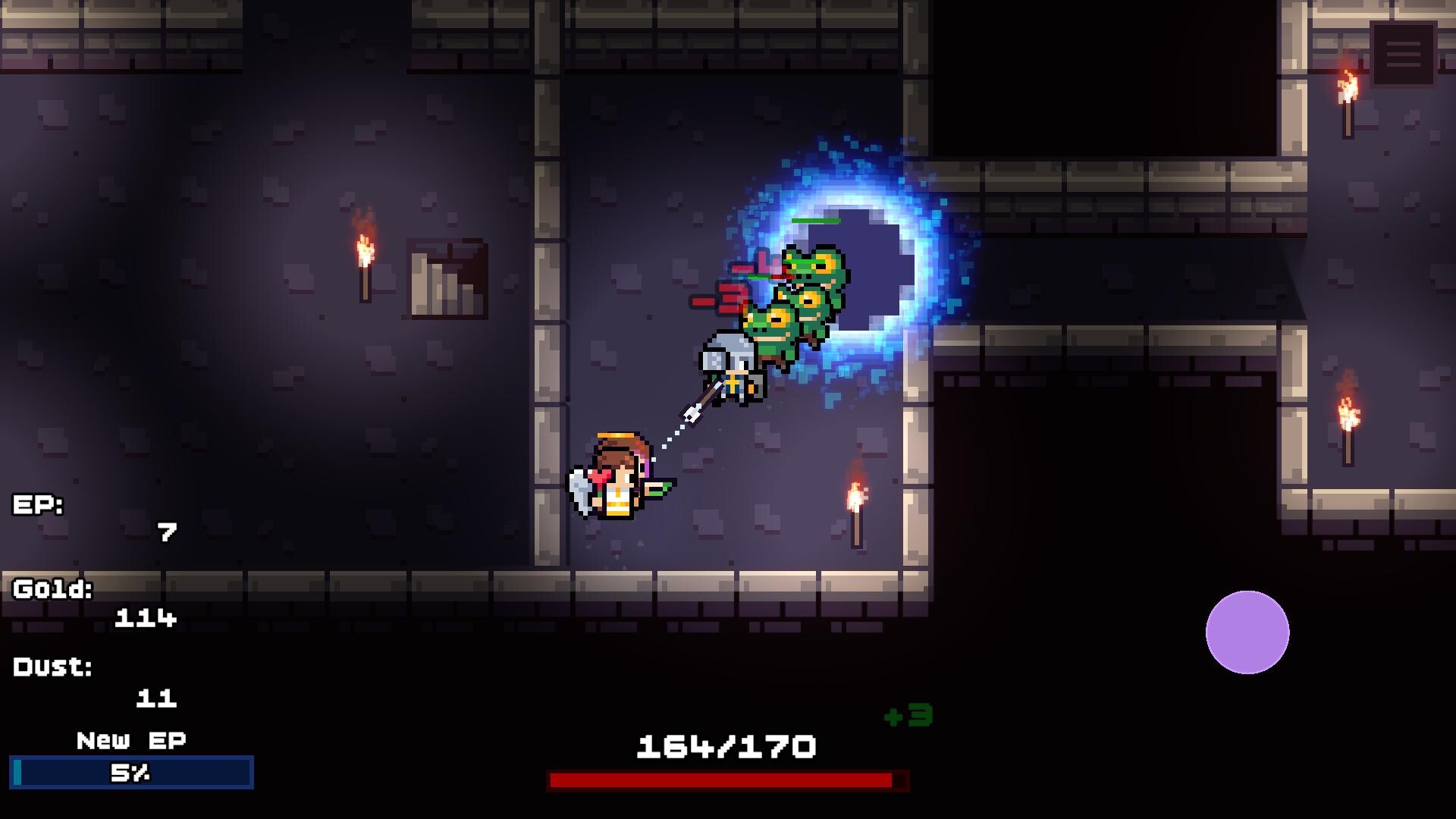
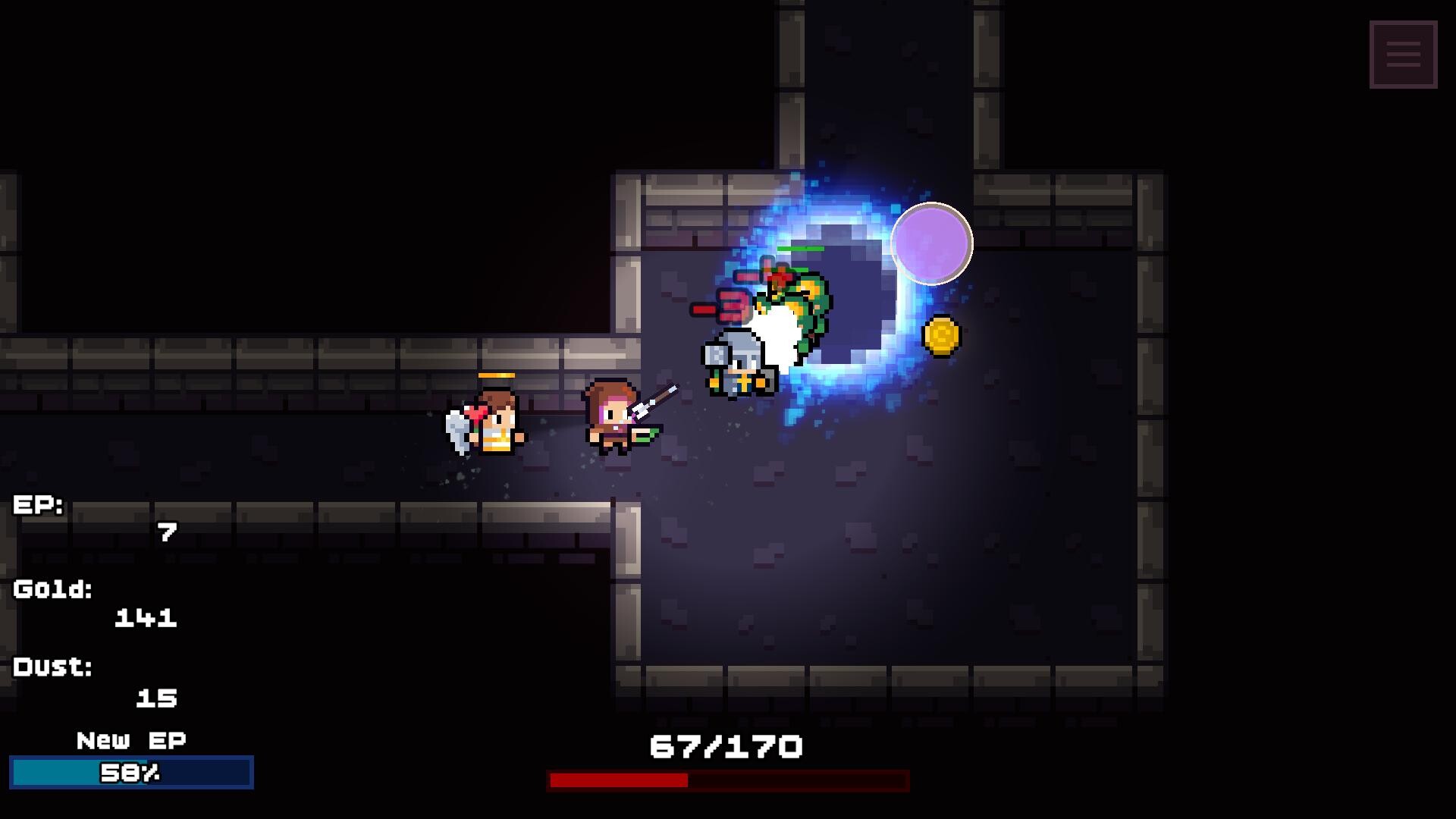
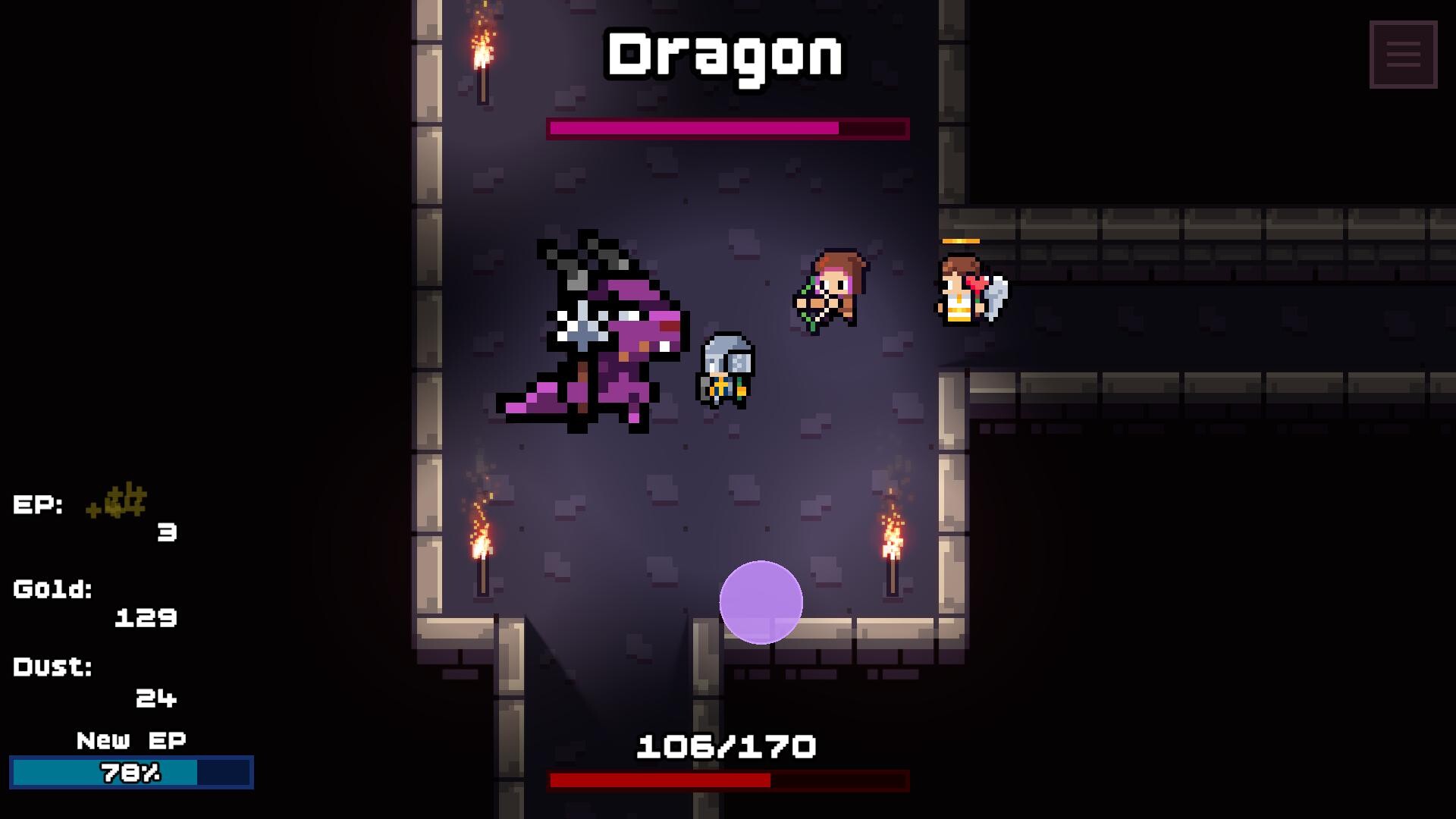
Assemble a party and send them through repeating dungeon runs, collecting loot and unlocking permanent progression between loops. Each cycle strengthens your heroes through new upgrades and synergistic abilities, pushing you further into the dungeon's depths. Best for players seeking a blend of tactical party management with the satisfying progression loop of idle games.
About this game
Lead a party of heroes through endless dungeon loops. Gather loot, unlock permanent upgrades, and build powerful synergies as you push deeper into an ever-growing incremental adventure.
Players, last 70 days
Peak 421 · Low 0
Daily peak concurrent players, sampled once a night from Steam.
The android version will be available on Google Play Store on November 5th, 2026. Pre-register here!I am working to have the iOS version released at the same time, but it is having trouble getting approved in the App Store, so I can't guarantee it will be available in time. But it will be available in the future at some point!
Dear players,I am aware that some players on Windows 11 are experiencing a crash at startup with the error message: "Fatal error: Failed to load il2cpp".Why is this happening? My investigation shows that this is caused by Windows 11's Smart App Control (SAC). The game uses Unity's IL2CPP backend, which relies on a core dynamic link library (GameAssembly.dll). Because the game has not yet been code-signed, Windows SAC currently identifies this .dll file as untrusted and blocks it from loading, leading to the crash.I am actively working on a permanent fix:I am obtaining a Code Signing Certificate for the game's executable and DLL files to prevent future blocks.I am updating my Unity engine dependencies to the latest versions to improve compatibility with Windows security features.In the meantime, please try the following workarounds to play the game now.Temporary Workarounds (Try in order)Method 1: Unblock the Game Files (Most effective workaround) Because the game files were downloaded from the internet, Windows flags them with a "Web Mark". You can manually unblock them:In your Steam Library, right-click the game -> Manage -> Browse local files.In the game folder, select all files (Ctrl + A).Right-click any selected file and choose Properties.At the bottom of the General tab, check the box for Unblock.Click Apply and OK.Restart the game.Method 2: Update Windows Security Intelligence Sometimes the block is due to outdated local security definitions:Open Windows Security.Go to Virus & threat protection.Under "Virus & threat protection updates", click Check for updates.Restart your PC and try launching the game again.Still having issues?If you still cannot launch the game after trying these steps, please contact me with the following info:Your Windows 11 version.A screenshot of the "Failed to load il2cpp" error.Confirmation of which methods you have tried.Contact me at: \I sincerely apologize for the inconvenience and thank you for your patience. I will release a code-...
Posts come from Steam's official announcements feed.