
▲ Recommended
1 hrs
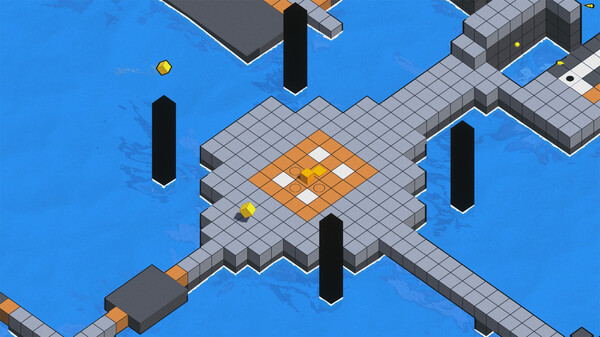
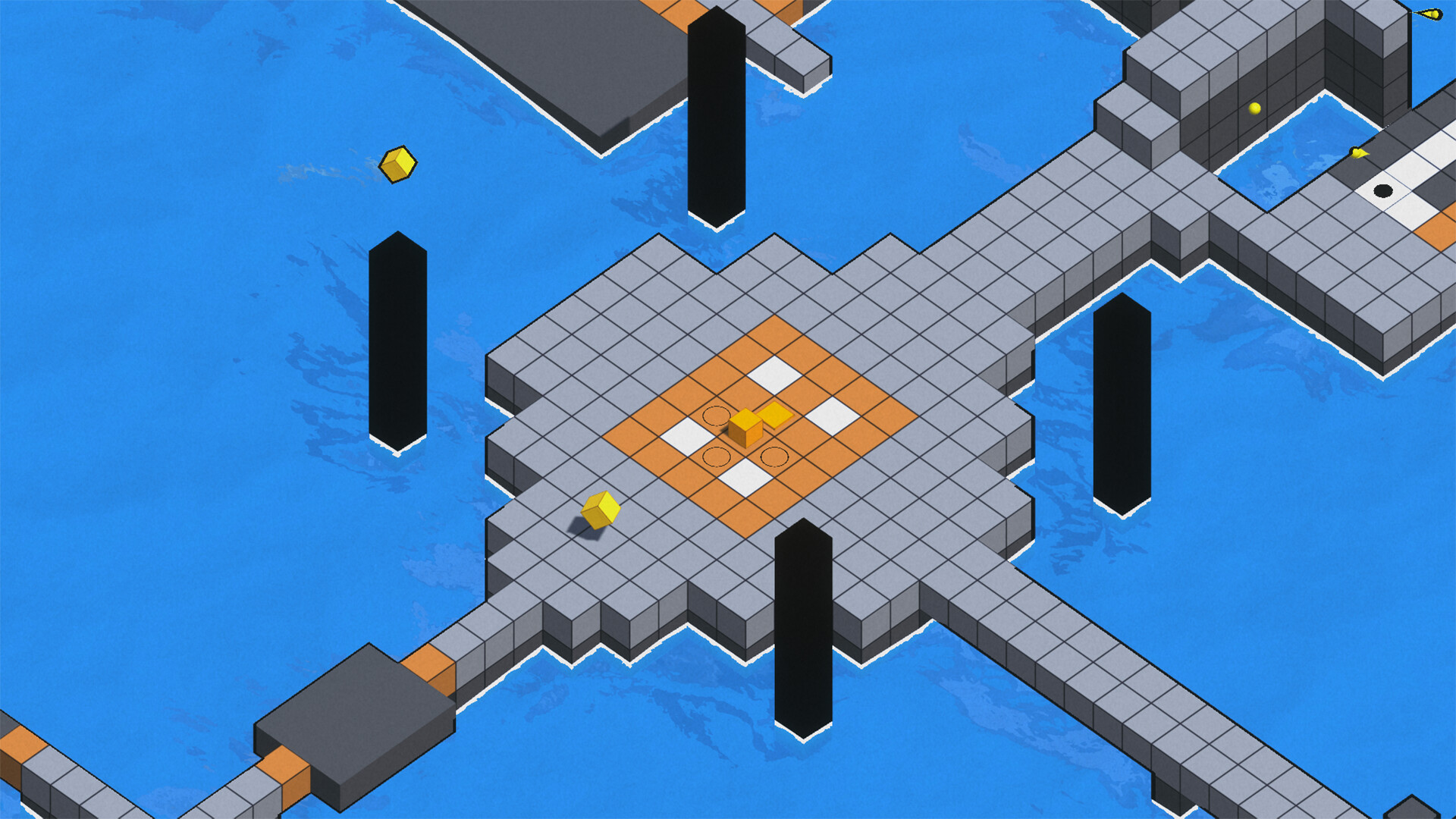
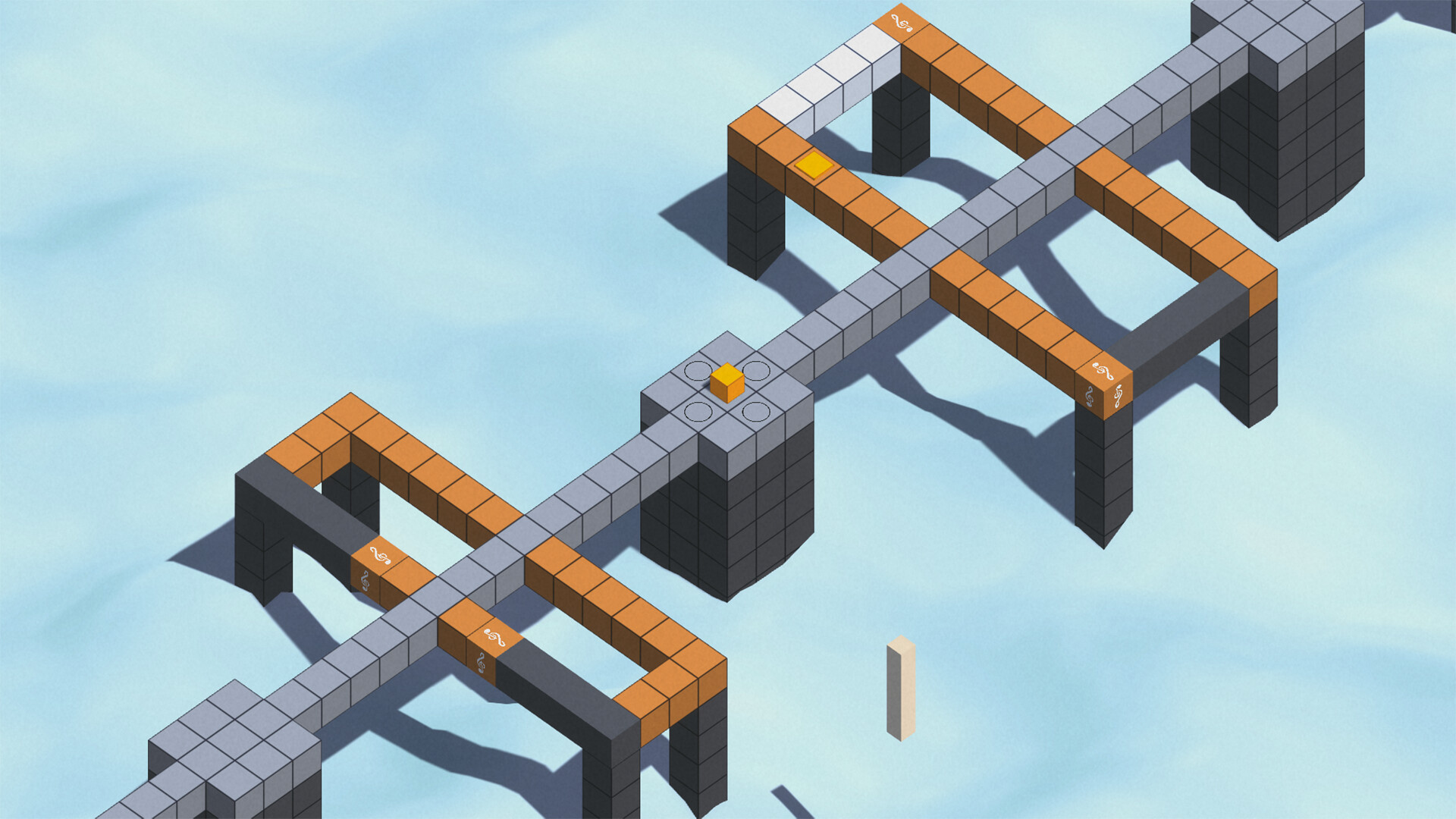
There’s no story here, and honestly, there doesn’t need to be one. This is a puzzle game where you control a cube in a world made entirely of cubes. You simply appear there without any introduction or explanation. Most of the world is covered in water, while narrow paths lead to small areas that make everything feel like little islands connected by roads. Even without any text or visual prompts, the main mechanic becomes clear as soon as you start moving. You move by clicking where you want to go with the mouse, while holding the middle mouse button lets you rotate the camera around.
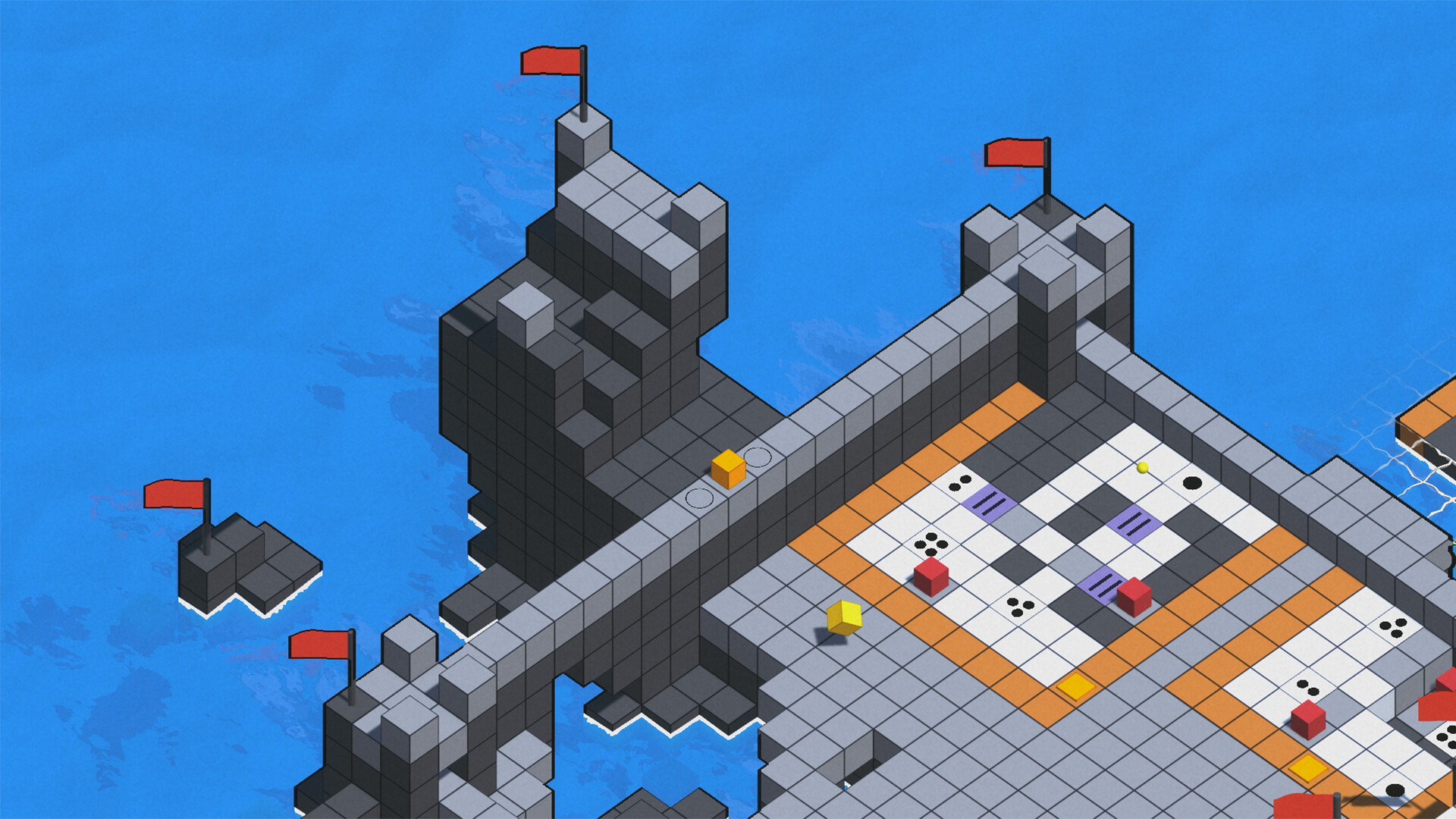
The world is built from cubes of different colors. Most of them simply form the paths and platforms you walk on, but some stand out with more distinctive colors. Those mark the puzzles, which are naturally integrated into the world instead of being selected from a menu or stage screen.
The core puzzle mechanic is simple. You need to move your cube across every white cube within a puzzle. The challenge comes from the fact that once a white cube is colored, you can’t step on it again unless you leave the puzzle area, hold the right mouse button, or press a switch. Any of those actions resets the puzzle, returns you to the starting position, and removes all your progress. Once every required cube has been colored, pressing the switch completes the puzzle.
One useful strategy is remembering that you can begin from any point along the border surrounding the puzzle. You can also leave from any point instead of returning directly to the switch. The border itself is considered safe, so you can move along it freely without resetting the puzzle.
As you explore the world, you gradually discover new mechanics that build on the basic rules. Some cubes must be colored in a specific order, while others need to be crossed several times. You’ll encounter obstacles that move whenever you rotate the camera, as well as enemy cubes that move whenever you do and color cubes alongside you.
Later puzzles become much more abstract and encourage you to pay close attention to your surroundings. One puzzle features a giant fish swimming beside it, with its swimming path revealing which cubes need to be colored. Another introduces pillars next to the puzzle that cover cubes when you rotate the camera, showing you which should be left untouched.
Many puzzles have multiple stages, which you can identify by the number of floating pieces above them. Solving a stage rewards you with one piece, after which the puzzle resets with a completely different layout and challenge. Once every stage has been completed, the puzzle grid turns dark to show that there’s nothing left to do there. This is sometimes important because the next puzzle won’t activate until the previous one has been fully completed.
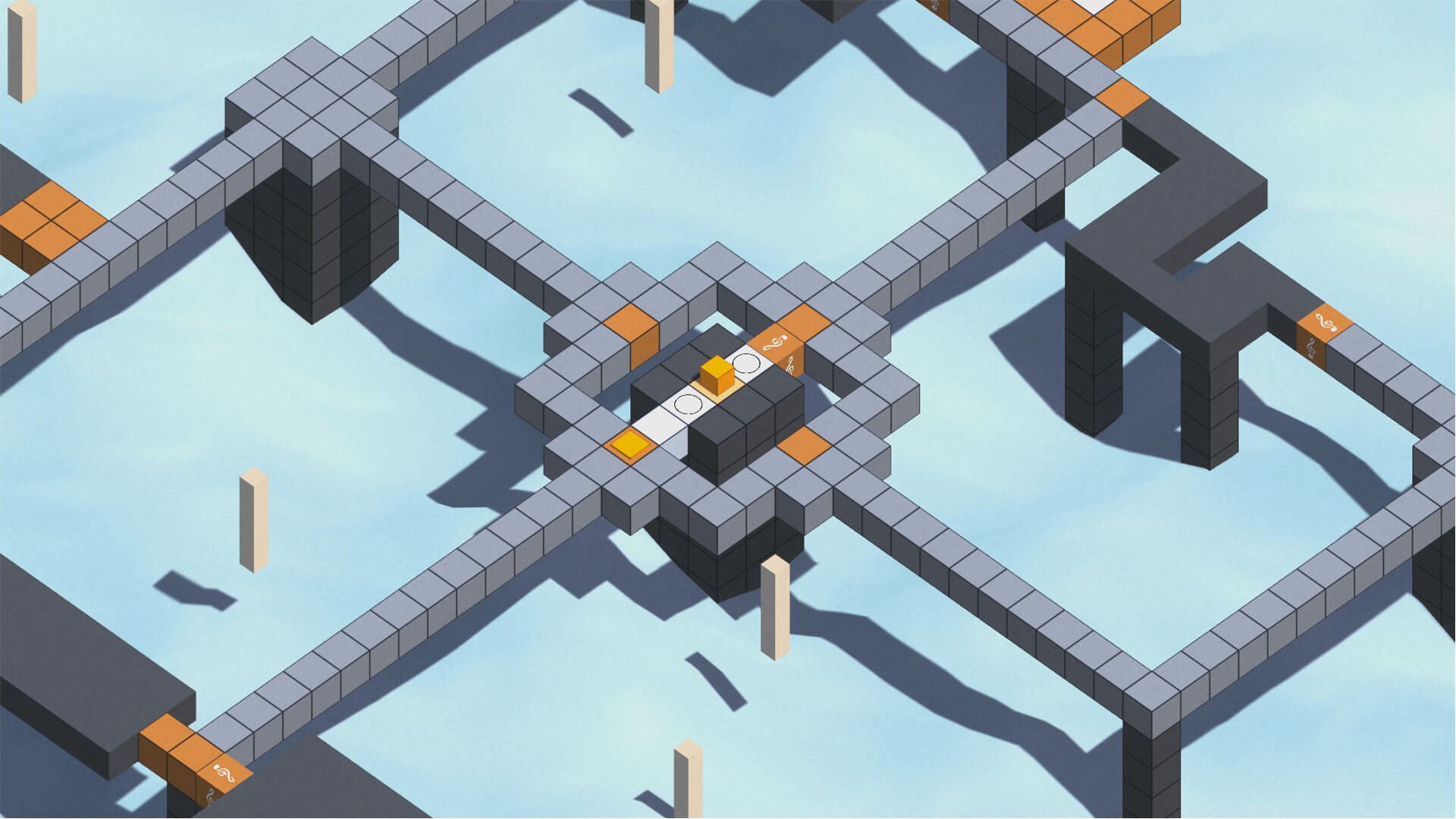
In other cases, finishing a group of puzzles creates a new path or opens a shortcut. However, this change in the environment is not shown, so you need to backtrack a lot to see if something has opened. The pieces you collect are used to unlock the exit leading to the next map, which introduces its own mechanics. The world is fairly open, so you can usually choose which puzzle to tackle next. At times, though, you’ll wander into a puzzle that’s much harder than expected because you haven’t learned its rules yet.
Sometimes you’ll think you understand the mechanics, yet you’ll keep failing no matter what you try. Other times it may seem impossible to solve a puzzle at all. The game rarely makes it obvious what counts as a clue, and the solution can depend on details in the environment. Even changes in elevation can block your view and make controlling the cube more awkward than it should be.
Another annoyance comes from the small movable pillars. You can push them around and then jump onto them to create shortcuts, but they reset every time you reload the game. On top of that, the difference between pushing a pillar and jumping onto it is so slight that I often ended up jumping when I meant to push it.
There are also a few bugs that occasionally make you question whether you’re missing the solution or simply fighting the game. In one puzzle, an enemy cube doesn’t return to its starting position after resetting the puzzle. Achievements also appear to be broken. I frequently ran into another bug where using the right mouse button prevented me from coloring cubes altogether, which could only be fixed by restarting the game. I also noticed that the exit pillars, which light up once you collect enough puzzle pieces, revert to their original inactive state after reloading the game.
The world is built from cubes of different colors. Most of them simply form the paths and platforms you walk on, but some stand out with more distinctive colors. Those mark the puzzles, which are naturally integrated into the world instead of being selected from a menu or stage screen.
The core puzzle mechanic is simple. You need to move your cube across every white cube within a puzzle. The challenge comes from the fact that once a white cube is colored, you can’t step on it again unless you leave the puzzle area, hold the right mouse button, or press a switch. Any of those actions resets the puzzle, returns you to the starting position, and removes all your progress. Once every required cube has been colored, pressing the switch completes the puzzle.
One useful strategy is remembering that you can begin from any point along the border surrounding the puzzle. You can also leave from any point instead of returning directly to the switch. The border itself is considered safe, so you can move along it freely without resetting the puzzle.
As you explore the world, you gradually discover new mechanics that build on the basic rules. Some cubes must be colored in a specific order, while others need to be crossed several times. You’ll encounter obstacles that move whenever you rotate the camera, as well as enemy cubes that move whenever you do and color cubes alongside you.
Later puzzles become much more abstract and encourage you to pay close attention to your surroundings. One puzzle features a giant fish swimming beside it, with its swimming path revealing which cubes need to be colored. Another introduces pillars next to the puzzle that cover cubes when you rotate the camera, showing you which should be left untouched.
Many puzzles have multiple stages, which you can identify by the number of floating pieces above them. Solving a stage rewards you with one piece, after which the puzzle resets with a completely different layout and challenge. Once every stage has been completed, the puzzle grid turns dark to show that there’s nothing left to do there. This is sometimes important because the next puzzle won’t activate until the previous one has been fully completed.
In other cases, finishing a group of puzzles creates a new path or opens a shortcut. However, this change in the environment is not shown, so you need to backtrack a lot to see if something has opened. The pieces you collect are used to unlock the exit leading to the next map, which introduces its own mechanics. The world is fairly open, so you can usually choose which puzzle to tackle next. At times, though, you’ll wander into a puzzle that’s much harder than expected because you haven’t learned its rules yet.
Sometimes you’ll think you understand the mechanics, yet you’ll keep failing no matter what you try. Other times it may seem impossible to solve a puzzle at all. The game rarely makes it obvious what counts as a clue, and the solution can depend on details in the environment. Even changes in elevation can block your view and make controlling the cube more awkward than it should be.
Another annoyance comes from the small movable pillars. You can push them around and then jump onto them to create shortcuts, but they reset every time you reload the game. On top of that, the difference between pushing a pillar and jumping onto it is so slight that I often ended up jumping when I meant to push it.
There are also a few bugs that occasionally make you question whether you’re missing the solution or simply fighting the game. In one puzzle, an enemy cube doesn’t return to its starting position after resetting the puzzle. Achievements also appear to be broken. I frequently ran into another bug where using the right mouse button prevented me from coloring cubes altogether, which could only be fixed by restarting the game. I also noticed that the exit pillars, which light up once you collect enough puzzle pieces, revert to their original inactive state after reloading the game.
1 found helpful
Steam ↗