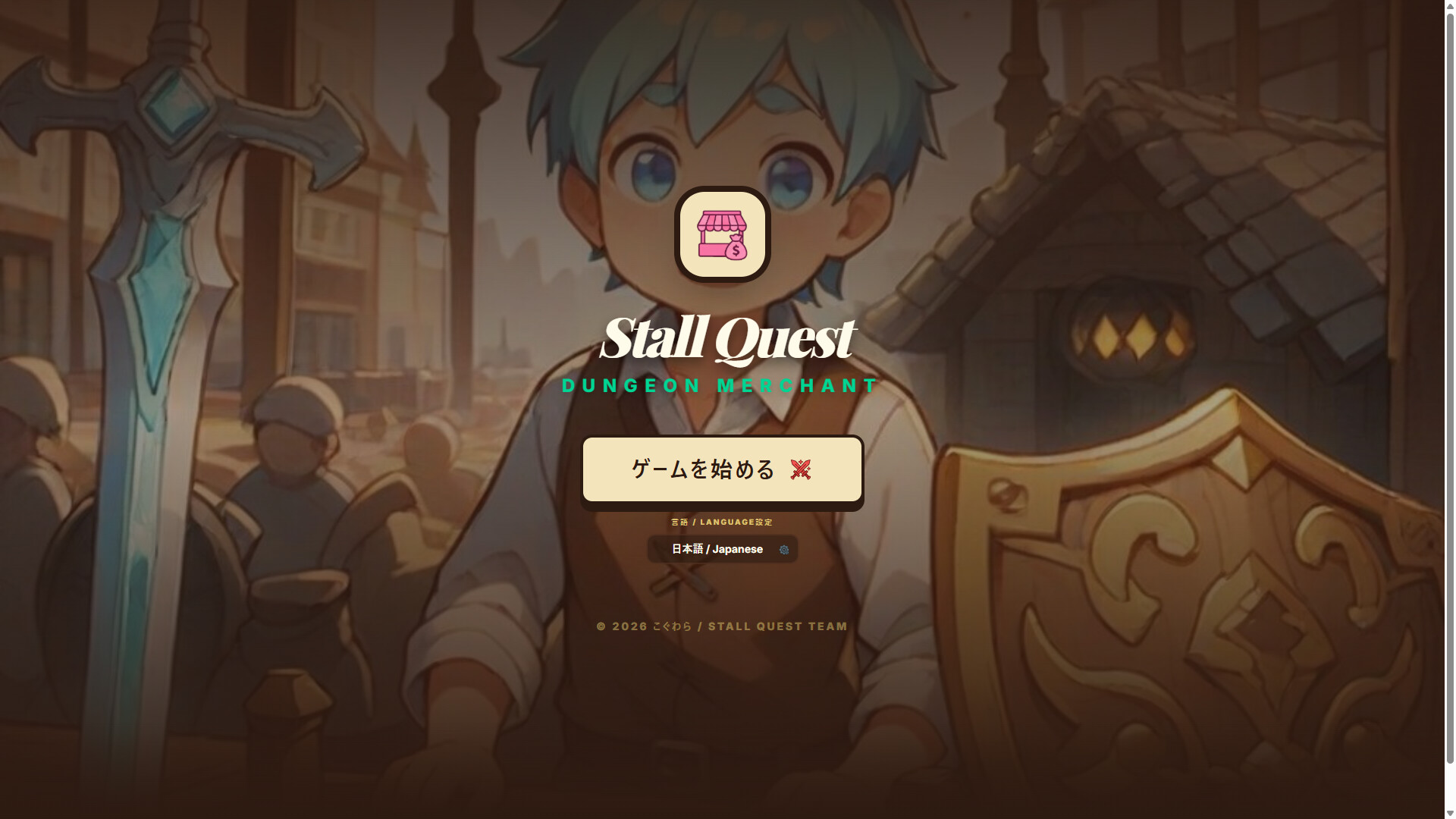
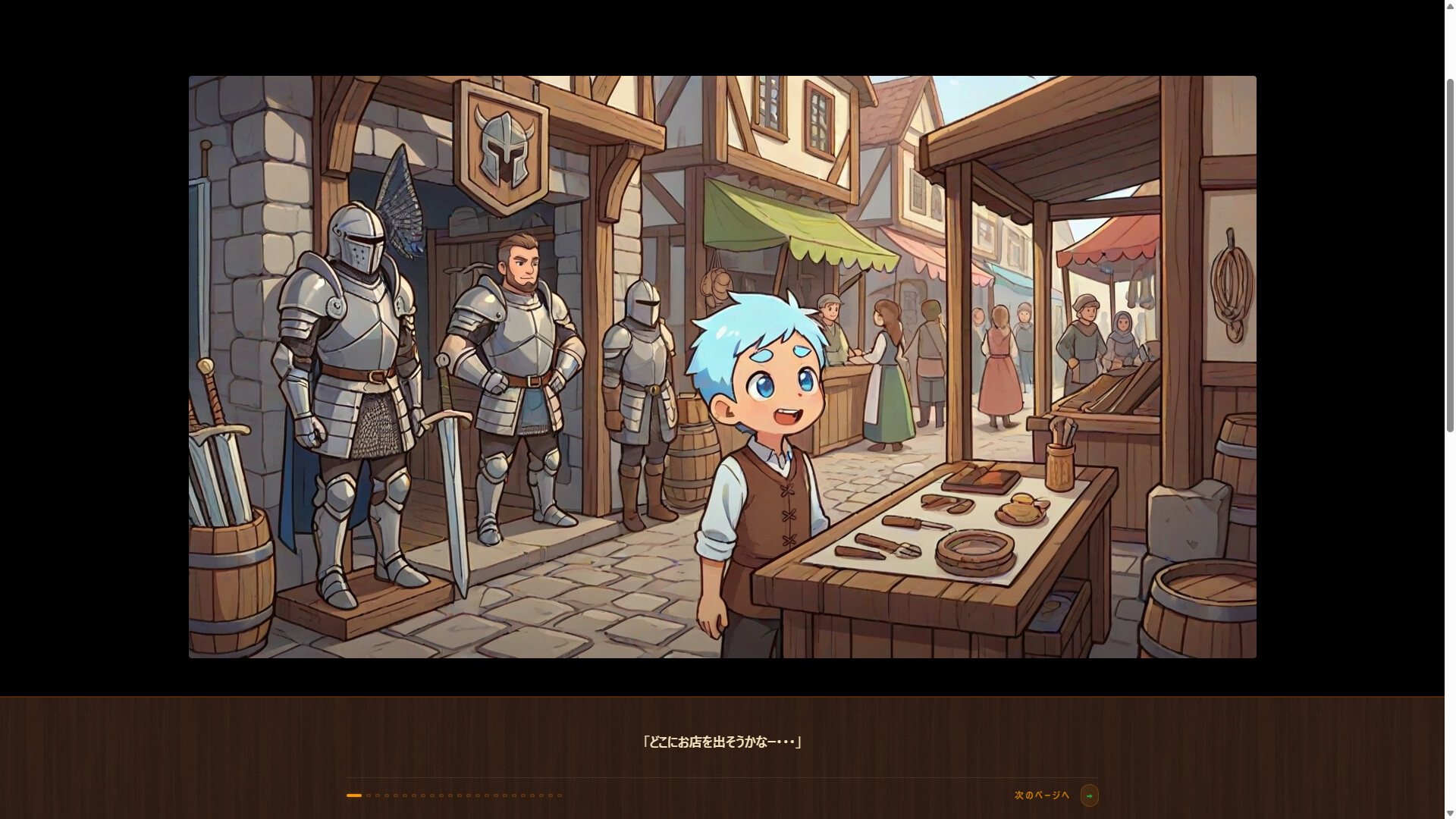
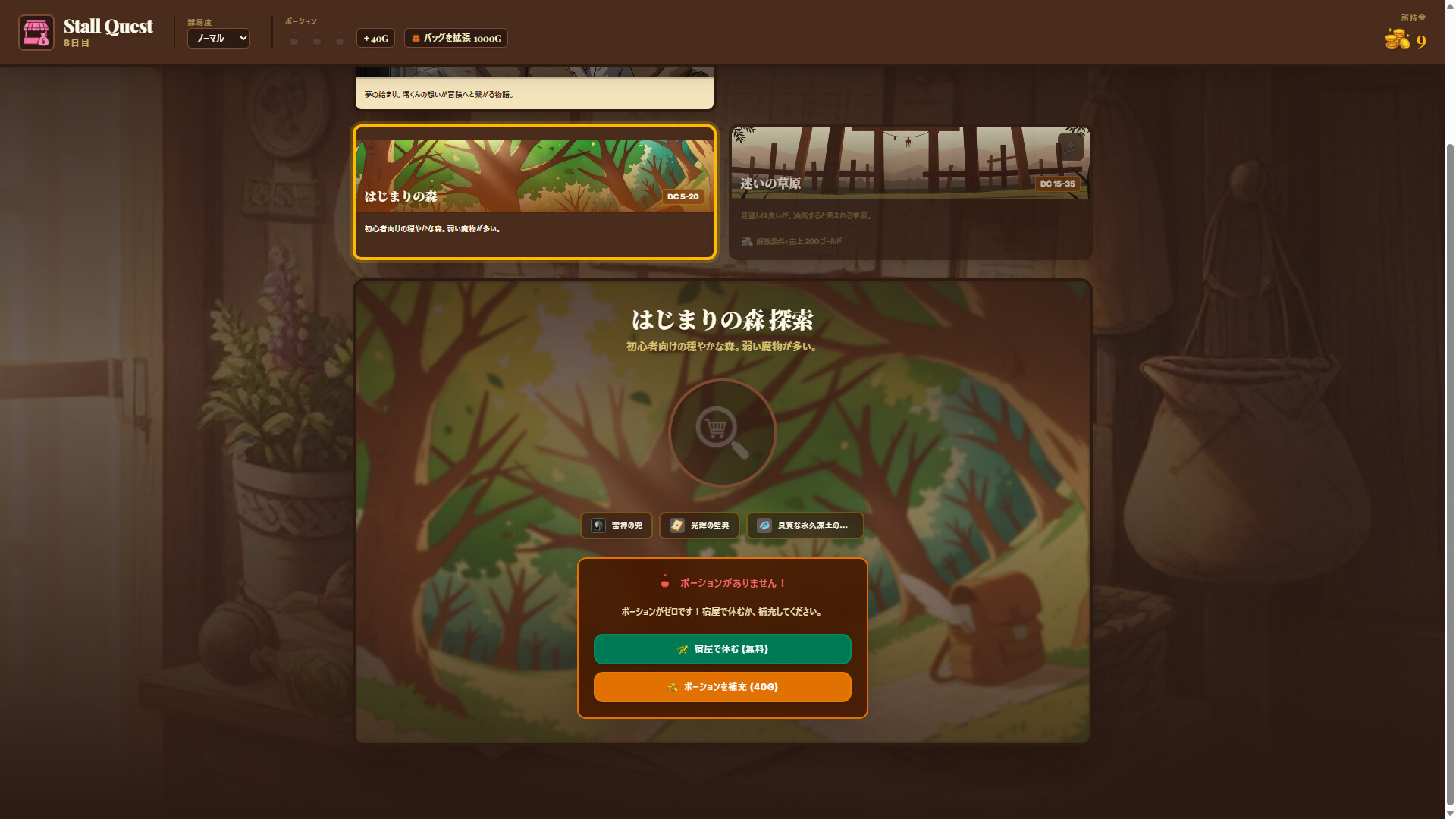
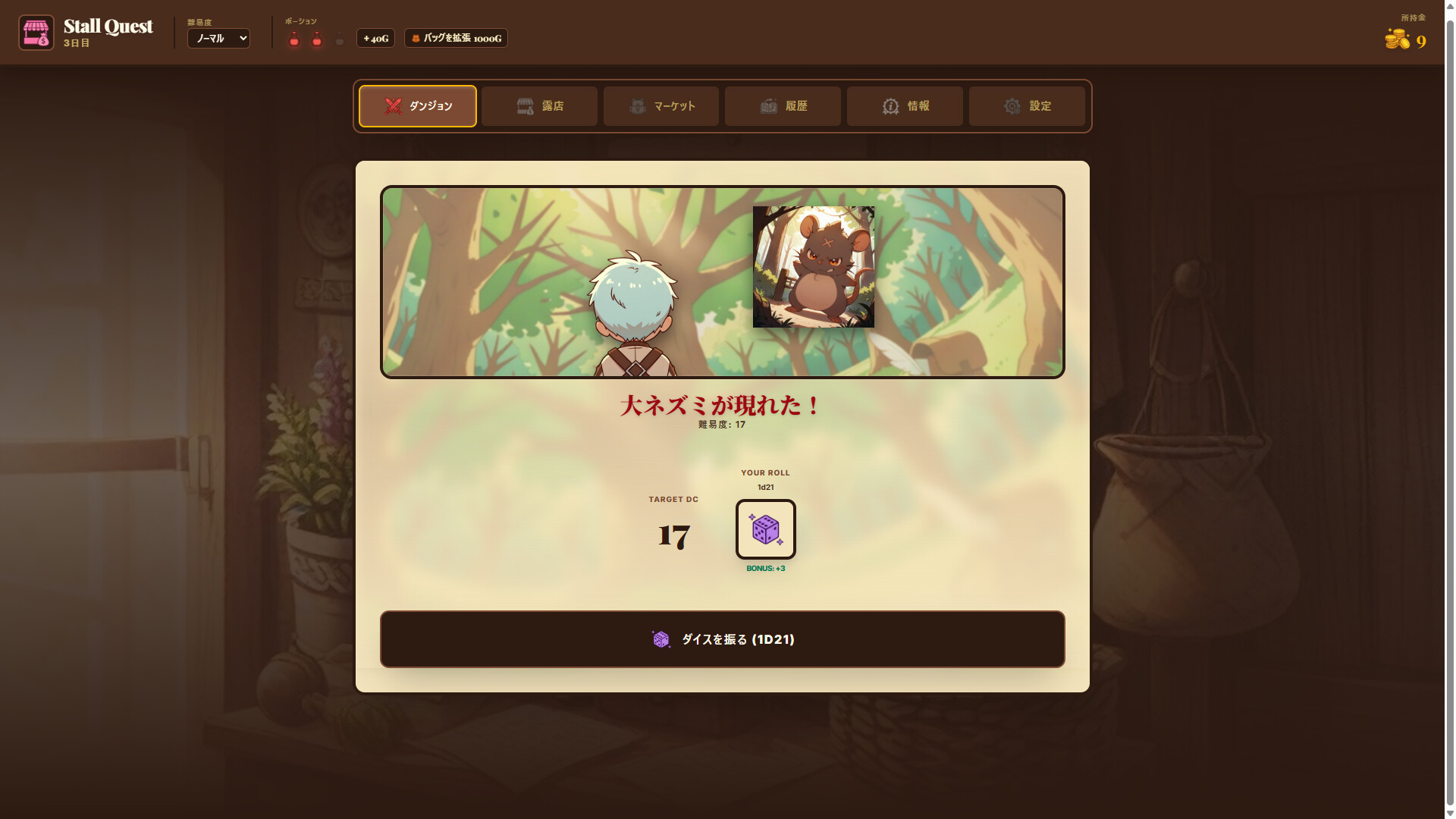
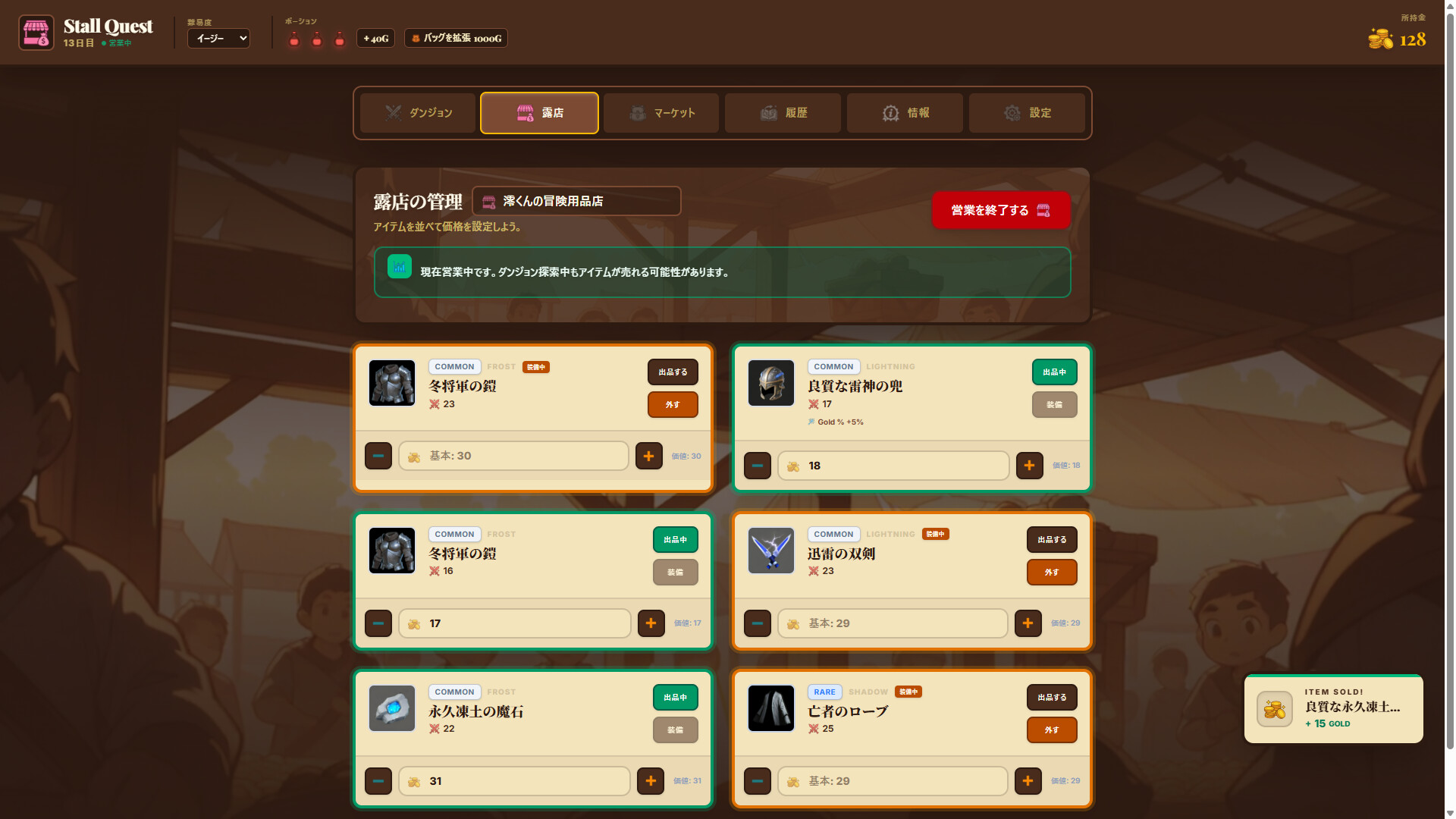
Stall Quest merges shopkeeping with dungeon crawling: you alternate between selling looted inventory at your stall and venturing into dungeons to gather stock. The loop rewards efficient trading and strategic gear purchases to strengthen your adventurer. It's tailored for players nostalgic for MMO merchant gameplay who want a contained, single-player experience focused on that often-overlooked economic side.
About this game
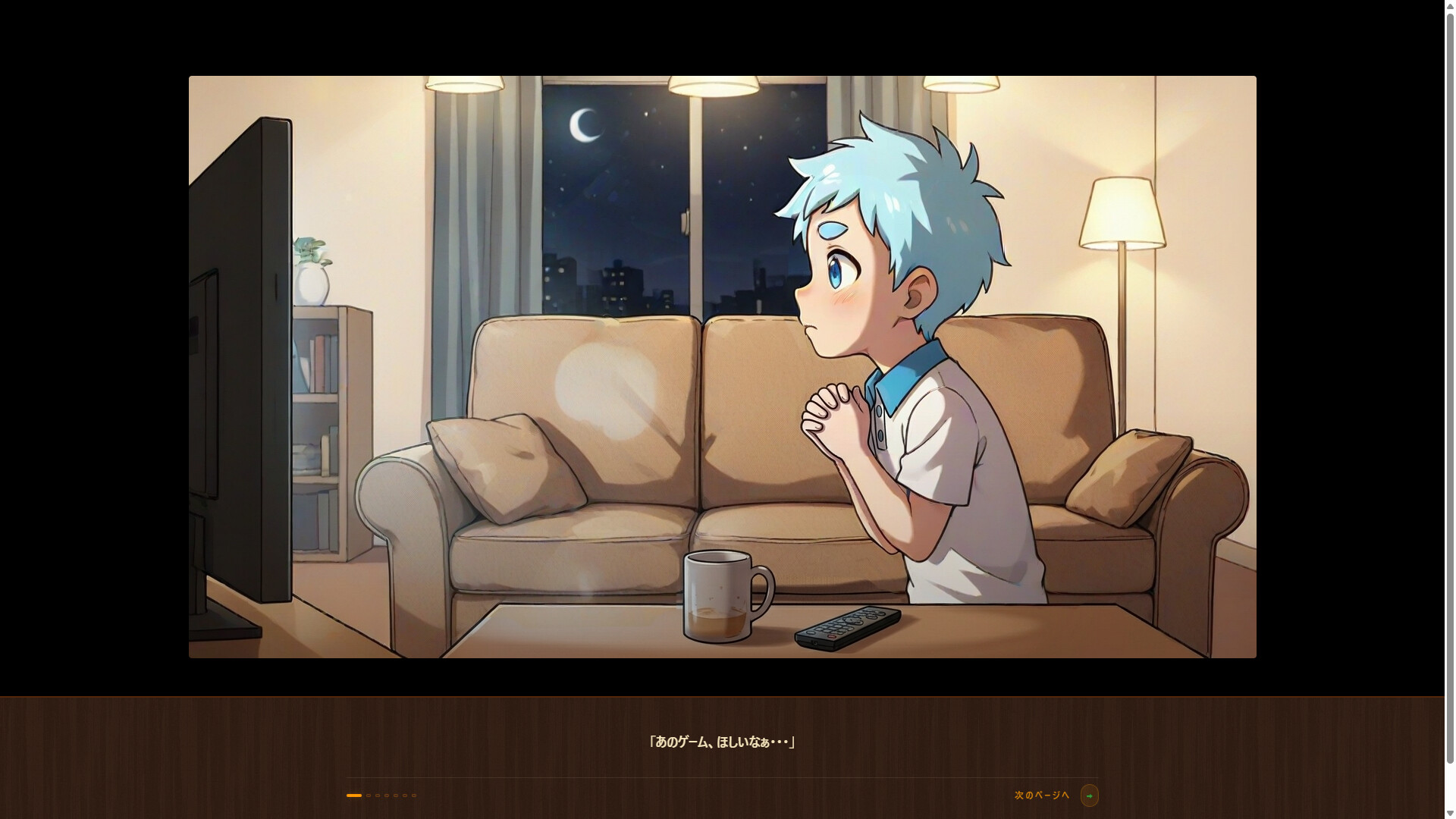
A shopkeeping simulation RPG for those who loved leaving shops open in old-school MMOs! Open a stall in Rei's dream, sell items gathered from dungeons, buy gear, and dive back in. Packed with 48 enemies, 30 items, and excitement! Try it out!
Players, last 61 days
Peak 9 · Low 0
Daily peak concurrent players, sampled once a night from Steam.
Hello, this is Koguwara.Thanks to everyone playing Stall Quest, we’ve managed to hit the 500-download mark!Hooray! Thank you so much!Please continue to support Stall Quest.
〇 Bug fixes and corrections for unintended behavior ✓ Fixed an issue where Epic Unique and Legendary Unique items from Legendary Boxes had identical stats and prices ✓ Fixed an issue where the recommended price for special Legendary items was lower than that of standard Legendary items ✓ Fixed an issue where attack power was truncated for each item during damage calculation ✓ Fixed an issue causing double pop-ups 〇 Changes made based on user requests ✓ Added a permanently visible top menu (to avoid frequent scrolling) ✓ Added the ability to check the effects applied to equipment at the Blacksmith ✓ Added a display for player stats (placed next to the potion indicator) ✓ Adjusted balance so it is possible to win without starting equipment ✓ Reduced the need for scrolling during combat ✓ Added a filter option for the player's shop ✓ Adjusted the difficulty of the final "early-game" enemies ✓ Added an item sorting function (e.g., equipment at the top, followed by items sorted by strength) ✓ Added an option to place tabs on the side or pin them to the top ✓ Added the ability to minimize the combat window ✓ Added a detailed view for stat information ✓ Added a full-screen display option in the settings ✓ Added support for Steam's screenshot function ✓ Added a feature to mark items to keep and save them from being listed for sale ✓ Added a one-button function to categorize equipment separately from other items ✓ Added a display for the list of potential effects granted via reforging ✓ Added an indicator showing that the game auto-saves ✓ Added information regarding how drop contents change based on difficulty ○ Other changes ✓ Fixed the rarity of Unique items ✓ Adjusted the fixed prices of Unique items ✓ Added a pop-up when unlocking security features ✓ Added a Help section to the settings ✓ Added more variations to sales logs ✓ Added a collapse function for the sorting section
Posts come from Steam's official announcements feed.