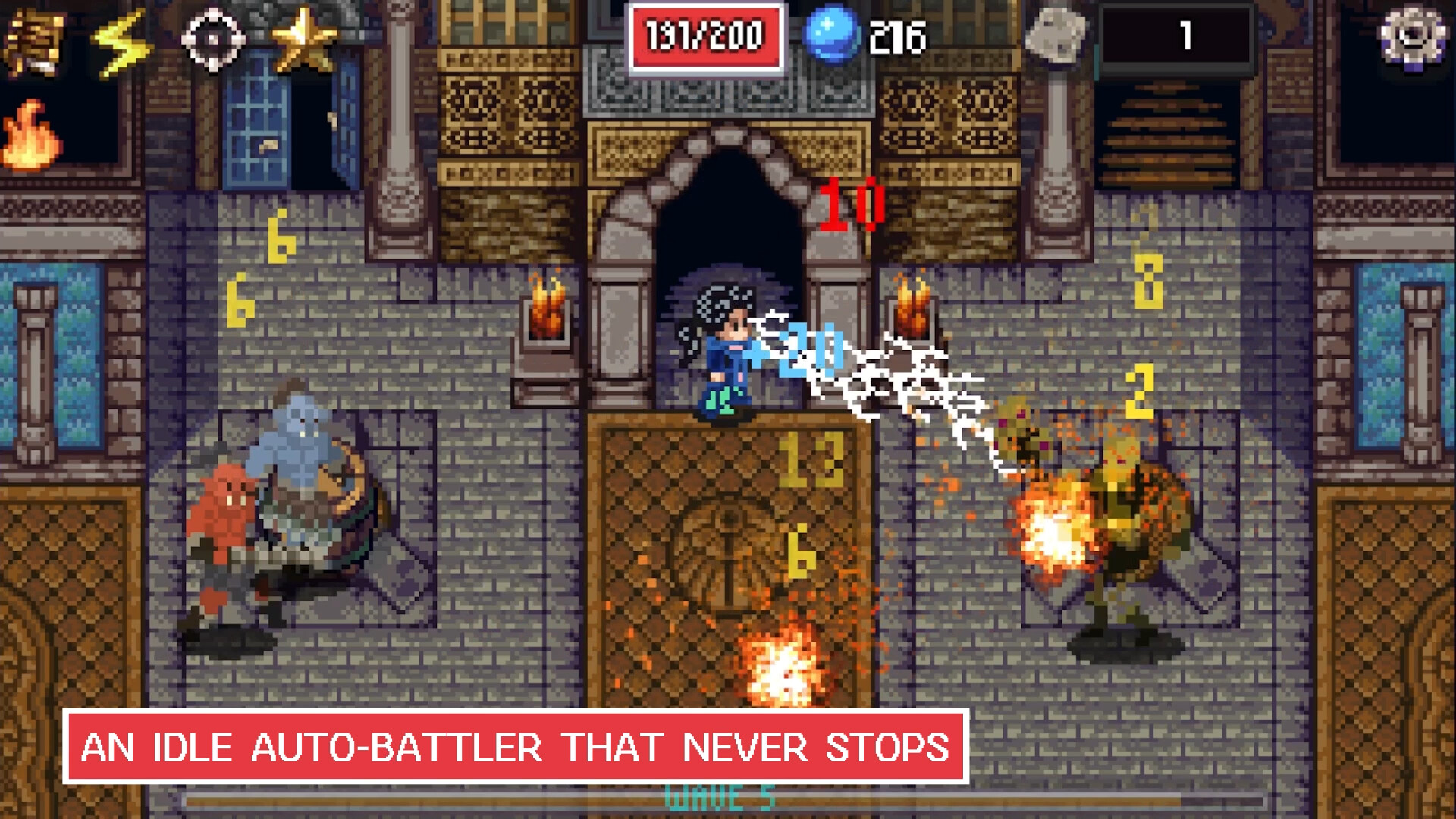
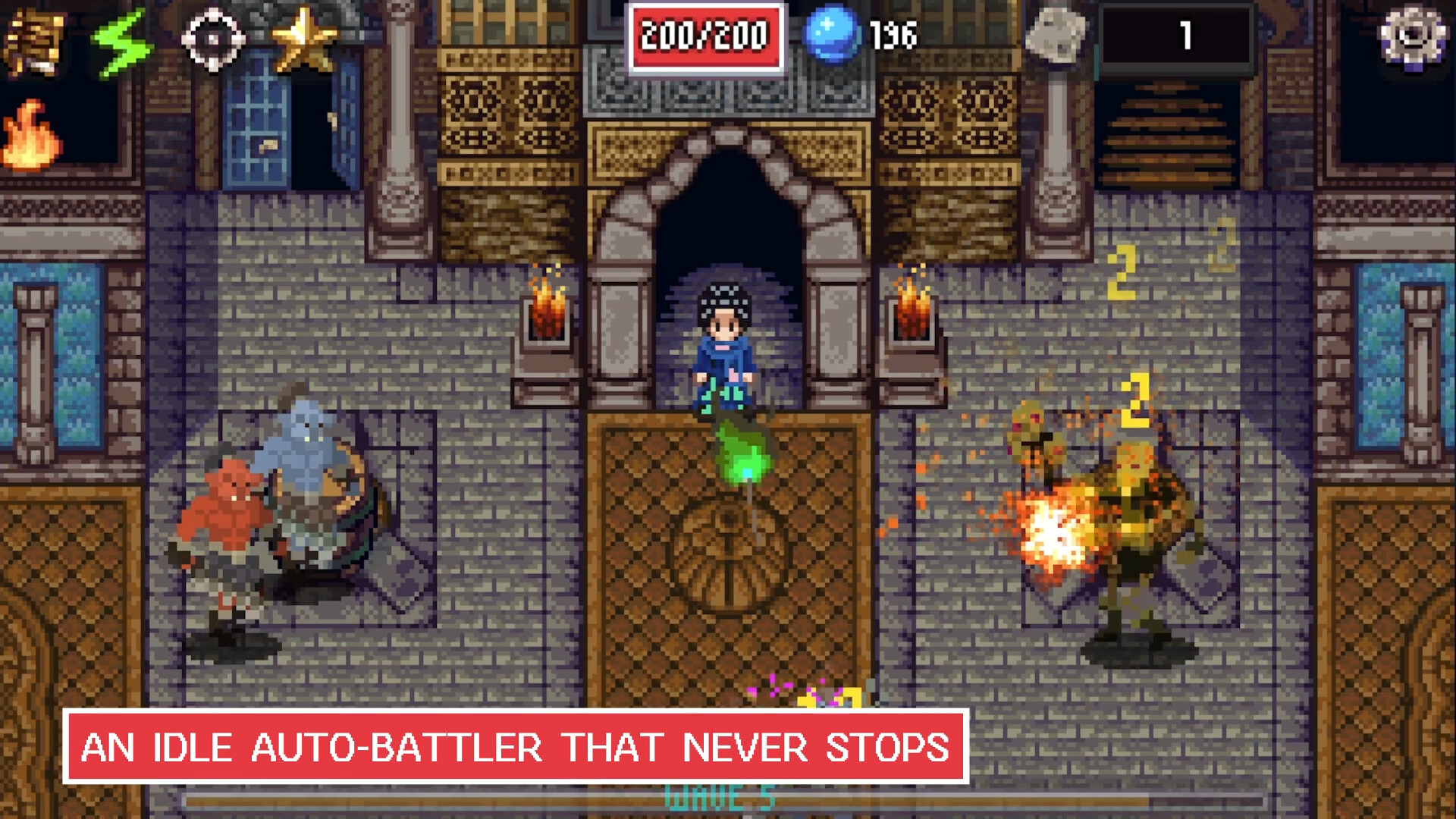
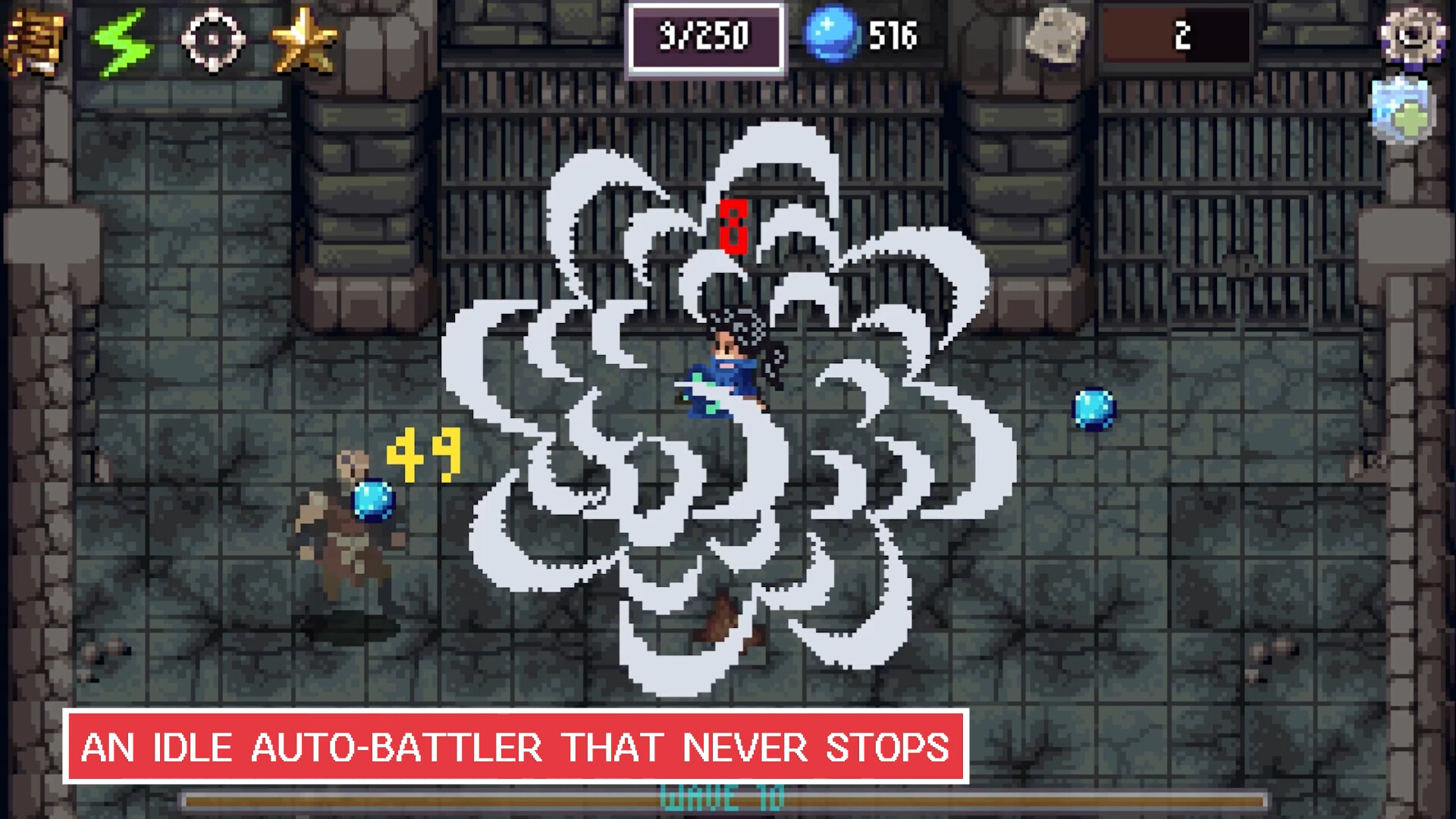
Corner Quest runs as a compact window beside your regular tasks, automatically progressing battles without requiring active input. The game handles combat and progression on its own, letting you accumulate resources and upgrades while you work or browse elsewhere. It's designed for players who want the satisfying progression of an idle game without the distraction of a full-screen experience.
About this game
An idle auto-battler that sits in the corner of your screen while you do other things.
Players, last 77 days
Peak 0 · Low 0
Daily peak concurrent players, sampled once a night from Steam.
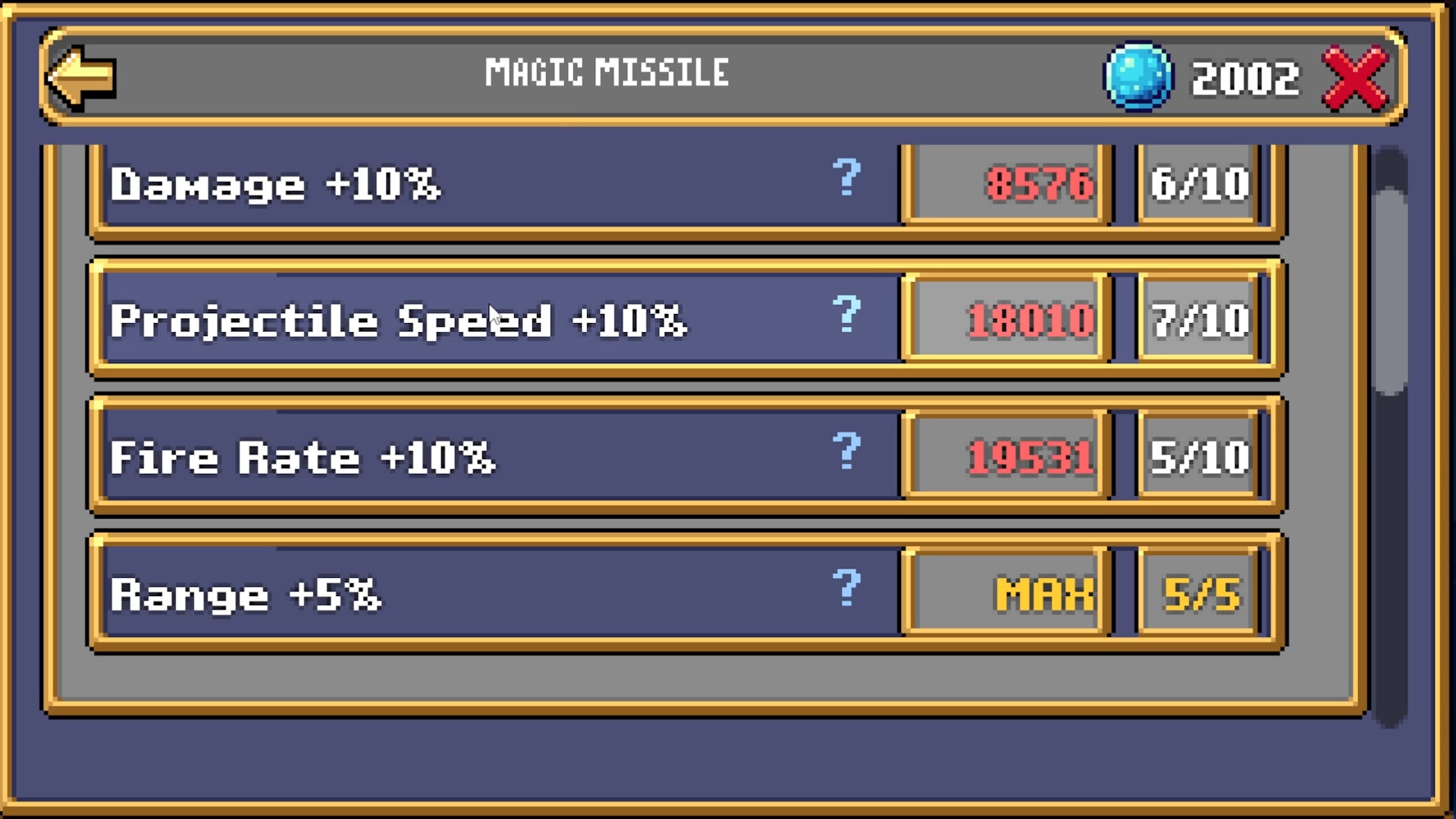
A small update to the free demo, mostly in the Spellbook: Honest DPS: a Spell's DPS is now the damage it deals to one enemy. Some Forms read far too high before Undo a Form: press the chosen Form again to go back to the plain Spell. Readable at any level: the buy buttons keep x1, x10 and Max above the cost, and long Spell names fit in the list. Tidier panels: the Spells, Runes, Awakening and Settings screens line up. Wishlist and Press kit on the title screen, and Press kit in the pause menu Text size is gone from Settings: Window size makes everything bigger, art and text together. Play the demo: https://store.steampowered.com/app/4285670/ Wishlist: https://store.steampowered.com/app/4254260/Corner_Quest/
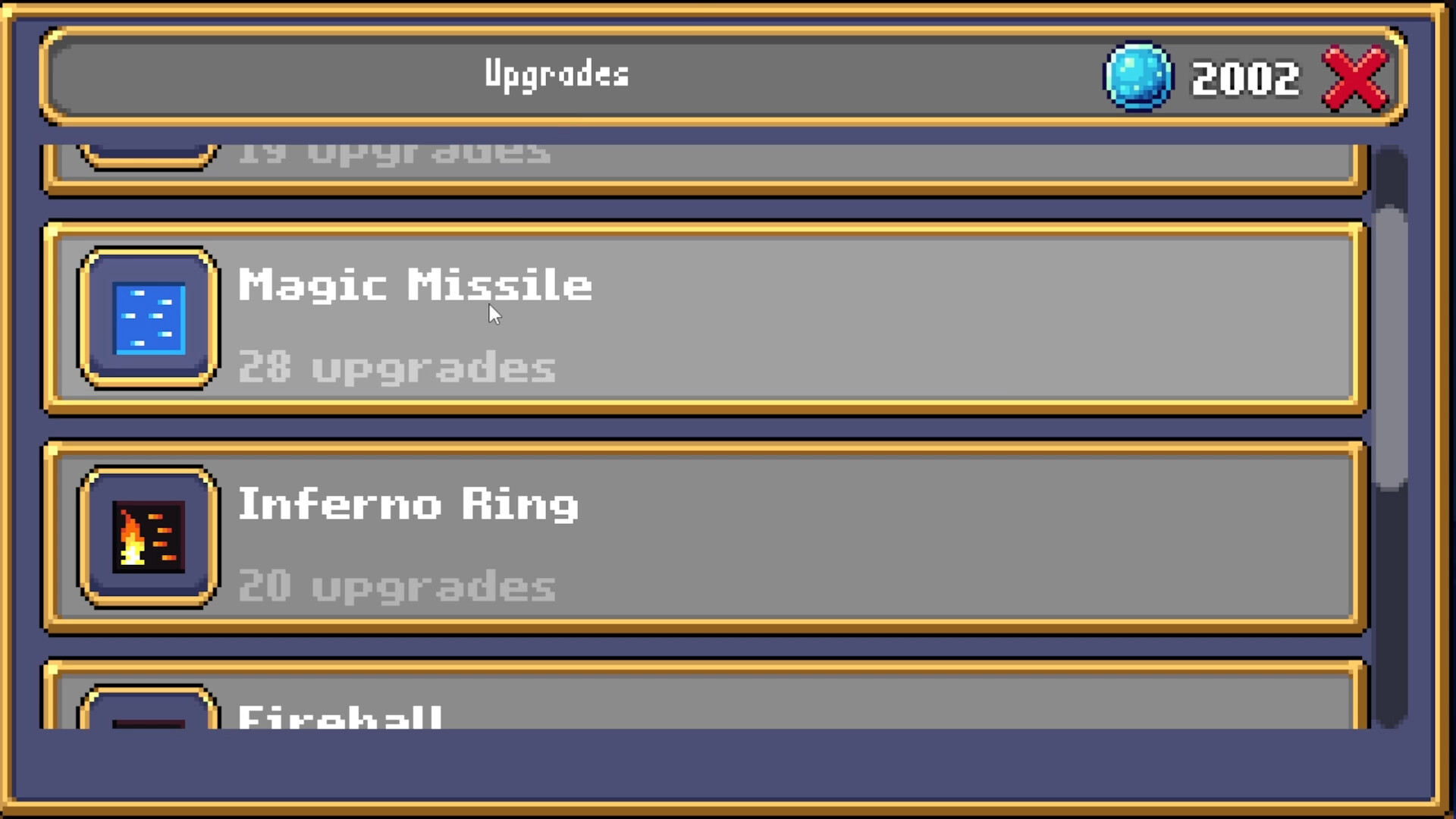
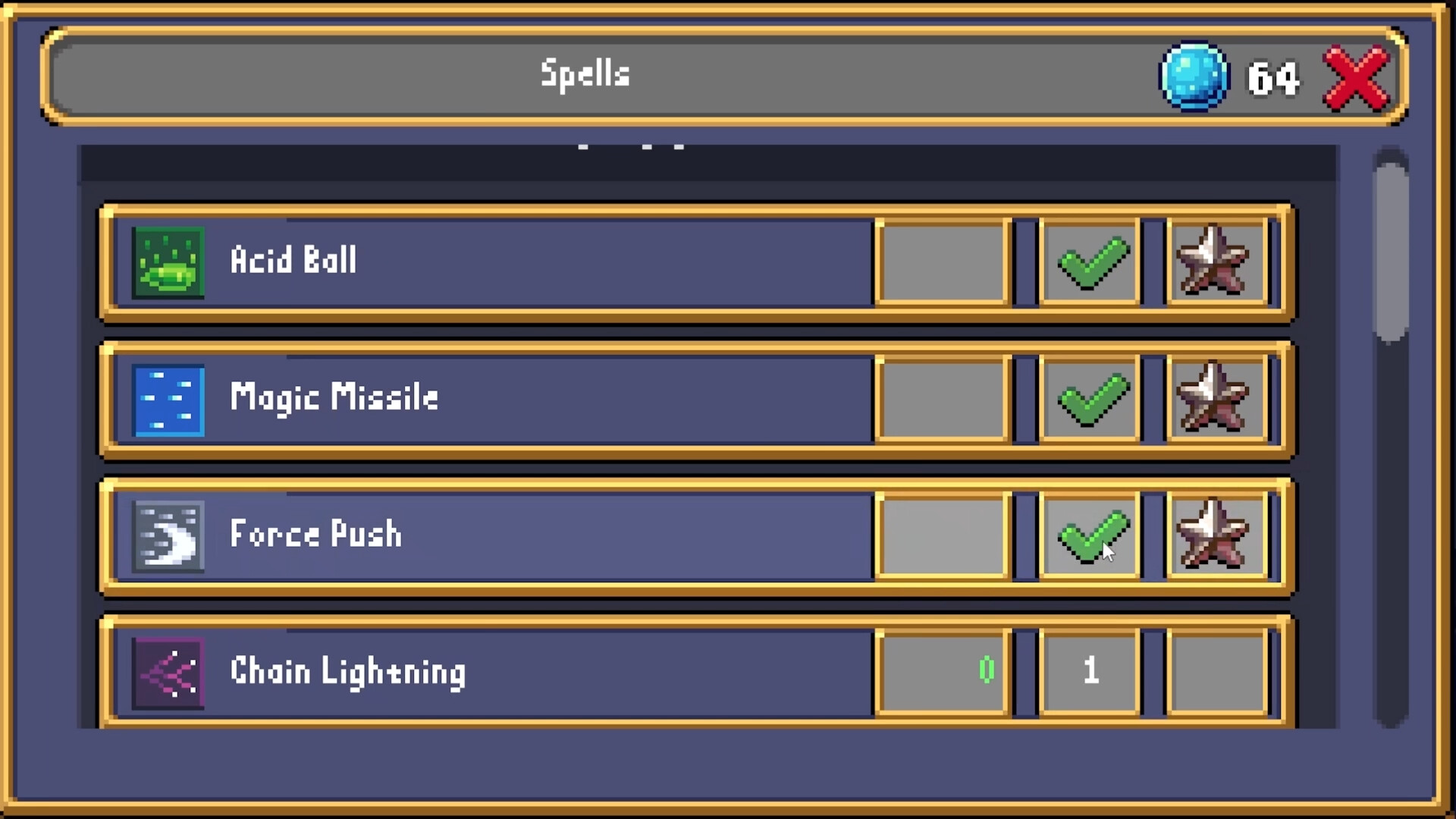
A small update to the free demo, all in the Spells tab, where you spend Essence: Actions first: buy, Form, Runes and equip sit at the top, so nothing hides below the fold of the corner window. See before you buy: hover or focus x1, x10 or Max and the value line shows the change, for example DPS 30 > 79 (Lv +10). Clearer list: a gold mark shows which Spells are equipped, and costs turn gold when you can afford them. Forms read in full: each Form has its own line. Locked Spells say which wave unlocks them. No accidents: your last equipped Spell can no longer be unequipped. Play the free demo Wishlist Corner Quest
A small update to the free demo: macOS: the Steam demo now runs on Mac (Intel and Apple Silicon), alongside Windows and Linux. Steam Deck: the game run on Steam Deck. Credits: a new Credits screen on the title menu Play the free demo, and if you enjoy it, a wishlist helps a lot.
Posts come from Steam's official announcements feed.