▲ Recommended
70 hrs
I cannot stress enough HOW HIGHLY I would recommend this game to anyone who enjoys Factorio-lite style automation in a chill, zero pressure, idle-game-like setting. The price-point is perfect for what it is, and the gameplay design and progression are excellent. But there are two SERIOUS PROBLEMS WITH THIS GAME that you should know up front.
((EDIT 2024/01/03 -- We just received news and a fresh video preview from the developer in their Discord that ALL OF THE PC CONTROL ISSUES that I describe below are going to be addressed in a separate "true" PC version that will be released separately on Steam at a later date. The video preview demonstrated easy selection, rotation, drag-and-drop, everything that I complained about with solid proof that it will be resolved. This "mobile" PC version you're looking at now shares save files and syncs progress with all the mobile versions you own, however, and the separate PC version that eventually comes out as a separate Steam game might not do that. Keep in mind however that I still recommend this mobile-PC version as a very fun experience, especially at its $2 price point.))
1) The PC controls are dog****/nonexistent. Touchscreen finger taps/holds have been blindly replaced with mouse left-click taps/holds with zero hotkeys, shortcuts, or QoL improvements. There isn't even drag-selection. Examples:
- Want to build a Belt tile ("Roller") facing East? CLICK the Build tool > CLICK the Building Type selector > CLICK AND DRAG THE SELECTION MENU to scroll it because it's emulating finger scrolling and your Scroll Wheel only zooms the factory > CLICK the Roller building > CLICK the spot on the grid where you want to build it, assuming it's empty and you don't need more clicks to switch to the Delete or Move tool to get rid of what's already there > CLICK the Rotate tool, because all tiles only build North > CLICK the belt THREE MORE TIMES because the Rotate tool only rotates Counter-Clockwise. That's nine-to-ten separate clicks for ONE EAST-FACING BELT TILE. Holy ****.
- Oh but there's a Copy tool if you need more East-Facing Belts faster, or to duplicate an entire machine setup, right? Sure! CLICK the Copy tool > CLICK EVERY SINGLE INDIVIDUAL TILE YOU NEED TO COPY, sometimes dozens and dozens in larger setups > CLICK AND HOLD IN PLACE FOR FIVE FULL SECONDS > DRAG the result over to where you want it, assuming there's nothing you forgot to Delete Tool or Move Tool out of the way > The copy is complete, but literally everything you just selected is automatically deselected in case you were hoping to make more than one copy. ****ing ****.
- Better not forget how those click-and-hold-for-five-seconds Move and Copy tools work, because the brief tutorial popup when you start the game never shows up again and there's no online documentation.
- And you can't copy between multiple assembly lines. Enjoy recreating your setups from memory!
2) So having read all that, I bet you think you should buy this on Mobile instead of Steam, right, because the controls make a bit more sense there? DON'T MAKE THAT MISTAKE. The game is poorly optimized and large machines quickly start to lag on all but the newest phones, plus the game's memory leaks ensure even THOSE phones lag with it soon enough. PC is the only place you can really keep playing this for hours without trouble, and you still need to reboot the app every four or five hours when the leaks get bad enough to glitch up the graphics. (There's online account syncing between the PC version and your phones if you have a compulsive need to check your setups on the go, though.)
I bet you're wondering: With issues that severe, why in blazes am I still recommending this game?
BECAUSE IT'S ABSOLUTELY BRILLIANT. The design is still extremely simple, but the developer used their experience with their previous game to figure out how to give you a *perfectly* satisfying, evolving, adaptive challenge that never stays exactly the same or gets too repetitive. I've played for 70 hours and expect to hit 85-to-100 before I run out of things to do, and that's not counting a few hours I'm taking for fun on the side to build a spreadsheet to help me optimize my setups. Let me explain just how well the gameplay all works together:
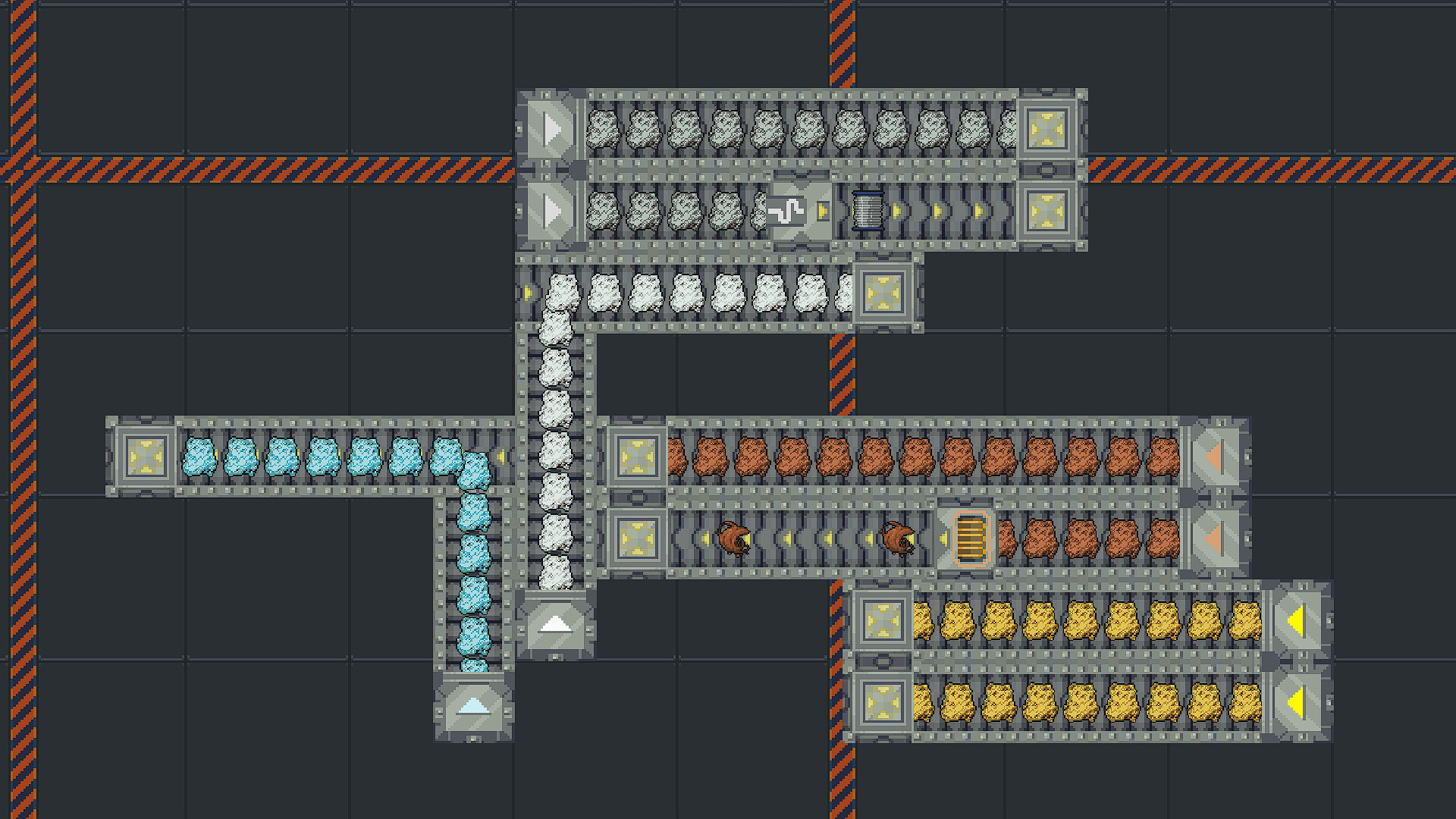
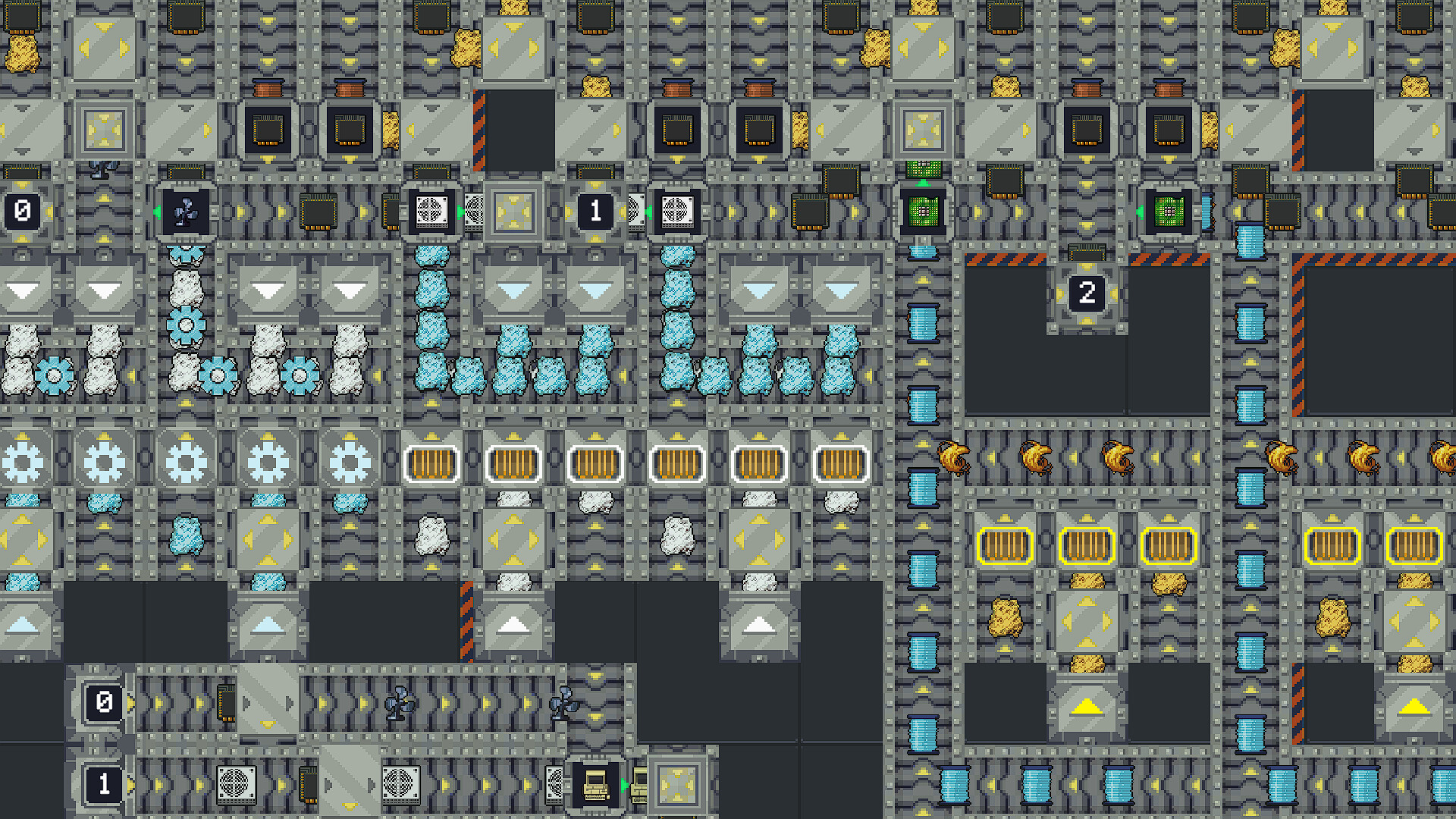
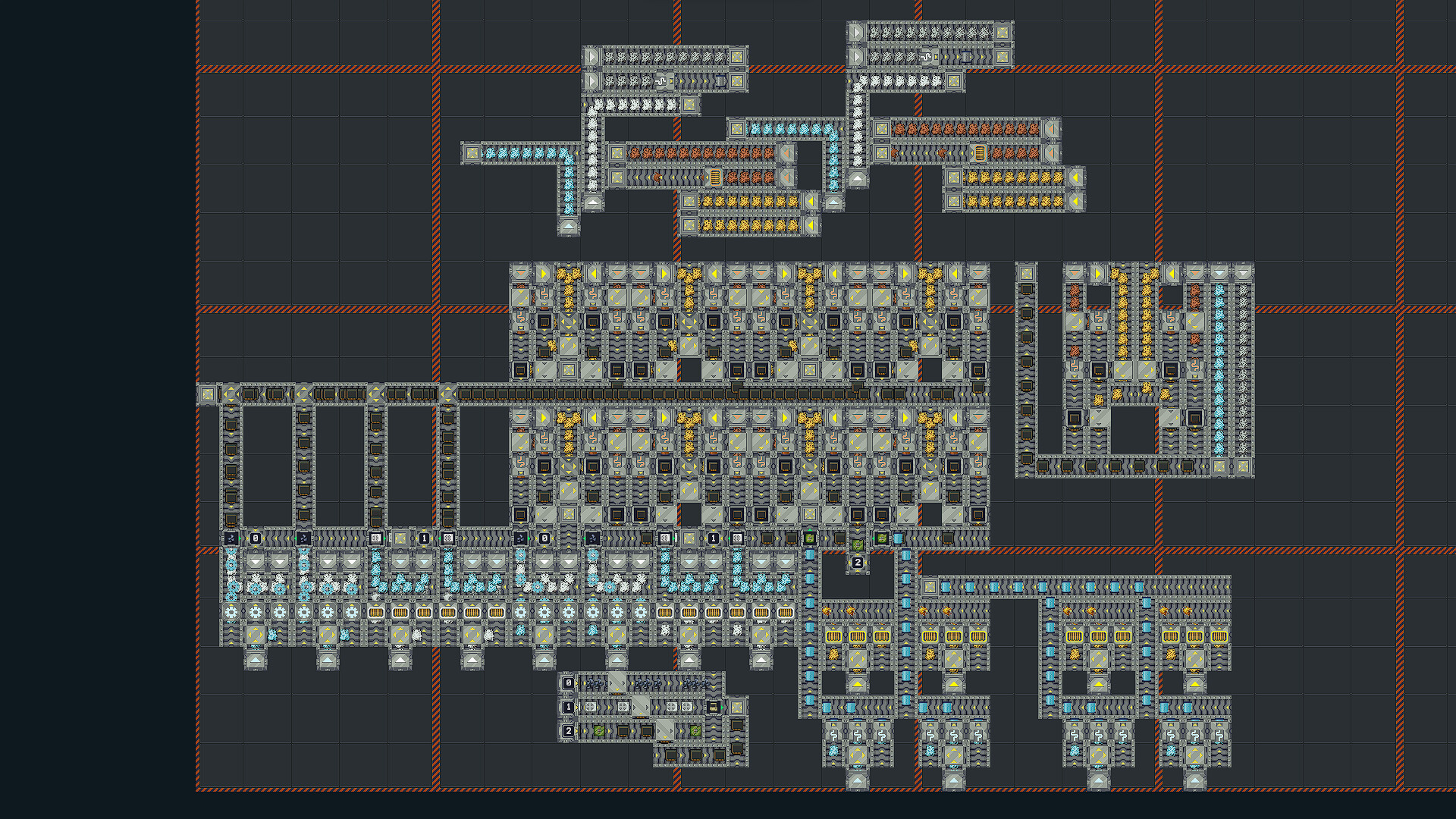
- It's not just about unlocking new building/tile types or multi-step product recipes, like you'd expect. There's also an Upgrade menu where once you amass enough income, you can purchase not just higher limits for the number of Ingredient Provider (Starter) tiles you can include in a single assembly line, but also steadily more expensive upgrades that reduce the cooldowns on your Starter tiles, intermediate refinery tiles, and product assembly tiles, meaning they produce ingredients faster or use them up to build faster. Every time you purchase one of these upgrades, it often means there's suddenly a more efficient way to reorganize *whole sections of your setup* to significantly increase your product output, and you get to puzzle it out all over again to take advantage of that reward.
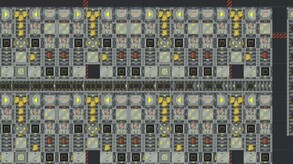
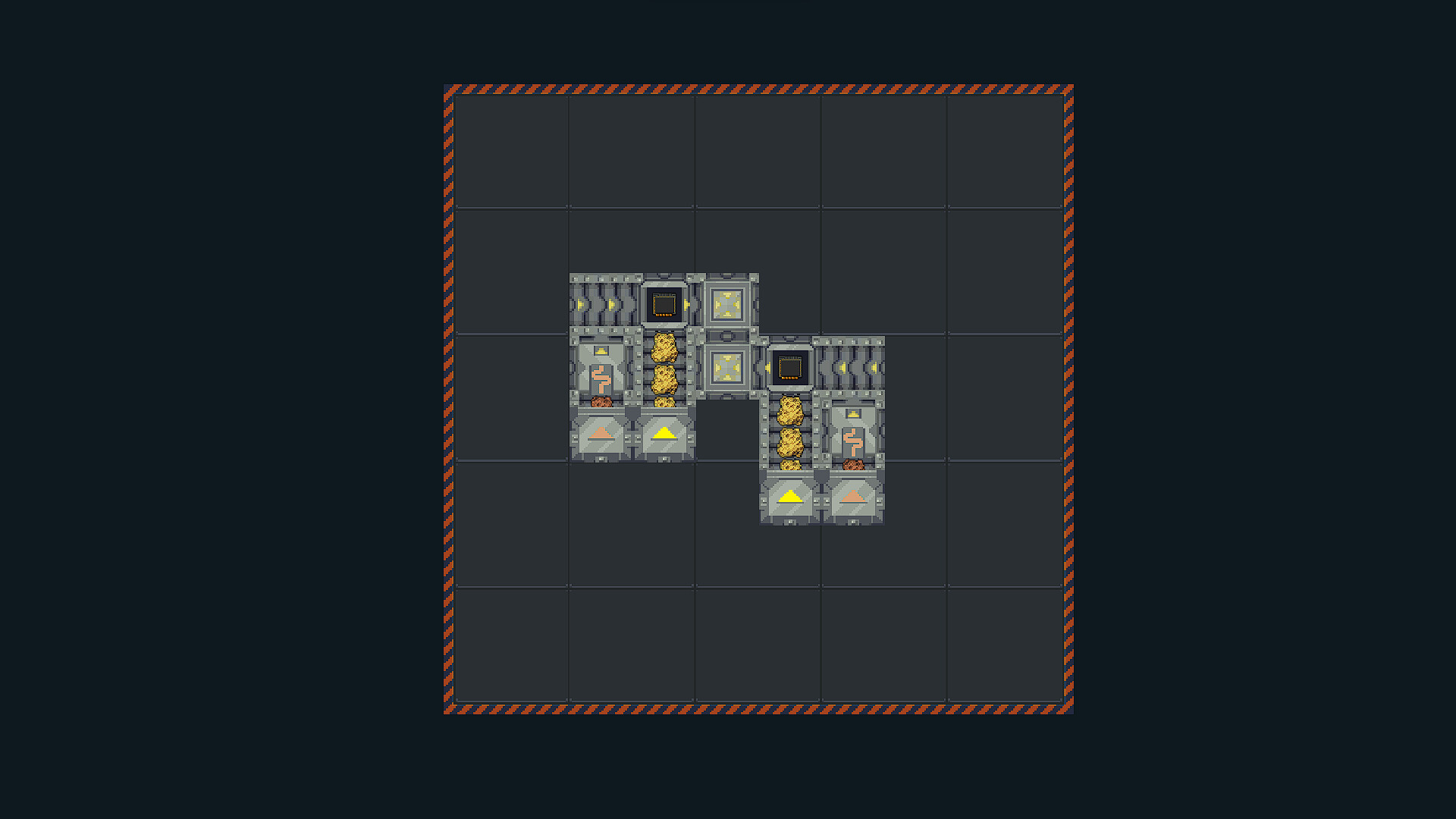
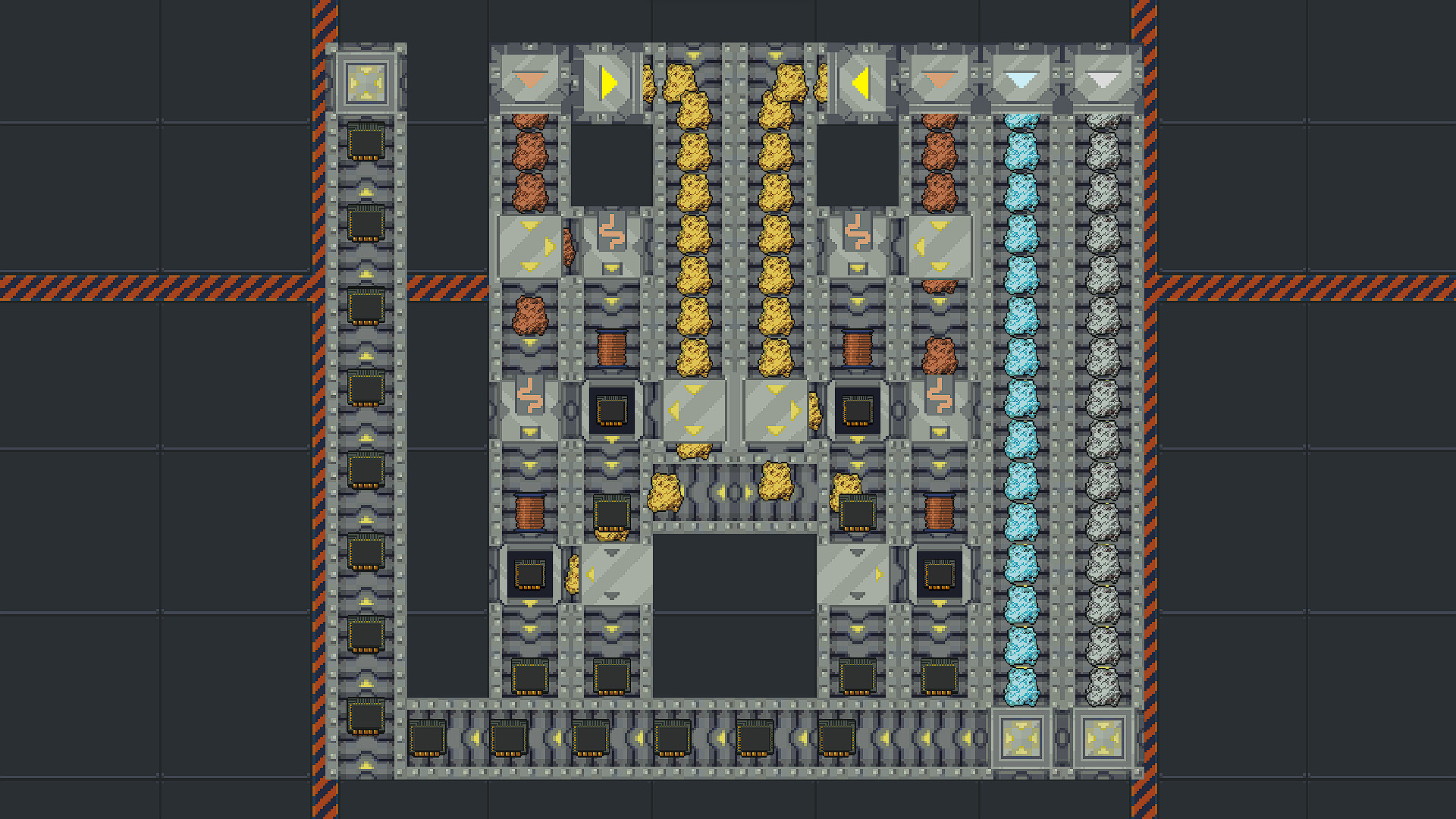
- You eventually get enough money to buy entirely new Assembly Lines, separate screens that duplicate all of your machine limits and let you build fresh setups while your other Assembly Lines provide passive income per second at the last cash-per-minute rate you left them at, with no clogging or micromanagement necessary while you're not looking. Fun, but you'd think that would get repetitive, right, since you'd just recreate everything the same way? Wrong: There are two huge differences that make every assembly line a unique challenge. First, buying extra space for machines on a single Assembly Line always costs progressively more each time you buy it, but each NEW assembly line has a MUCH higher starting base cost for expanding its space, meaning you need to squeeze an efficient setup into a much smaller area than usual. But that's okay, because of the Importer machine the dev added in the December 13, 2023 patch: The Importer tile, limited to only a handful per Assembly Line (max 10 with upgrades), allows you to automatically buy (at cost) intermediate products out of nowhere that would take many steps or ingredients to produce, pushing them into your line once every handful of seconds. And the most important thing about them is this: Each new higher-level Assembly Line allows you to import *more complex items,* with almost nothing available on Assembly Line 1 and almost everything available in the last Assembly Line. Thus you can use that smaller available space to create an optimized setup to finish assembling the most complex products in a different way on every single Assembly Line, and the proportions of regular input ingredients/products you need to build to make that all add up correctly always comes out different.
All together, this gives me the chill-out Factorio-Lite pure production-and-belt-organization experience that I'd always wished for, even if it has its limits-- and given those Importers were only added a few weeks ago / a few weeks after the PC release, I wouldn't be surprised if there was still a bit more content coming. One hundred hours of automation fun for a measly two bucks? Sign me up!!!
((EDIT 2024/01/03 -- We just received news and a fresh video preview from the developer in their Discord that ALL OF THE PC CONTROL ISSUES that I describe below are going to be addressed in a separate "true" PC version that will be released separately on Steam at a later date. The video preview demonstrated easy selection, rotation, drag-and-drop, everything that I complained about with solid proof that it will be resolved. This "mobile" PC version you're looking at now shares save files and syncs progress with all the mobile versions you own, however, and the separate PC version that eventually comes out as a separate Steam game might not do that. Keep in mind however that I still recommend this mobile-PC version as a very fun experience, especially at its $2 price point.))
1) The PC controls are dog****/nonexistent. Touchscreen finger taps/holds have been blindly replaced with mouse left-click taps/holds with zero hotkeys, shortcuts, or QoL improvements. There isn't even drag-selection. Examples:
- Want to build a Belt tile ("Roller") facing East? CLICK the Build tool > CLICK the Building Type selector > CLICK AND DRAG THE SELECTION MENU to scroll it because it's emulating finger scrolling and your Scroll Wheel only zooms the factory > CLICK the Roller building > CLICK the spot on the grid where you want to build it, assuming it's empty and you don't need more clicks to switch to the Delete or Move tool to get rid of what's already there > CLICK the Rotate tool, because all tiles only build North > CLICK the belt THREE MORE TIMES because the Rotate tool only rotates Counter-Clockwise. That's nine-to-ten separate clicks for ONE EAST-FACING BELT TILE. Holy ****.
- Oh but there's a Copy tool if you need more East-Facing Belts faster, or to duplicate an entire machine setup, right? Sure! CLICK the Copy tool > CLICK EVERY SINGLE INDIVIDUAL TILE YOU NEED TO COPY, sometimes dozens and dozens in larger setups > CLICK AND HOLD IN PLACE FOR FIVE FULL SECONDS > DRAG the result over to where you want it, assuming there's nothing you forgot to Delete Tool or Move Tool out of the way > The copy is complete, but literally everything you just selected is automatically deselected in case you were hoping to make more than one copy. ****ing ****.
- Better not forget how those click-and-hold-for-five-seconds Move and Copy tools work, because the brief tutorial popup when you start the game never shows up again and there's no online documentation.
- And you can't copy between multiple assembly lines. Enjoy recreating your setups from memory!
2) So having read all that, I bet you think you should buy this on Mobile instead of Steam, right, because the controls make a bit more sense there? DON'T MAKE THAT MISTAKE. The game is poorly optimized and large machines quickly start to lag on all but the newest phones, plus the game's memory leaks ensure even THOSE phones lag with it soon enough. PC is the only place you can really keep playing this for hours without trouble, and you still need to reboot the app every four or five hours when the leaks get bad enough to glitch up the graphics. (There's online account syncing between the PC version and your phones if you have a compulsive need to check your setups on the go, though.)
I bet you're wondering: With issues that severe, why in blazes am I still recommending this game?
BECAUSE IT'S ABSOLUTELY BRILLIANT. The design is still extremely simple, but the developer used their experience with their previous game to figure out how to give you a *perfectly* satisfying, evolving, adaptive challenge that never stays exactly the same or gets too repetitive. I've played for 70 hours and expect to hit 85-to-100 before I run out of things to do, and that's not counting a few hours I'm taking for fun on the side to build a spreadsheet to help me optimize my setups. Let me explain just how well the gameplay all works together:
- It's not just about unlocking new building/tile types or multi-step product recipes, like you'd expect. There's also an Upgrade menu where once you amass enough income, you can purchase not just higher limits for the number of Ingredient Provider (Starter) tiles you can include in a single assembly line, but also steadily more expensive upgrades that reduce the cooldowns on your Starter tiles, intermediate refinery tiles, and product assembly tiles, meaning they produce ingredients faster or use them up to build faster. Every time you purchase one of these upgrades, it often means there's suddenly a more efficient way to reorganize *whole sections of your setup* to significantly increase your product output, and you get to puzzle it out all over again to take advantage of that reward.
- You eventually get enough money to buy entirely new Assembly Lines, separate screens that duplicate all of your machine limits and let you build fresh setups while your other Assembly Lines provide passive income per second at the last cash-per-minute rate you left them at, with no clogging or micromanagement necessary while you're not looking. Fun, but you'd think that would get repetitive, right, since you'd just recreate everything the same way? Wrong: There are two huge differences that make every assembly line a unique challenge. First, buying extra space for machines on a single Assembly Line always costs progressively more each time you buy it, but each NEW assembly line has a MUCH higher starting base cost for expanding its space, meaning you need to squeeze an efficient setup into a much smaller area than usual. But that's okay, because of the Importer machine the dev added in the December 13, 2023 patch: The Importer tile, limited to only a handful per Assembly Line (max 10 with upgrades), allows you to automatically buy (at cost) intermediate products out of nowhere that would take many steps or ingredients to produce, pushing them into your line once every handful of seconds. And the most important thing about them is this: Each new higher-level Assembly Line allows you to import *more complex items,* with almost nothing available on Assembly Line 1 and almost everything available in the last Assembly Line. Thus you can use that smaller available space to create an optimized setup to finish assembling the most complex products in a different way on every single Assembly Line, and the proportions of regular input ingredients/products you need to build to make that all add up correctly always comes out different.
All together, this gives me the chill-out Factorio-Lite pure production-and-belt-organization experience that I'd always wished for, even if it has its limits-- and given those Importers were only added a few weeks ago / a few weeks after the PC release, I wouldn't be surprised if there was still a bit more content coming. One hundred hours of automation fun for a measly two bucks? Sign me up!!!
29 found helpful
Steam ↗